Shopify App : Enhanced Google Shopping
Improve your Google Shopping with extended product feed mgmt
About Enhanced Google Shopping
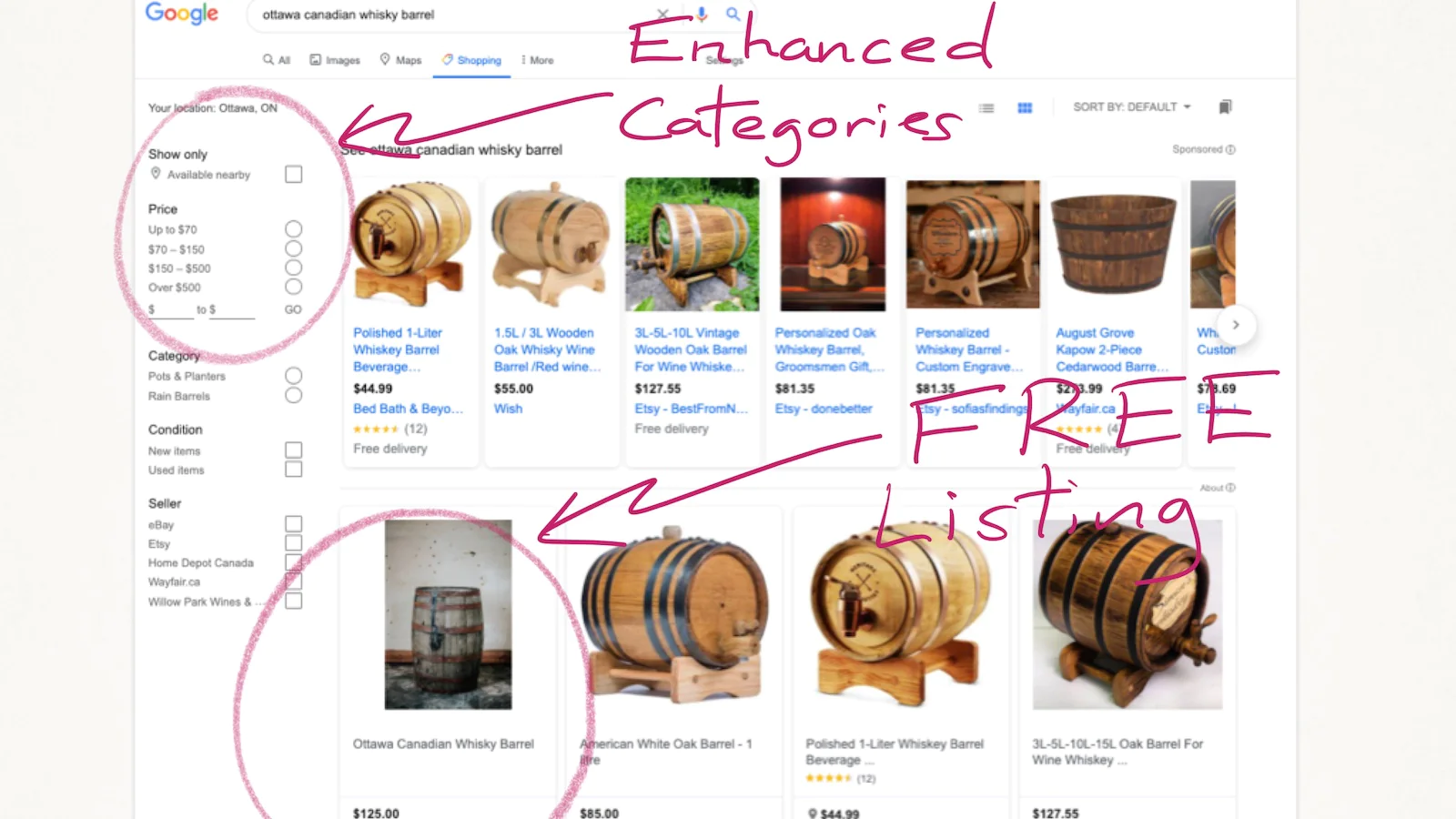
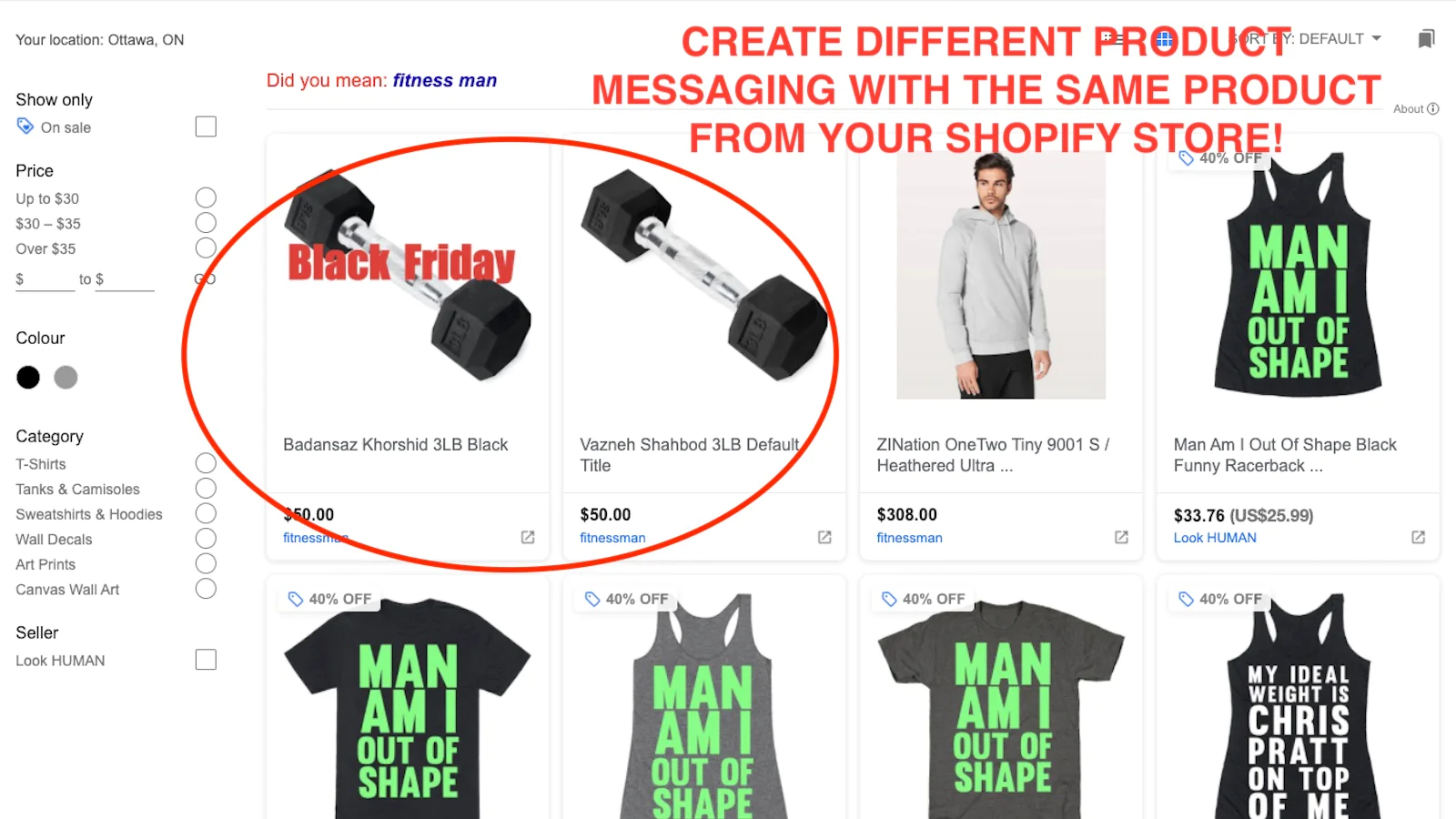
Sync to Google Shopping : Build enhanced Google Shopping product feed listings for one or thousands of products and variants with more customized categories, segments
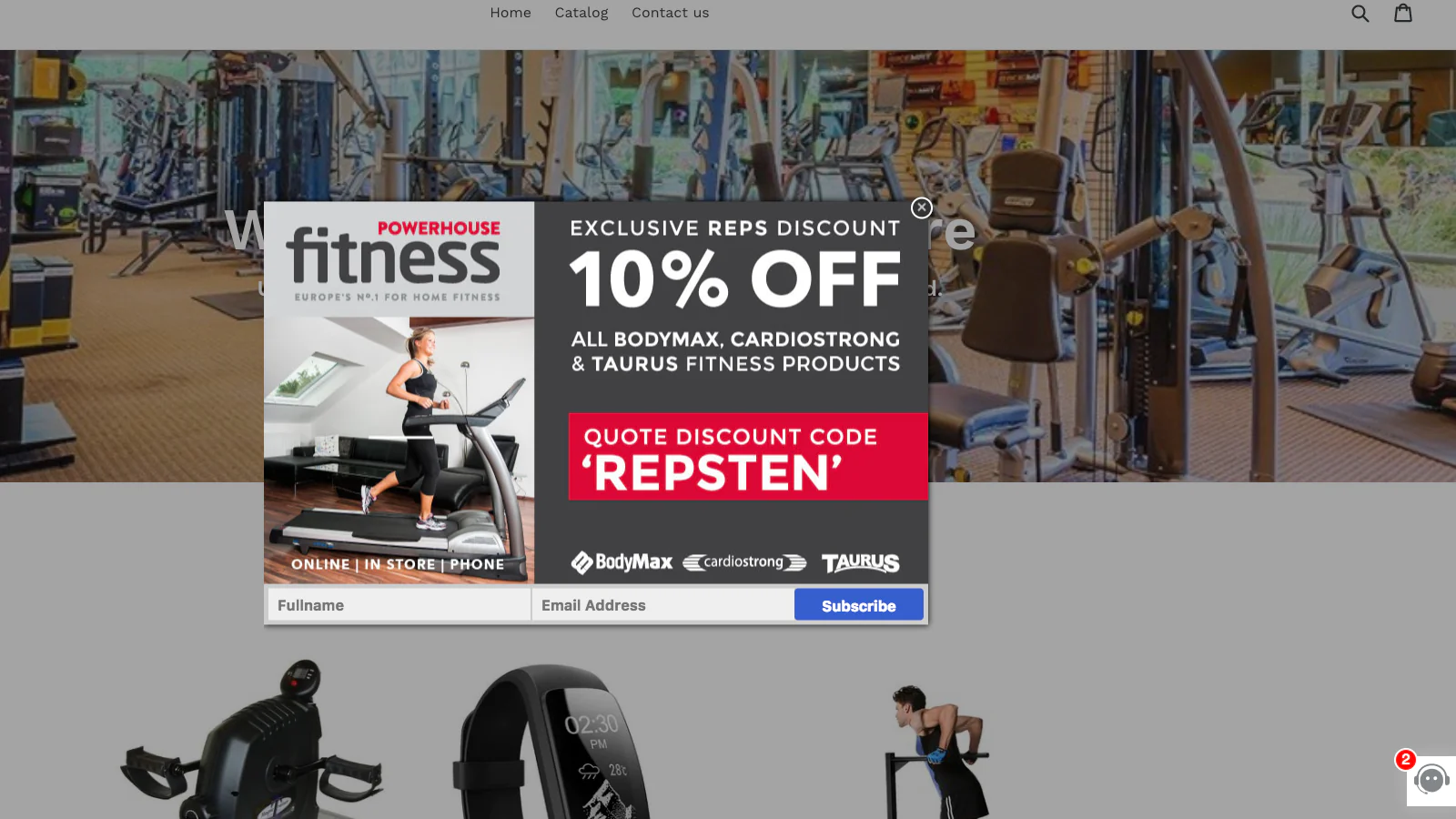
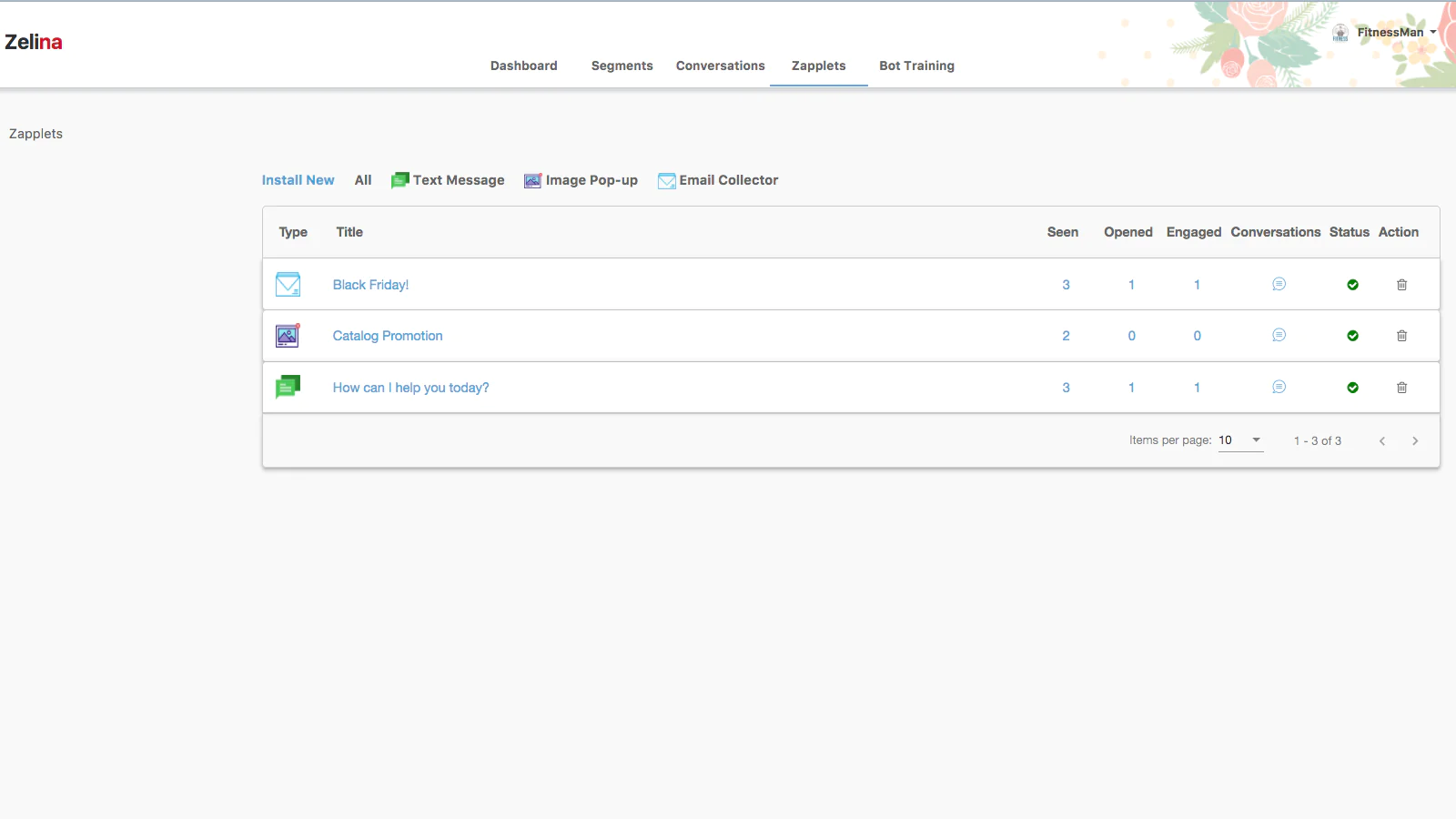
Add Pop-ups to Increase CTRs : Easily add custom pop-ups based upon exit intent or an email newsletter sign-up offer to increase your paid ads conversion rates
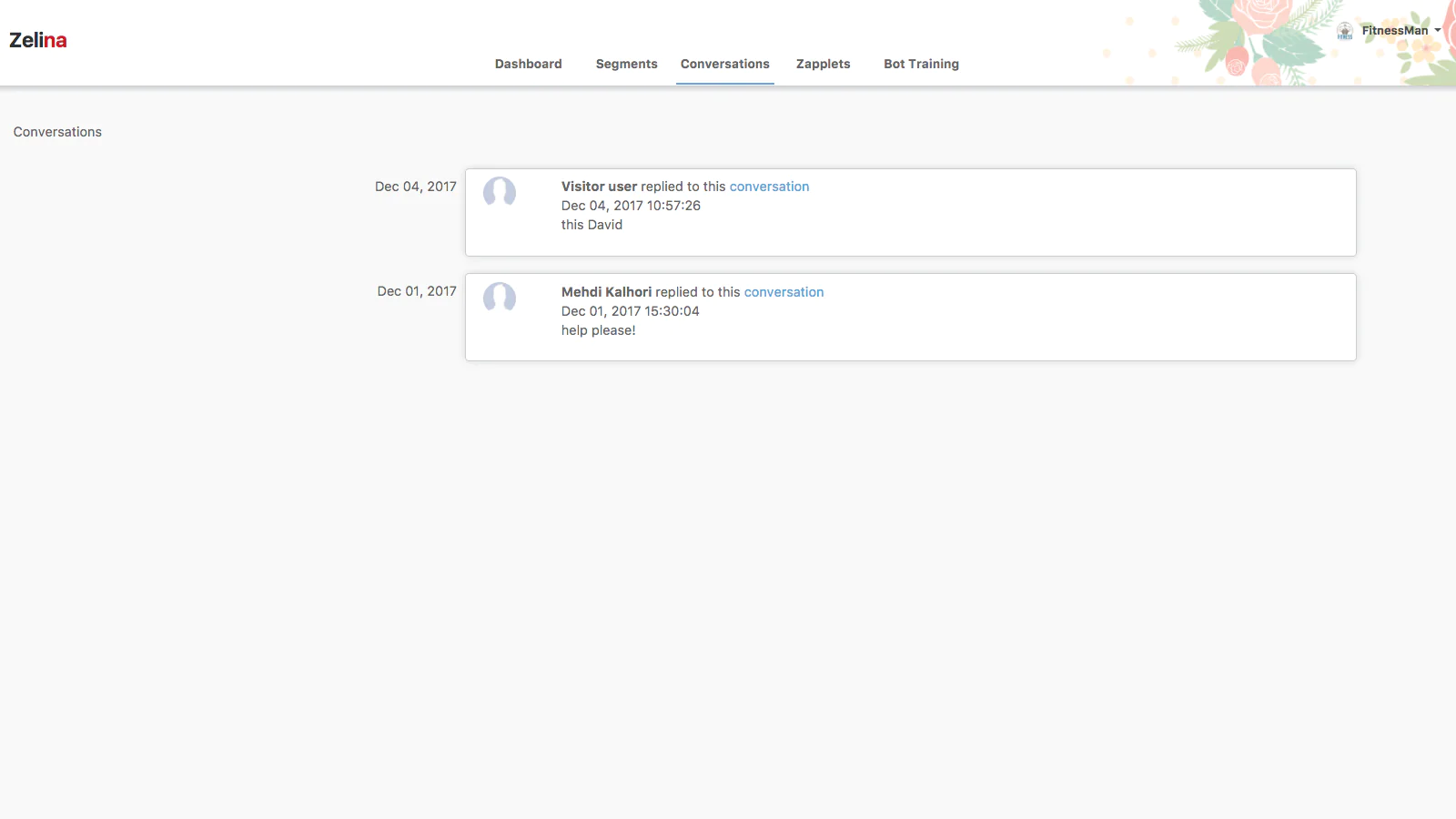
Include Proactive Live Chat : Don’t lose another potential customer from not buying by helping answer any questions with real-time chat driving higher sales.
About Google Shopping Feed + Product Page Conversion Tools
Are you confused by all the Google Ads options: Google Shopping, Google Product Ads, Google Smart Shopping, Google Shopping Actions, Google Product Feeds and more?
No problem, we are here to help!
Introducing ZineAcquire - Enhanced Google Shopping by ZINation
An all-in-one platform from setting up your Google Ad account (if you don't already have one) to enabling your product feed to setting up Smart Shopping campaigns with additional on-page conversion tools to help maximize your paid traffic investments.
Setup Your Product Feeds
Expose and sell your products on the most popular shopping platform: Google. This module generates special files with all the critical product information required directly from your online store. Easily generate feeds either automatically or manually in just a couple of minutes, with the granularity you need including pricing, locations, variants and more. And there is no need to send all your products to Google, you can generate feeds only for the products or product categories you choose.
Convert Paid Website Visitors into Sales
Congrats you now paid for the attention of those website visitors, now it's time to increase your product on page conversion rates with our optional pop-ups, email opt-in banners and live chat features. Industry data continues to prove and highlight that pop-ups are effective AND visitors expect to speak to someone live.
How does it work?
To get your Google Ads and Smart Shopping campaigns running, you need to create a product feed from your Shopify store that is connected to your Merchant Center. We will help guide you at every step within our app.
Step 1: We need to link your Gmail account with your Google Merchant Center account. (Don’t have one? Will help you create one directly from our app.)
Step 2: Review the checklist to ensure everything is connected and meet all of Google’s requirements. This is an important step and we can help you at every step.
Step 3: Let’s create your Google product feed. You can create a custom feed or let us help you create one automatically. You can create different product feeds where you can customize prices, titles, country, language, images and check Google Status for each product.
Our Shopify App Experience
As a Shopify App developer for over 6 years and with 15,000+ downloads, we continue to learn from store owners and their teams on what tools they need to help grow their sales.
About the Author
Matej Kontros is an E-Commerce expert and app developer with over a decade of professional experience in IT.
Matej has worked for organisations of all types and sizes, including global players, startups, and agencies. He designed, developed, and maintained complex projects.
Matej's expertise includes e-commerce, software engineering, web development, systems administration, internet security, managing projects, and building teams.
Visit his website at [ Web Linkedin ] or contact him at [email protected].