Shopify App : File Uploads by UploadKit
Unlimited fields, any file type, crop images, sync to G Drive.
About File Uploads by UploadKit
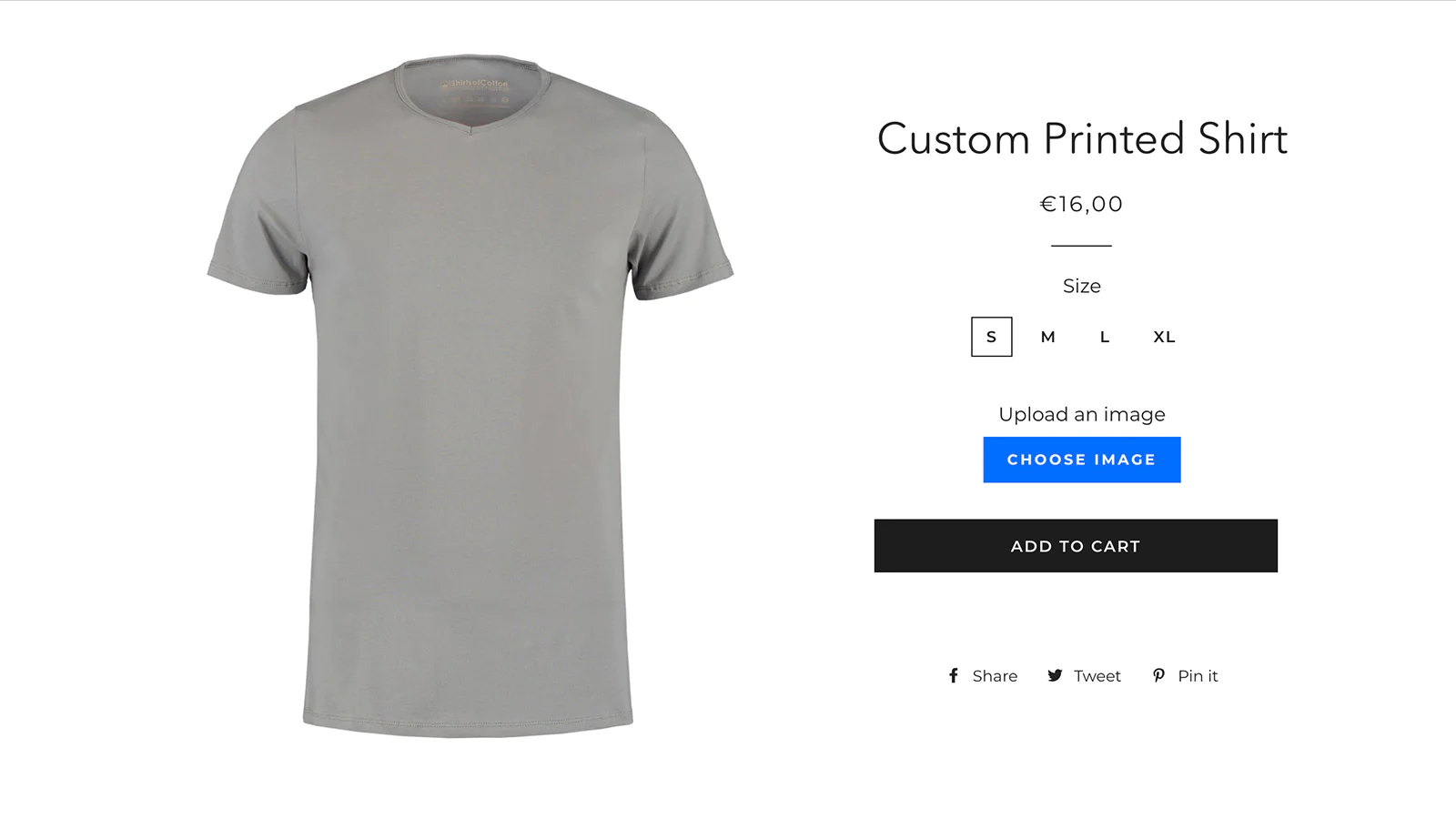
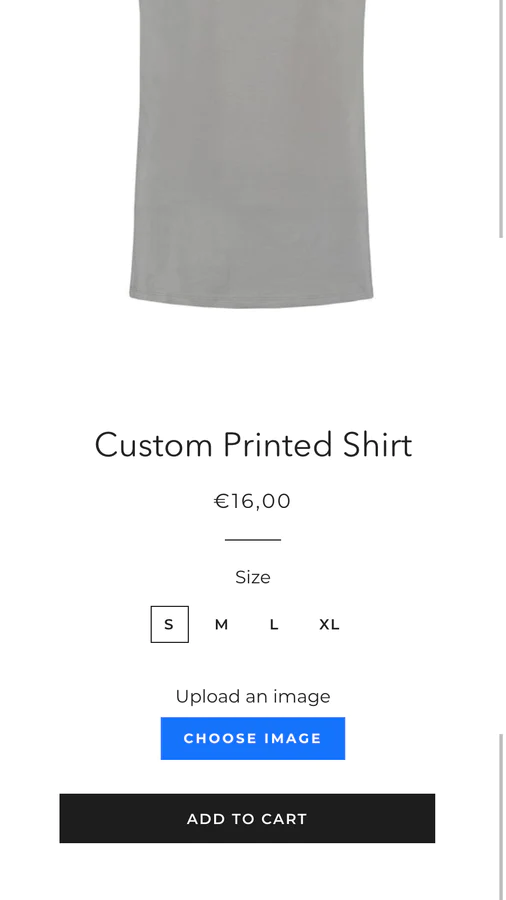
Up and running instantly : UploadKit installs automatically, and you can quickly add upload fields to any of your products.
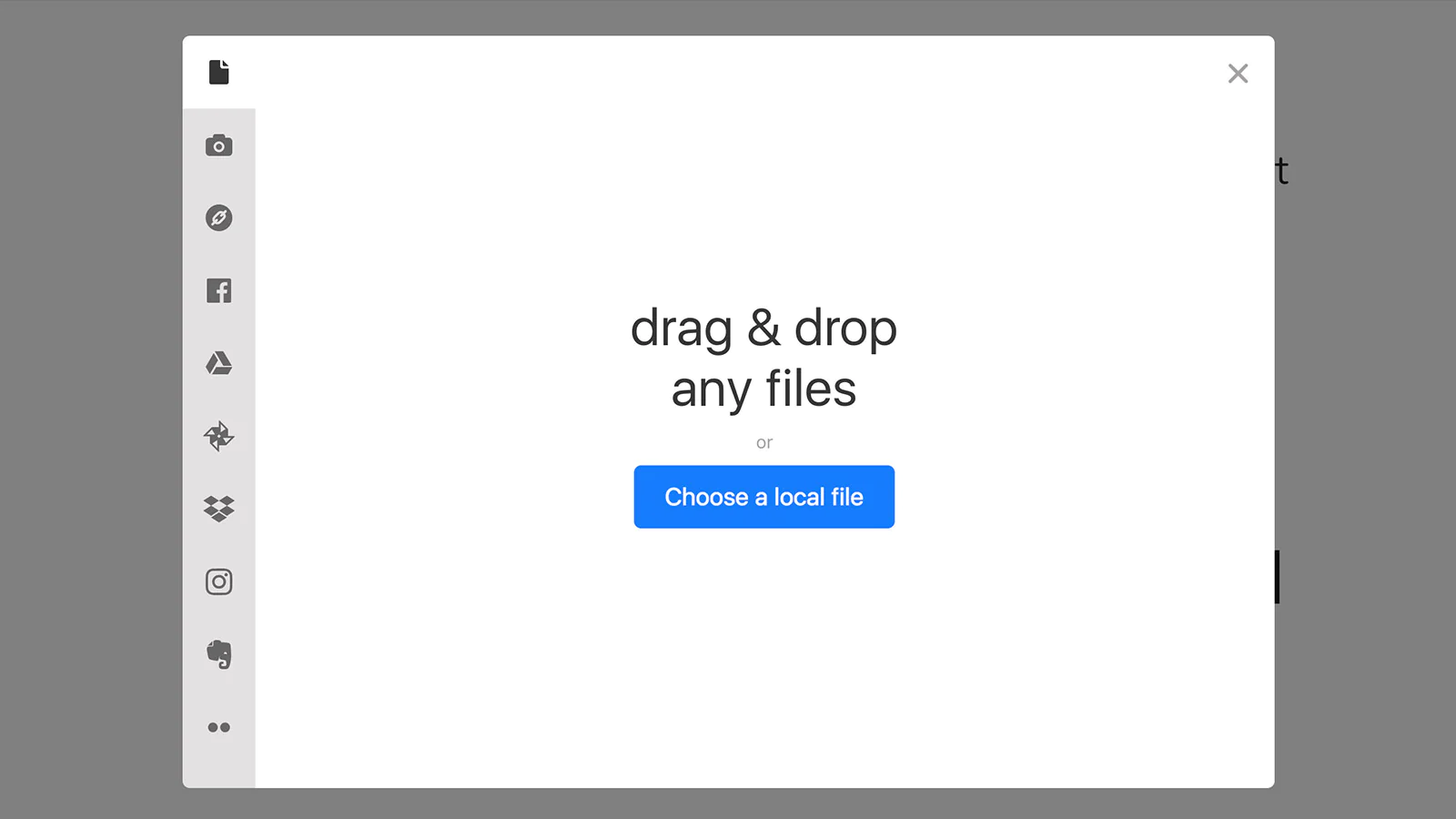
Their files, wherever they are : Customers can easily add files from their computer or from Facebook, Instagram, Google Drive, Google Photos or a dozen other sources.
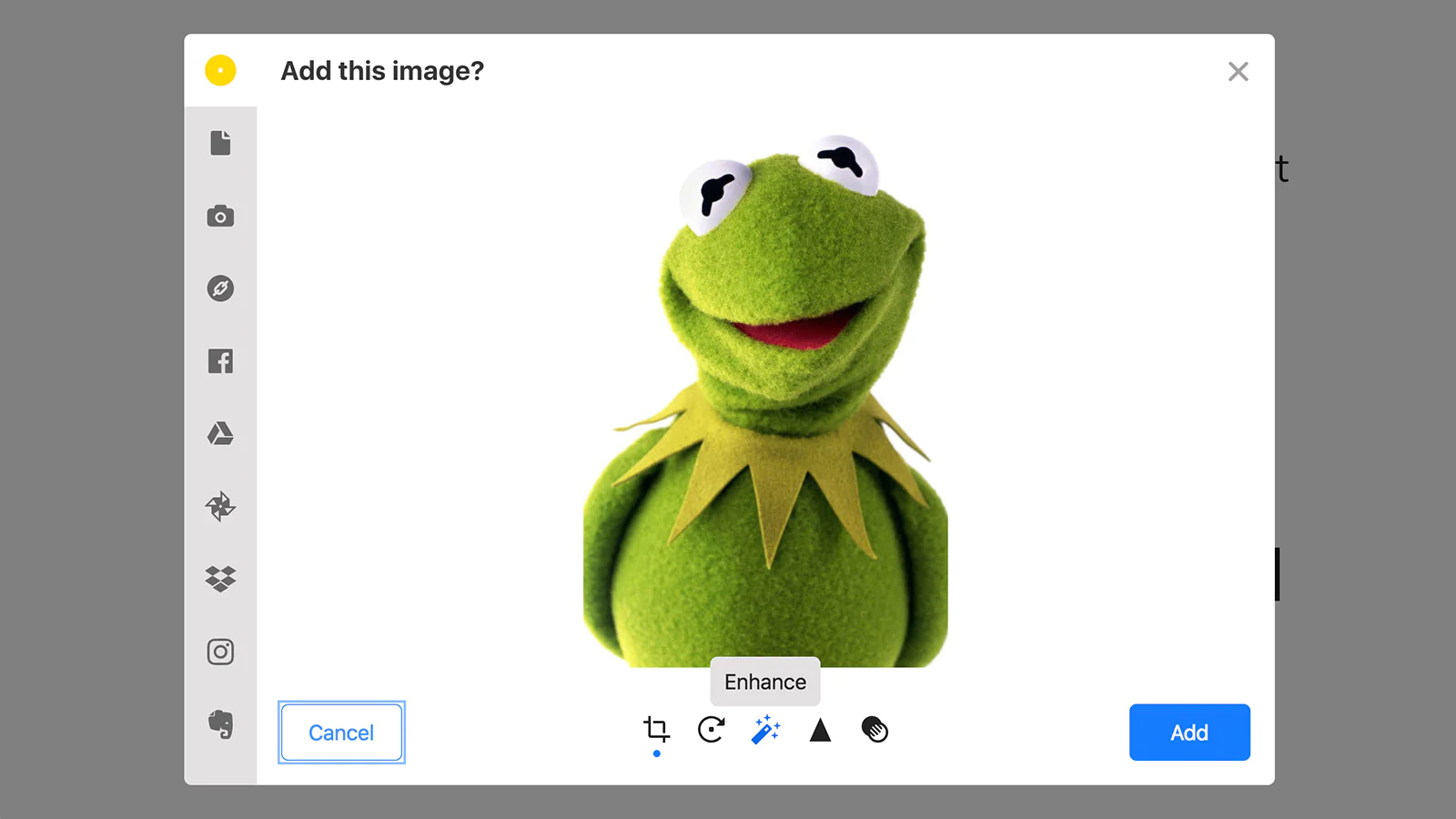
Enhance and crop images : Let customers preview, auto-enhance, sharpen and crop their images with our beautiful built-in editor.
Add file upload fields to your products with UploadKit. Let customers choose files from their computer or from their Facebook, Dropbox, Instagram, Google Drive or Photos accounts. They can capture a photo from their webcam, add files from the web, or from other sources.
Sync to Google Drive
New! With our Pro plan, automatically send uploads to your Google Drive as soon as an order is placed. UploadKit can organize and rename files however you like.
Powerful
Choose to let your customers upload documents, videos or restrict them to photos. Allow them to enhance and sharpen their images — and even help them crop the photos into the shape you require.
Files are available to instantly download by clicking a link when viewing the order in your Shopify admin dashboard.
UploadKit works beautifully on phones, tablets and computers.
Beautiful
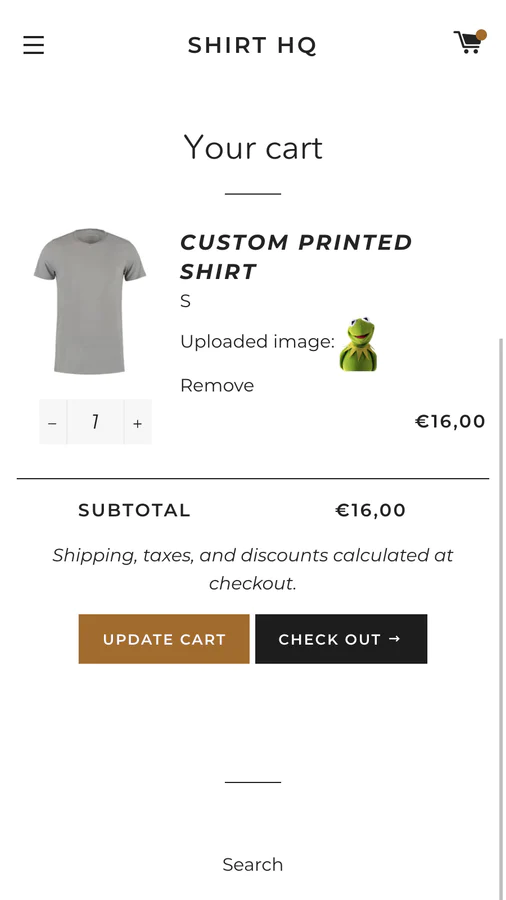
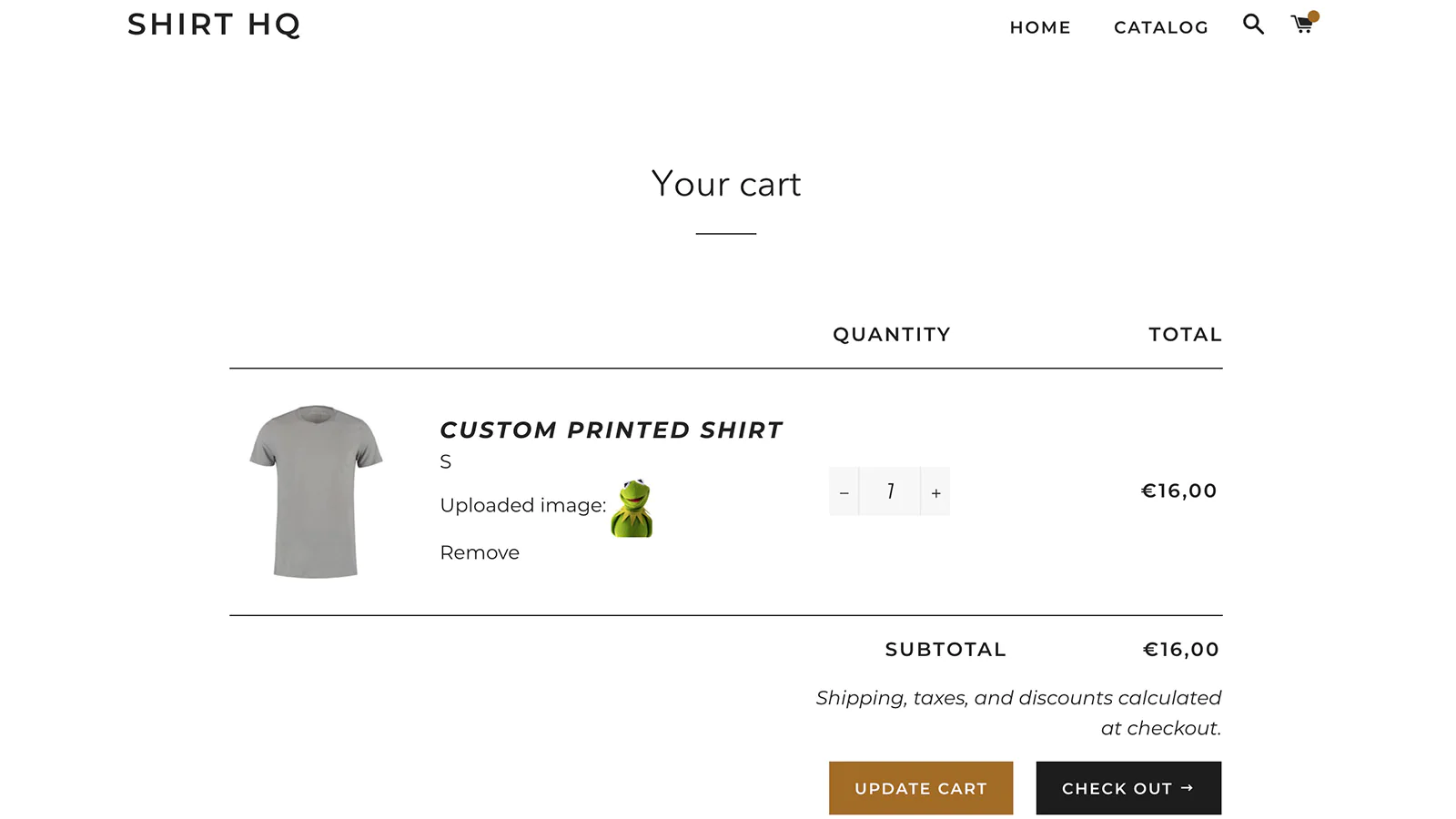
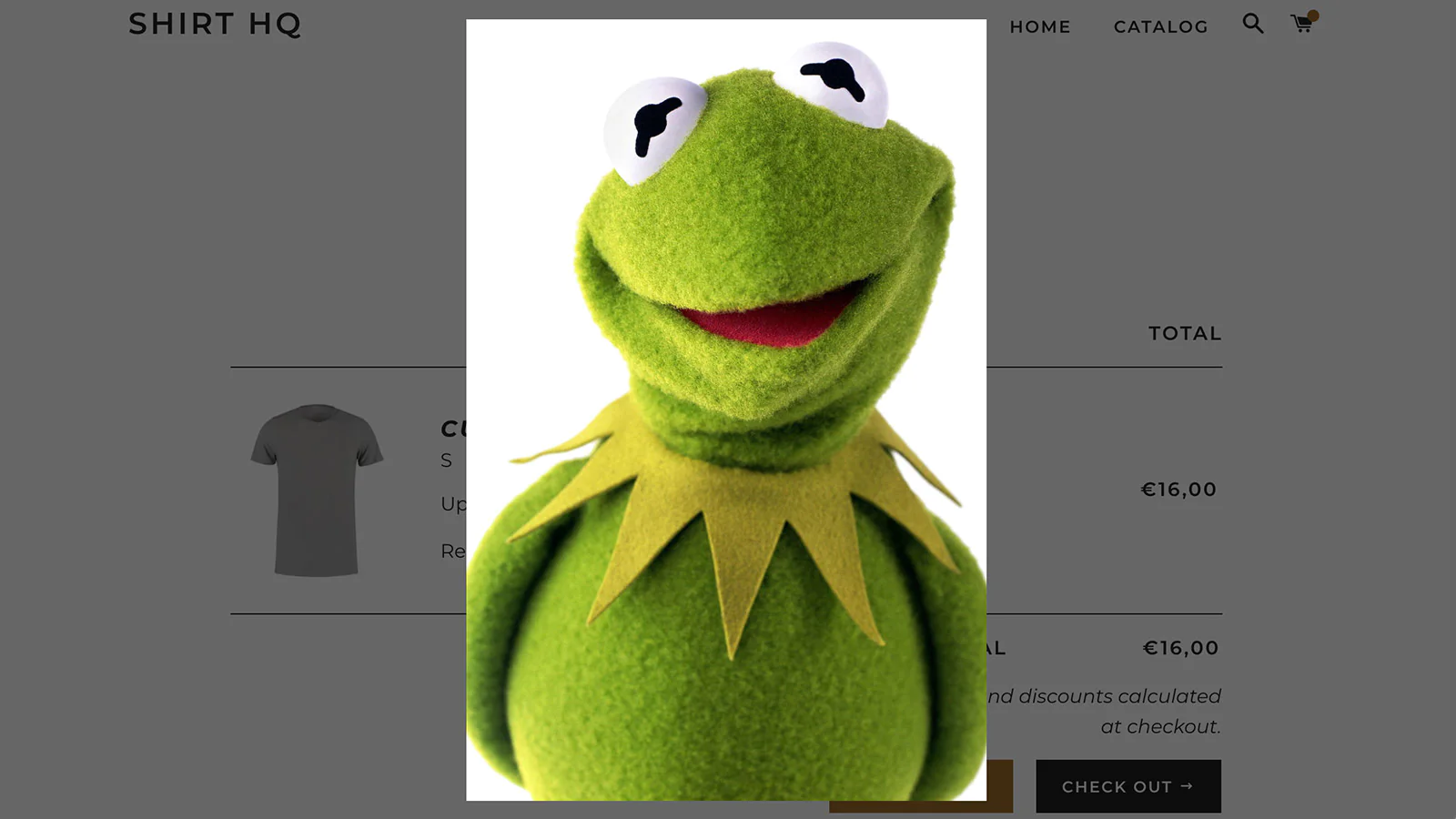
Uploaded files are displayed on your cart and checkout pages, and images expand into a beautiful lightbox overlay when clicked, so customers are reassured that they’ve sent the perfect picture.
You can style your upload buttons to match your theme using the built-in style picker, or add custom styles to achieve the exact look you want.
Flexible
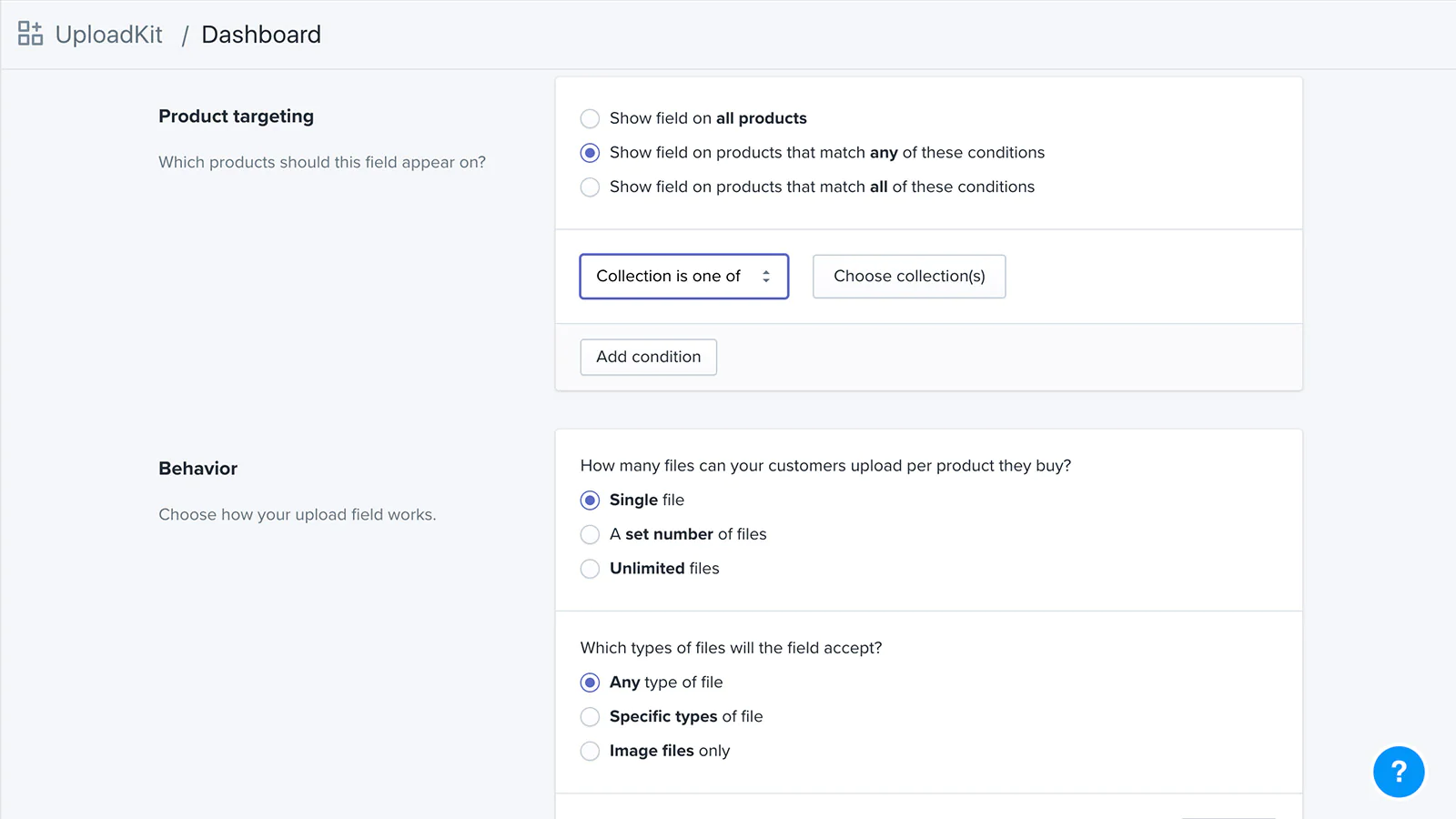
You can add unlimited numbers of upload fields, and assign them to specific products or collections, or automatically display them based on product or collection name or handle, product tag or vendor.
UploadKit supports uploading a single file, a set number of files or as many as your customers want.
UploadKit features
Enable file uploads from any of these sources:
- Local computer
- Capture from webcam
- Import from web link
- Google Drive
- Google Photos
- Dropbox
- Evernote
- Flickr
- OneDrive
- Box
- VK
- Huddle
Enable an easy-to-use image crop interface after uploading.
Make your upload field 'required'.
Use free cropping or limit to one or more aspect ratios.
Set minimum image pixel sizes.
Choose to accept only certain file types.
Preview uploaded images before adding products to the cart.
Enable the option to enhance, sharpen, rotate or convert images to black and white.
Allow customers to upload a single file per upload field, a set number of files, or remove limits entirely.
Adjust button colors, button text, dialog language and more.
Instant setup, no coding required.
Display different fields on different products: target your fields by product or collection, product name, handle, tag or vendor.
Supports files in any format
Doesn’t slow your site loading speed down.
Upload progress indicators.
Works beautifully on mobile.
Download a ZIP file of all an order's files in one go.
UploadKit plans are subject to generous fair usage policies.




Seamless workflow: use directly in Shopify admin
About the Author
Matej Kontros is an E-Commerce expert and app developer with over a decade of professional experience in IT.
Matej has worked for organisations of all types and sizes, including global players, startups, and agencies. He designed, developed, and maintained complex projects.
Matej's expertise includes e-commerce, software engineering, web development, systems administration, internet security, managing projects, and building teams.
Visit his website at [ Web Linkedin ] or contact him at [email protected].