Shopify App : Upload‑Lift Image Upload
Receive Image file uploads for personalized orders.
About Upload‑Lift Image Upload
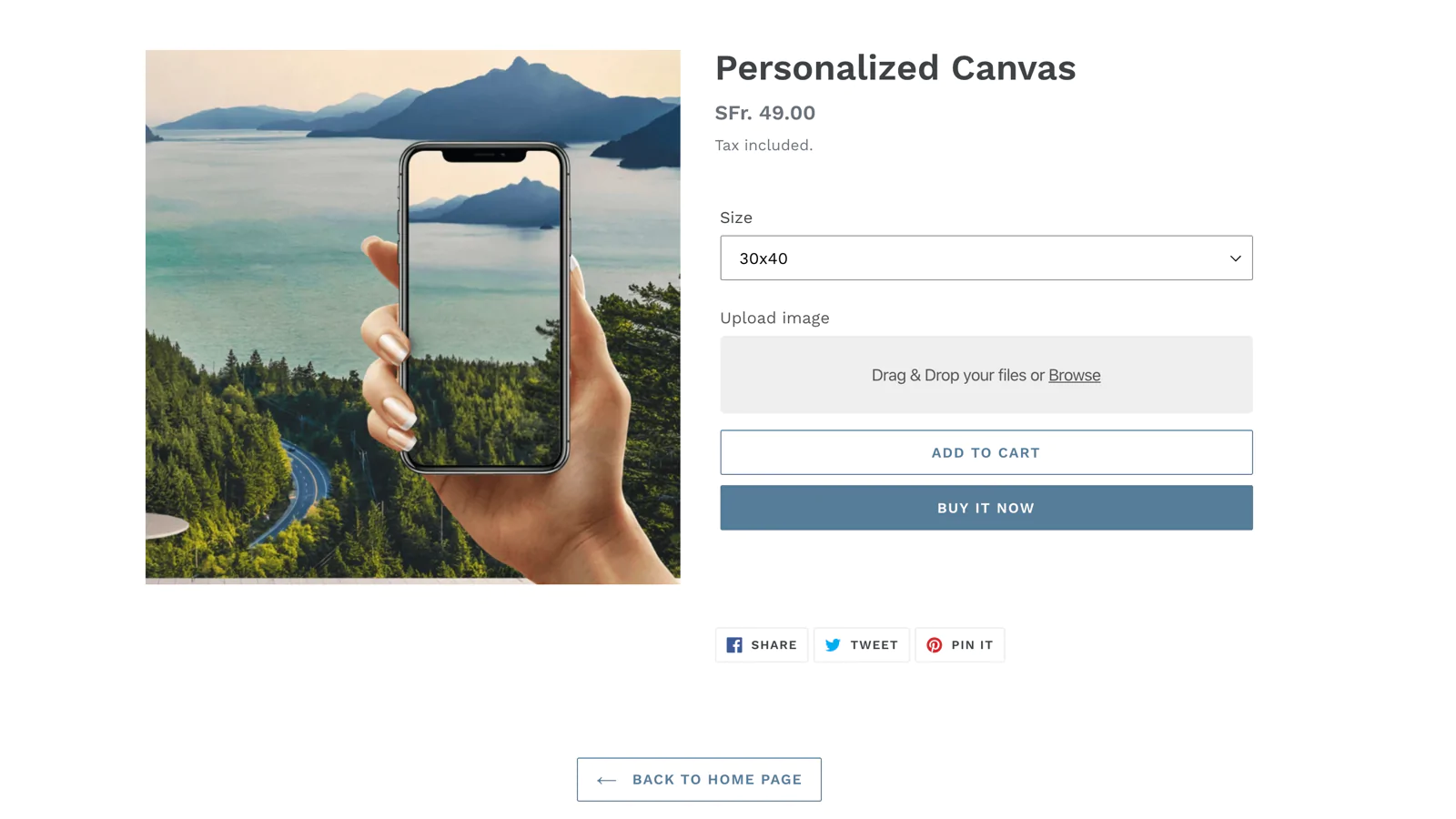
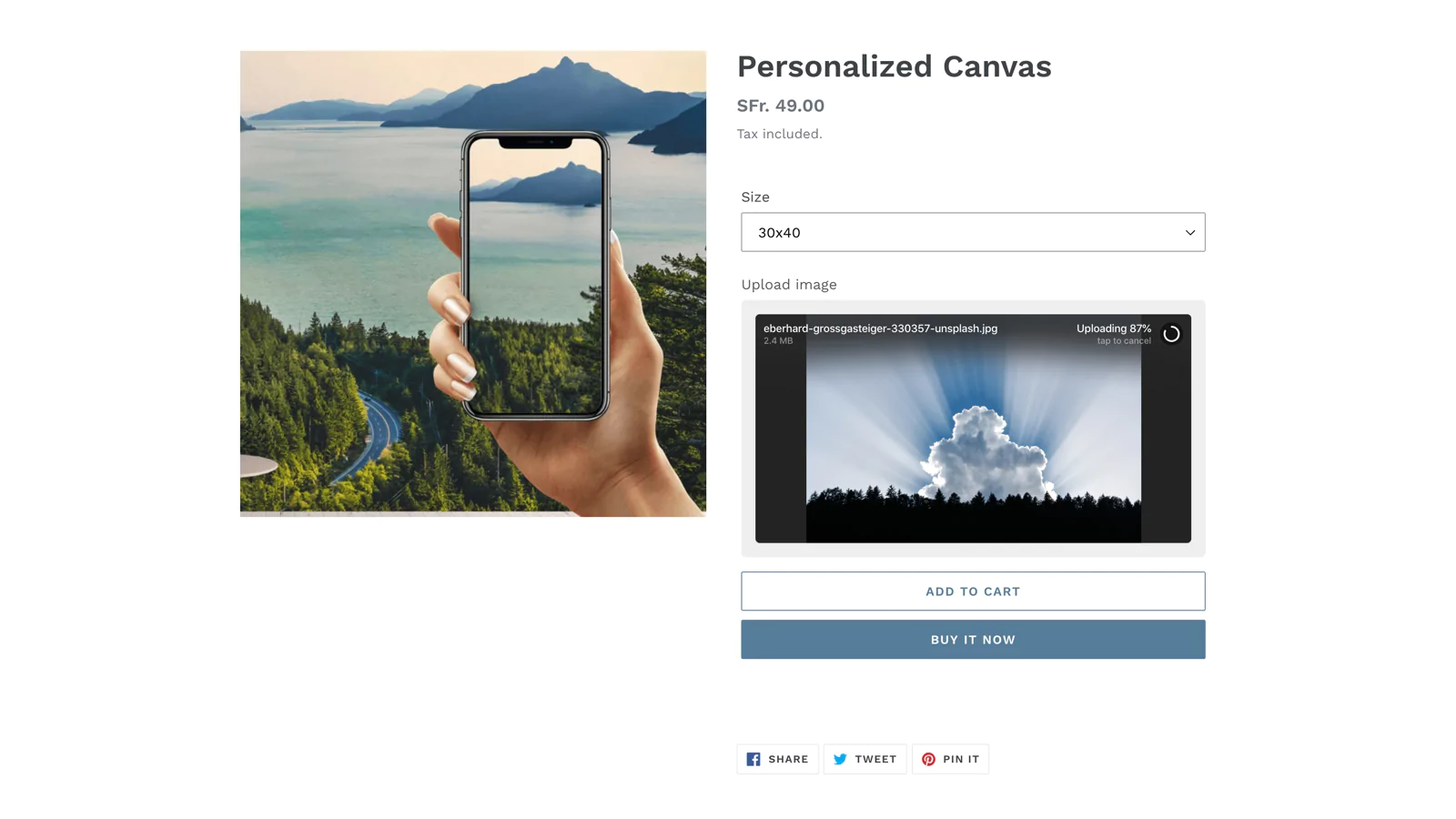
Fast upload of large files : Let your customers upload large files of up to 5GB in size. Get unlimited file uploads on every plan.
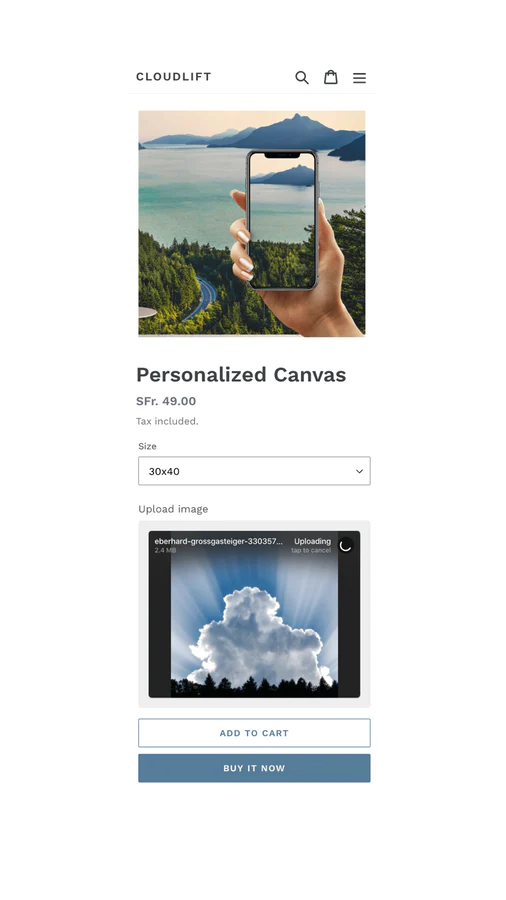
Image upload preview : Show image previews on the product and cart page. Automatically create image thumbnails.
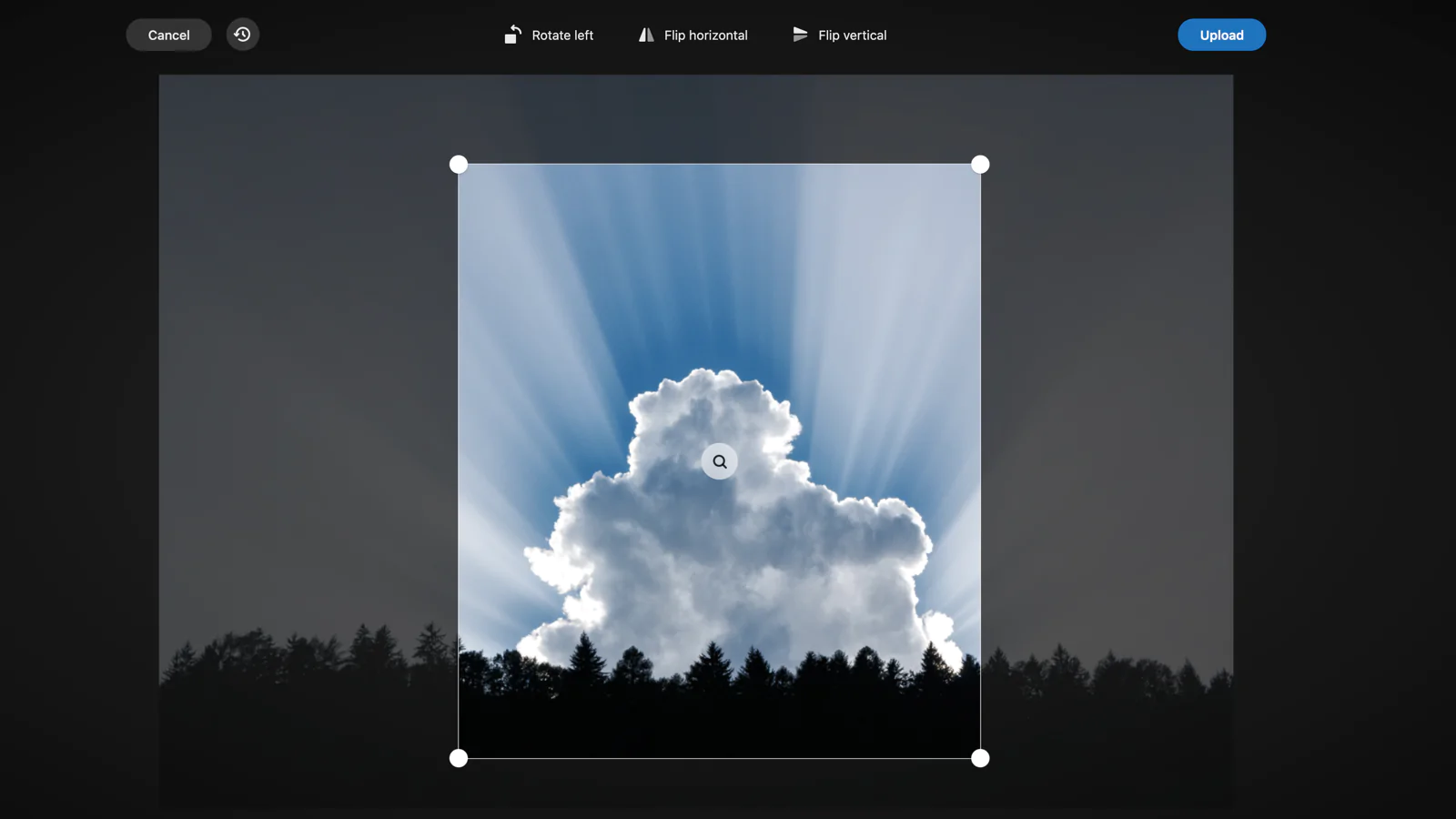
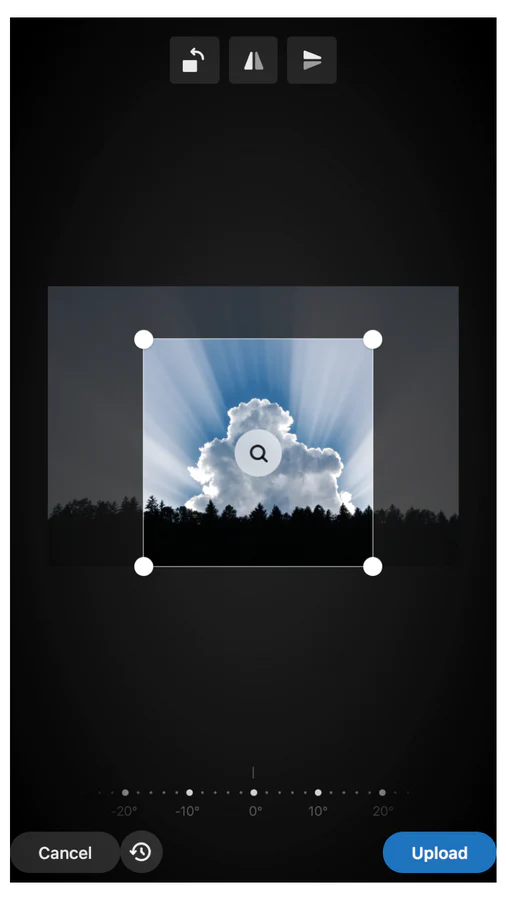
Image editor : Let your customer edit and preview images before uploading.
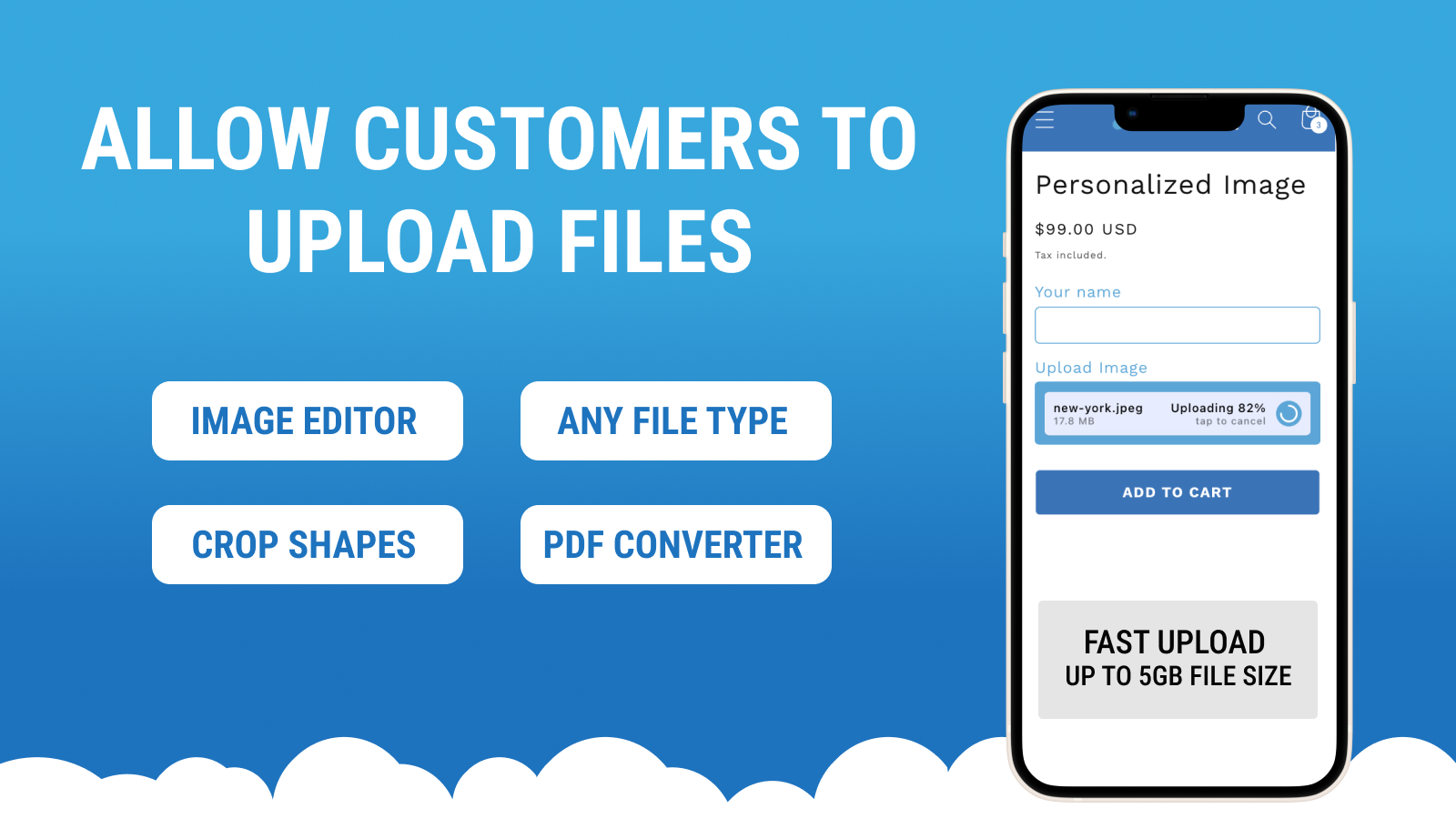
Upload-Lift lets your customers upload files directly on Product, Contact, Cart and Order Status pages.
Super easy installation
No theme modifications are required.
Perfect app to create a personalized image uploading experience.
Online Store 2.0 supported
The app supports new Online Store 2.0 themes. It provides app blocks to customize the location of the upload field in the theme editor.
The app has been tested to work with the new Dawn theme.
Any file type supported
You can receive uploads of any file type. The app allows you to configure the allowed file types.
The convert extension supports converting advanced file formats e.g (PDF/Ai) into images that can be edited in the browser.
Image preview
Show a preview of the uploaded image on the upload field. You can also show a preview of the uploaded image on the cart page.
Image thumbnail
Create a second image upload with a reduced dimension to use as a thumbnail. A separate link is added to the item pointing to the thumbnail image.
Image Editor
Let customers edit images before uploading. You can also configure predefined image crop ratios.
The editor extension supports cropping custom shapes.
Custom form fields
Merchants can add additional custom form fields like Text, Dropdown, Checkbox or a Color Picker in addition to the Upload field. This feature is very useful if you are selling personalized products that require additional options.
Unlimited uploads
The app allows an unlimited amount of file uploads on every plan.
Upload archive
If an order is placed with products that contain a file upload link, the files automatically get copied into an archive where they can be searched and downloaded at any time.
Visual themes
Control the look and feel of the upload field by choosing from one of the predefined visual themes and optionally modifying the settings of the theme. Merchants can preview the upload field directly in the Shopify Admin app.
Product targeting
Each upload field can be attached to a single or multiple products by defining display conditions.
Variant settings
Specific configs can be applied to Product variants, the config is automatically updated when a different variant is selected.
File validations
Merchants can configure file validations to only receive valid files for their specific product use cases. Merchants can validate file size, file types and the number of files. Image files can also be validated based on the required min/max dimensions.
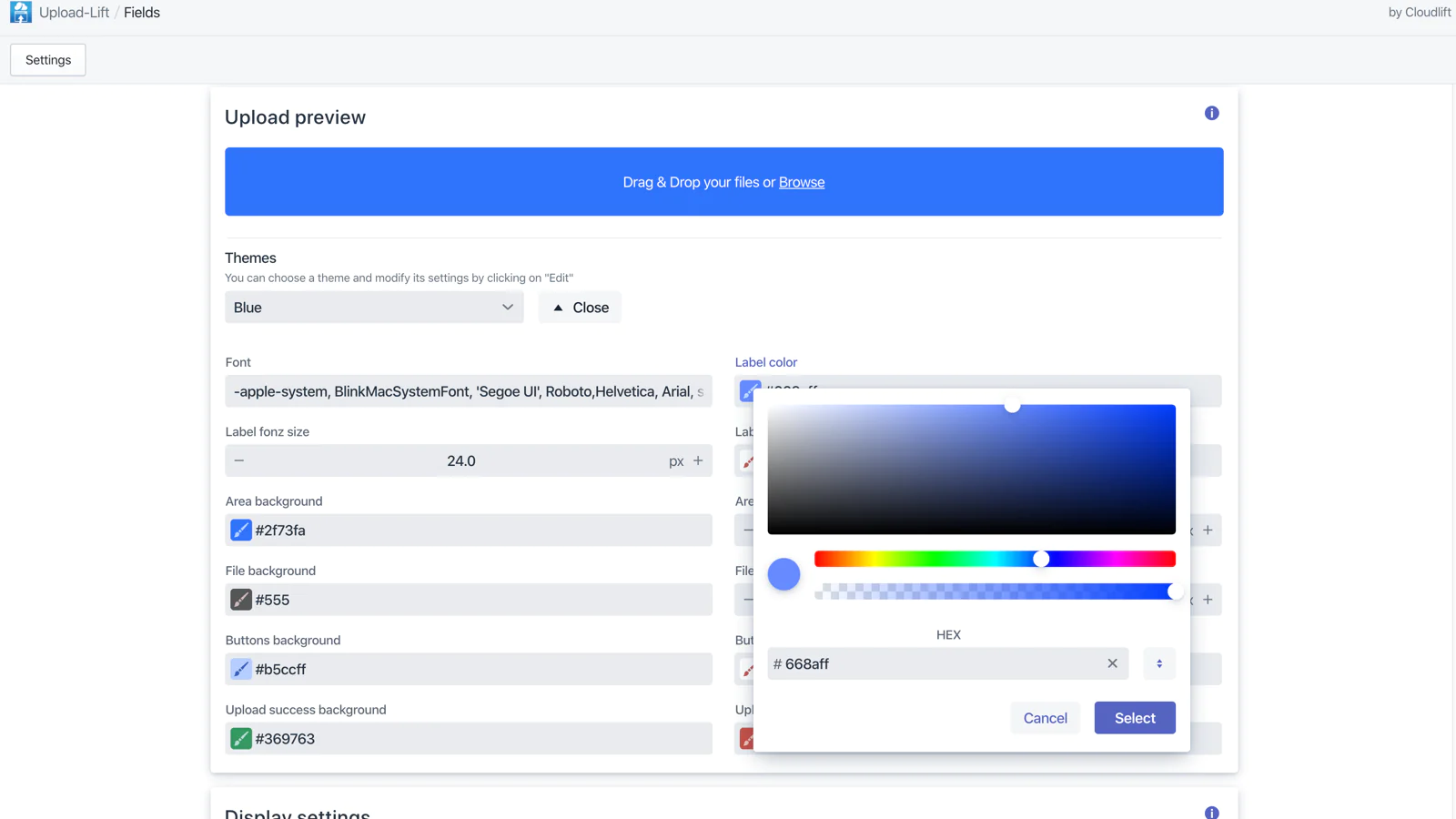
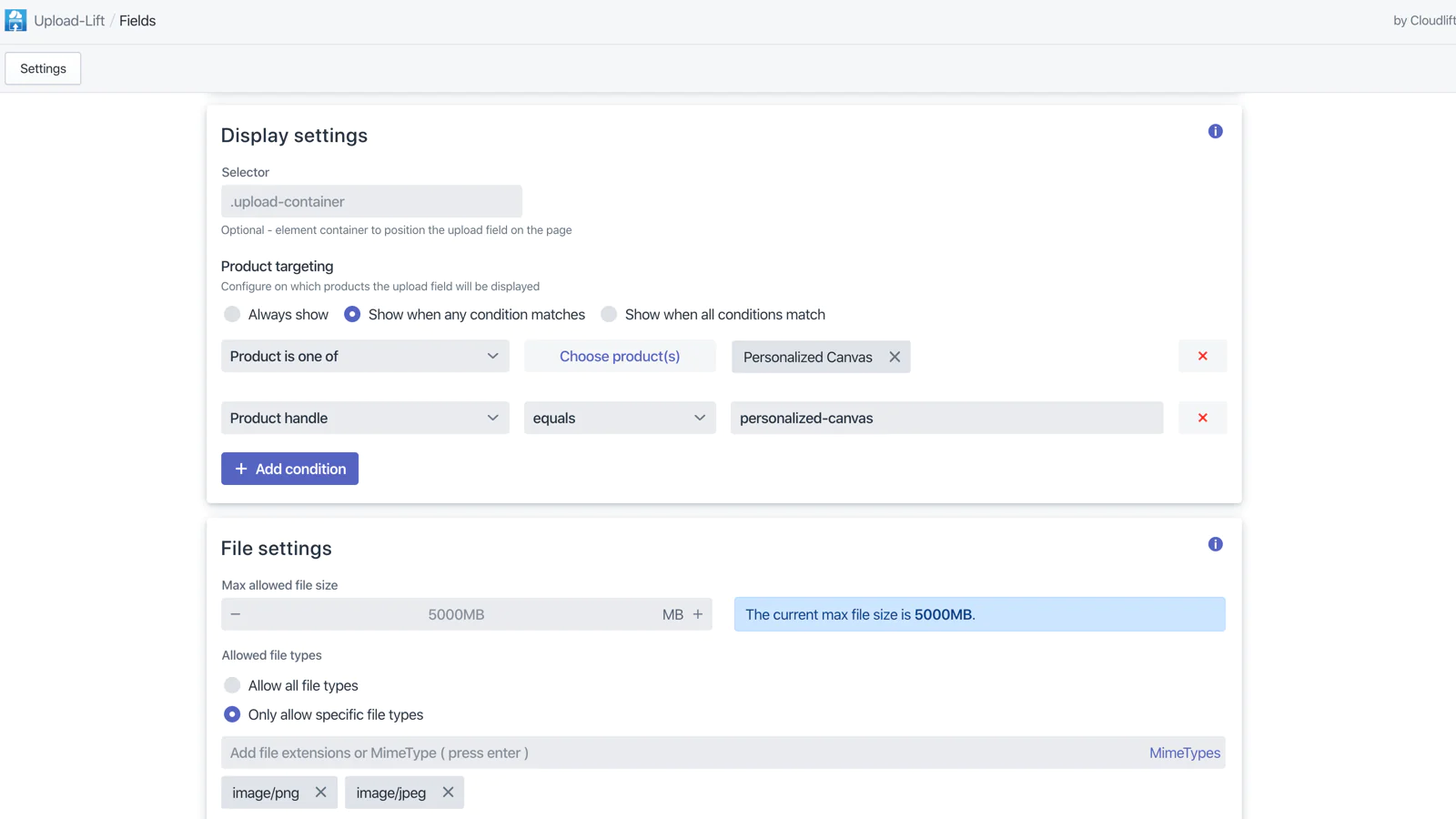
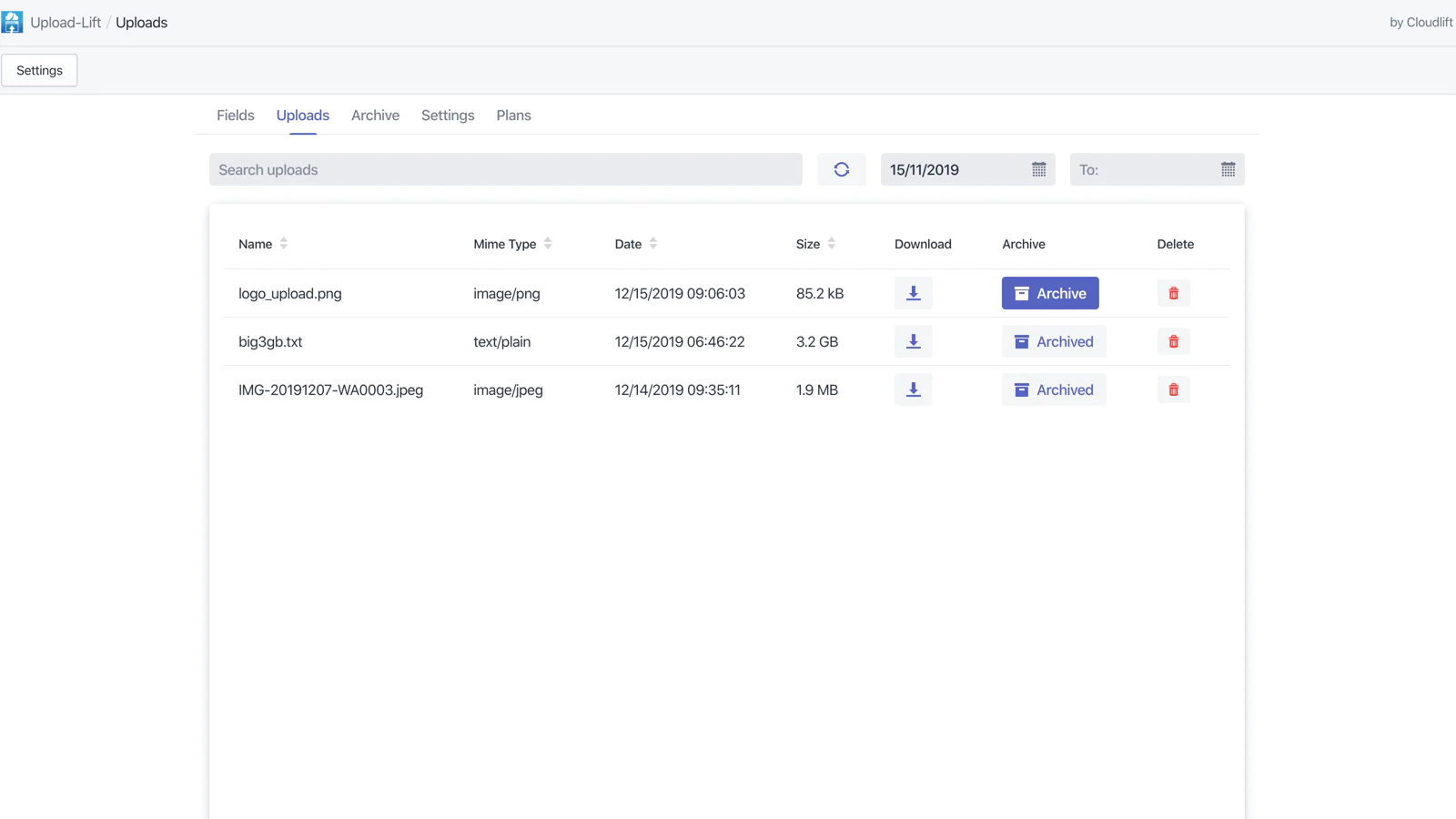
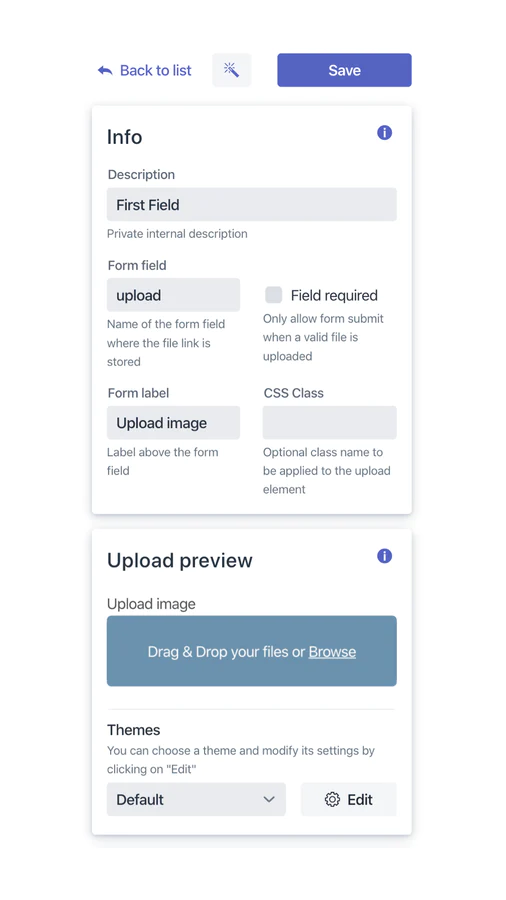
Seamless workflow: use directly in Shopify admin
Up-to-date tech: works with the latest themes
About the Author
Matej Kontros is an E-Commerce expert and app developer with over a decade of professional experience in IT.
Matej has worked for organisations of all types and sizes, including global players, startups, and agencies. He designed, developed, and maintained complex projects.
Matej's expertise includes e-commerce, software engineering, web development, systems administration, internet security, managing projects, and building teams.
Visit his website at [ Web Linkedin ] or contact him at [email protected].