Shopify App : Categories Uncomplicated
Categories for your store, done the right way (2.0 compatible)
About Categories Uncomplicated
Make your products findable : Categorise to make your products easier to find (search for) and discover (stumble across)
Categories at mulitple levels : Publish categories and nested sub-categories for search engines to target your SEO
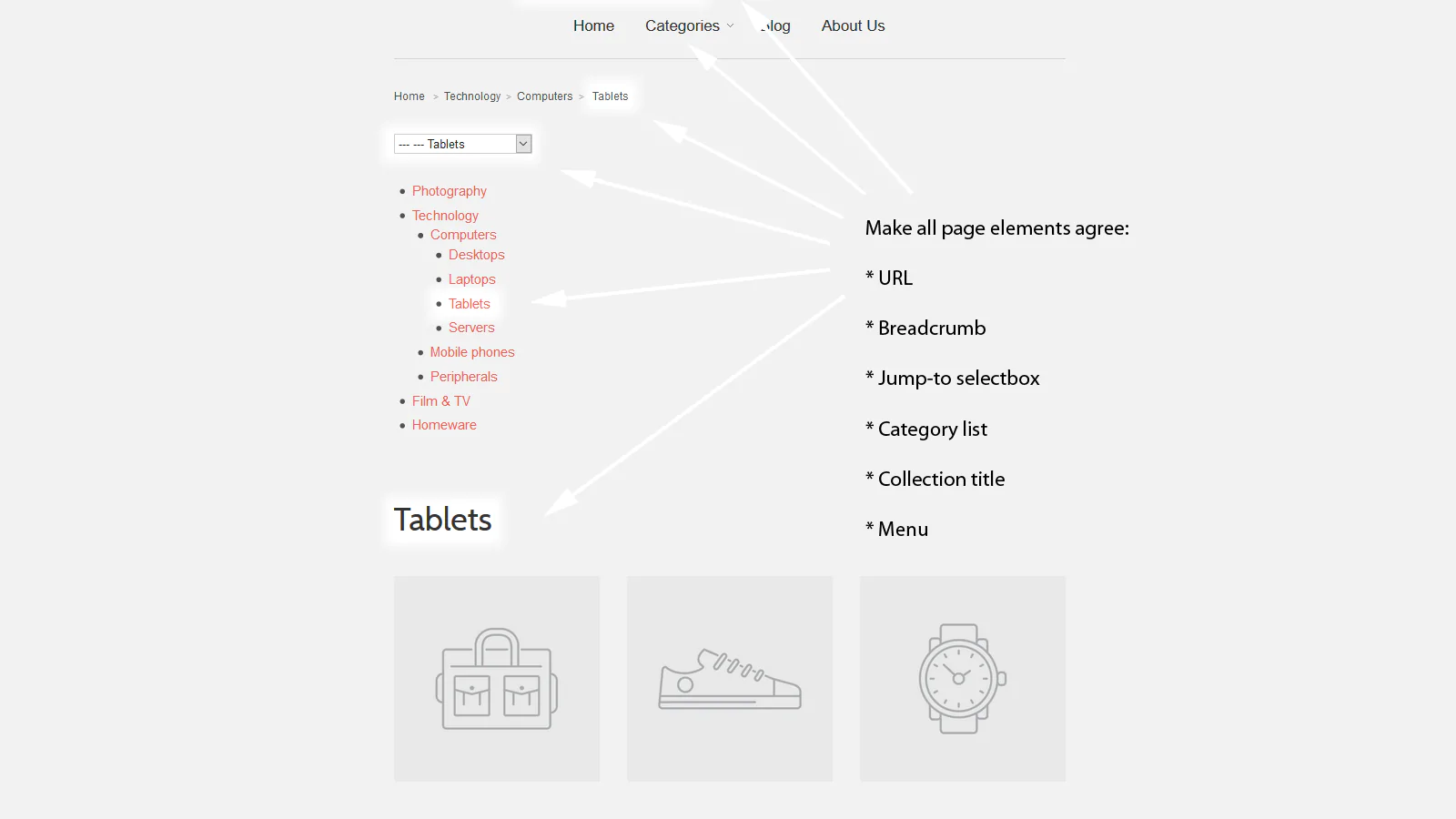
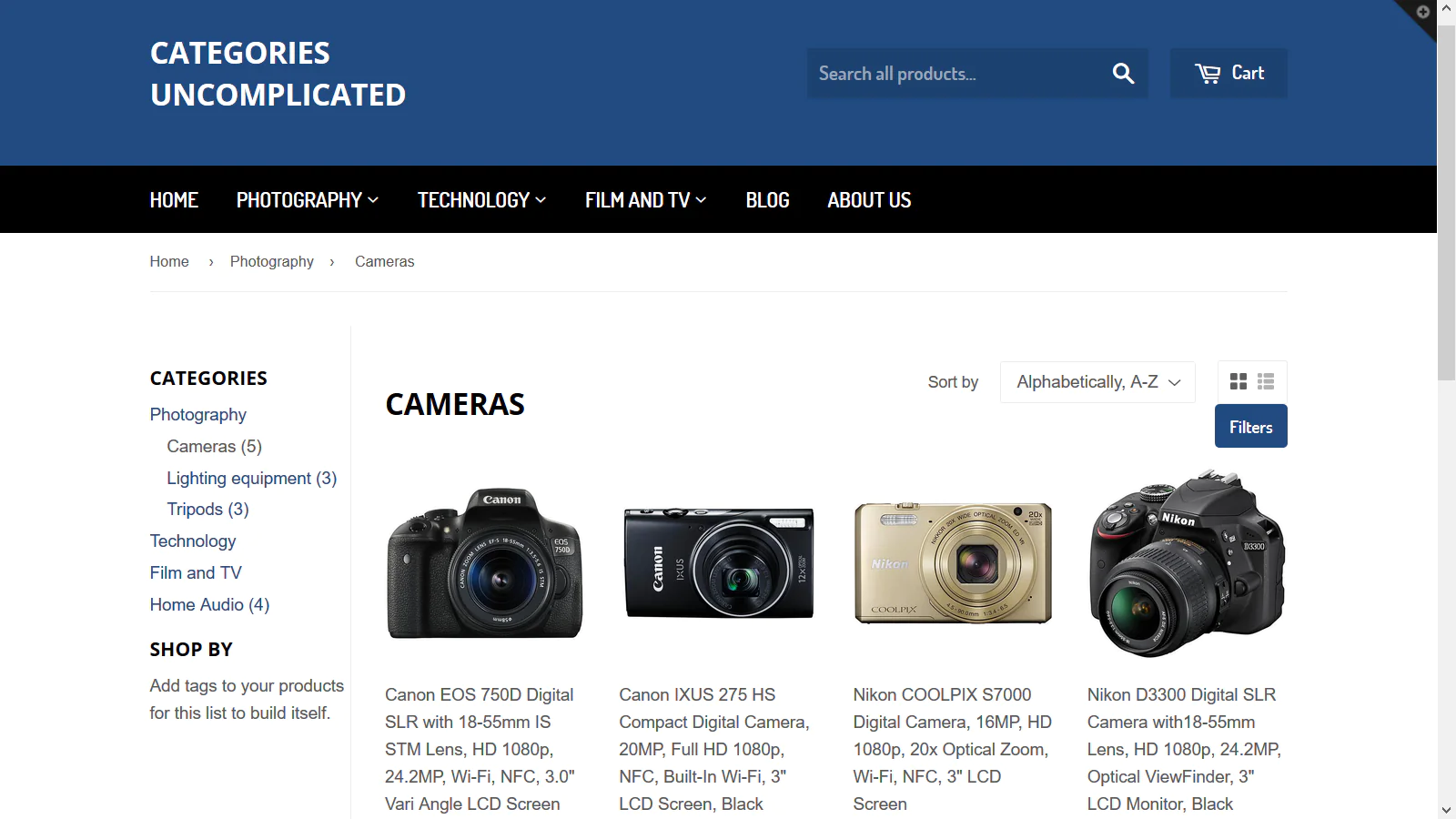
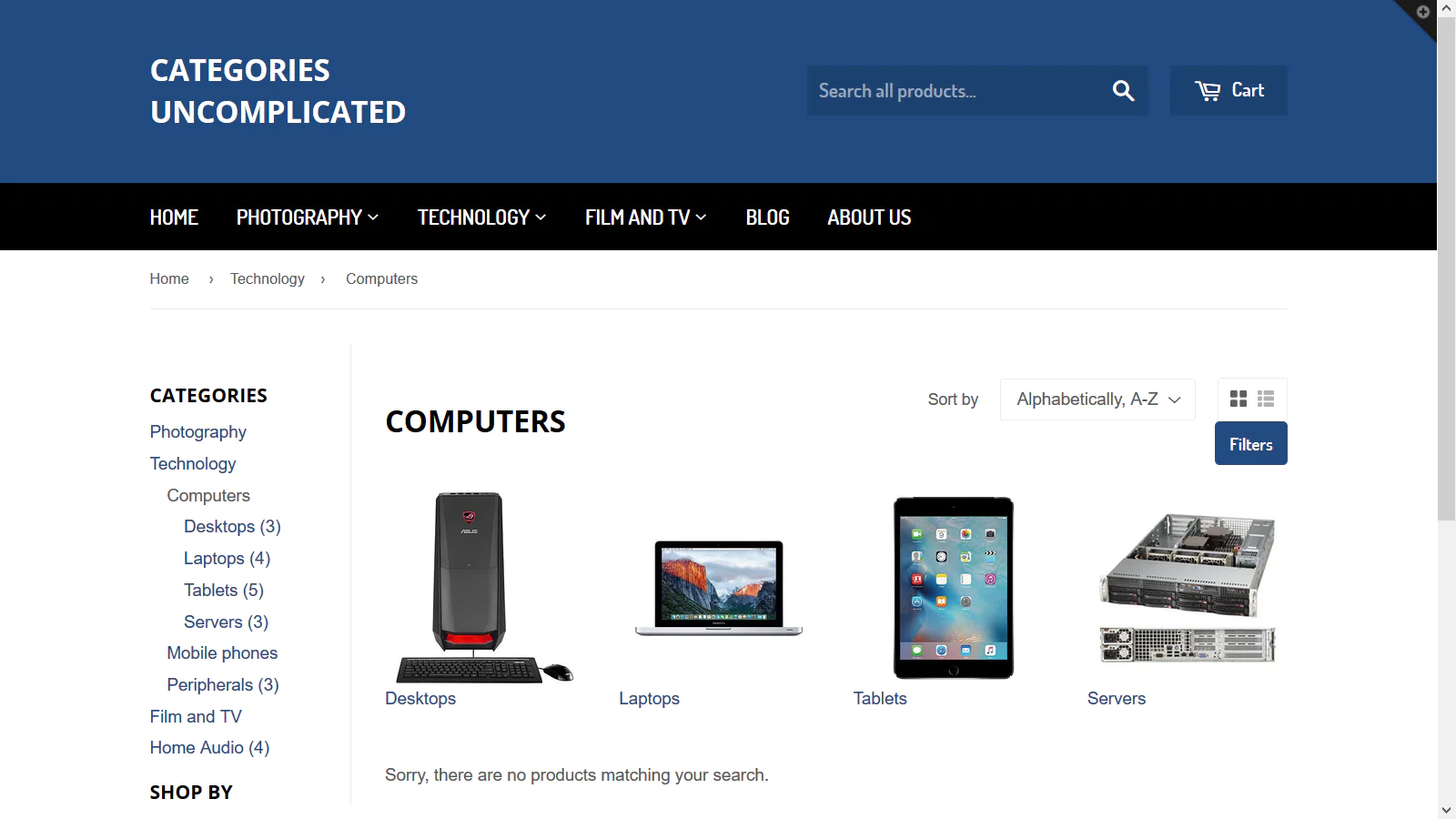
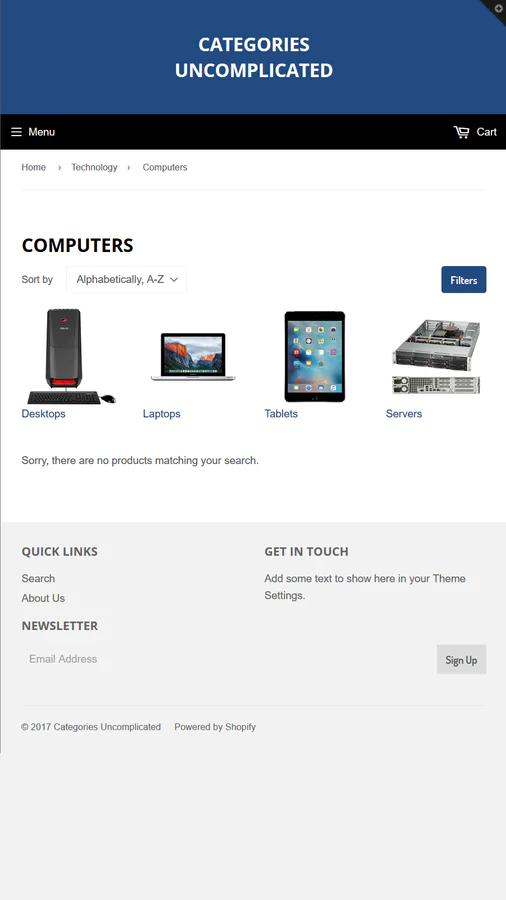
Unified category list : Add a category list (with product count), breadcrumb and sub-category icons to your navigation
Simple categories for Shopify collections
One of the first things shop-owners new to Shopify tell us is that they can't believe there isn't a category system. Now with Categories Uncomplicated you can organise your collections into a structure that at a glance helps your customers understand: * What kinds of products you sell * How those products are organised * How they can narrow their search down to more specific sub-categories and find the group of products they're shopping for
3-in-1 bundle of products
Categories Uncomplicated includes: * Category list: a category list for your left-hand sidebar * Breadcrumbs: a full breadcrumb to show on collections or product pages * Icons: sub-category icons to show in each parent collection
Our Demo site shows all the features of Categories Uncomplicated in a live shop environment. There's also a combined product tour that covers all the bundled products.
Supports 2.0 themes
If you're using a new Shopify 2.0 theme (like Dawn), you can simply drag-and-drop the category breadcrumbs or icons into your theme using the Shopify Theme Editor. No coding required!
Suitability (1.0 themes only)
For older themes, the category list needs to be embedded somewhere on your site using liquid, which requires a basic HTML/CSS coding knowledge. We strongly recommend choosing a theme with a sidebar, selecting the place for your category list, then cut-and-pasting the embed. We regret we cannot offer a service to embed this for you in your store or customise your theme to make the category list look different. If it turns out that your theme is lacking or you're not comfortable coding themes, please choose a 2.0 theme.
Visitors and Search
Categories Uncomplicated isn't just about helping existing visitors become more valuable customers, it enables you to better present your products to search engines.
Create categories and sub-categories
with unique hierarchical URLs that allow search engines to index groups of your products in context.
Specialise each category (a collection)
with custom header text that explains what it's about. Show product counts against each of your categories so customers can quickly see where your catalogue is fullest.
Use the existing Shopify 'Navigation' system
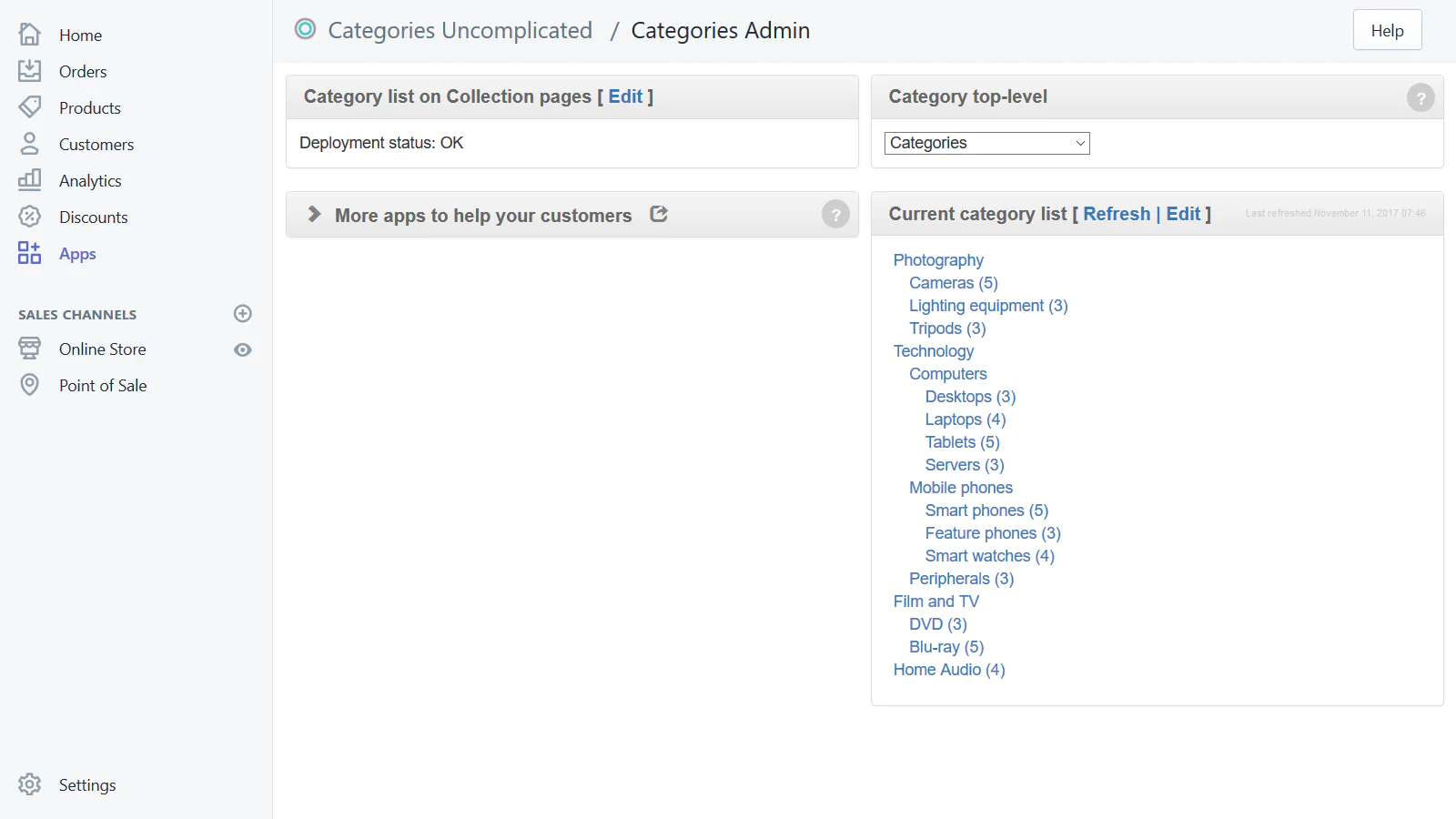
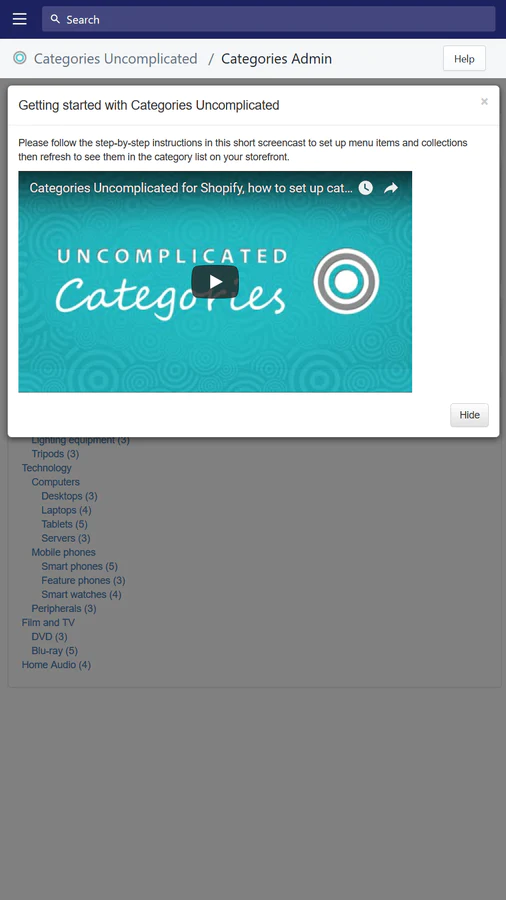
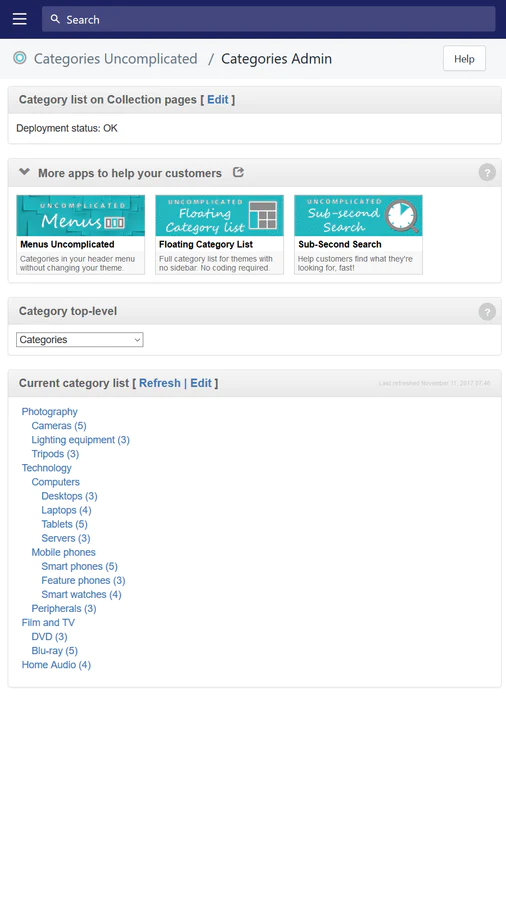
to create links, then visualise them in the embedded Categories admin panel. Simply select the top-level category from the menu selector to see a category tree instantaneously.
Improve the SEO metadata
that you're sending to Google by including dynamically generated JSON-LD to describe the current category.
Create great intuitive navigation
by embedding our pre-built page elements in your navigation.
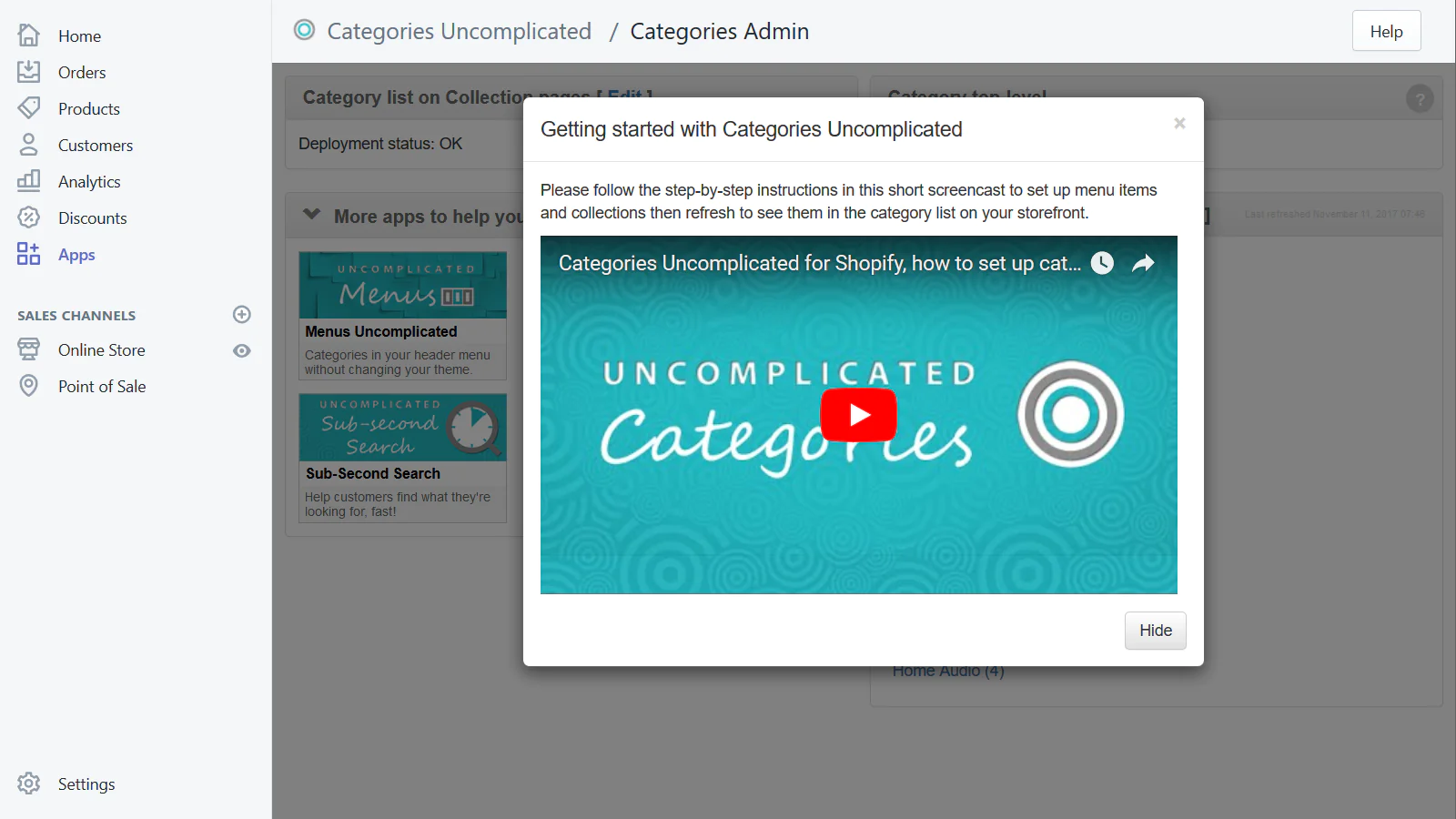
Seamless workflow: use directly in Shopify admin
Up-to-date tech: works with the latest themes
Speed tested: low impact to your online store
About the Author
Matej Kontros is an E-Commerce expert and app developer with over a decade of professional experience in IT.
Matej has worked for organisations of all types and sizes, including global players, startups, and agencies. He designed, developed, and maintained complex projects.
Matej's expertise includes e-commerce, software engineering, web development, systems administration, internet security, managing projects, and building teams.
Visit his website at [ Web Linkedin ] or contact him at [email protected].