Shopify App : Checkify ‑ Terms & Conditions
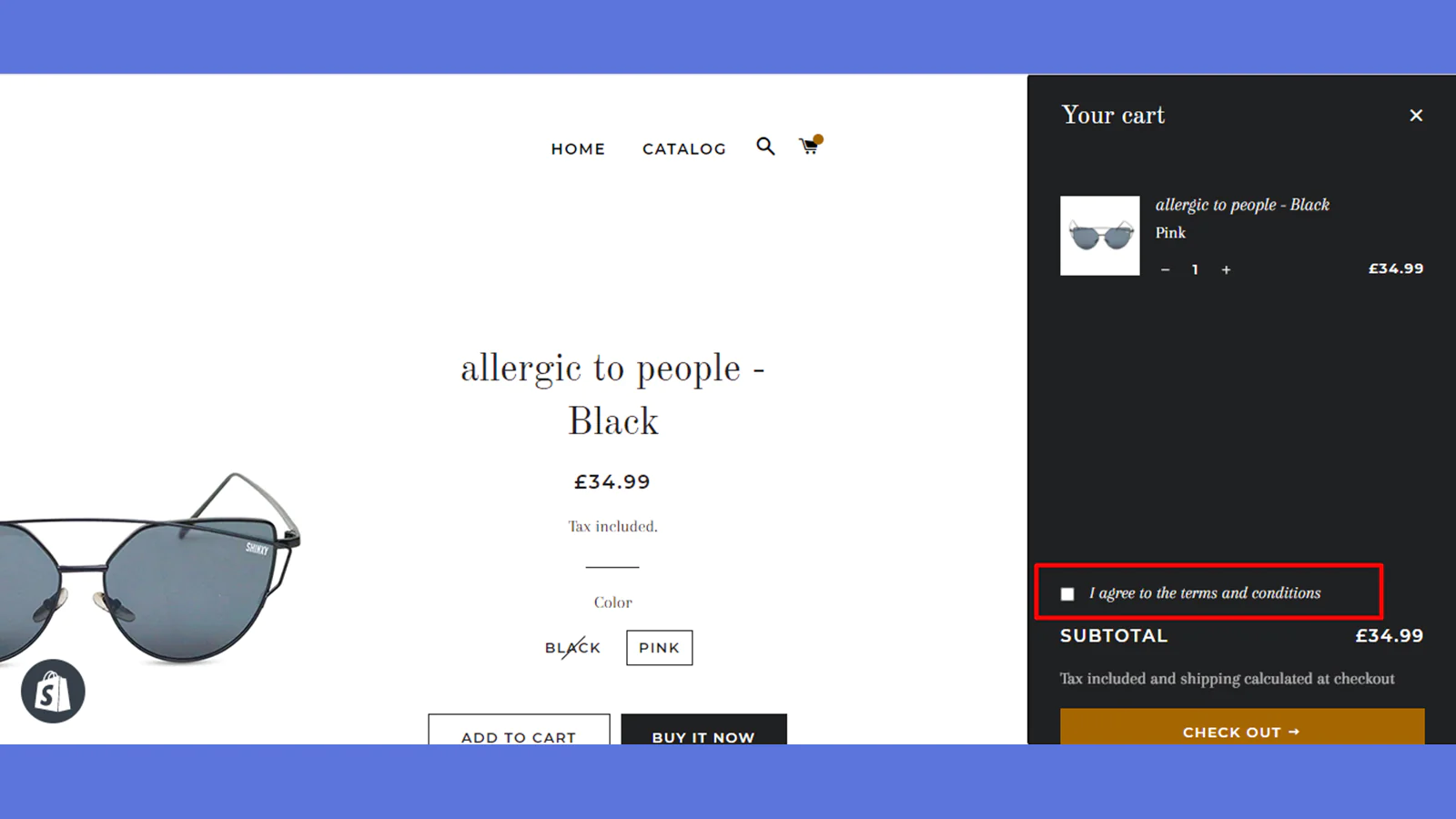
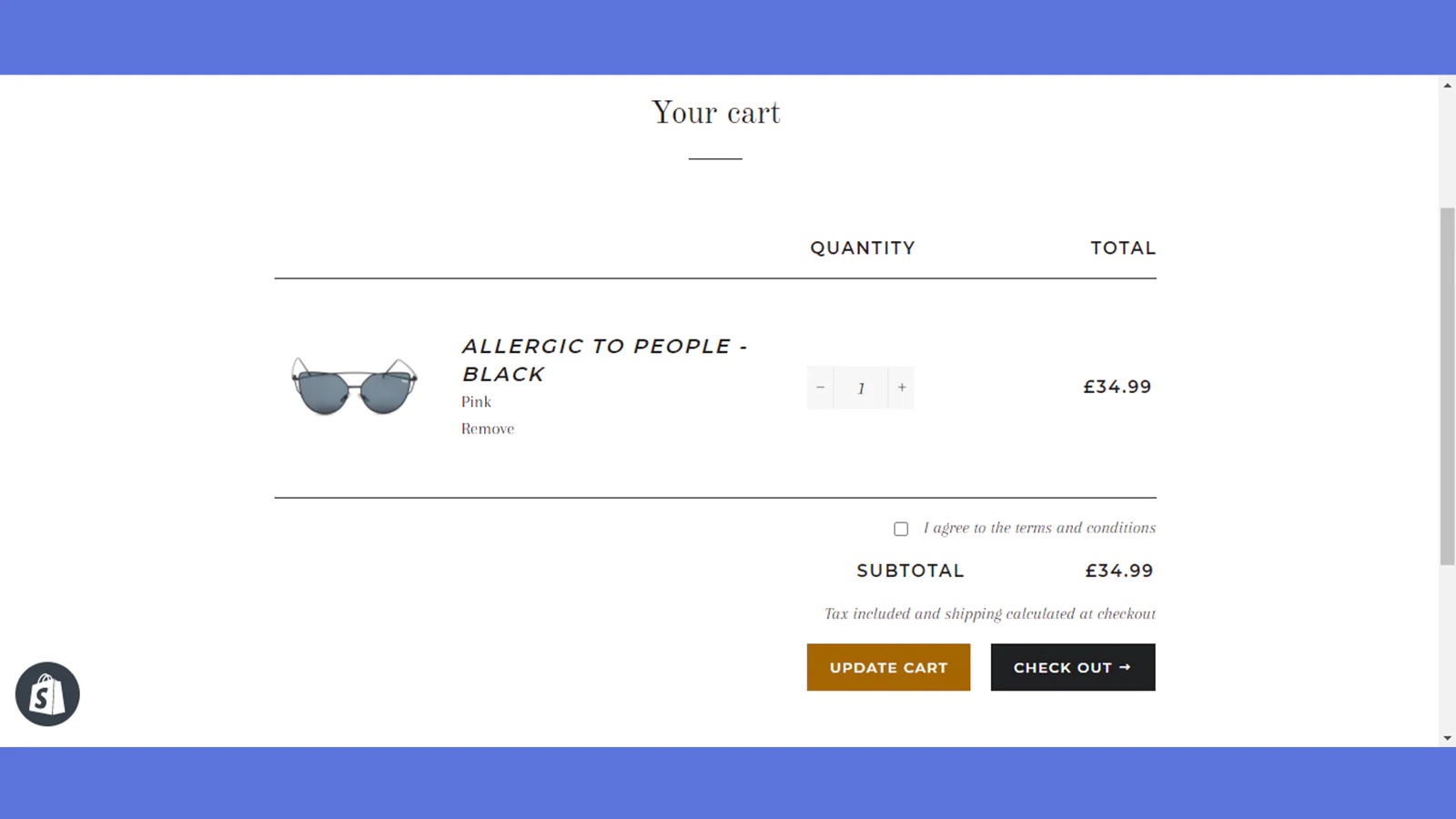
Easily add a "terms and conditions" checkbox in your cart page
About Checkify ‑ Terms & Conditions
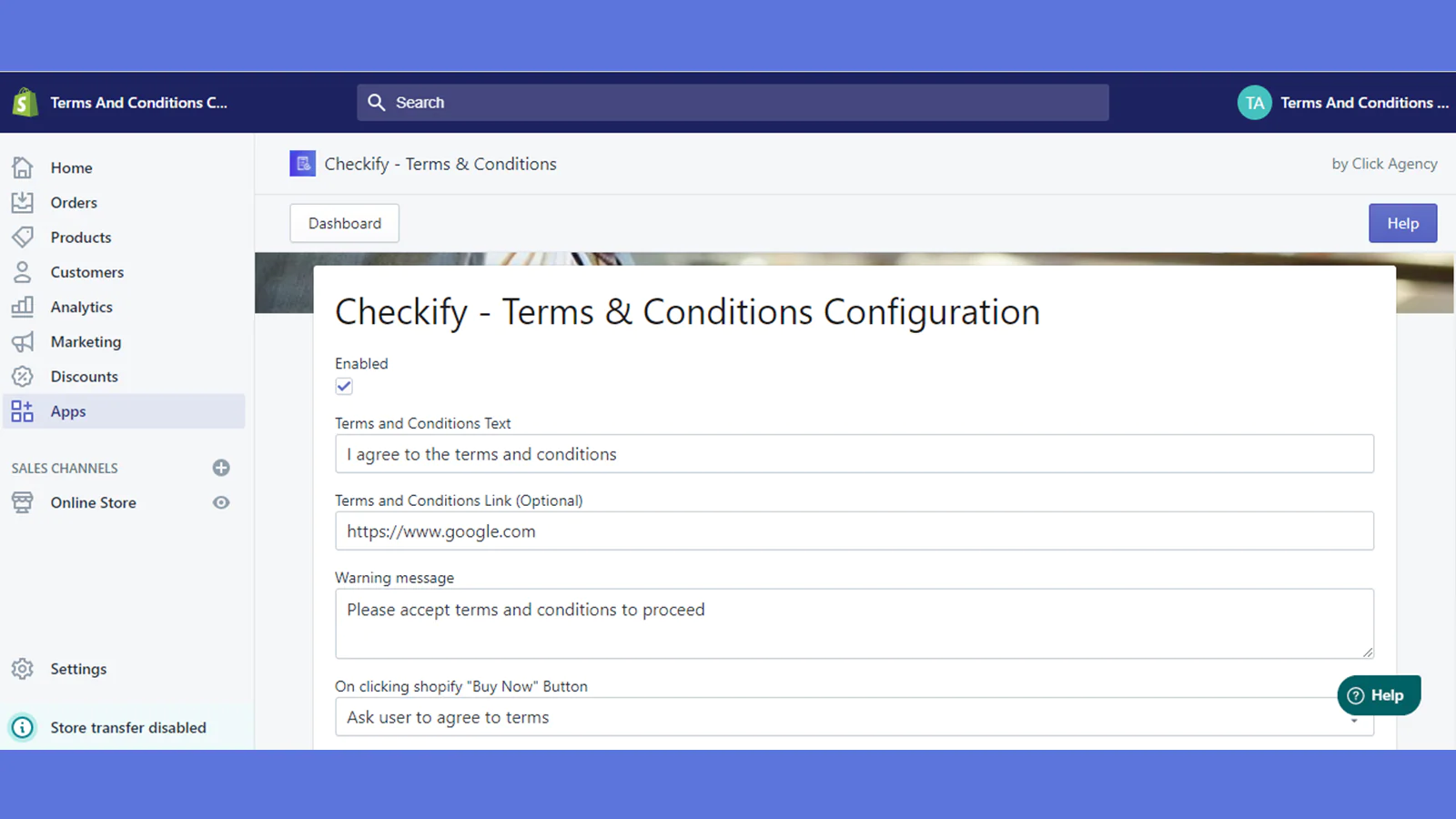
Terms and Conditions : Easily add terms and conditions, age verification, or other agreements required by your store.
Improve legal compliance : Guarantee that customers are aware of your policies, terms & conditions.
One Click Install : No code is needed to install the checkbox. It will appear immediately after installation.
About Checkify
If you have any policy that your customers need to be aware of before purchasing your products, then Checkify is exactly what you need.
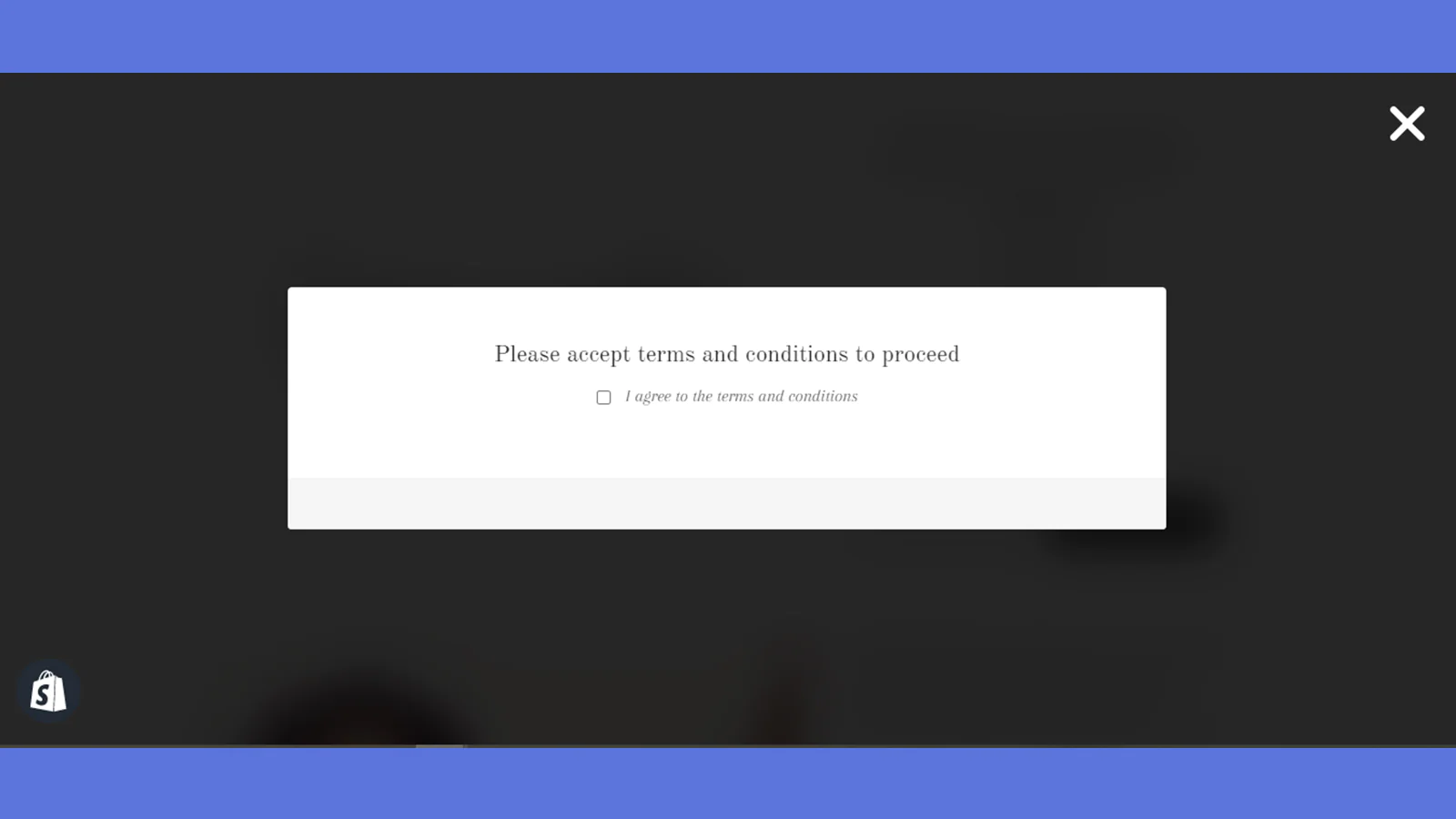
Once installed on your store, checkify requires your customers to agree to your terms and conditions by checking the "I Agree to the Terms & Conditions" box in the cart page before proceeding to checkout.
Checkify’s list of features & benefits :
- One-Click Install - No coding skills or developers required.
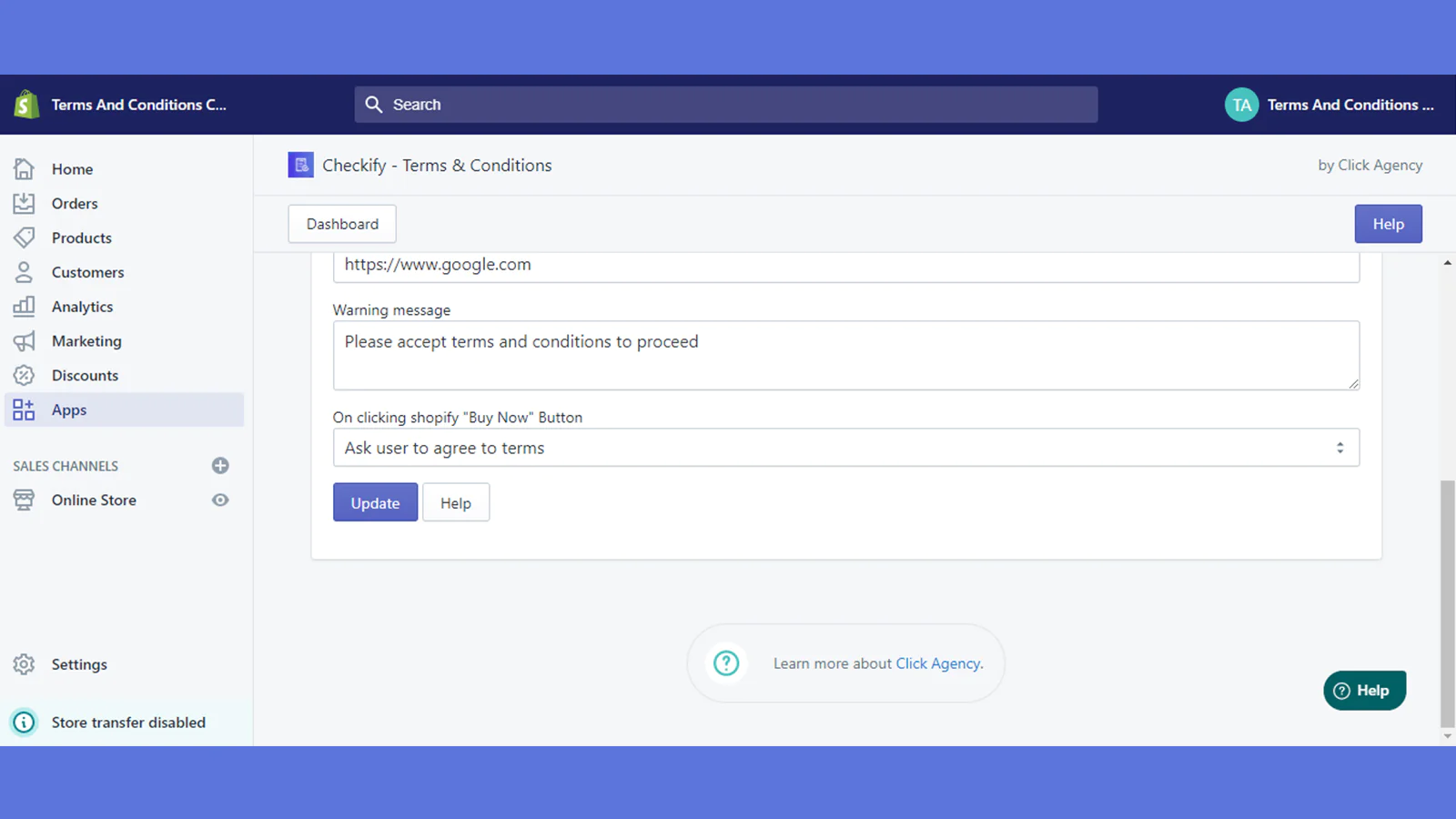
- Easy to use - can Enable/Disable the checkbox easily from settings.
- Compatible with all browsers - including Chrome, Edge, Safari, Mozilla & Others.
- Theme Compatibility - Can be installed in all Shopify's themes.
- Show a warning - if a customer tries to proceed with the checkout before checking your terms and conditions checkbox
Seamless workflow: use directly in Shopify admin
Speed tested: no impact to your online store
About the Author
Matej Kontros is an E-Commerce expert and app developer with over a decade of professional experience in IT.
Matej has worked for organisations of all types and sizes, including global players, startups, and agencies. He designed, developed, and maintained complex projects.
Matej's expertise includes e-commerce, software engineering, web development, systems administration, internet security, managing projects, and building teams.
Visit his website at [ Web Linkedin ] or contact him at [email protected].