Shopify App : Rewind Staging
Staging Made Simple. Test Changes Before Pushing them Live.
About Rewind Staging
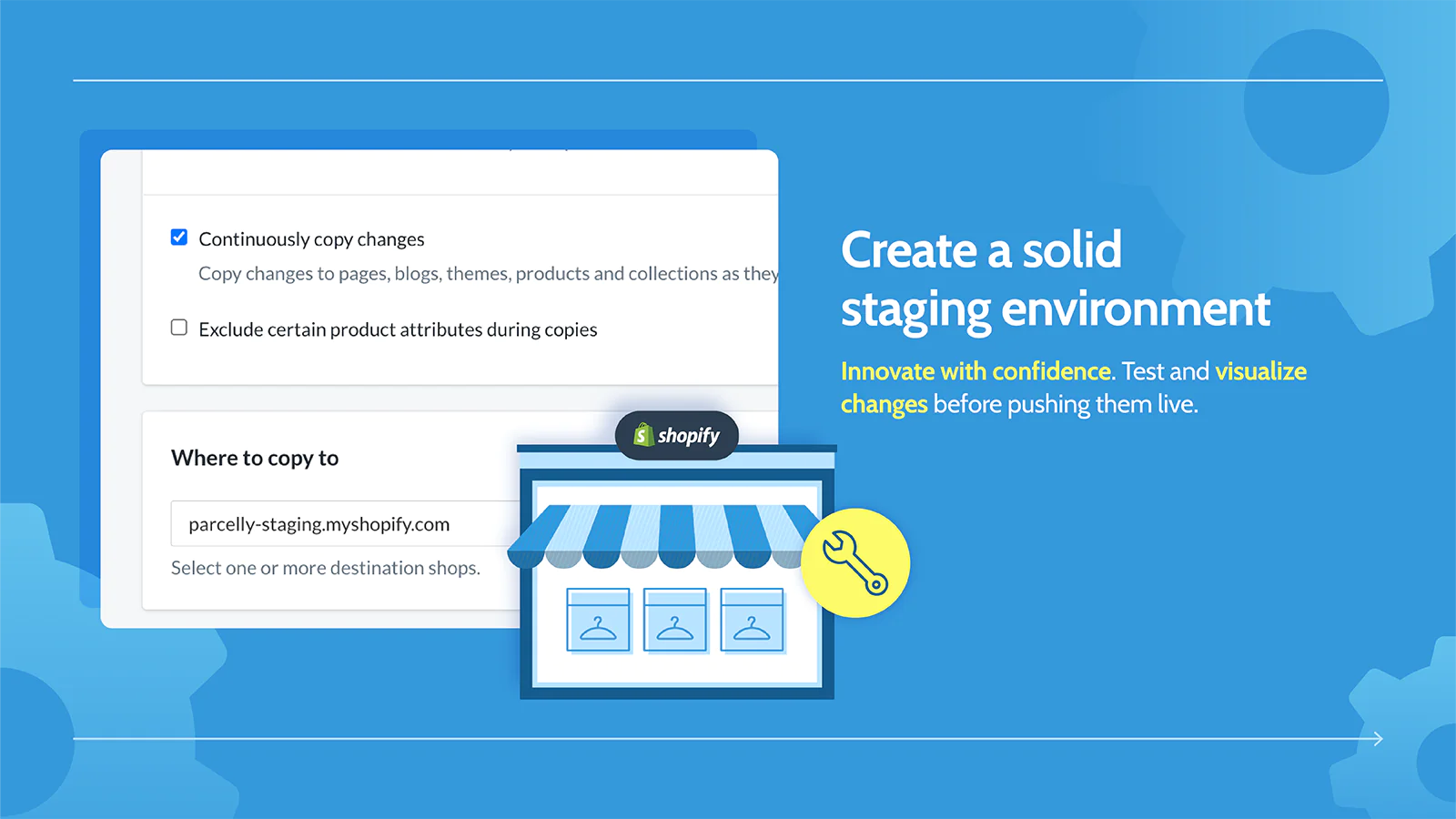
Experiment Confidently : Test new apps, custom code, and themes, safe in the knowledge that if things don’t work out, your live store won’t be impacted.
Easily Preview Changes : Get feedback from teammates and preview design updates, apps, and code changes before they launch.
Eliminate Store Downtime : Work safer, eliminate downtime, and prevent mistakes before they happen by vetting changes in a separate environment.
Who Is Rewind Staging For?
Rewind Staging is built for Shopify merchants who want to maintain a staging environment in Shopify to test changes before pushing them to their live store.
What is a Staging Store?
A staging store – also known as a sandbox or development site – is an identical copy of your website that only you and your team can access. Staging stores give you the freedom to experiment with new apps or test custom code and themes, safe in the knowledge that if things don’t work out the way you hoped, your live store won’t be impacted.
How it Works
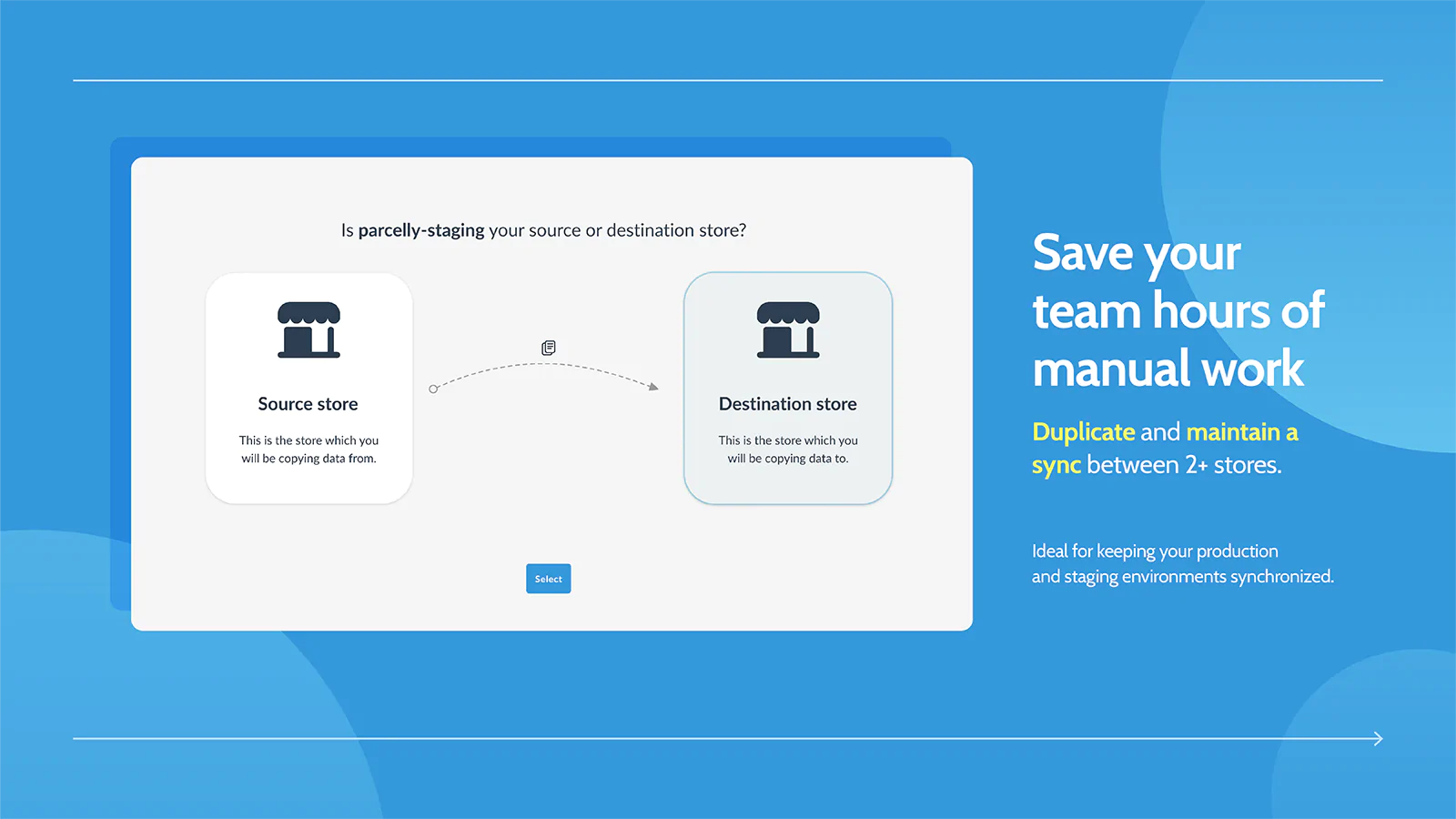
To get started with Rewind Staging, you’ll need a separate Shopify store. You can use a paid store, a development store, or a Shopify Plus expansion store. Rewind Staging will automatically copy your products, product images, collections, pages, blogs, and themes from your live store to your test store. There are no limits or restrictions on the number of items copied and you don’t have to worry about manually keeping your staging environment up-to-date. Rewind Staging automatically keeps your stores in sync, or you can run ad-hoc copies whenever you’d like.
Save 10%
Unlock 10% off your monthly Rewind Staging subscription when you purchase our sister product Rewind Backups. Contact us after sign up for details.
Copy Metafields From One Store to Another
Rewind Staging can copy product metafields from one Shopify store to another. Contact our support team to request access to this beta feature.
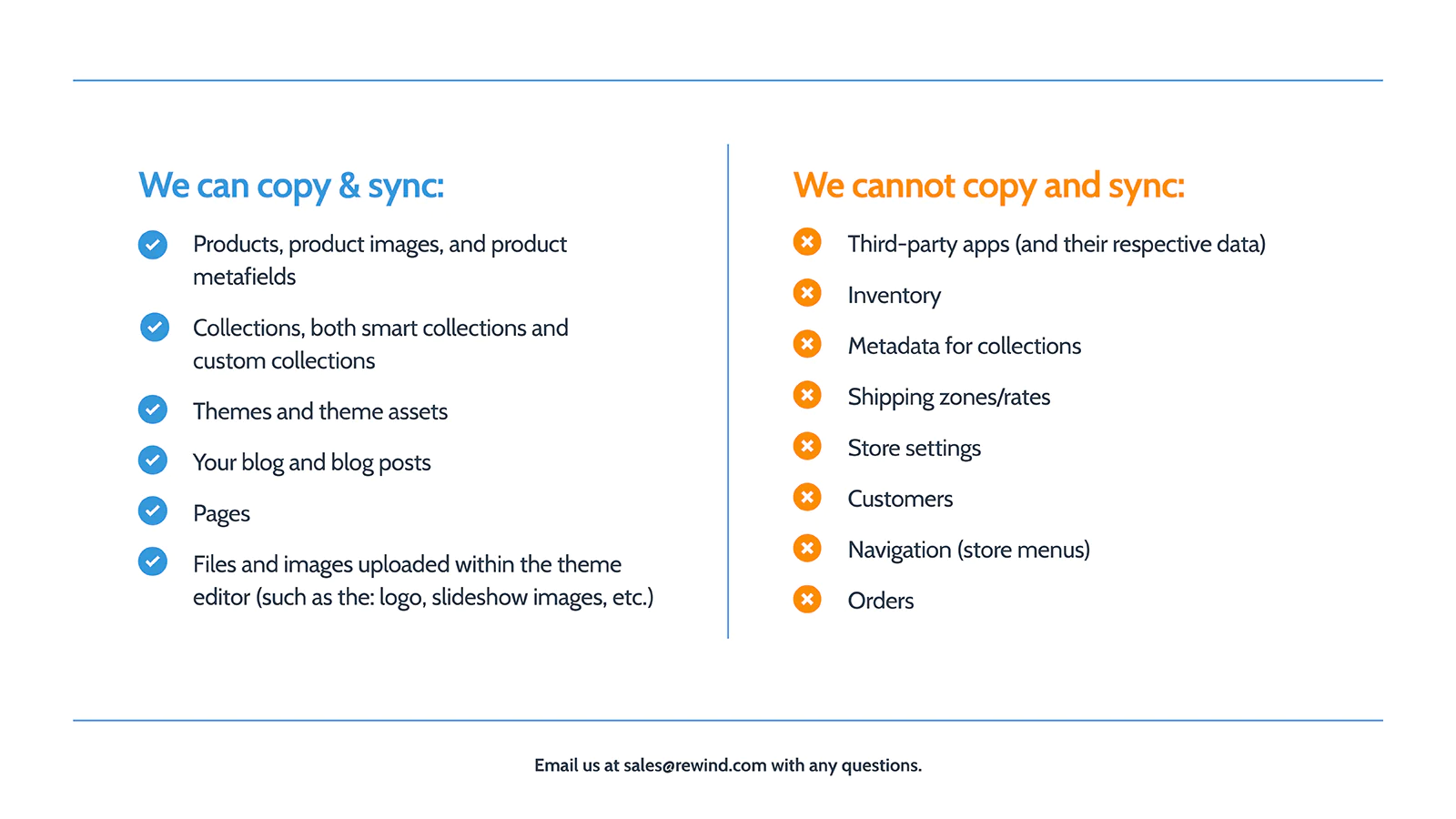
What Will be Copied From Your Live Store to Staging
- Products, product images, and product metadata (currently in beta)
- Collections, both smart collections and custom collections
- Themes and theme assets
- Your blog and blog posts
- Pages
- Files and images uploaded within the theme editor (such as logo, slideshow images, etc.)
What Won’t be Copied from Your Live Store to Staging
Rewind does not currently copy the following information:
- Third-party apps (and their respective data)
- Inventory
- Metadata for collections
- Shipping zones/rates
- Store settings
- Customers
- Navigation (Store Menus)
- Orders
Agency Partner Program
If you're a Shopify Expert or Agency, Rewind Staging is a no-brainer addition to your tech stack. Join our Agency Partner Program today.
Successful Set-Up Guarantee
If, when you’re setting up your staging store, we try to copy your store and something doesn't work, let us know. We'll work to fix it and if it can't be solved, we will refund you.
Seamless workflow: use directly in Shopify admin
Speed tested: no impact to your online store
About the Author
Matej Kontros is an E-Commerce expert and app developer with over a decade of professional experience in IT.
Matej has worked for organisations of all types and sizes, including global players, startups, and agencies. He designed, developed, and maintained complex projects.
Matej's expertise includes e-commerce, software engineering, web development, systems administration, internet security, managing projects, and building teams.
Visit his website at [ Web Linkedin ] or contact him at [email protected].