Shopify App : Stock Connect: Inventory Sync
Synchronize inventory real time across multiple stores
About Stock Connect: Inventory Sync
Avoid overselling : Inventory is synchronised real-time across multiple connected stores so that customers only purchase what is in stock
Automatic stock syncing : Automatically real-time synchronise inventory between multiple stores after an inventory change, new/edited order, cancelled/returned order
Multi-direction syncing : Inventory changes can happen in any store and are replicated to all connected stores

Trying to synchronise inventory levels across multiple stores and locations? Stock Connect is the App for your store!
Stock Connect is suitable for merchants who’re running multiple stores, brands or internal Shopify accounts. Keeping stock in sync between your stores and locations means you won’t end up overselling on another store.
Prevent overselling
Inventory levels are synchronised real-time between multiple connected stores and locations, so you only sell what is in stock and avoid disappointing your customers.
Sync stock levels across unlimited stores and locations
Stock Connect can synchronise stock levels across all your stores. Once you’ve mapped your locations between stores, stock levels are kept up to date within the location.
Automated inventory syncing
Inventory changes are synchronised in real time between your stores and locations. Changes are synced immediately after any inventory change e.g. manual inventory change, order created, order updated, order cancelled, returned order etc.
Multi-directional syncing
Changes to inventory in locations are synchronised between stores, it doesn’t matter which store the change originates from, the inventory change is synced to all other connected stores in real-time - reducing the likelihood of overselling items that are out of stock.
Update inventory levels using the Stock Connect API
Whilst changes to inventory levels will update real time between stores, you can also update inventory levels across all stores from an external system using the Stock Connect API. The API allows you to update delta values or absolute values.
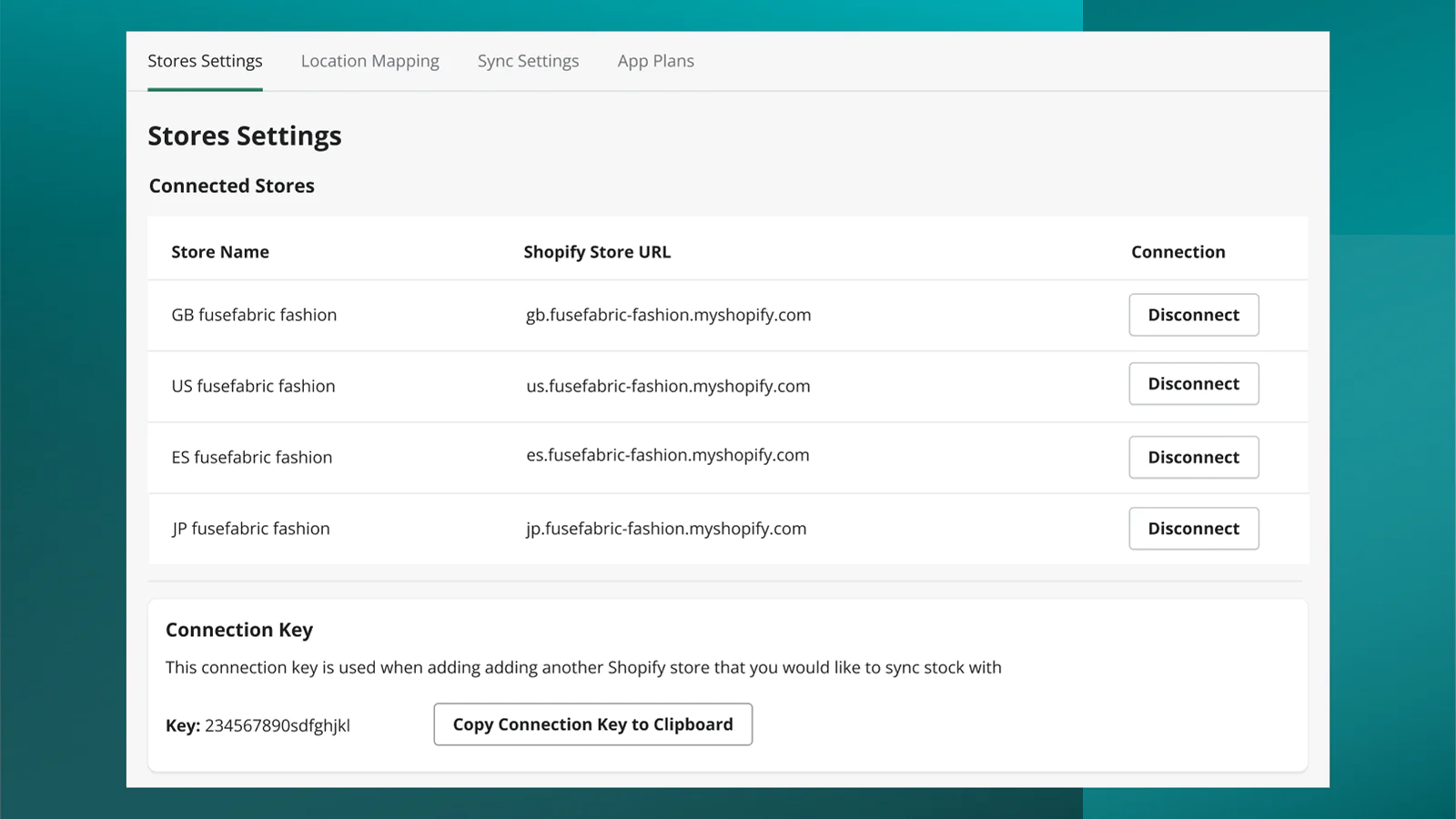
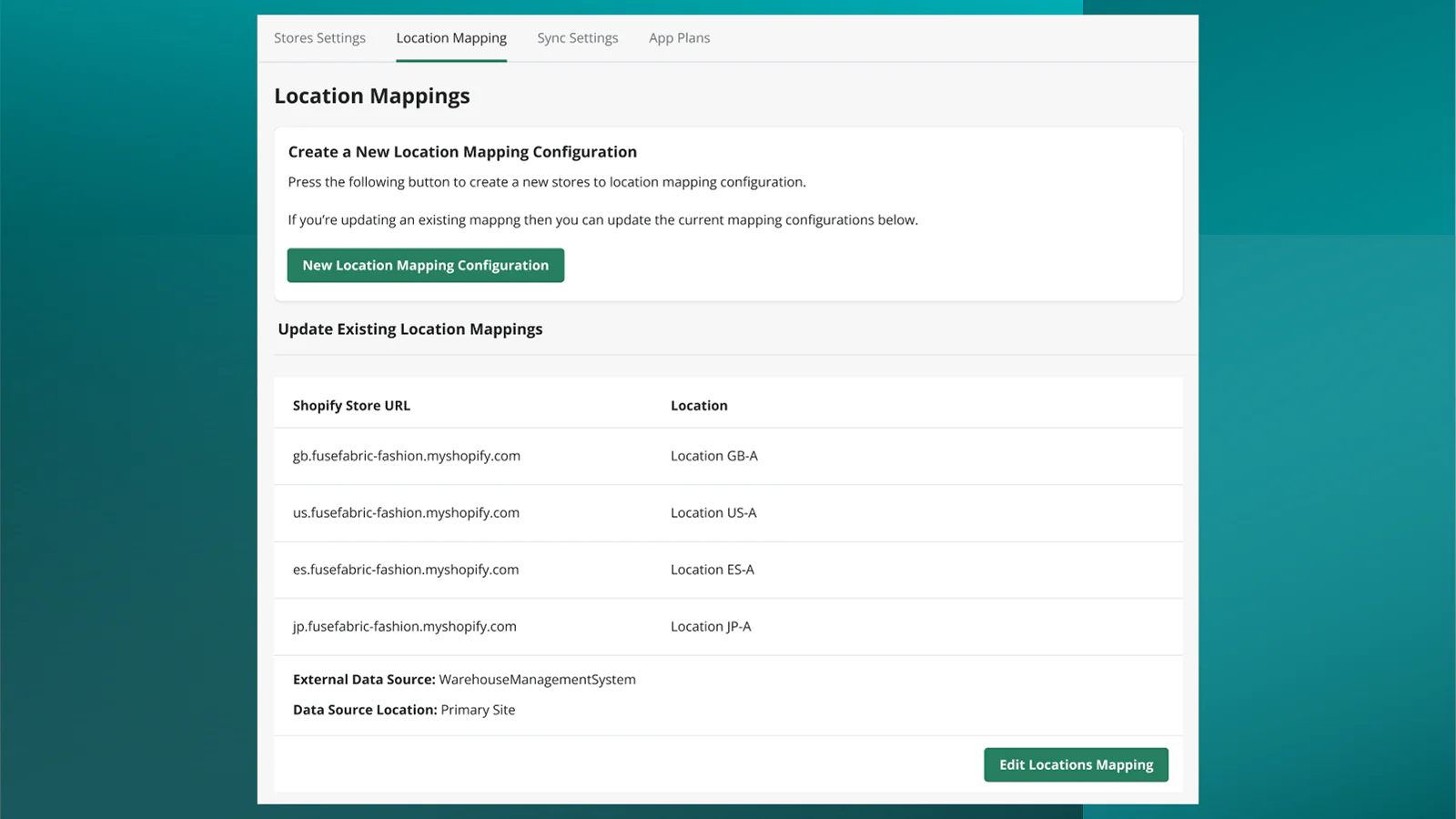

Seamless workflow: use directly in Shopify admin
About the Author
Matej Kontros is an E-Commerce expert and app developer with over a decade of professional experience in IT.
Matej has worked for organisations of all types and sizes, including global players, startups, and agencies. He designed, developed, and maintained complex projects.
Matej's expertise includes e-commerce, software engineering, web development, systems administration, internet security, managing projects, and building teams.
Visit his website at [ Web Linkedin ] or contact him at [email protected].