Shopify App : Splitit On‑Site Messaging
Improve conversion rates with monthly payment option messaging
About Splitit On‑Site Messaging
Pay with installments : Showing customers that they can pay with installments right from the start of their journey will increase your conversion rates.
Move visitors to buyers : Help them at each step of their buying journey, communicating the benefits of paying over time.
We’re here to help, 24/7 : Our dedicated support team is here to help, via live chat, email or on the phone.
About Splitit
Splitit does Buy Now, Pay Later differently
As Splitit is completely different to all other buy now, pay later providers, it’s important to communicate how easy it is to use to your shoppers, while they are still browsing your site.
Flexible payment options can be the difference between a shopper choosing your site over another.
Our On-site messaging app is simple to integrate and provides a selection of messages, price breakdowns and banners to use across your site, including home page, catalog pages, product pages and more…
Ready to add Splitit On-site messaging to increase your sales? If you haven’t already, first you’ll need to get started with Splitit Payments, then you can go ahead and install the On-site messaging app.
Step 1 – Sign up with Splitit
To get started, you’ll need to create a merchant account and sign up on Splitit's website.
Step 2 – Add & activate the Splitit Payments app
Once you’ve created your account, go to Splitit’s Payments app page, install the app and follow the instructions to activate Splitit.
Step 3 – Add On-site Messaging app
Once you have activated Splitit in your store, it’s time to get your on-site messaging right. Install the app, then configure the Splitit payment method. You’ll need to go to the Splitit merchant portal to find your Splitit Payment Terminal API Key. Enter your key in the Shopify, click ‘Save’ and you’re good to go.
Don’t forget to place a trial purchase to ensure everything is working correctly. Then head back to the merchant portal to cancel it.
Splitit consistently delivers a positive ROI, especially with high-dollar items like furniture, jewelry, and sporting goods. There are no setup fees, and you're only charged for the transactions you process, so there are no risks. You can cancel at any time. Plus with Shopify, the integration is seamless. If you do have questions at any point, our help center is here to get you up and running fast!
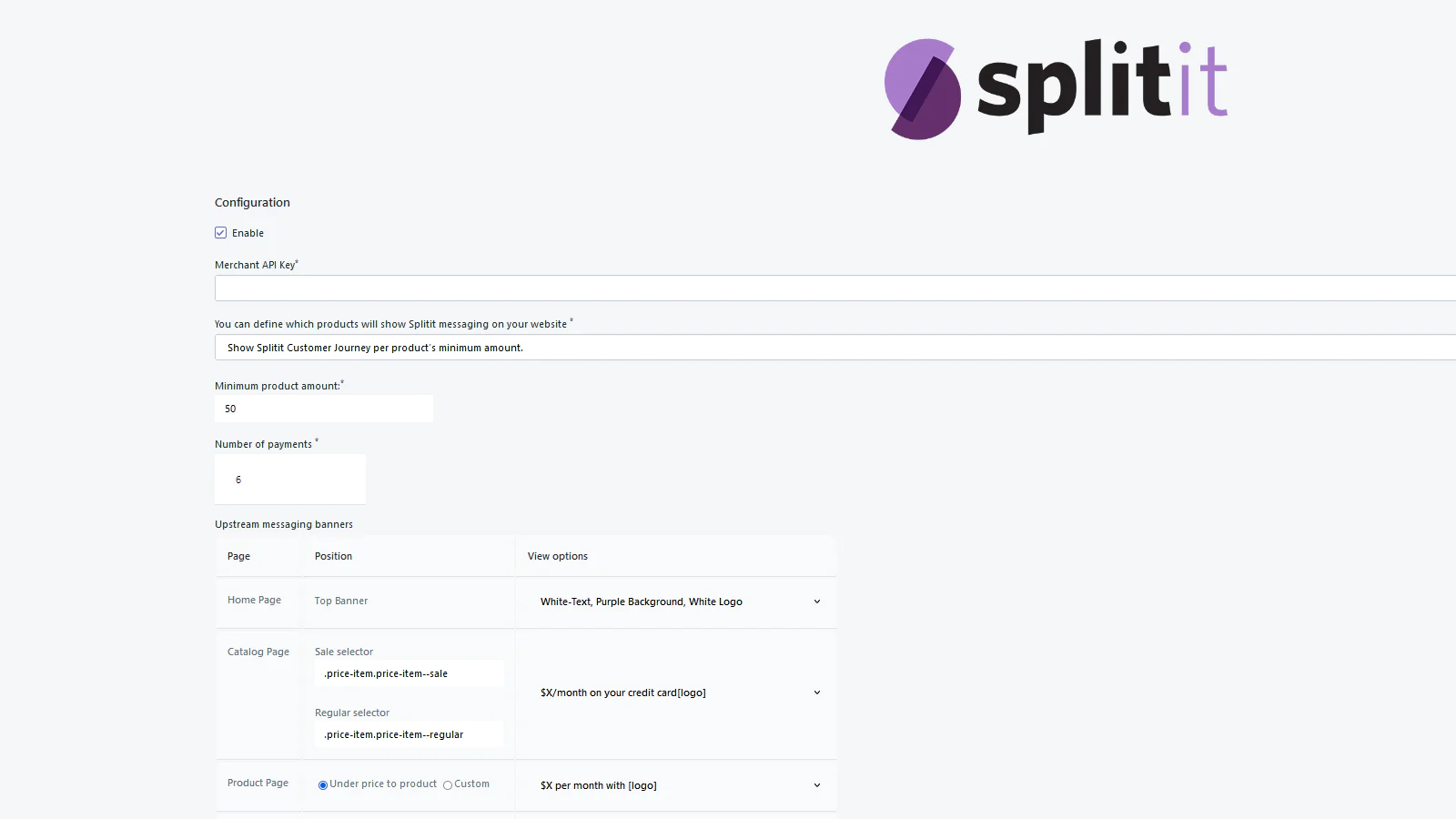
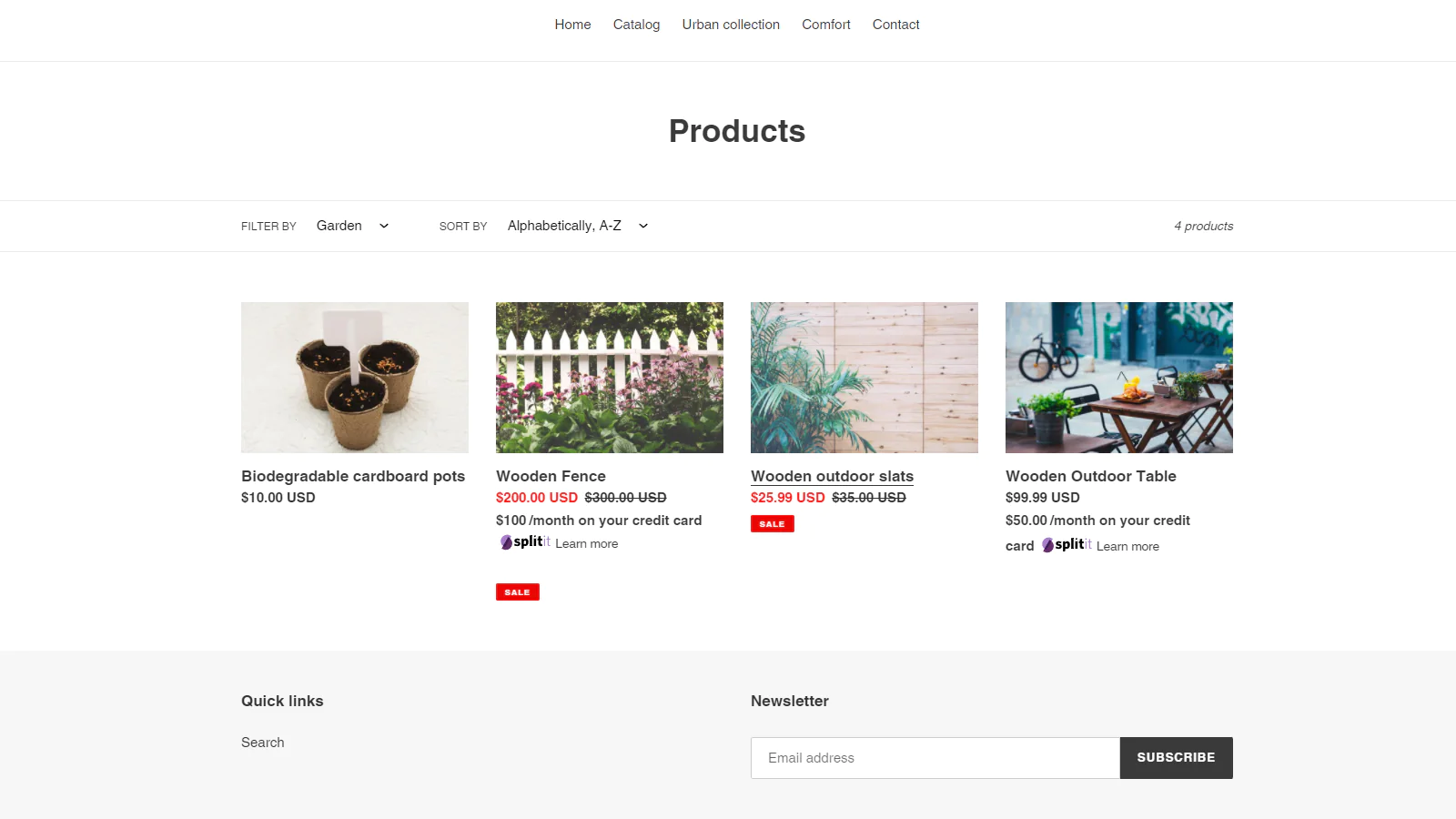
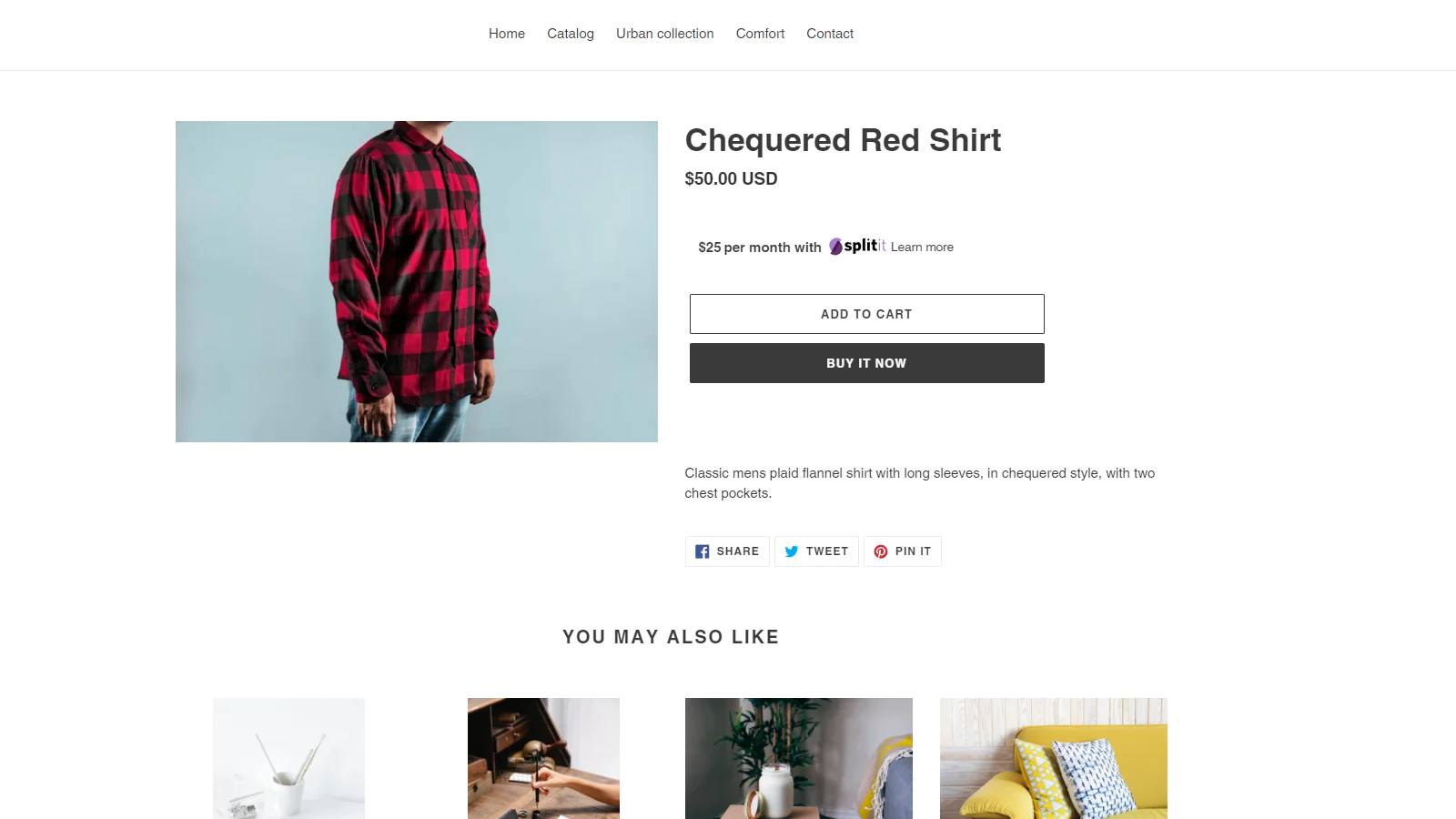

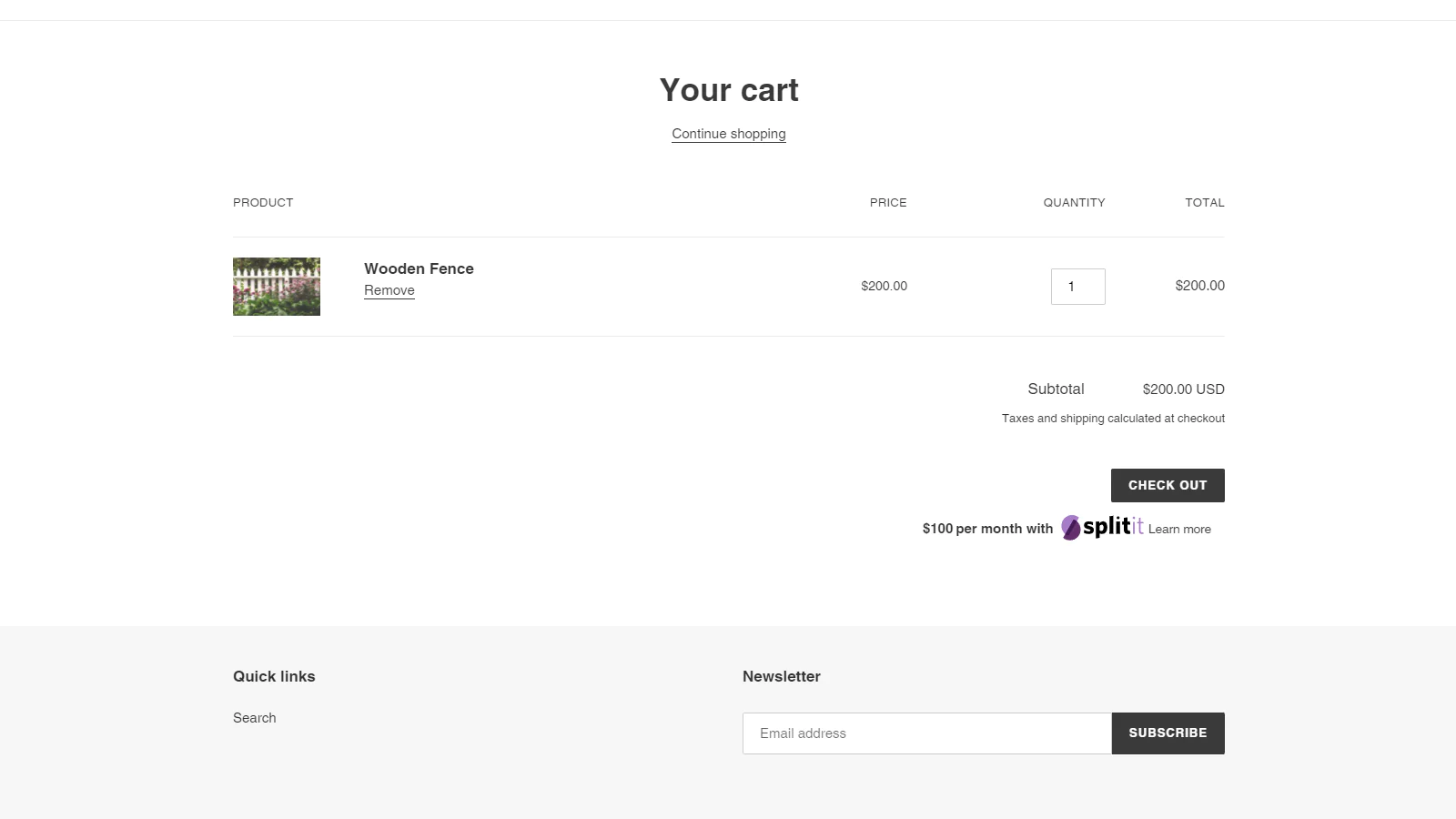
Seamless workflow: use directly in Shopify admin
About the Author
Matej Kontros is an E-Commerce expert and app developer with over a decade of professional experience in IT.
Matej has worked for organisations of all types and sizes, including global players, startups, and agencies. He designed, developed, and maintained complex projects.
Matej's expertise includes e-commerce, software engineering, web development, systems administration, internet security, managing projects, and building teams.
Visit his website at [ Web Linkedin ] or contact him at [email protected].