Shopify App : Request a Quote ‑ Hide Price
Request A Quote, Hide Price, Custom Quotes B2B, Quotation Form
About Request a Quote ‑ Hide Price
Higher conversion rate for B2B : Help customers negotiate prices right in your storefront with request quote button. B2B business login to see exclusive pricing.
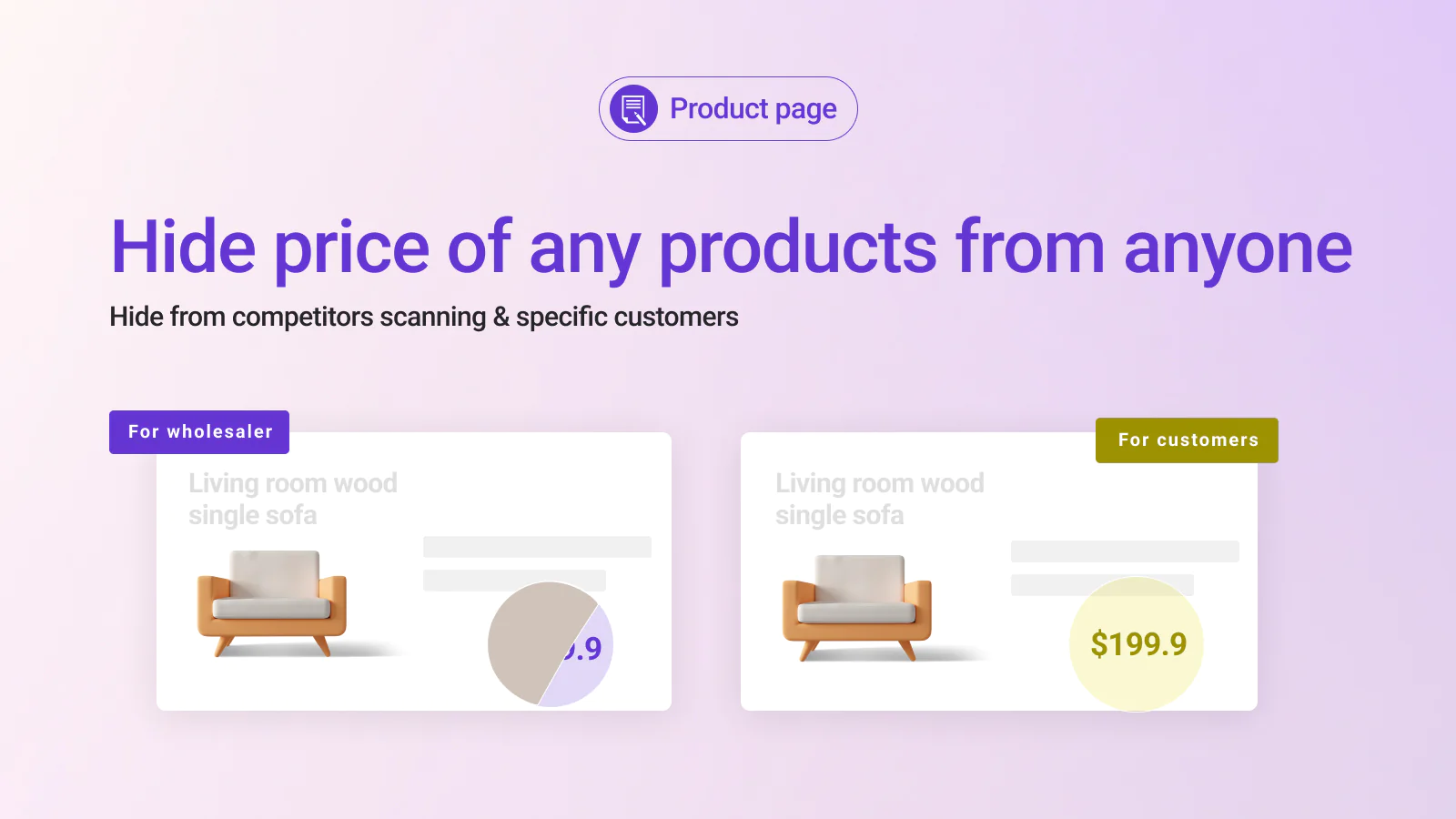
Hide price and ATC button : Hide product price and “Add to cart” buttons on product pages, collection pages, homepage, etc. Offer various hide price layouts to select.
Convert quote to order : Easily edit quotes and convert them into draft orders so you can handle them in Shopify better. High conversion rate with quotes form.
Don’t waste valuable time waiting for customers to make contact with you. Instead, you can save plenty of time by letting them express their needs via requests, and then you just need to satisfy those demands with multiple quotations.
A quotation tool is needed to streamline the sales process.
A well-integrated quote basically transforms the whole get-on-the-phone negotiation process with the sales rep. Now, instead of calling the sales rep or sending emails, buyers can click the Request for Quote button that appears on the product page and send quote requests for the product they are interested in.
With a gentle touch of Quote by Omega, we put a little magic on your sale process:
For merchants
- Customize quote buttons positions, and appearances such as style and color matching your business identity
- Show quotes for specific products, collections, or your whole website to save time setting up
- Hide price from competitors scanning, specific customers
- Hide price on specific products
- Login to see the price
- Call for price display
- Hide ATC buttons on all products or selected ones.
- Get real-time notifications once quotes are sent from customers - No more missing information about qualified leads
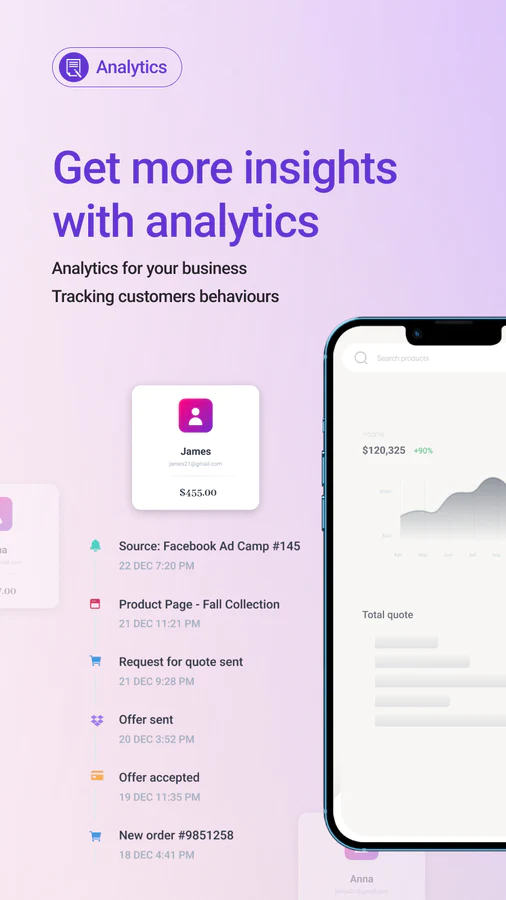
- Quote timeline: Track engagement and add conversation notes/detail for quotes. So you can make the right move at the right time to close the deal faster.
- Set up a quote page, where customers can easily add items or remove products from the quote list
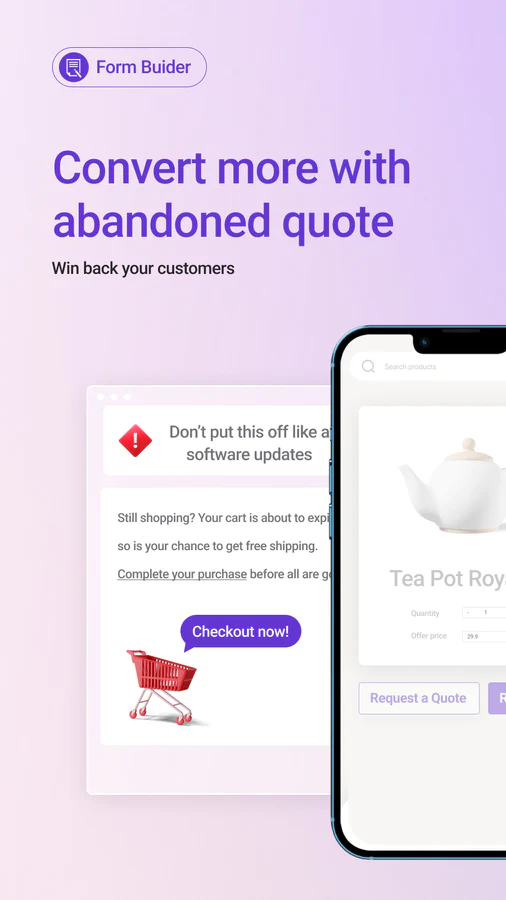
- Abandoned quotes: Save quotes customers did not submit so you can re-call to deal later.
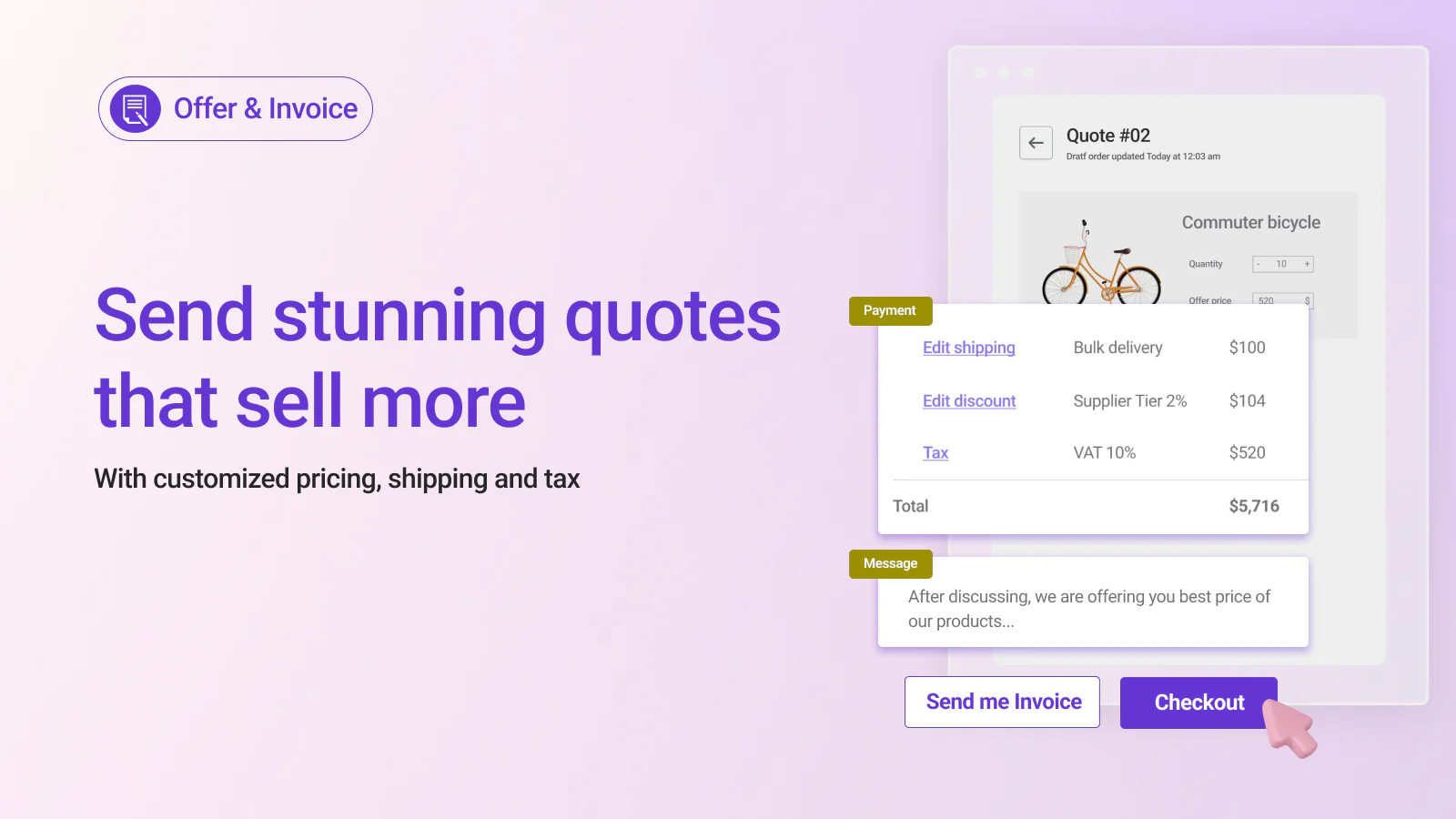
- Custom pricing: Add shipping fee, and tax to your invoice before sending it to customers.
- Salesman manager: Ensure sales representatives take care of customers better. It means your staff spends more time selling, and your business leaves less money on the table.
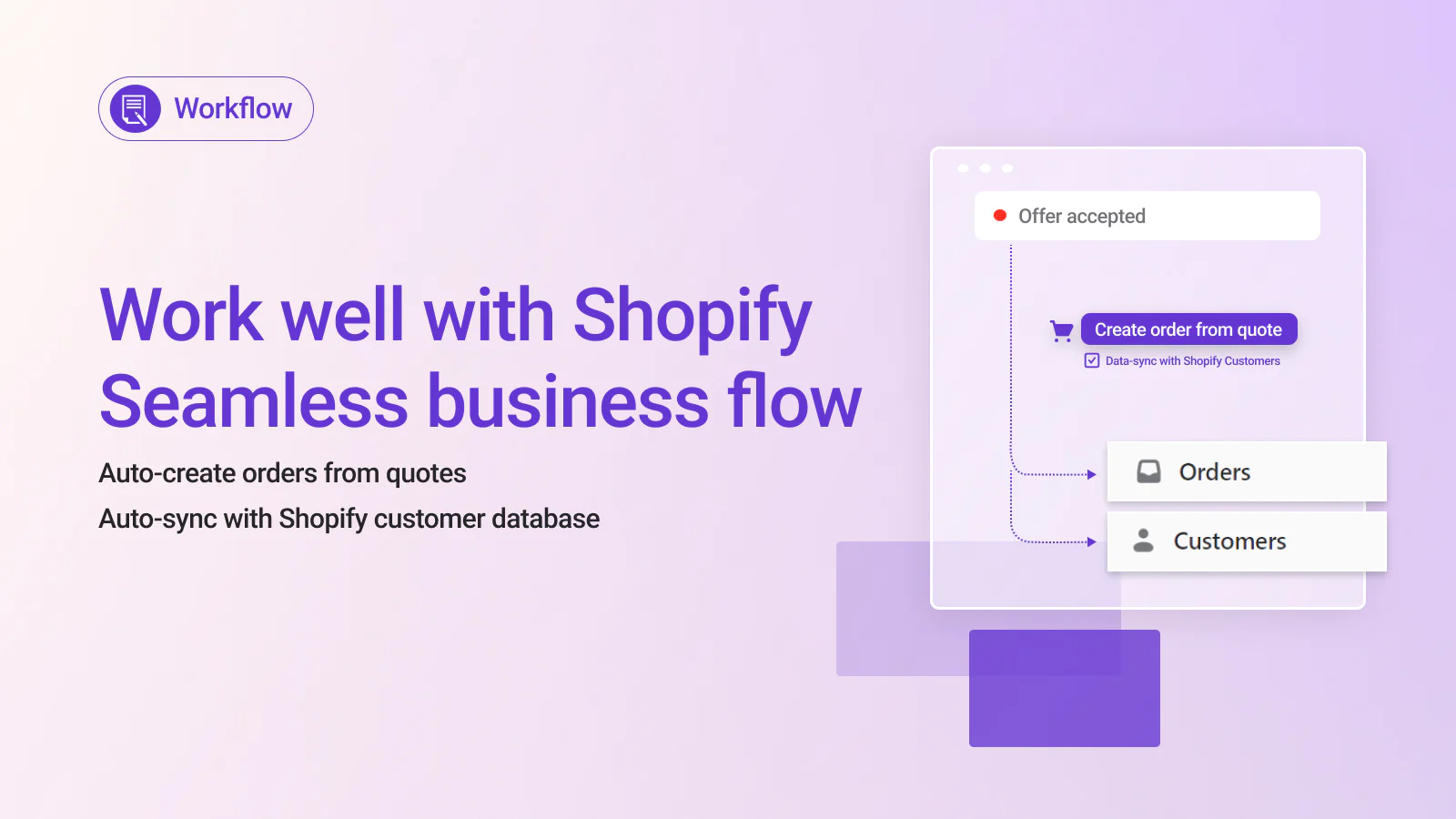
- Automatically create draft orders from quotes, and reduce manual work for your staff.
- Export quotes to PDF and send to customers
- Export invoice PDF and send to clients once they accept offers
- Email templates: with branding elements such as logo, store name, tagline, etc.
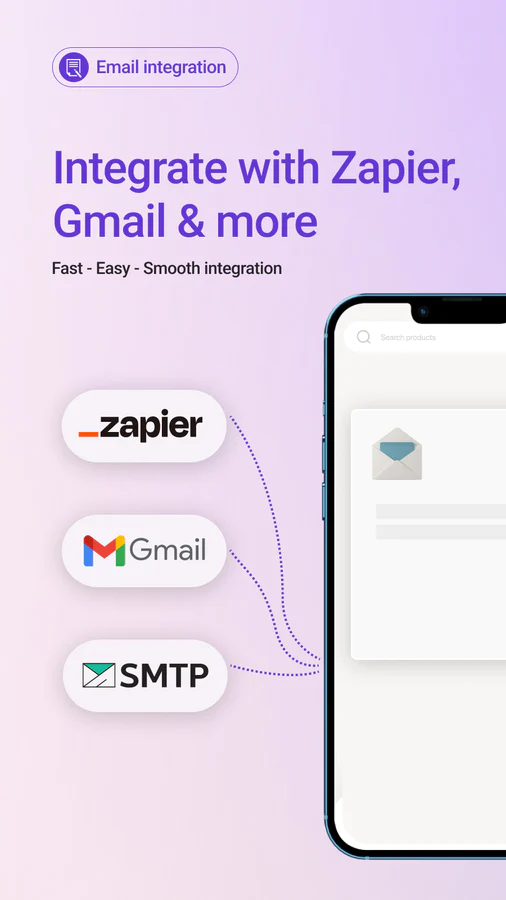
- Email configuration: SMTP and API
- Advanced feature includes: Convert quotes to draft orders and sending to customers; Order data synchronization with Shopify Customers - add customer name and email to Shopify customer database automatically.
For customers
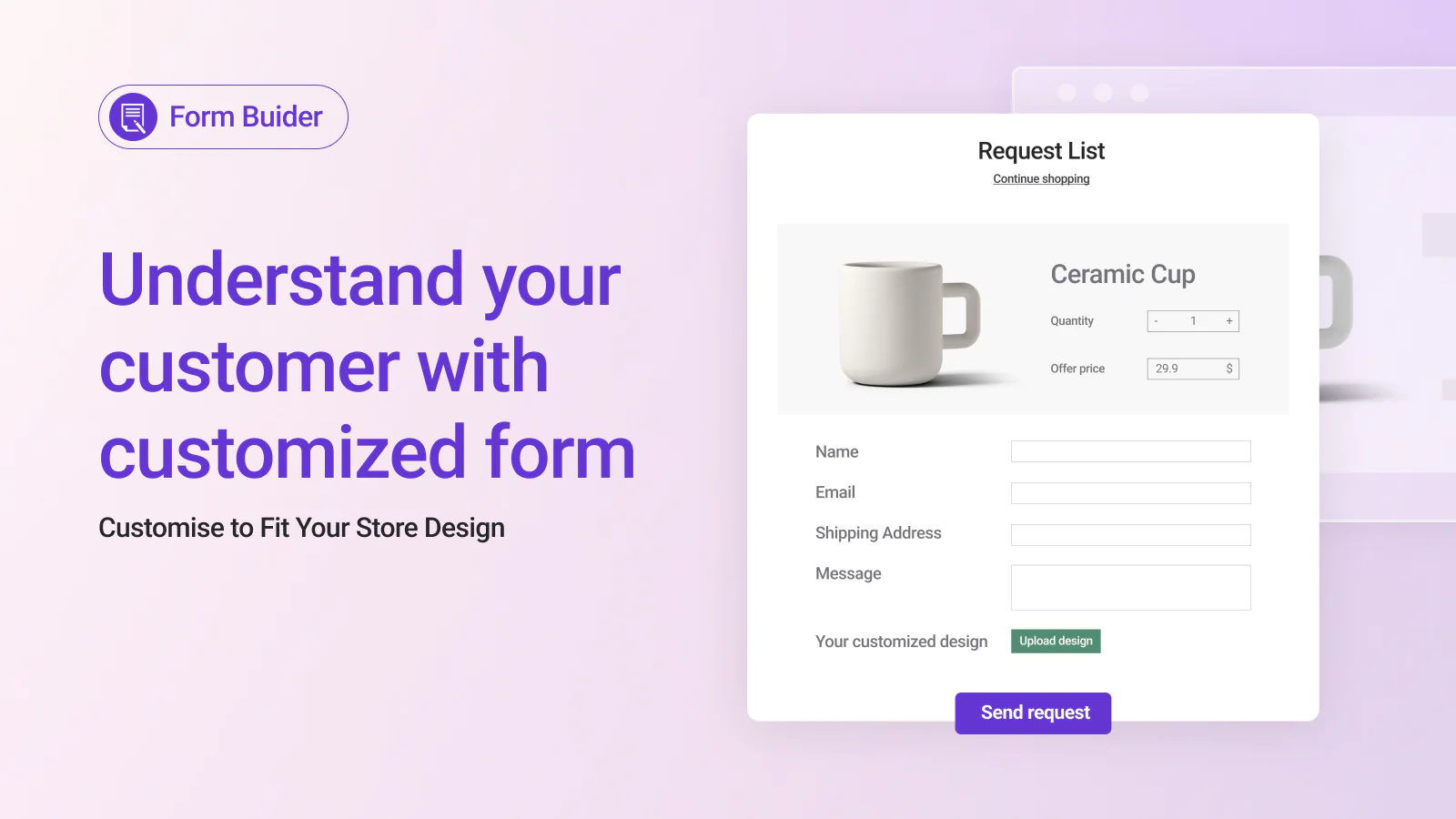
- Quick quote, request a quote with offered prices
- Upload images, and files or take note of their request
- Edit the quote list with the search bar on the quote page
- Smoothly negotiate with the store owner about quantity and price
- Get notified by email to check any changes in quotes


Seamless workflow: use directly in Shopify admin
Up-to-date tech: works with the latest themes
About the Author
Matej Kontros is an E-Commerce expert and app developer with over a decade of professional experience in IT.
Matej has worked for organisations of all types and sizes, including global players, startups, and agencies. He designed, developed, and maintained complex projects.
Matej's expertise includes e-commerce, software engineering, web development, systems administration, internet security, managing projects, and building teams.
Visit his website at [ Web Linkedin ] or contact him at [email protected].