Shopify App : Quotilio ‑ Quote Manager
Request Quote button, Add to Quote, Customizable Quote Form
About Quotilio ‑ Quote Manager
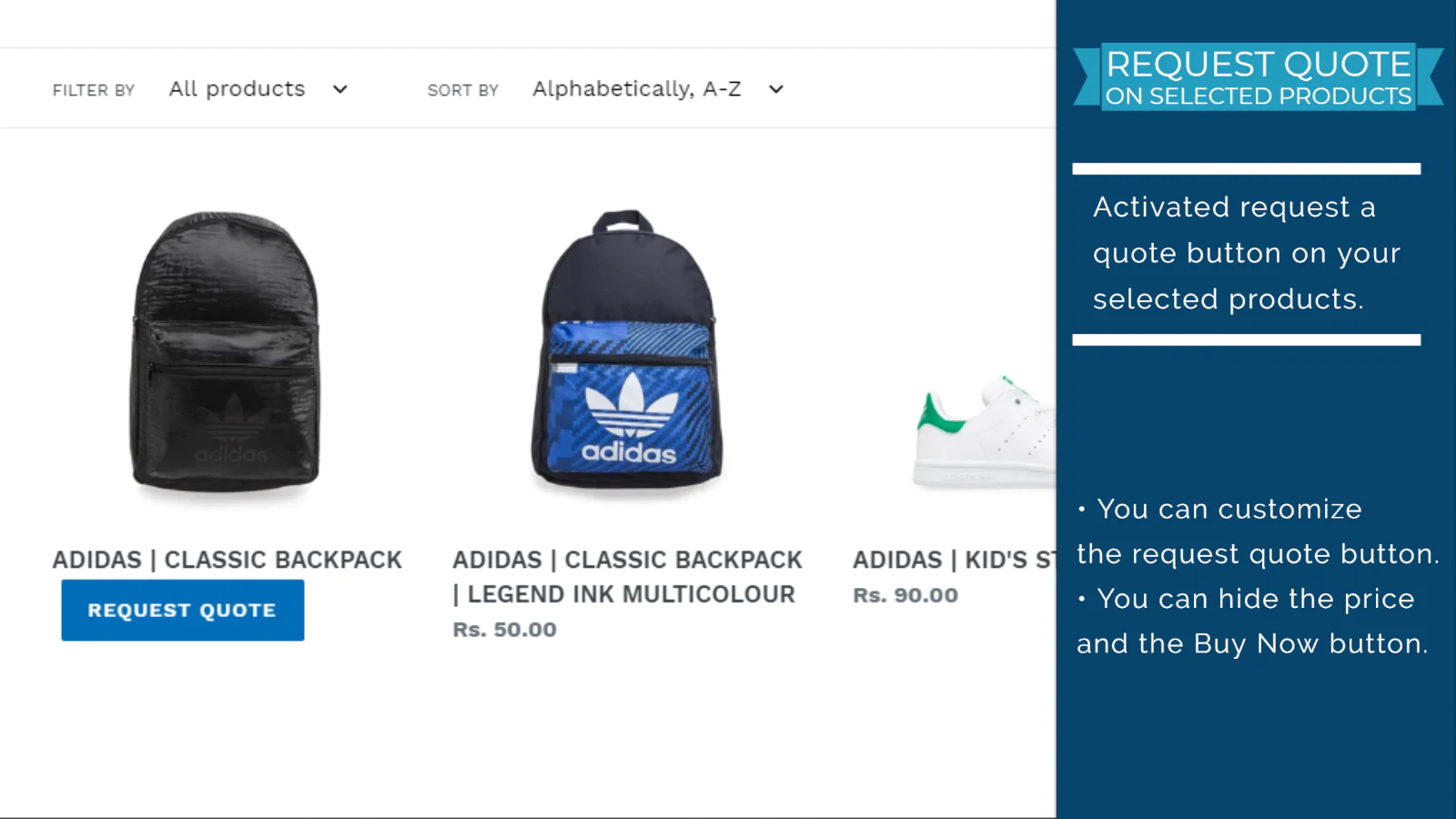
Request Quote Button in Store : Simple and easy one-click install Request to Quote button for customers in your store. No need to edit theme files for request quote button.
Easy quote submission process : Customers can submit quote requests easily. You can modify the requested quote with shipping price and send the invoice to customer.
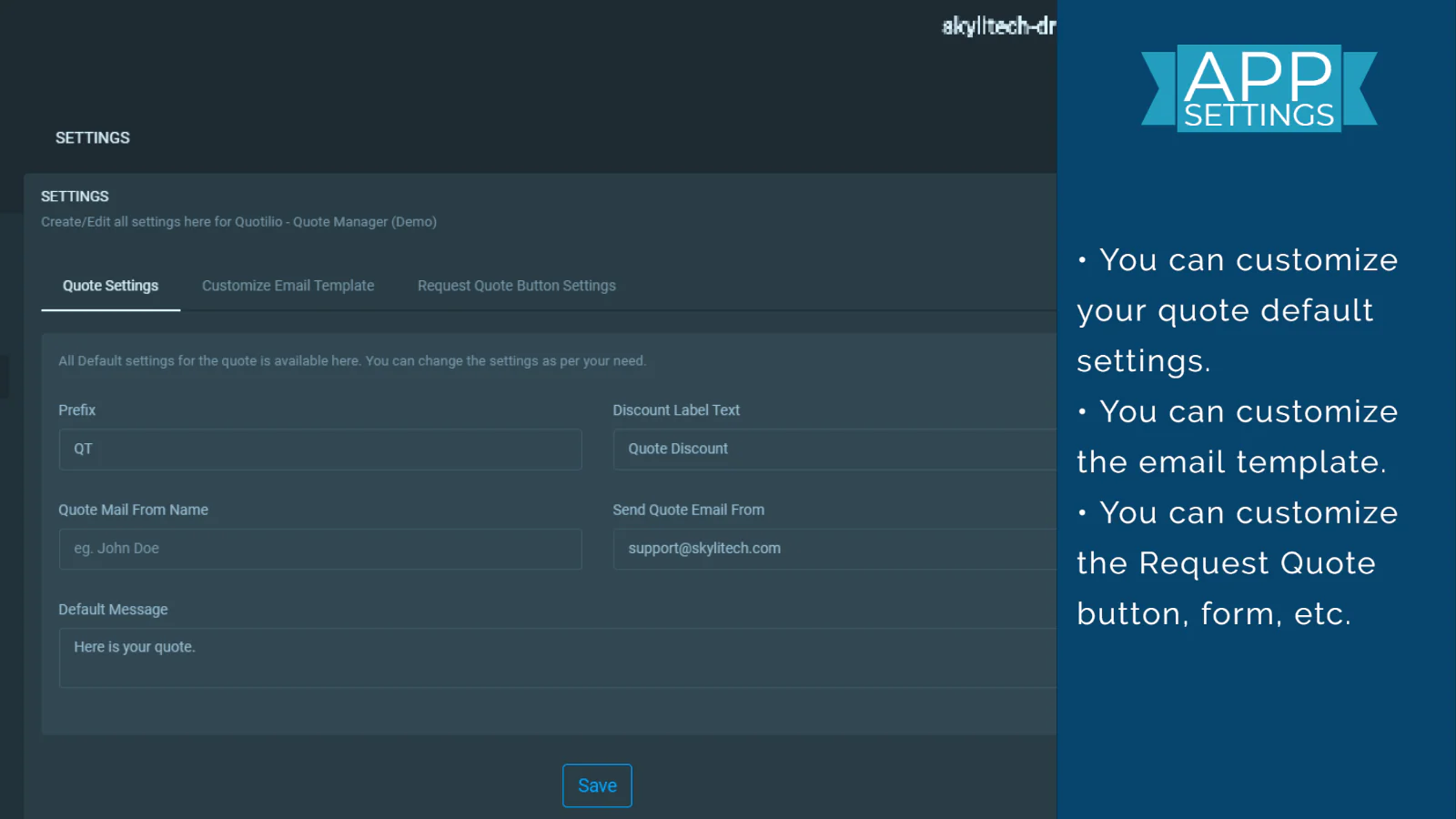
Everything is customizable : No coding knowledge required to customize the quote request form and quote email template. You can easily customize your own from the app.
Main Features of the App
- Send unlimited numbers of quotes.
- Add one-click request quote button in your store. (No theme file edit needed to do this.)
- Request Quote Button on Selected Products.
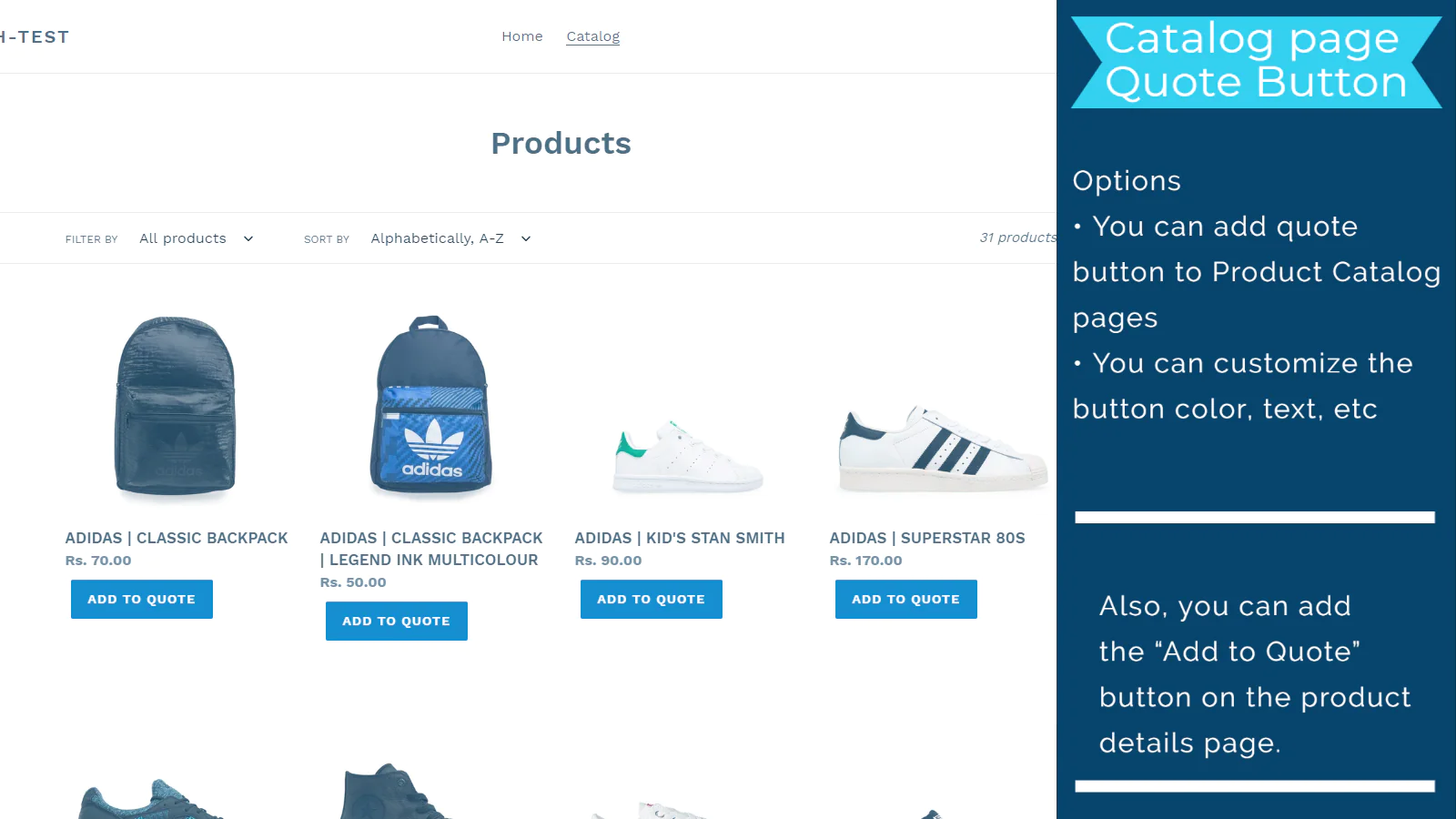
- Add to Quote button on the catalog page.
- Use your store's existing shipping lines on Quote.
- Use shipping price for the quote.
- Create a quote with custom products.
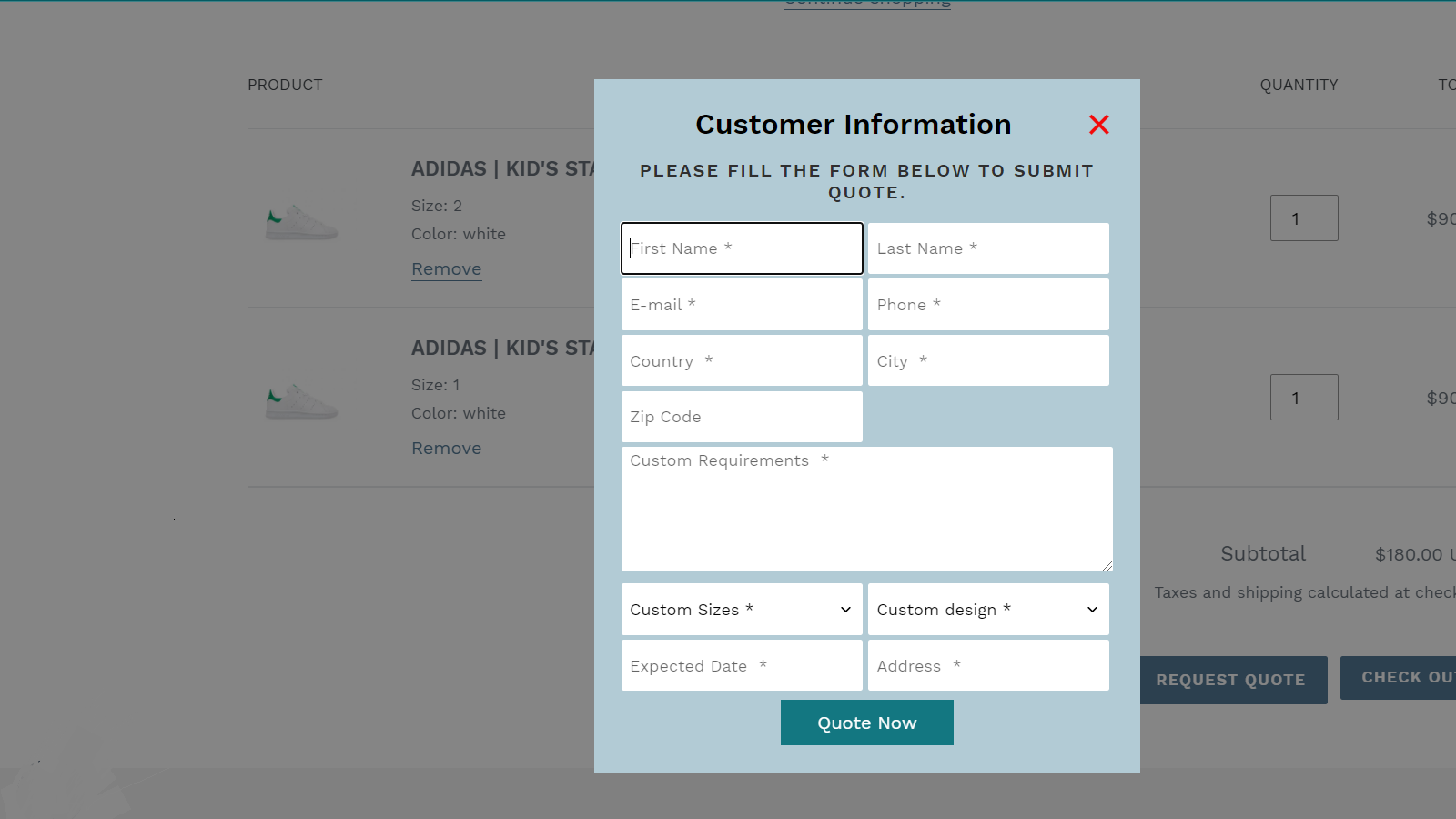
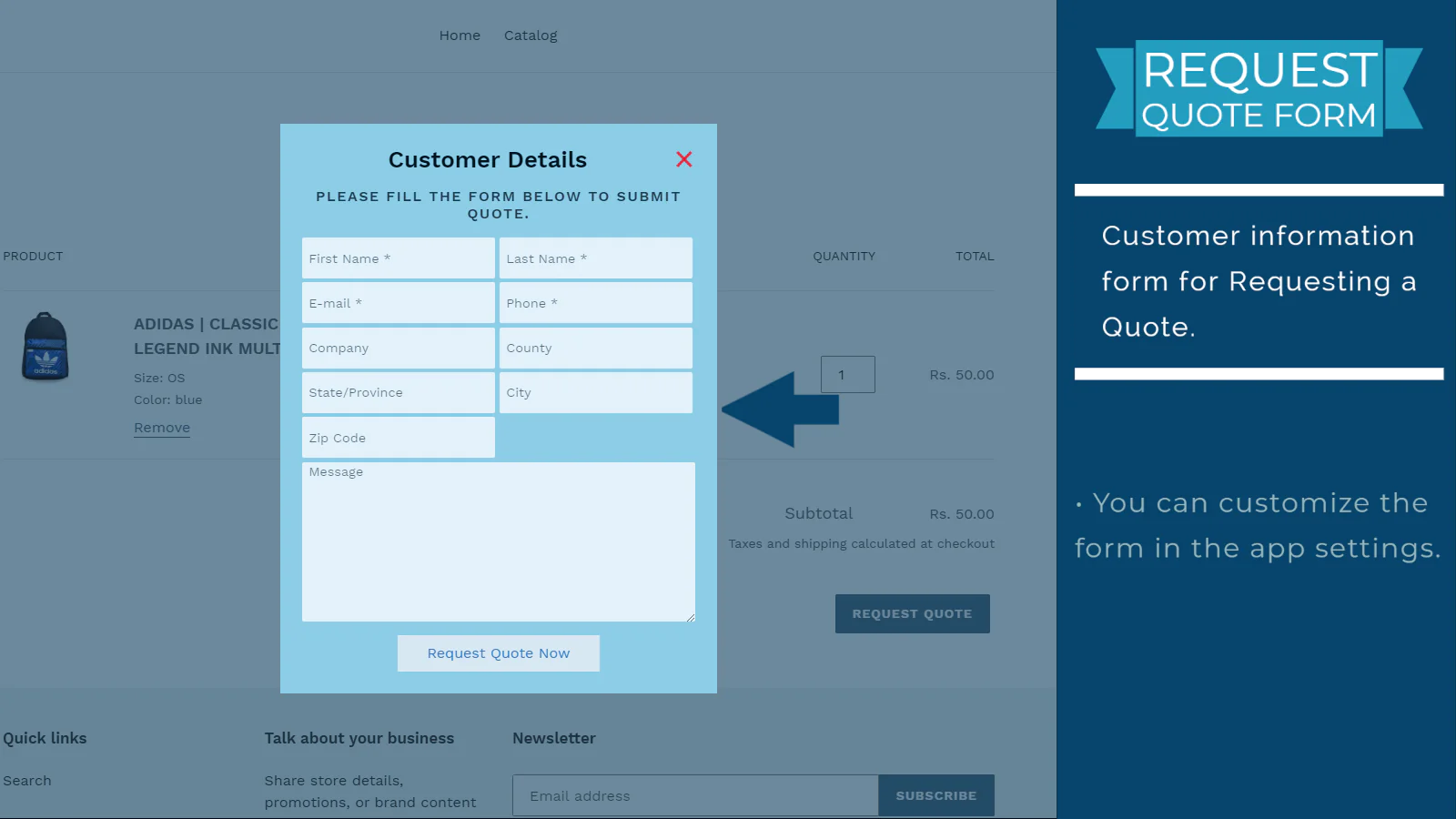
- Customizable request quote form.
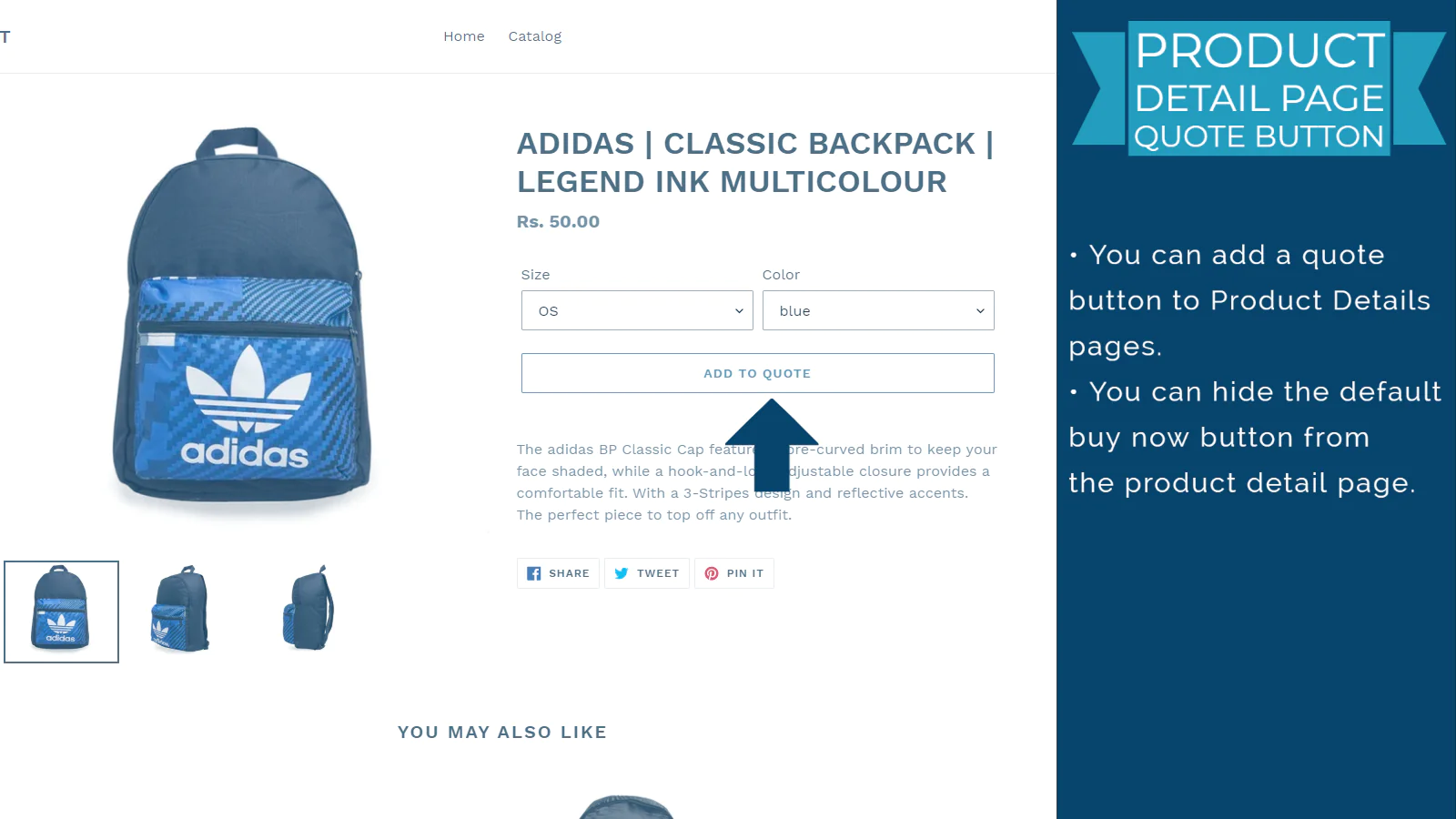
- Customizable add to quote button from the product details page.
- Hide price, buy now, and checkout button settings.
- Customizable quote email template.
- Notification on a new quote request.
- Automatic Quote Workflow.
How the app works.
The app allows you to create a new quote from the app dashboard and send the invoice email to your customer for checkout. Also, you can add the Request Quote Button on the cart page of your Storefront. This will allow sending a quote request from your customer from your storefront. When customers send a quote, a draft quote is created instantly and available on the app dashboard. Your sales rep can modify the requested quote and send the final checkout link to your customer. Also, you can increase your B2B sales with the Request Quote Button.
Request Quote Button in your store.
You can add a Request Quote Button in your store with a simple one-click option. No coding knowledge or theme file editing is required to do that. No look and feel is required for the button because it will use your default theme file design settings.
Automatic Quote Workflow.
You can activate automatic quote workflow with certain conditions for your customer. Whenever the workflow conditions are matched with a requested quote, then the workflow will do the action as your saved rule.
Add shipping method.
You can add a calculated shipping method as per your store's shipping settings or set a customized shipping price for the requested quote.
Create a quote with custom products.
You can create a quote with custom products.
Customizable Quote form and Quote email template.
You can change the look and feel of your quote pop-up form or quote email template with ease. the app has already a build-in customizable option for Quote Form and Quote Email.
Get current status instantly after the quote is sent.
Whenever a quote is sent to a customer, An instant status report of the quote is available in the Dashboard of the app. As an example, if the customer opened Quote Mail or if he visited the checkout page, or If the Quote has been converted to Order. Every status of the quote will be available in the App Dashboard.
Get notified on Quote Request.
A notification will be sent to the admin whenever a new quote is requested at the storefront. Although this can be changed from the App Settings.

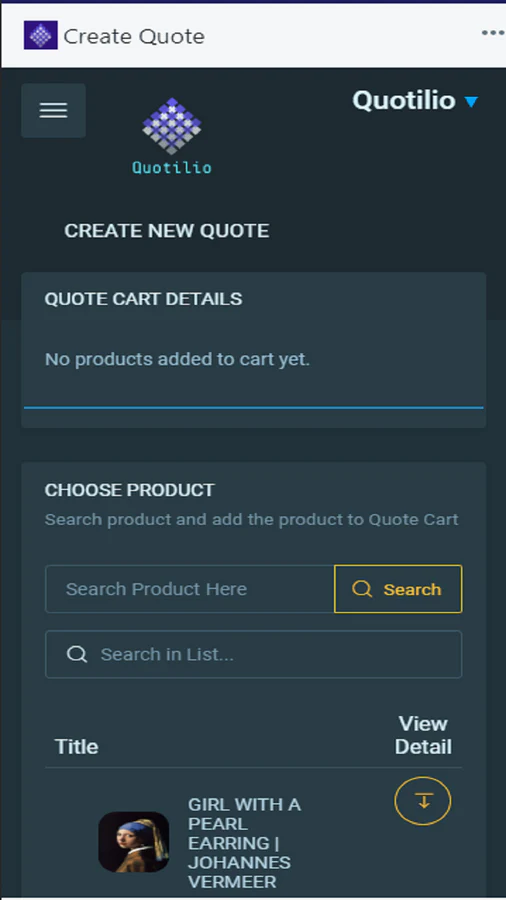
Seamless workflow: use directly in Shopify admin
About the Author
Matej Kontros is an E-Commerce expert and app developer with over a decade of professional experience in IT.
Matej has worked for organisations of all types and sizes, including global players, startups, and agencies. He designed, developed, and maintained complex projects.
Matej's expertise includes e-commerce, software engineering, web development, systems administration, internet security, managing projects, and building teams.
Visit his website at [ Web Linkedin ] or contact him at [email protected].