Shopify App : Quick Scan ‑ Barcode Scanner
Update, track inventory and create order with barcode scanner
About Quick Scan ‑ Barcode Scanner
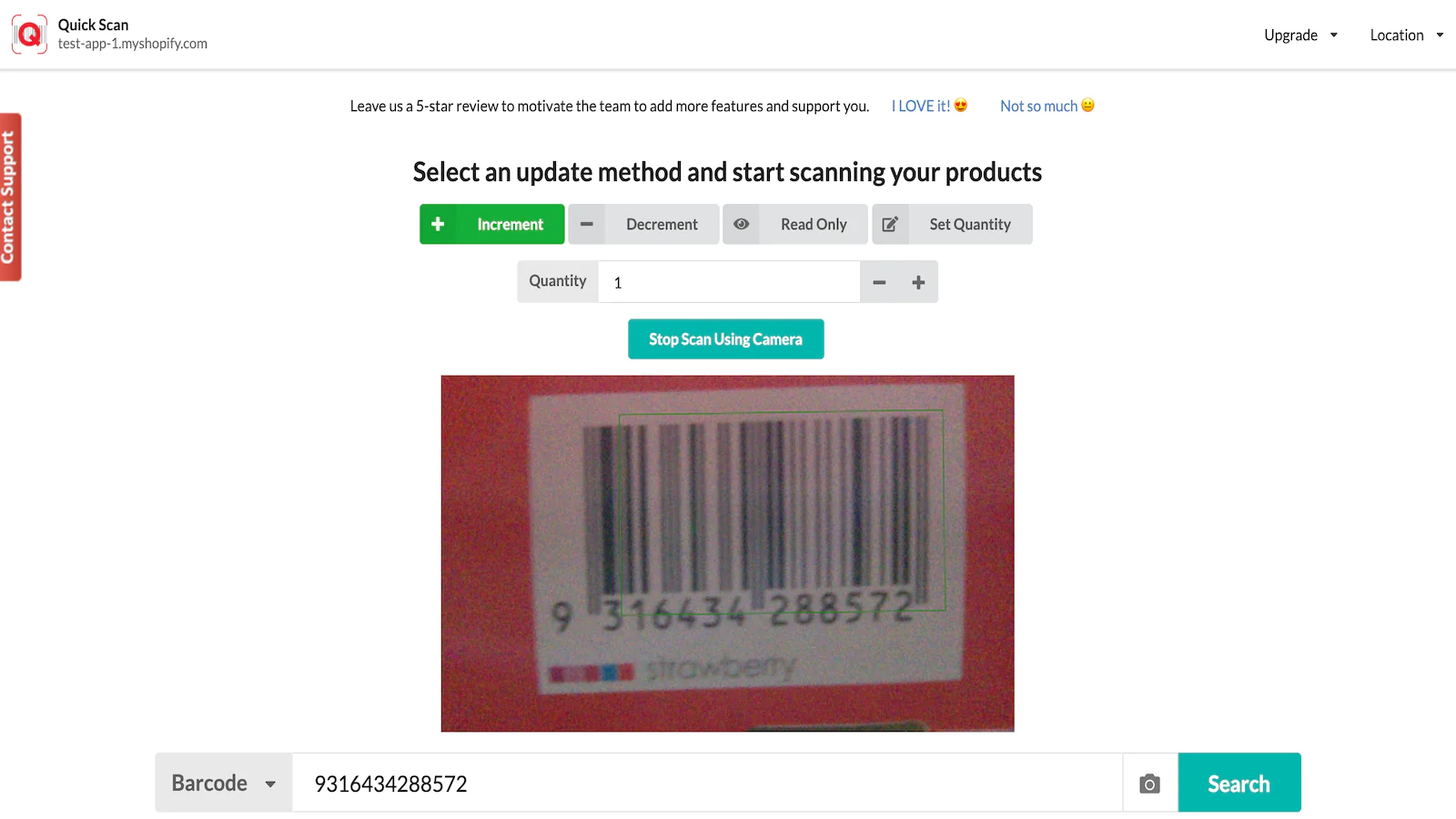
Scan barcode and update stock : Choose whether you want to add, remove or direct update with specific amount and scan the item barcode you want to count.
Support any barcode scanner : You can even use a $5 barcode scanner as long as it support USB connection with your pc/laptop.
Create order by scanning : Create orders by scanning the products' barcode and fulfill orders.
NEW: Create and fulfill orders by scanning products' barcode
Transfer product stock from one location to another location in the store.
The only app that allows you to update & transfer stock with any barcode scanner
It is used by hundreds of stores to update & track inventory with a barcode scanner.
Quick Scan simplified the way to add and deduct inventory quantity in your store. Quick Scan is compatible with most Barcode Scanner in the market.
Quick Scan is not supported on Shopify POS.
Does not support Shopify approved barcode scanner with iPad/iPhone.
It only supports barcode scanner connected (wired or wireless) to a computer, PC, Mac, or laptop that runs on a browser. It does not support any barcode scanner app.
Finding each product and update the inventory required multiple steps. Quick Scan is here to solve this problem by using Barcode or SKU. Below are some case studies on how to make use of Quick Scan:
When new stock coming in
Use Quick Scan to scan each physical product to add to the store.
When the stock transferred out
Scan each physical product to deduct from the current inventory.
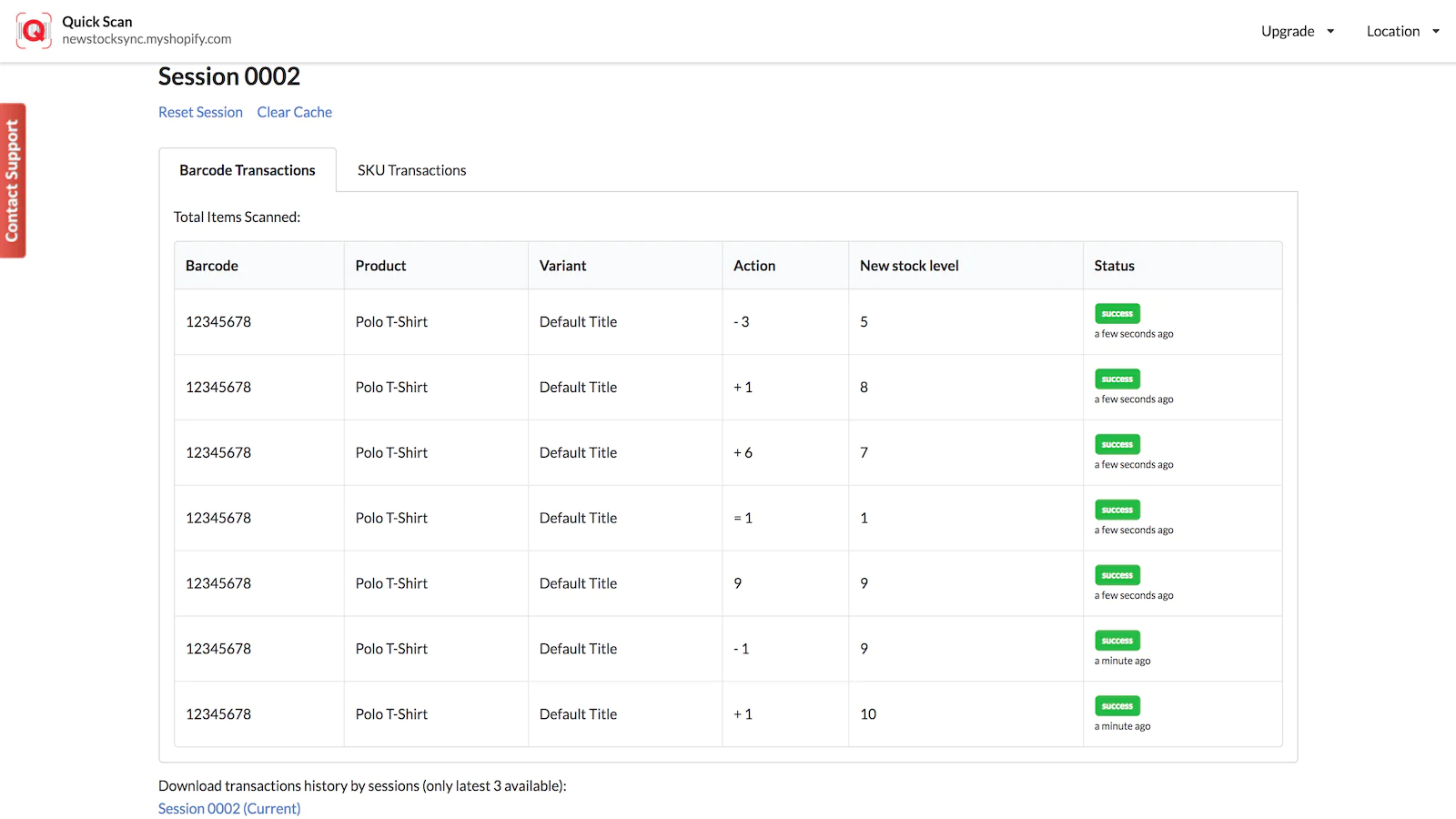
View all transaction
With Quick Scan, you will be able to view all previous transactions that you have made and keep track of it. You can also choose to download it for further use.
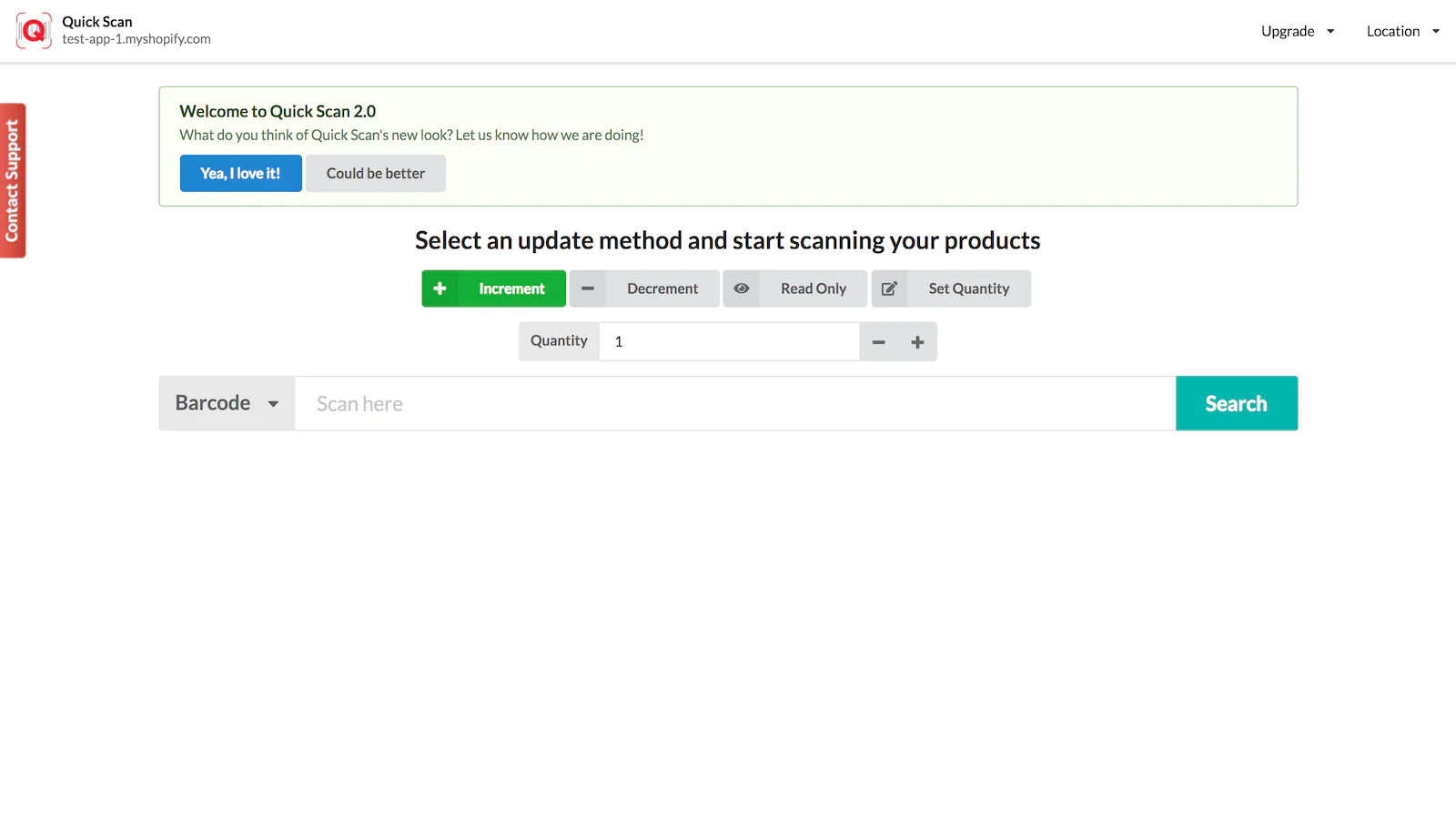
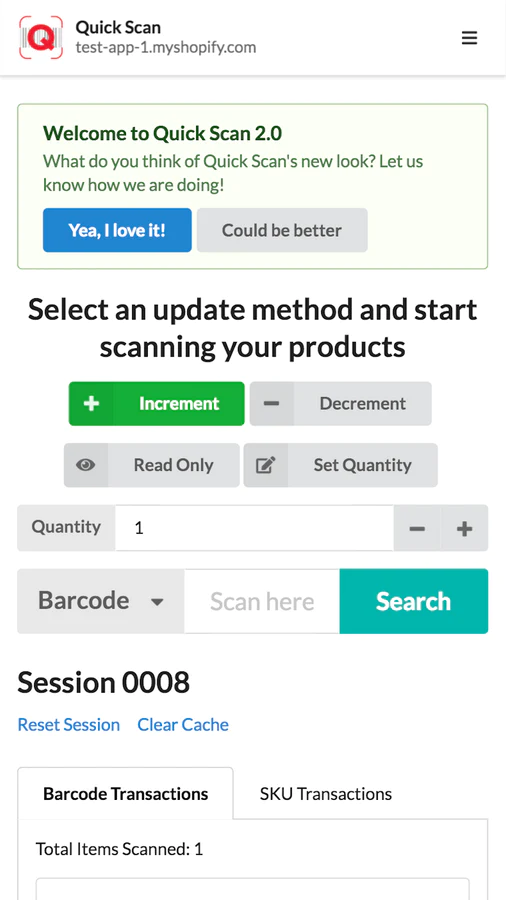
Choose update product method
Quick Scan provides you with the choice of updating your products, be it SKU or barcode. This will offer more flexibility for users.
Increment - Increase the stock count
Decrement - Decrease stock count
Read Only - Display stock count current location
Set Quantity - Update stock count directly
Shift - Transfer stock count from a location to another location in the store
Support multi-location
Quick Scan allows you to choose the location of the products you are trying to update.
With Quick Scan, you do not have to use the traditional method of updating your product. Stay ahead of others. Try out Quick Scan now.
Speed tested: no impact to your online store
About the Author
Matej Kontros is an E-Commerce expert and app developer with over a decade of professional experience in IT.
Matej has worked for organisations of all types and sizes, including global players, startups, and agencies. He designed, developed, and maintained complex projects.
Matej's expertise includes e-commerce, software engineering, web development, systems administration, internet security, managing projects, and building teams.
Visit his website at [ Web Linkedin ] or contact him at [email protected].