Shopify App : Bulk Product Edit ‑ QuickEdit
Bulk edit descriptions, prices, metafields, SEO, and more
About Bulk Product Edit ‑ QuickEdit
Save Time : Bulk edit thousands of products or variants in a short time, saving your valuable time for the important things.
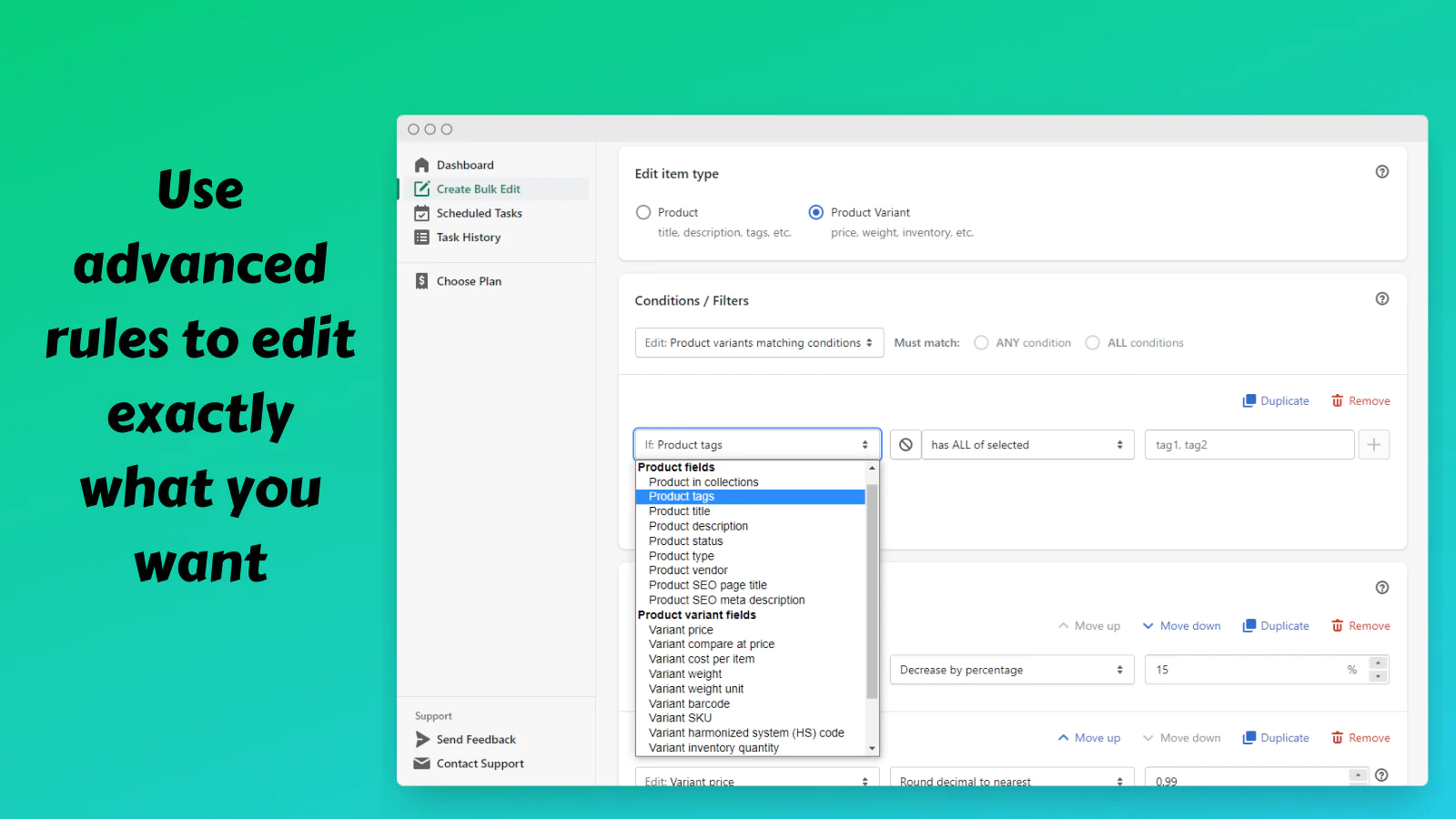
Take Control : Choose exactly which product and variant fields you want to edit by combining many advanced rules, or simply selecting products manually.
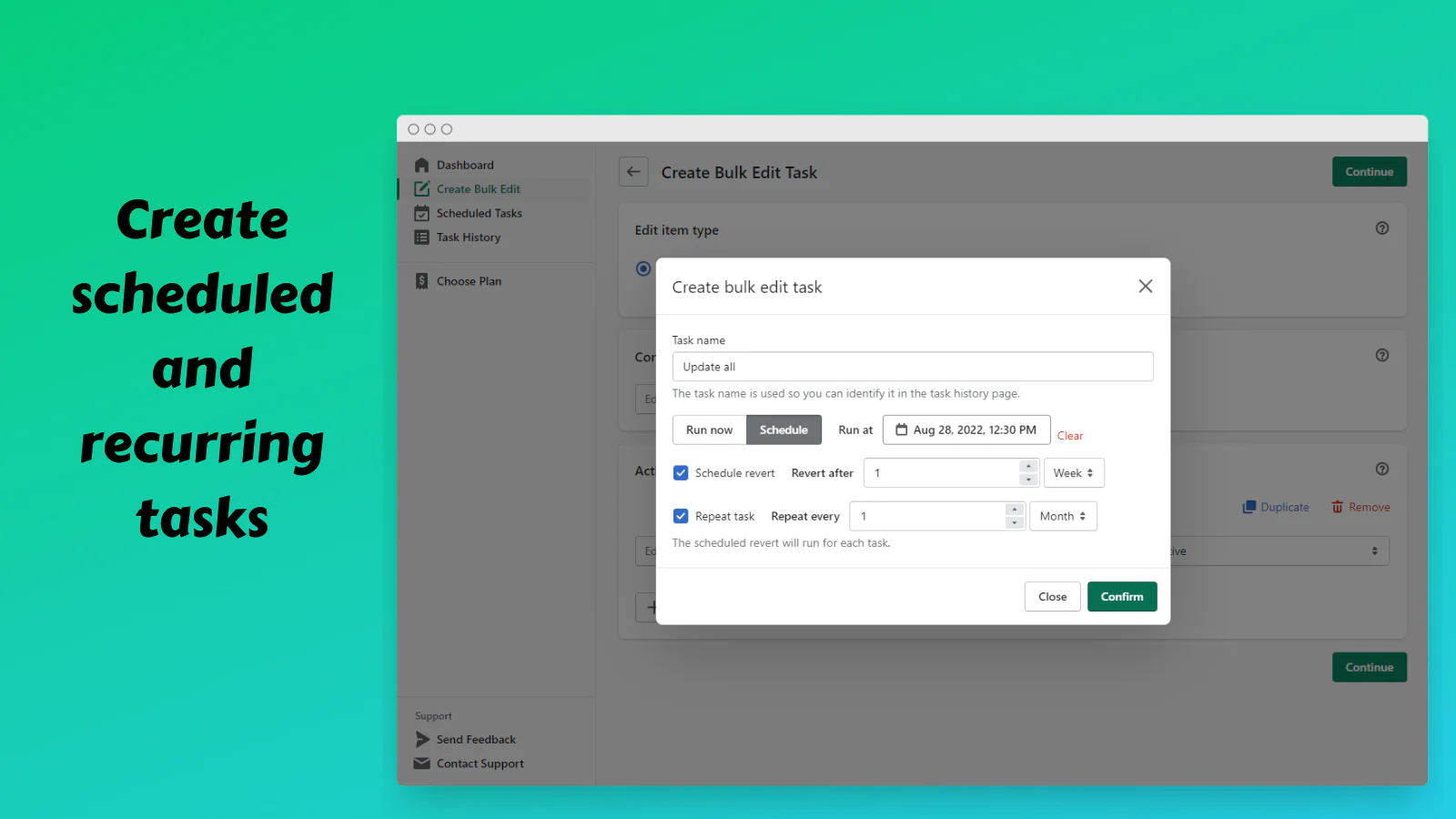
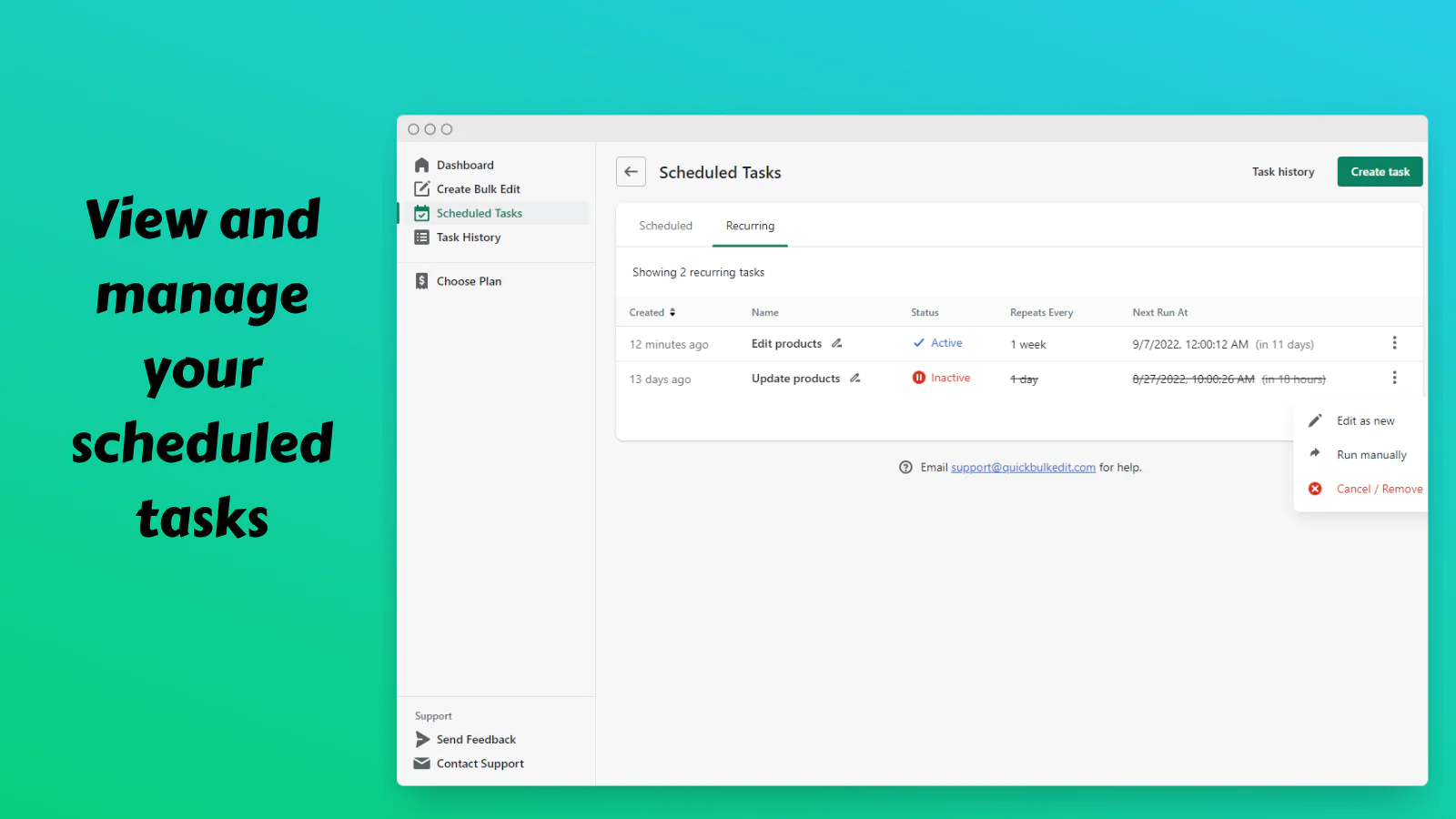
Automate Things : Create scheduled edits, scheduled reverts, and recurring tasks to automate the process. Save time by scheduling your holiday sales!

Save time
Stop spending hours manually updating product descriptions, prices, weights, and other fields! This bulk editor allows you to quickly and easily edit many products or variants at once, saving you hours of tedious work.
Schedule tasks
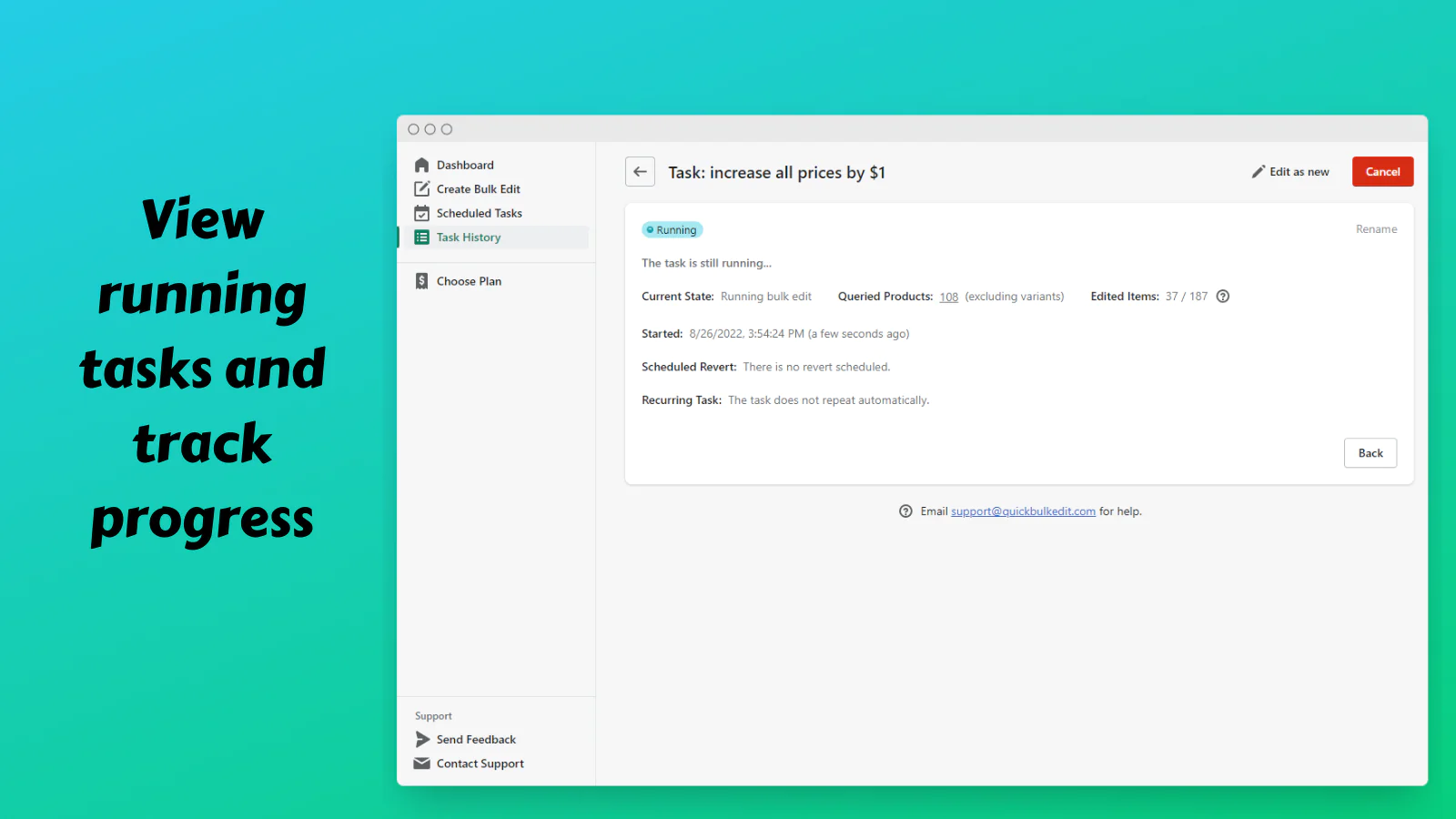
You can schedule bulk edits to run at a future date, schedule reverts, and create recurring tasks. Schedule your holiday sales in advance and then automatically revert the price changes later!
Fast and safe
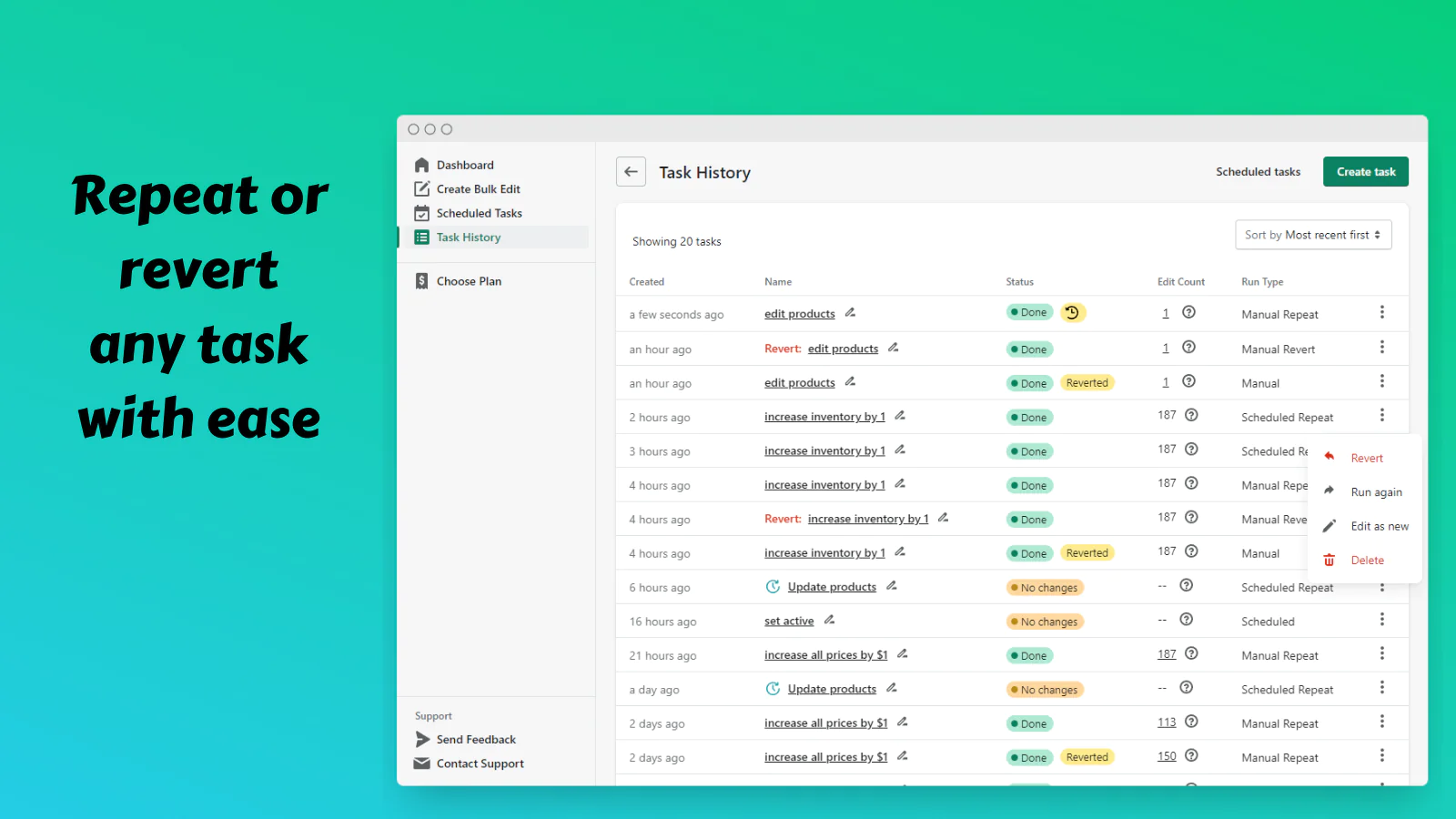
We take advantage of the latest Shopify features to perform bulk edits faster than other similar apps, and in a safer manner, without any downtime for your store. And if something goes wrong, you can simply revert the task to undo the changes.
Possible use cases:
- Bulk edit description (e.g. set description of all products in a collection)
- Find and replace text in product description, title, etc.
- Schedule price changes and reverts to create flash sales
- Bulk edit metafield values
- Bulk discount/price edit (e.g. lower prices of variants with certain tags by 15%, or if price is less than compare at price)
- Round decimal part of price (e.g. 12.00 -> 11.99)
- Bulk adjust inventory quantity
- Add text to beginning or end of product titles
- Update SEO title and description
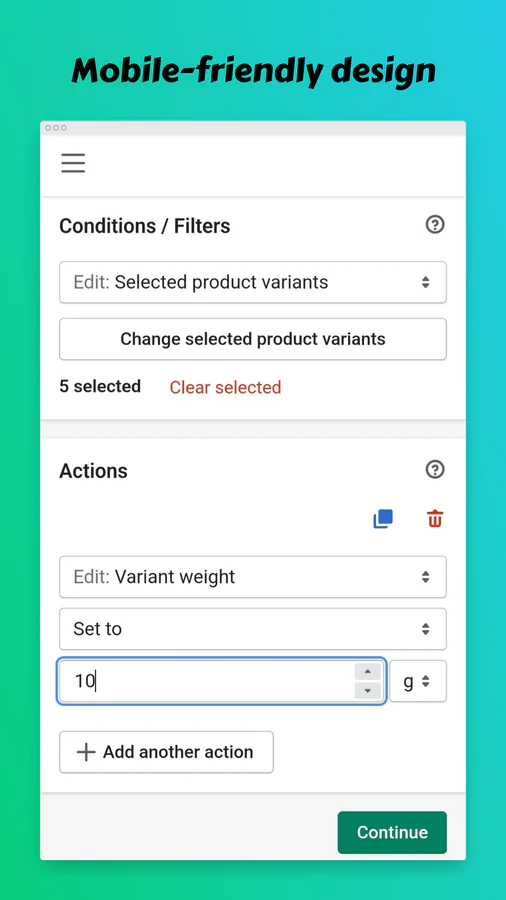
- Adjust variant weights in bulk
- So much more!
What fields can be edited?
There are two types of items that can be edited: Products and Variants. Each type has different fields that you can edit.
- Product fields: collections, description, metafields, status, tags, title, type, vendor, SEO title and description
- Variant fields: price, compare at price, cost per item, weight, weight unit, metafields, barcode, SKU, harmonized system (HS) code, inventory quantity, tracks inventory, out-of-stock policy, requires shipping, and is taxable.
All these fields are also available to use for conditions
Variables:
You can use variables inside text fields to dynamically set a value. Here are some of the variables you can use for products (they are case-sensitive): {{vendor}} {{productType}} {{title}} {{descriptionHtml}} {{seo.title}} {{seo.description}}
What actions can be done?
Many different actions can be done to fields. For example, you can set a value, or do more complex actions like append/prepend text, find and replace text, or change a number by amount or percentage.
What conditions can be used?
You can select items manually, edit everything, or require items to match certain conditions. You can check fields for different conditions like "equals", "starts with", "greater than", etc. You can also negate any condition to require it to NOT match instead.
Support
Go ahead and give it a try! We're always here for you, so don't hesitate to contact us if you have any questions or need help.
Seamless workflow: use directly in Shopify admin
Speed tested: no impact to your online store
About the Author
Matej Kontros is an E-Commerce expert and app developer with over a decade of professional experience in IT.
Matej has worked for organisations of all types and sizes, including global players, startups, and agencies. He designed, developed, and maintained complex projects.
Matej's expertise includes e-commerce, software engineering, web development, systems administration, internet security, managing projects, and building teams.
Visit his website at [ Web Linkedin ] or contact him at [email protected].