Shopify App : POWR Countdown Timer | Banner
Reduce FOMO, increase sales with a custom countdown timer.
About POWR Countdown Timer | Banner
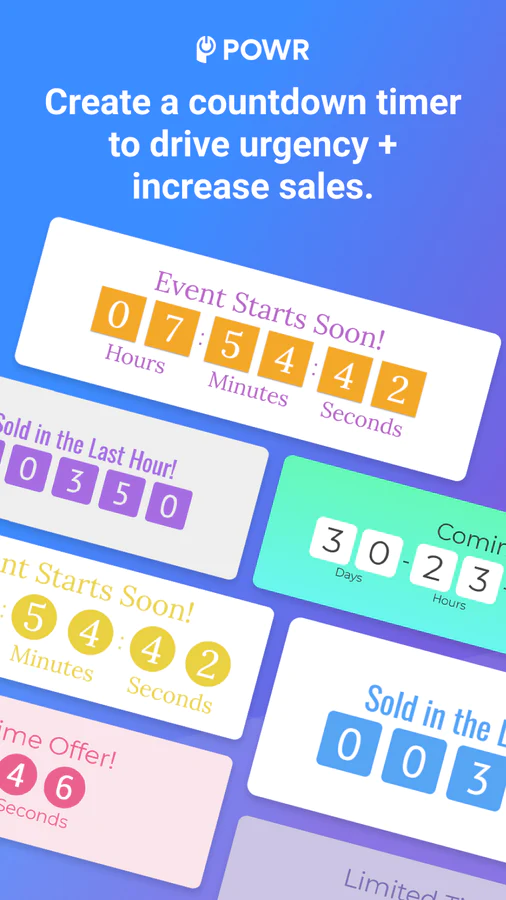
Create A Sense of Urgency : Announce special promotions using a countdown timer popup. Boost sales by adding a countdown timer to any page on your site!
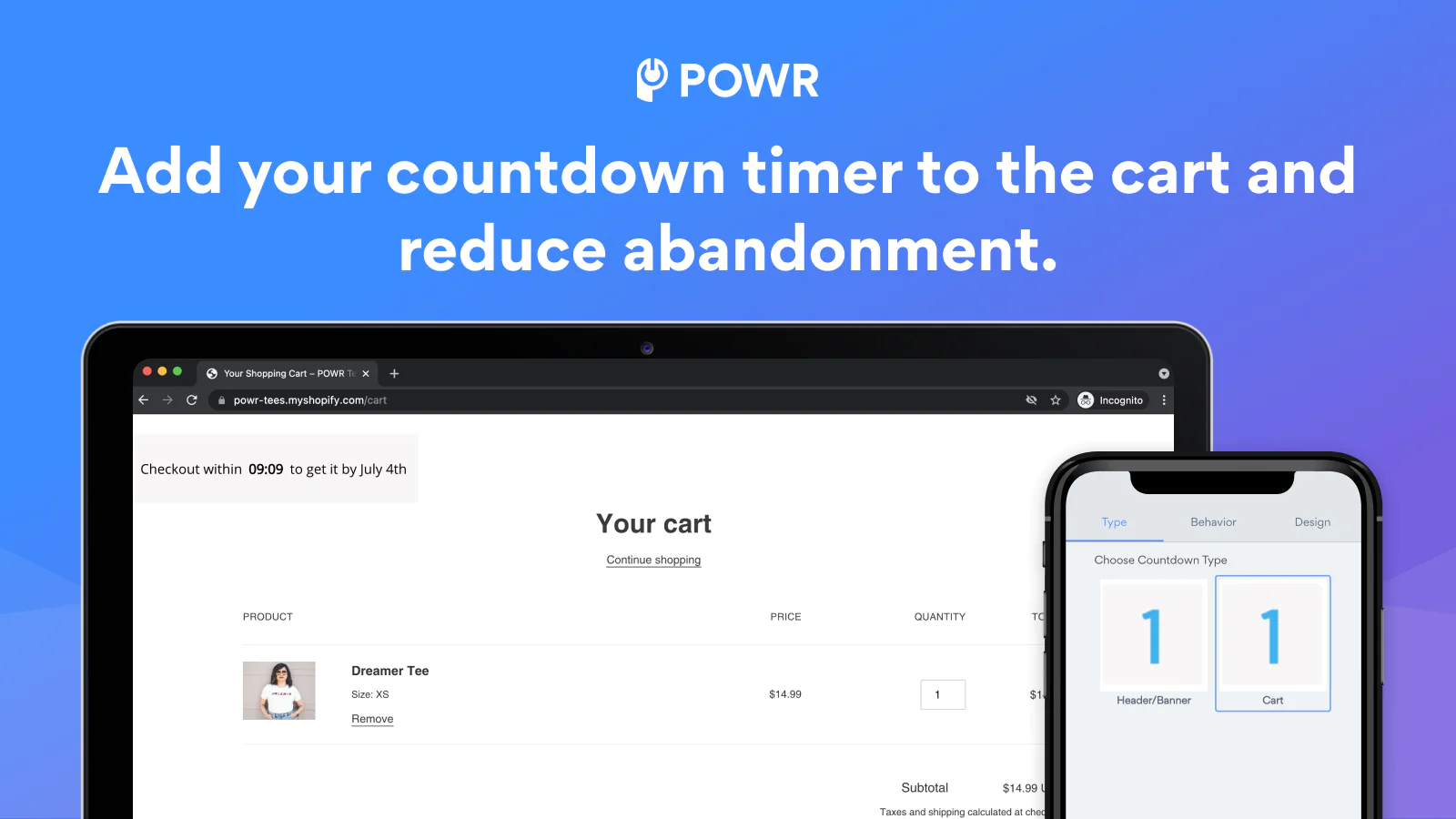
Customize Checkout Experience : Add the checkout time to your cart page with a countdown cart timer incentivizing customers to buy now and reducing abandoned carts.
Promote Time-Sensitive Sales : Display a discount countdown timer for each new site visitor or every time a prospective customer visits your website.
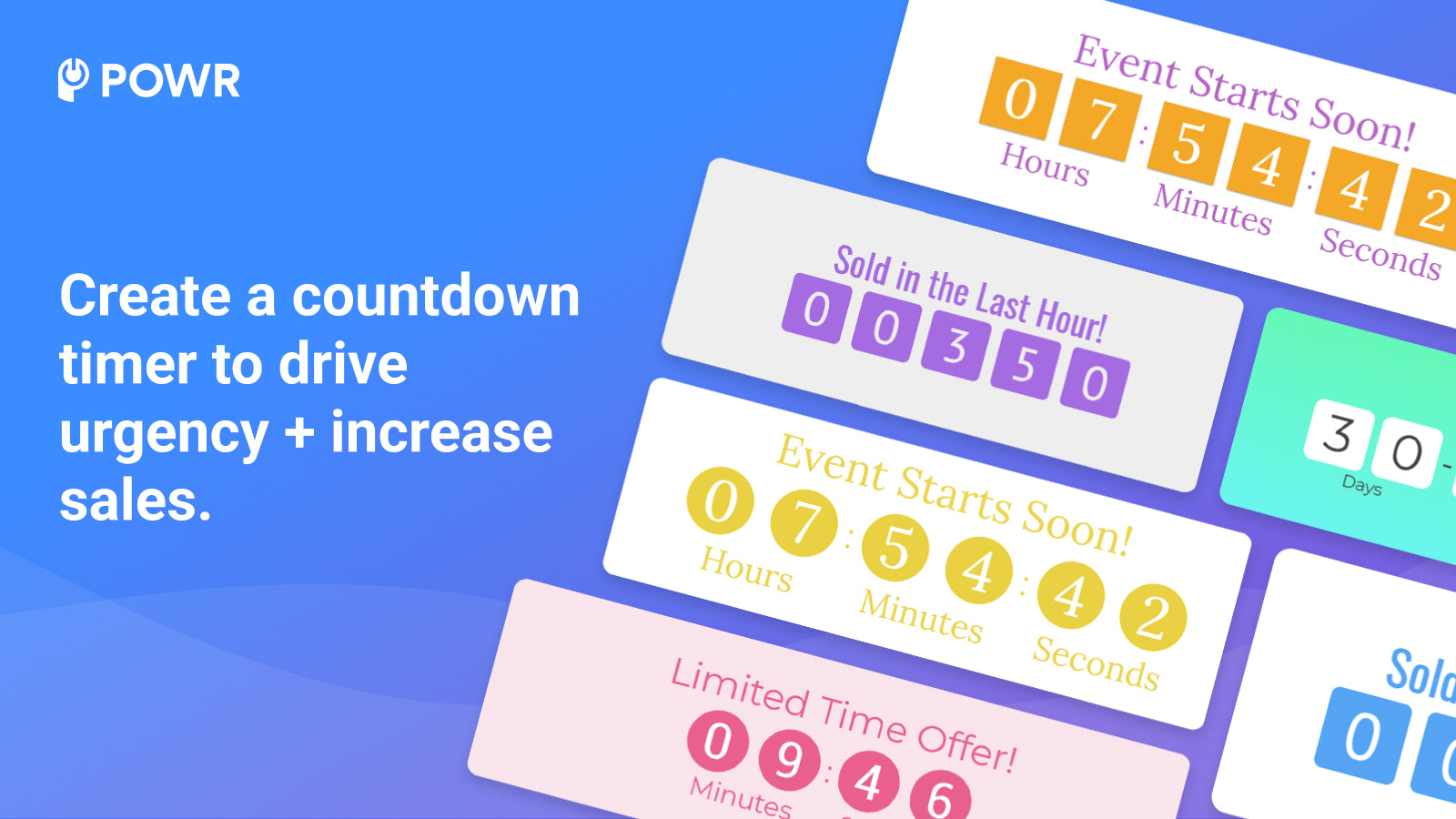
Create urgency during shoppers’ purchase decision for higher conversions with a custom counter. Create a countdown timer bar for your site or add a cart countdown to your Shopify cart.
Install in one click using the POWR auto-installer. No code required!
Create a countdown timer banner for any page on your store:
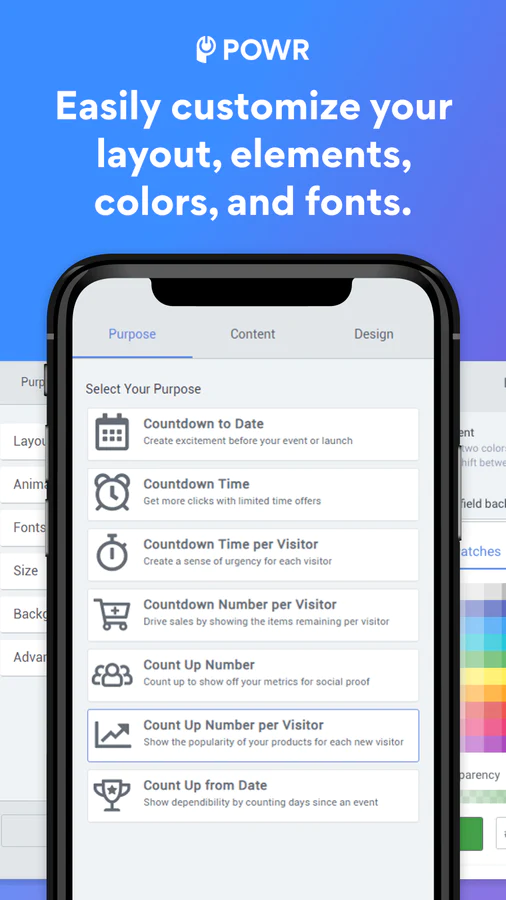
- Display the remaining years, days, hours, and minutes of a special deal or sale event to create urgency and a "fear of missing out".
- Count down to checkout at any future date to build up excitement for an upcoming event, such as an end-of-season sale, new collection launch, and more.
- Count down to a specific number.
- Add custom text and a button to your counter or checkout timer.
- Allow customers to copy/paste a coupon or discount code in a discount timer and direct customers to your sale landing page on your site.
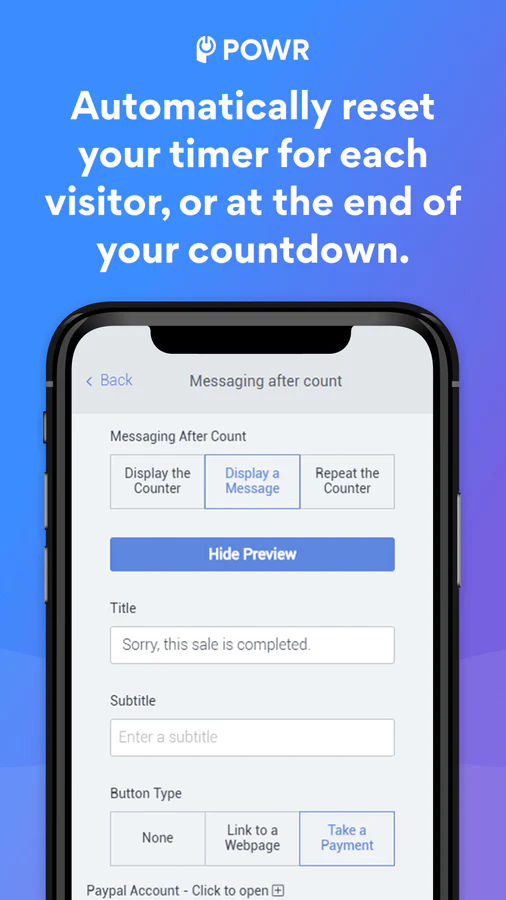
- Show a custom message or button to redirect your visitors during and after your count has ended.
Flexible display options:
- Set a display schedule, or make your cart countdown always active.
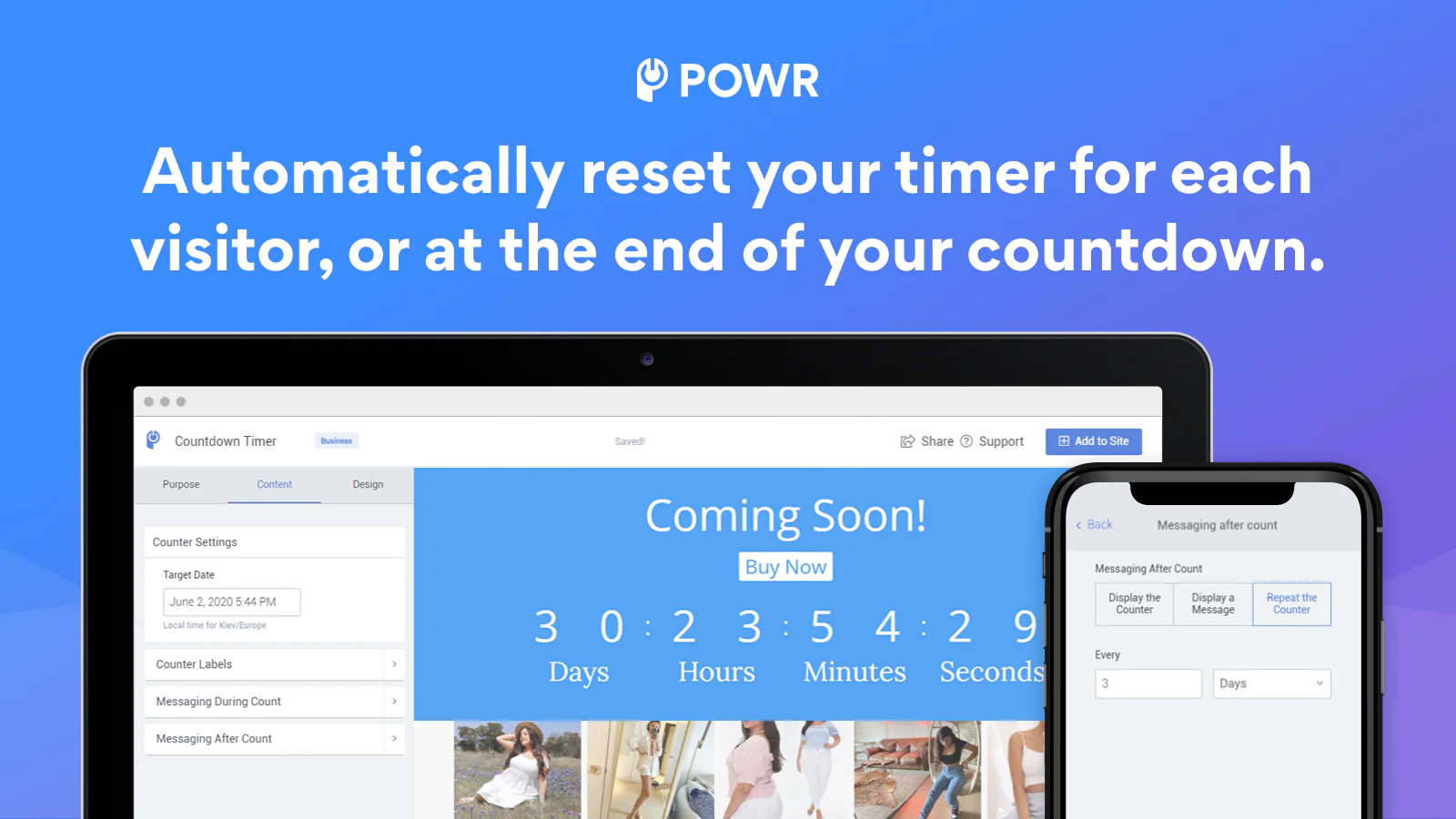
- Make the countdown timer automatically repeat, so you never have to remember to set it up.
- Reset the checkout timer for each new visitor, so every visitor sees their own X minutes remaining on a special sale or offer.
- Add it to any product, featured product or page on your site.
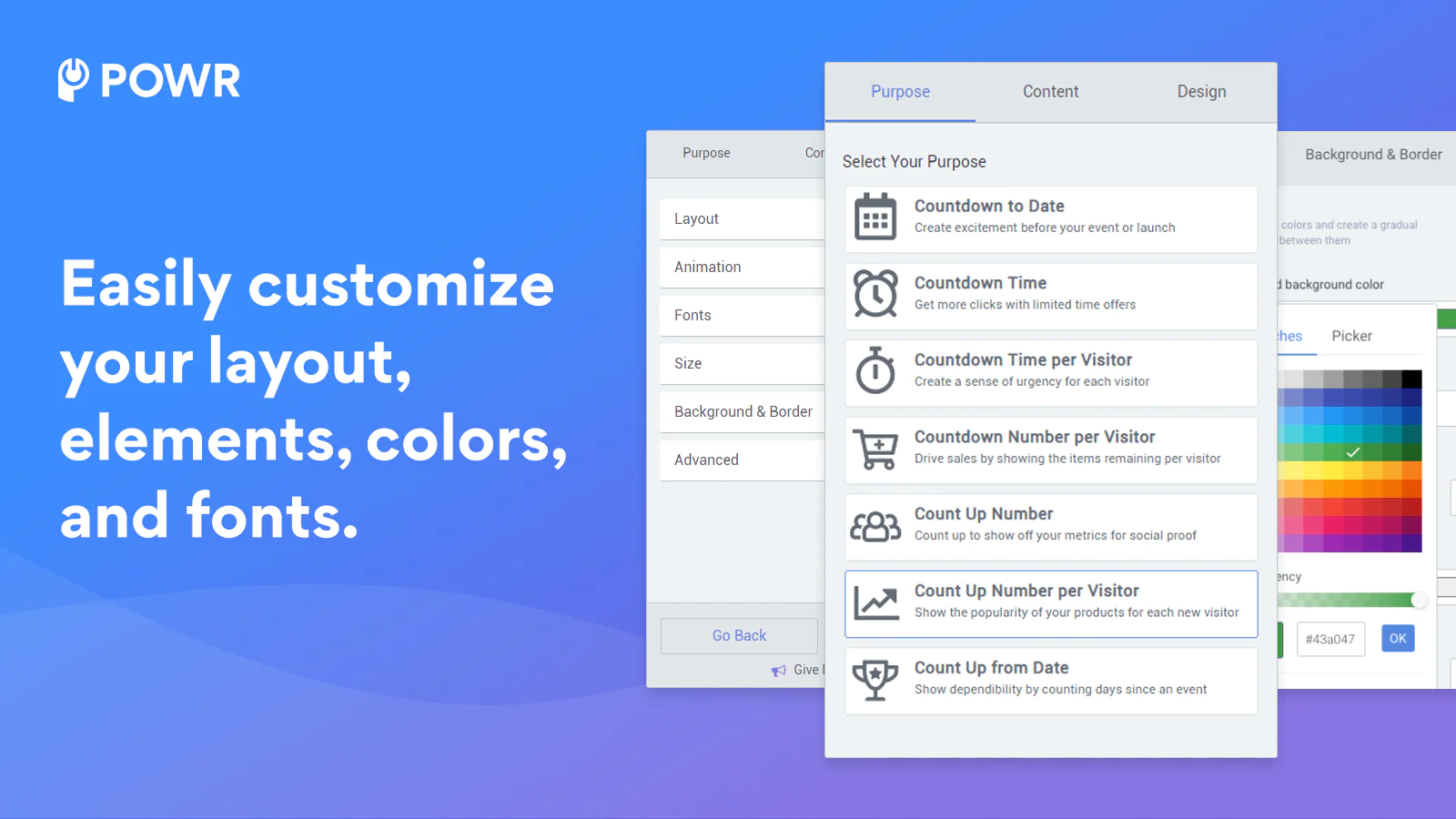
- Use custom fonts, colors, backgrounds, and animations to style your POWR Countdown Timer.
- Supports text in any language.
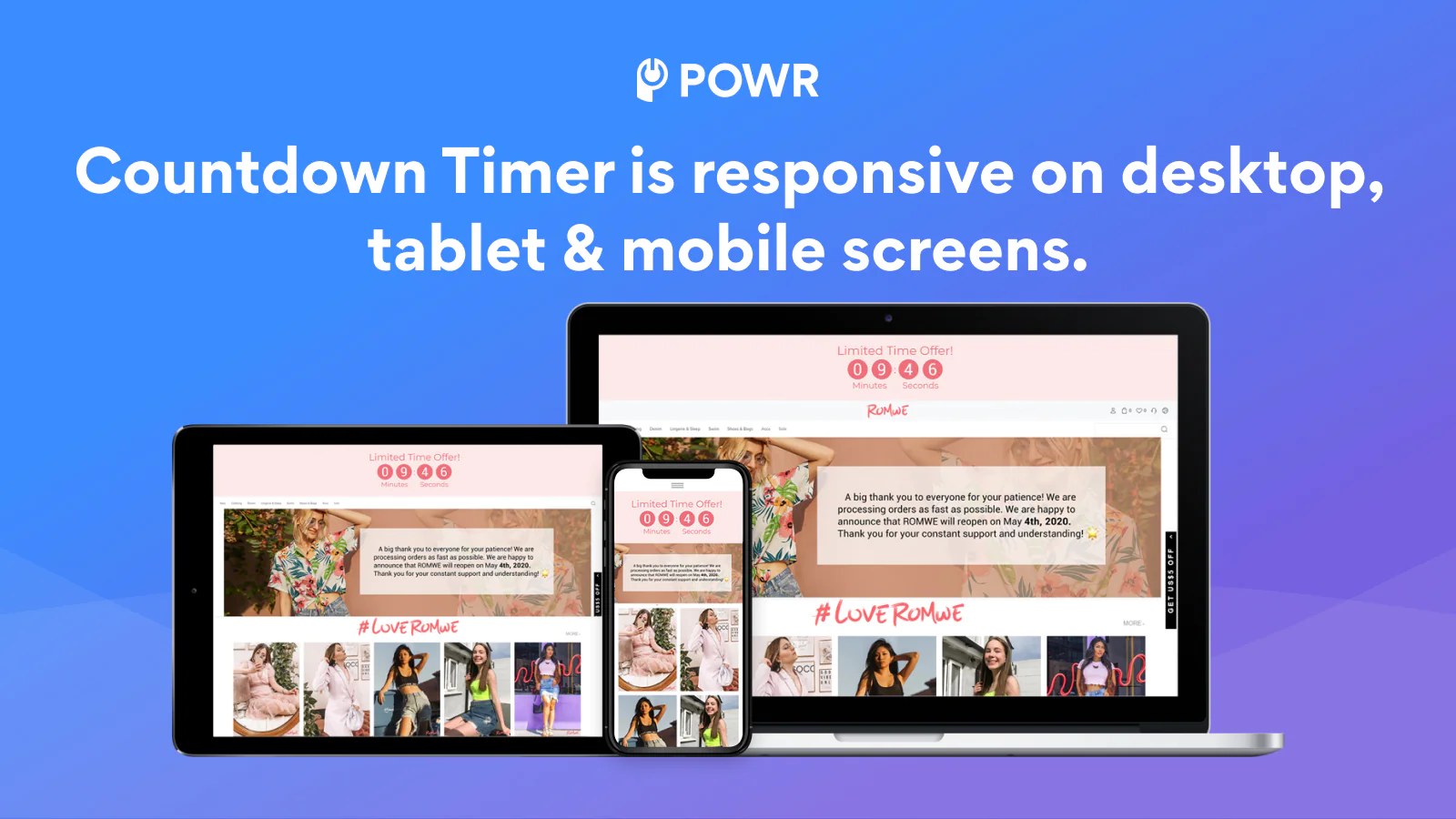
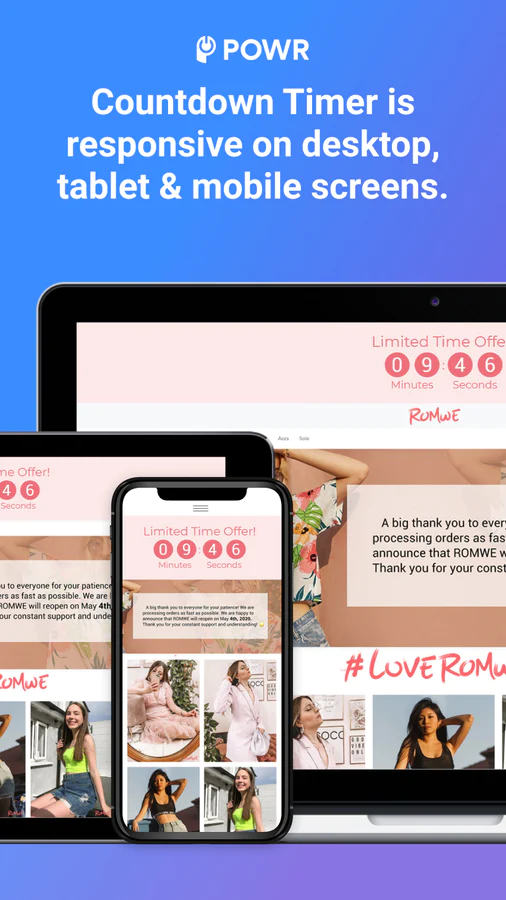
- Mobile responsive on any device.
Create a countdown for the cart. Reduce abandoned carts with a checkout timer. Customize your text for any use case:
- Buy in [X] minutes before stock runs out
- Get free shipping if you buy in [X] minutes
- Get it delivered by [DATE] if you buy in [X] minutes
- This product will only be available for [X time]
Decide what happens once the timer runs out. You can redirect your customer or empty the cart.
Getting Started with POWR:
POWR Countdown Timer is easy to install. Click on the ‘Add app’ button on this page to install the app. Create your POWR Countdown Timer, and add it to any page on your Shopify site.
Customer Support You Can Count On
If you have any questions or need help getting POWR Countdown Timer up and running, we’re here to help! Please visit our Help Center for tips, support, and answers to common questions.
About the Author
Matej Kontros is an E-Commerce expert and app developer with over a decade of professional experience in IT.
Matej has worked for organisations of all types and sizes, including global players, startups, and agencies. He designed, developed, and maintained complex projects.
Matej's expertise includes e-commerce, software engineering, web development, systems administration, internet security, managing projects, and building teams.
Visit his website at [ Web Linkedin ] or contact him at [email protected].