Shopify App : OrderLogic ‑ Min & Max Limits
Simple min and max product and order limits plus much more
About OrderLogic ‑ Min & Max Limits
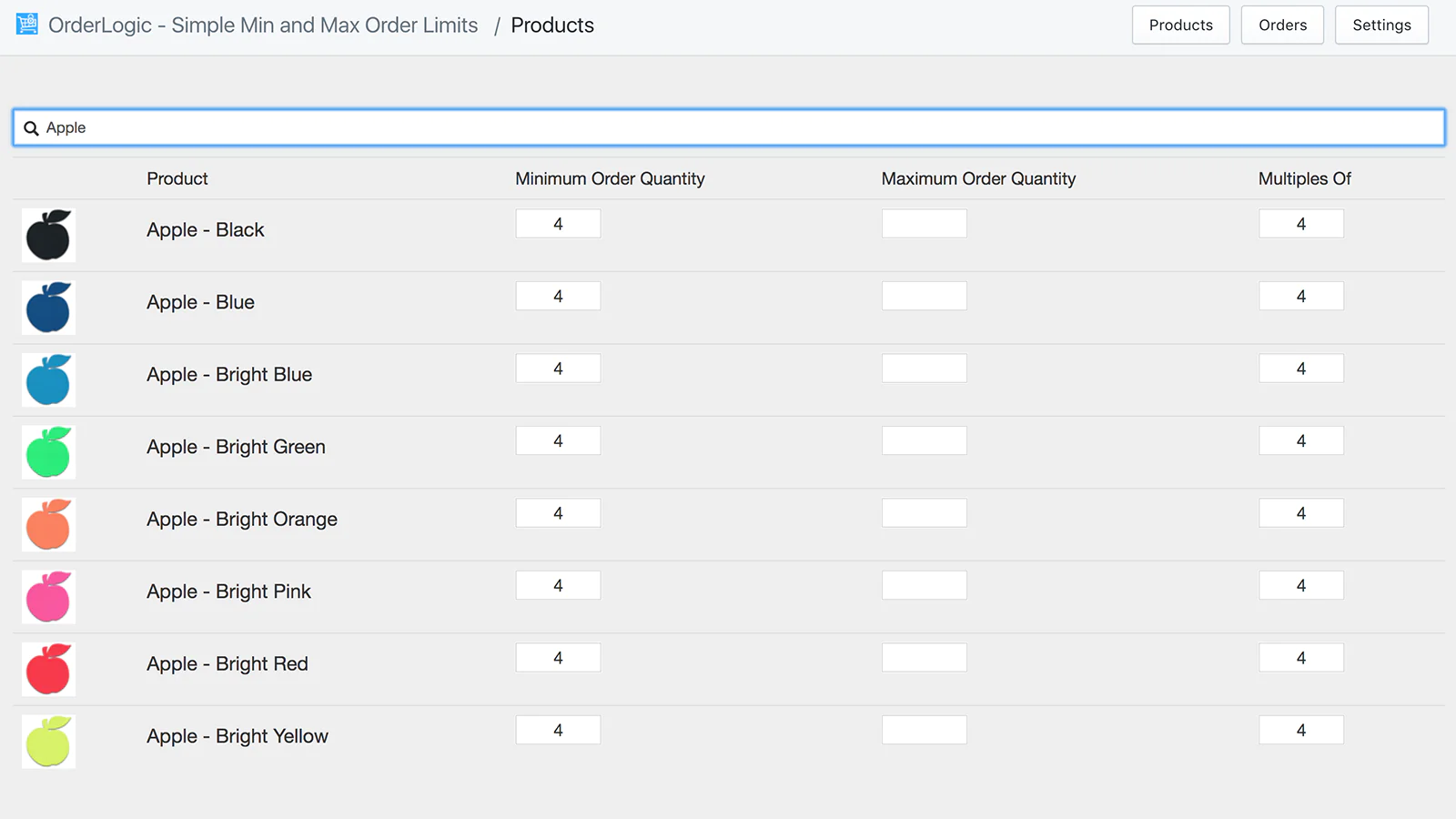
Specify Product Mins and Maxs : With OrderLogic you can specify minimums and maximums as well as multiple constraints for products, insuring you only sell what you intend.
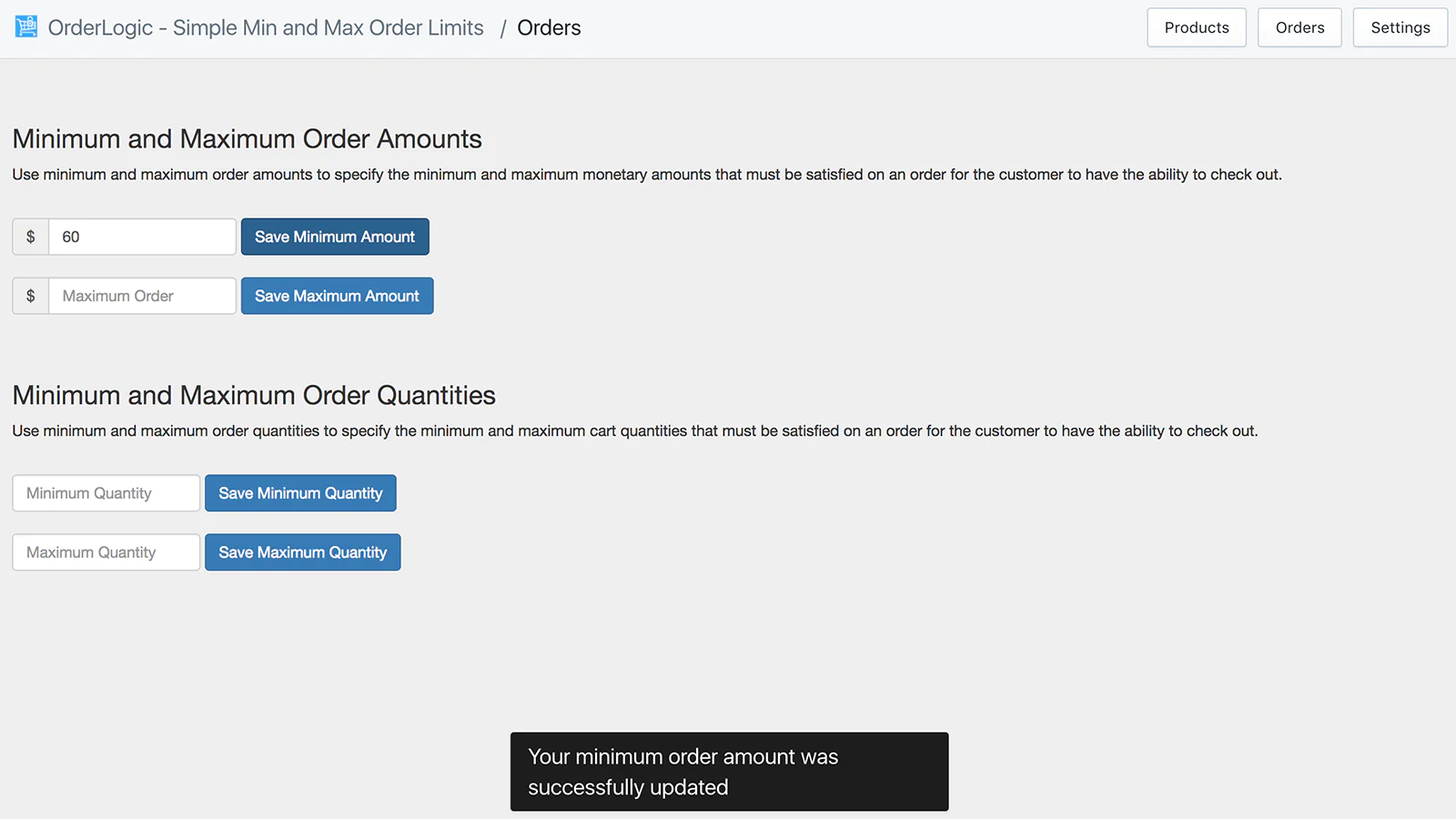
Set Minimum Orders : You can specify minimum orders as well as maximum orders by price or item quantity limits. Have an MOQ you need to enforce? Now you can.
Extremely Simple Interface : OrderLogic is laid out in a super user intuitive manner, where the actions and intent just make sense. There is nothing getting in your way.
OrderLogic - Simple Min and Max for Your Products and Orders!
OrderLogic allows you to define minimum and maximum product quantities for all products in your Shopify Store. With a simple interface you can set limits on how few or how many of each product your customers can order.
Define Constraints That Fit Your Shop
OrderLogic also allows you to set minimum and maximum order amounts and quantities. Set up your wholesale shop today and easily enforce a minimum order amount or quantity for your customers.
You can also set up minimum or maximum spends or minimum or maximum order sizes for your overall order.
OrderLogic also lets you sell your items in predetermined quantity multiples. Selling a prepackaged set of 6? No problem! We have you covered.
Buy Button Support Now Available
OrderLogic now offers the ability to set constraints on Buy Buttons without affecting the look and feel. Apply your shop's constraints to your Buy Button sales channel as well as your regular online sales channel. Please note that all Buy Buttons you need OrderLogic constraints applied to need to be post-processed within OrderLogic for your constraints to work correctly.
Tag Constraints Now Available
Use tag constraints to set up groups of products to apply a minimum, maximum, or multiple constraint. Need to sell a handful of products by multiples of 6 in any combination? OrderLogic has you covered.
No Custom Coding Required, 1 Minute Setup
You don't need to do any coding or theme modifications. By installing OrderLogic you are instantly ready to put the order quantity requirements in place that your store requires.
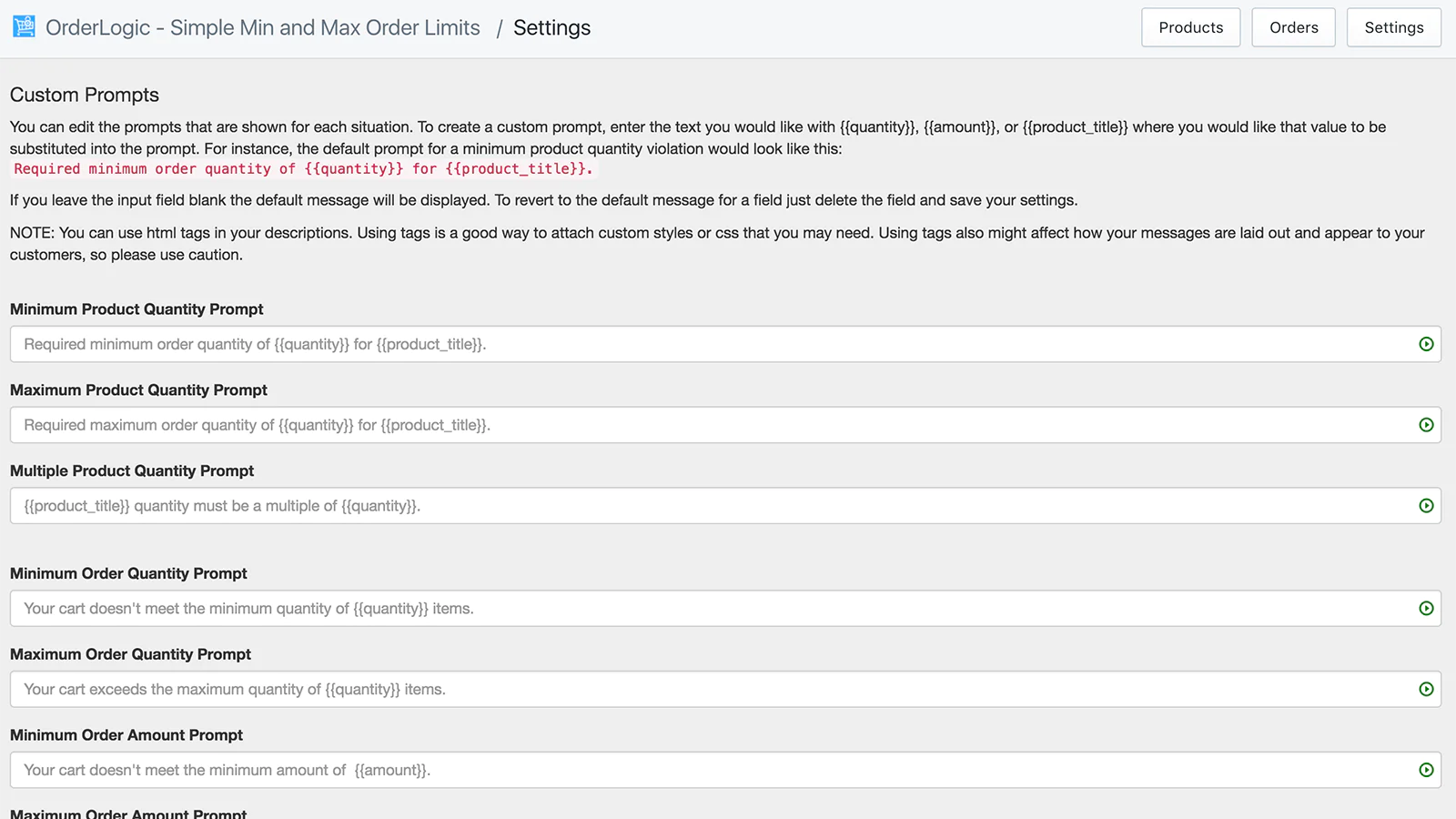
OrderLogic uses a customizable, professional and stylish pop up modal to alert your customers that they need to modify their order, and even allows them to fix their cart quantities with a single click!
Try OrderLogic today! Your customers will thank you for it!
Seamless workflow: use directly in Shopify admin
About the Author
Matej Kontros is an E-Commerce expert and app developer with over a decade of professional experience in IT.
Matej has worked for organisations of all types and sizes, including global players, startups, and agencies. He designed, developed, and maintained complex projects.
Matej's expertise includes e-commerce, software engineering, web development, systems administration, internet security, managing projects, and building teams.
Visit his website at [ Web Linkedin ] or contact him at [email protected].