Shopify App : No Auto Default Address Swap
Stop automatic changes to default customer address from orders
About No Auto Default Address Swap
The correct shipping address : Ensure you don't ship to the wrong customer address because Shopify automatically changed a customer's default shipping address.
Avoid extra admin work : This app does the admin work for you of switching a customer's default address back to what it was before an order-triggered change.
Peace of mind : Free yourself from the stress of having to keep track of correcting customer default addresses.

The app that stops default customer shipping address changes
Many merchants don't like how Shopify automatically updates the default shipping address of a customer if an order is submitted with a different address. If you're one of these merchants, this app was made for you.
The app switches the default customer address back to what it was before the order-triggered automatic update. It will prevent address changes due to this undesired behavior.
You can still manually perform customer address changes or edit the default address if you want.
No customer data stored
The app NEVER stores any customer data or addresses; instead, it uses the anonymous customer ID and anonymous default address IDs assigned by Shopify to the customer record.
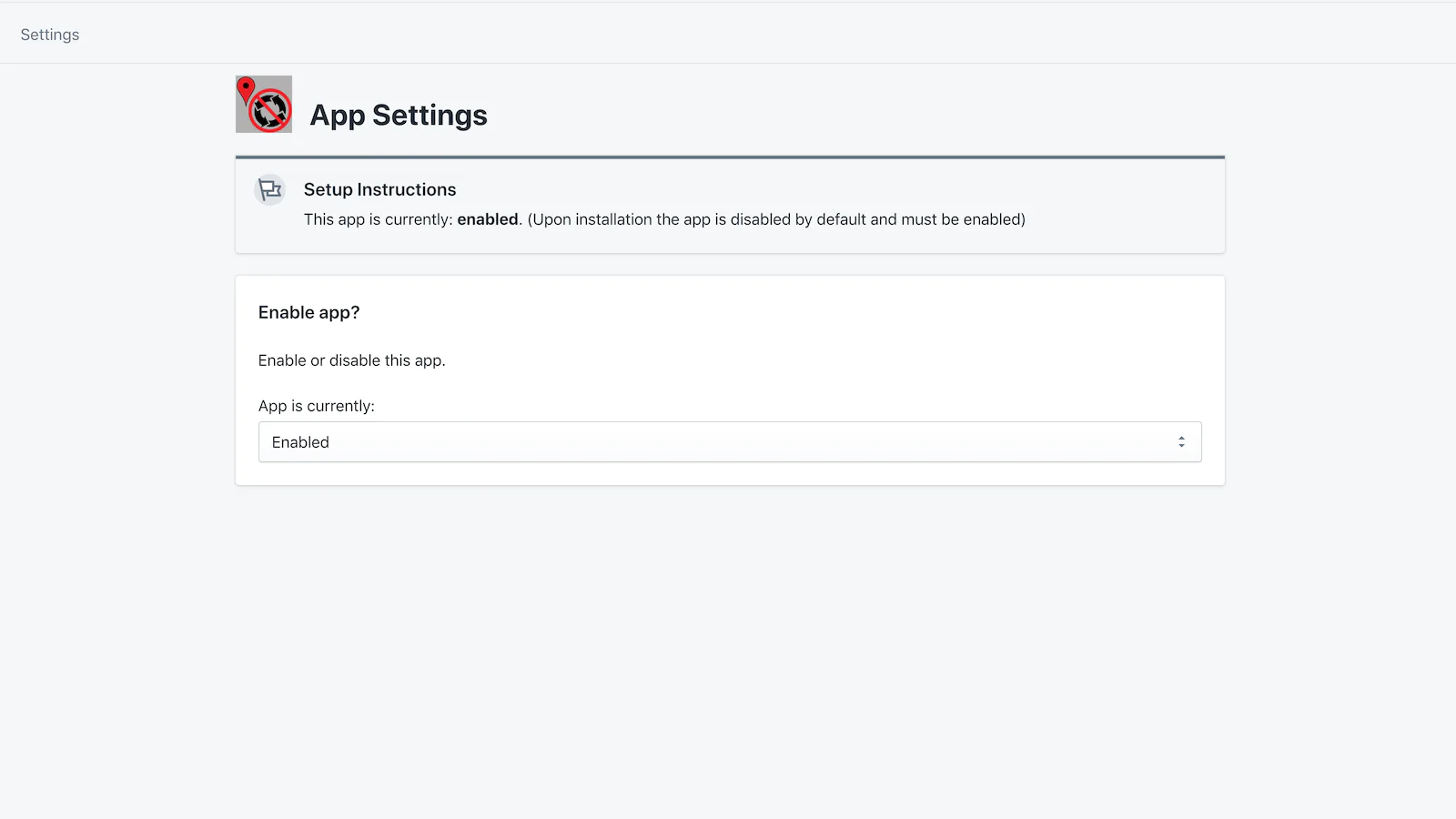
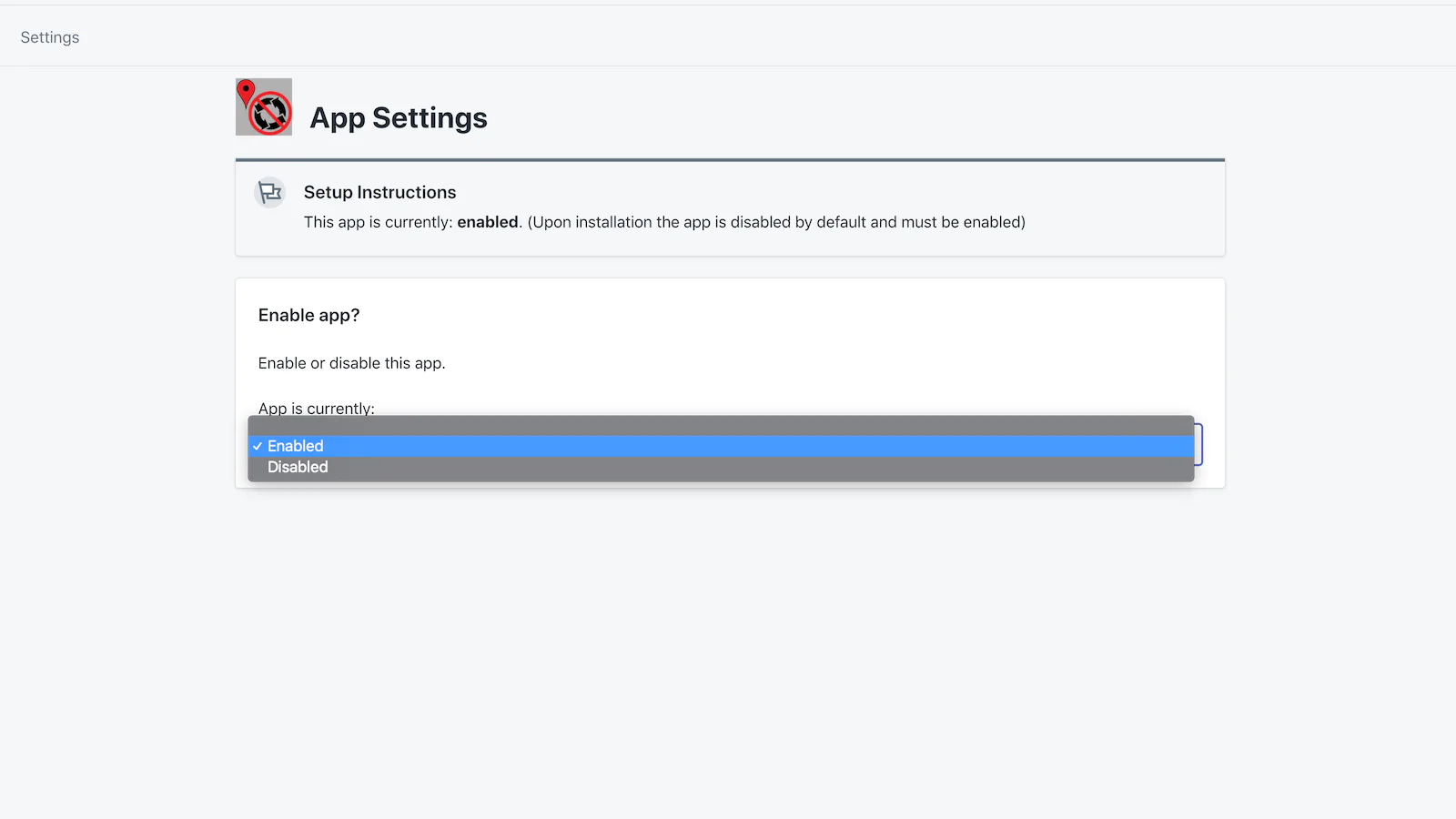
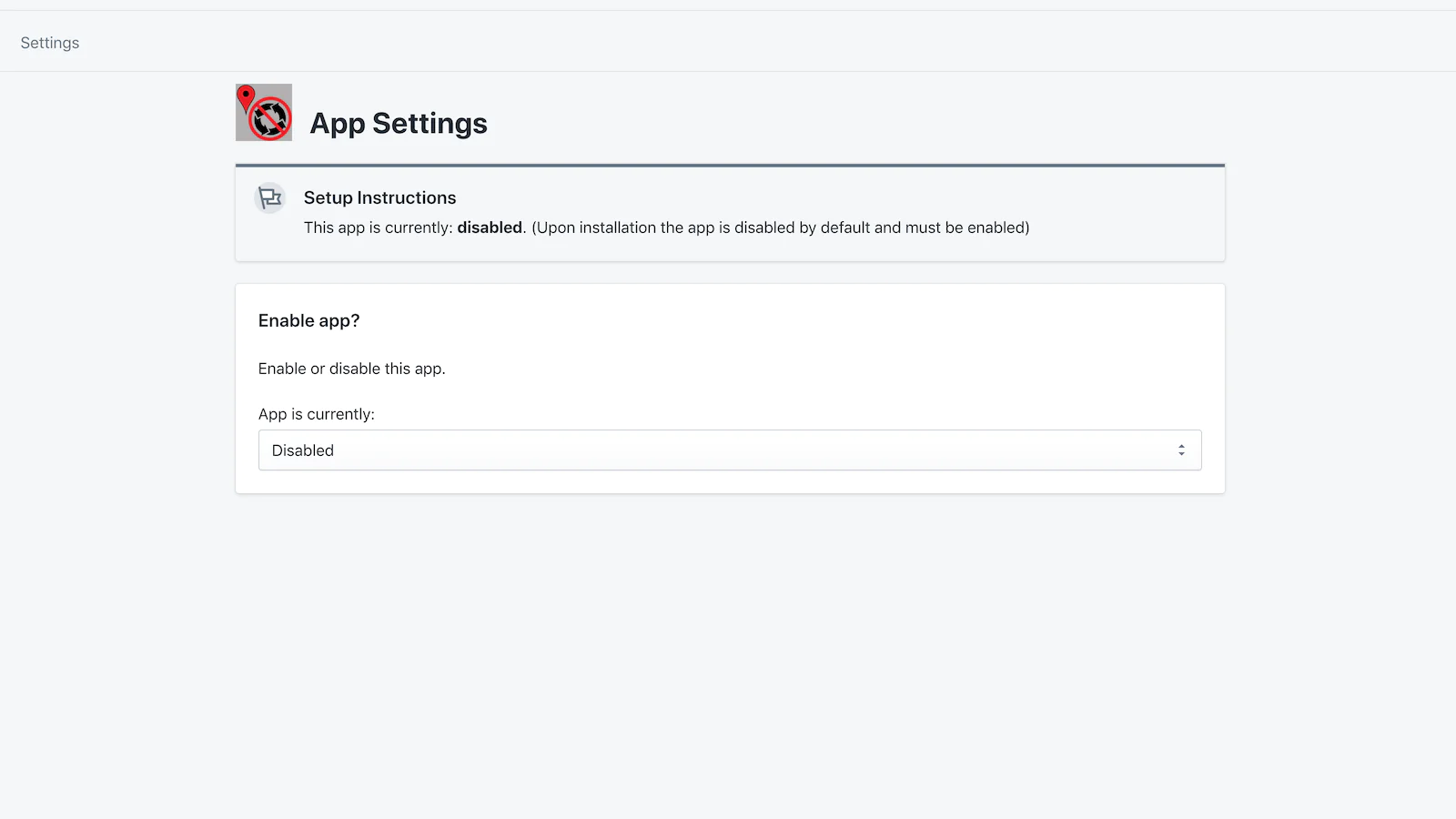
Seamless workflow: use directly in Shopify admin
Speed tested: no impact to your online store
About the Author
Matej Kontros is an E-Commerce expert and app developer with over a decade of professional experience in IT.
Matej has worked for organisations of all types and sizes, including global players, startups, and agencies. He designed, developed, and maintained complex projects.
Matej's expertise includes e-commerce, software engineering, web development, systems administration, internet security, managing projects, and building teams.
Visit his website at [ Web Linkedin ] or contact him at [email protected].