Shopify App : Moose Sync ‑ Custom CSV import
Import products & Schedule full or partial inventory updates
About Moose Sync ‑ Custom CSV import
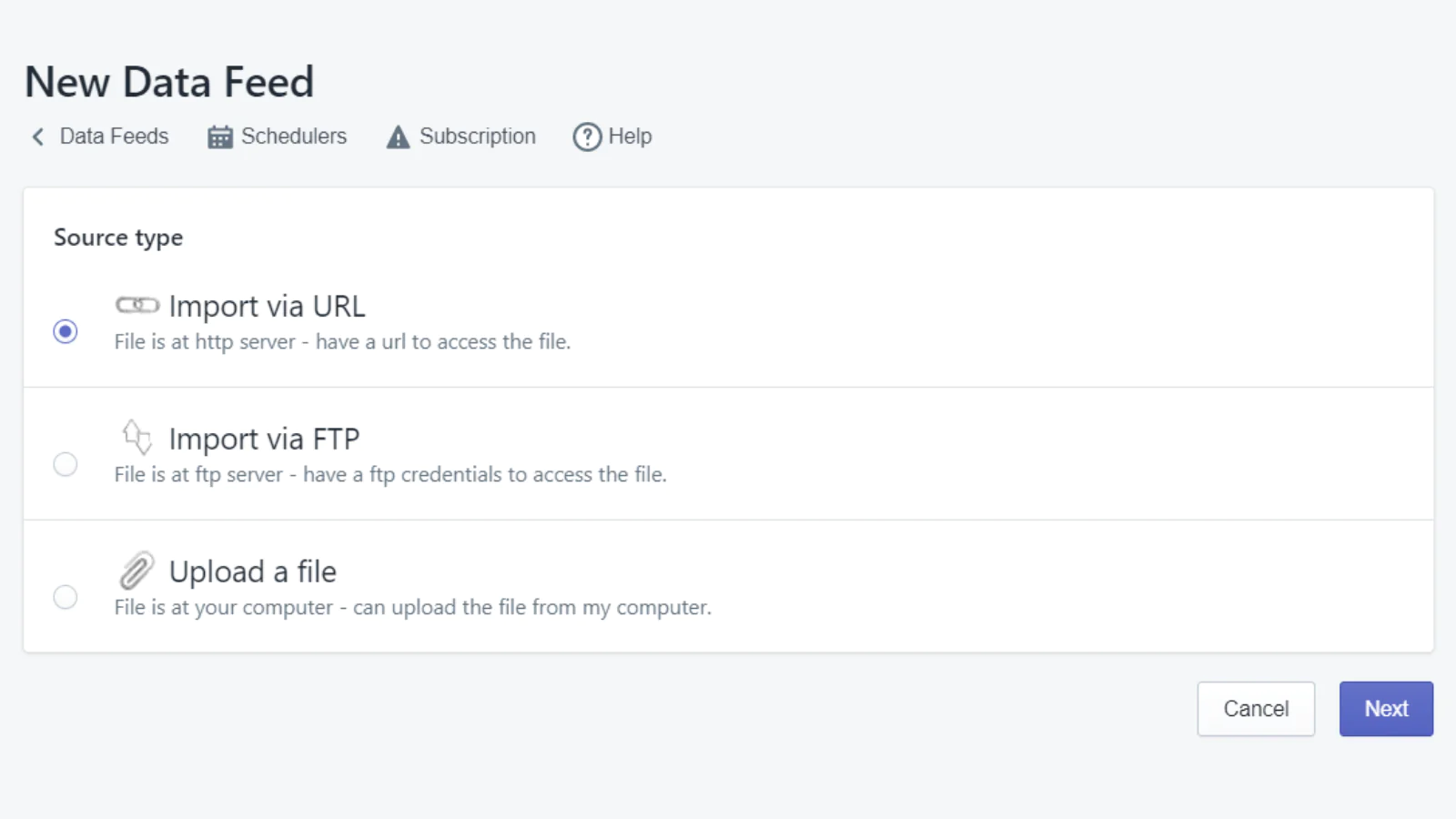
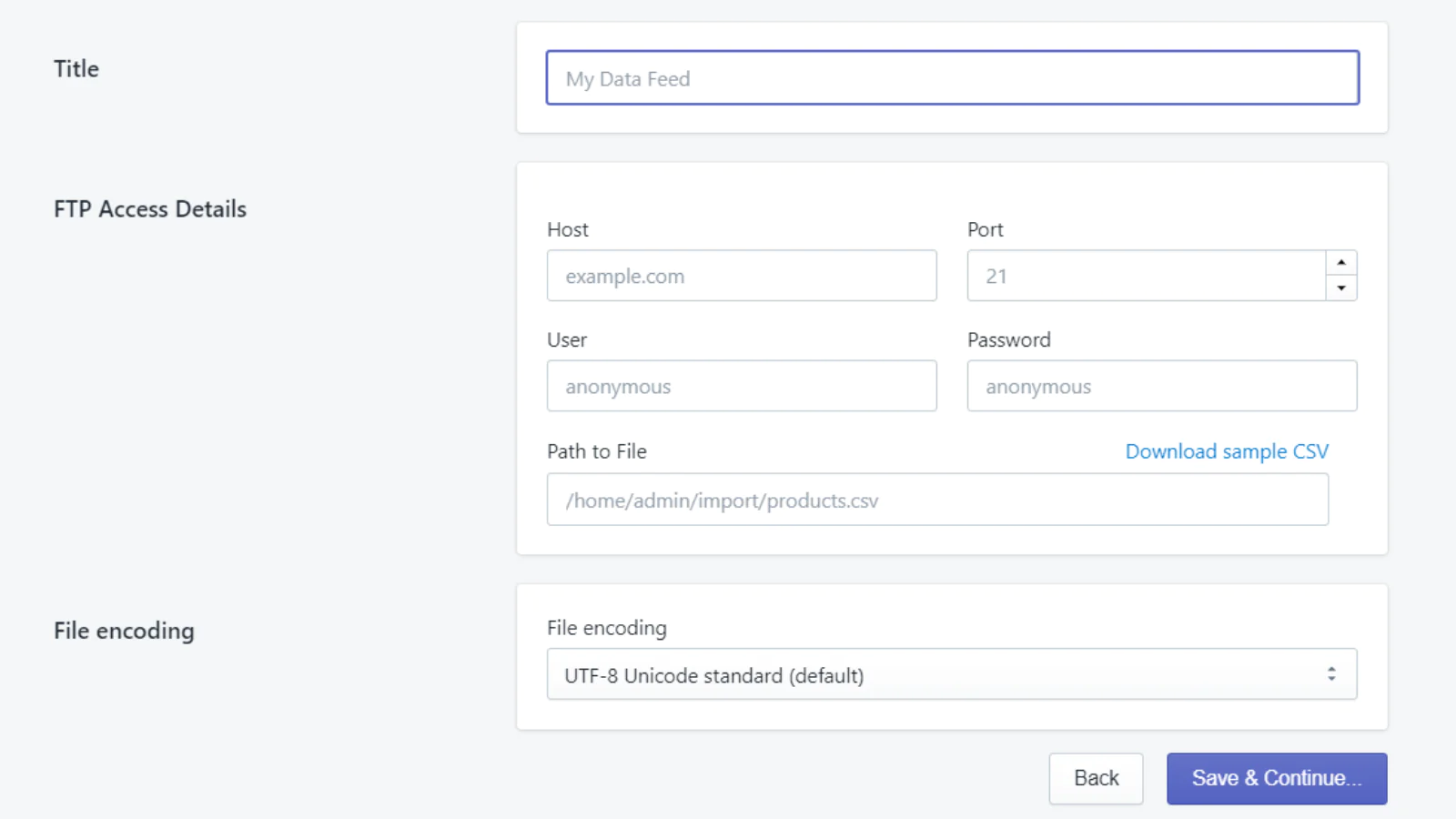
Import products : Import products from different suppliers. Use CSV files to sync your inventory feed (URL download and FTP). Use SKUs as unique identifiers.
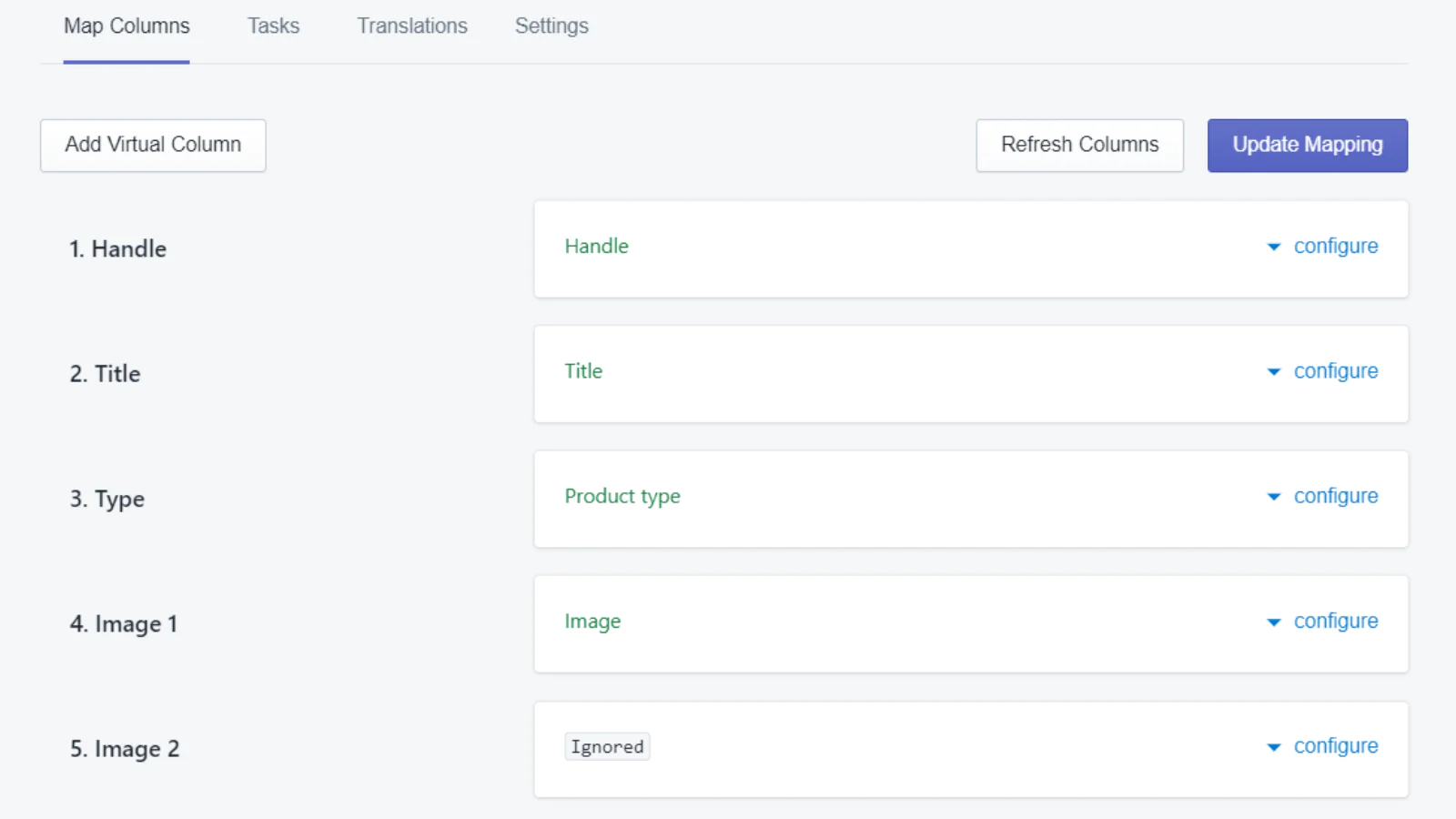
Transform data : Make suppliers' data Shopify friendly. Map columns, create virtual fields, transform values, apply equations, translate content and more.
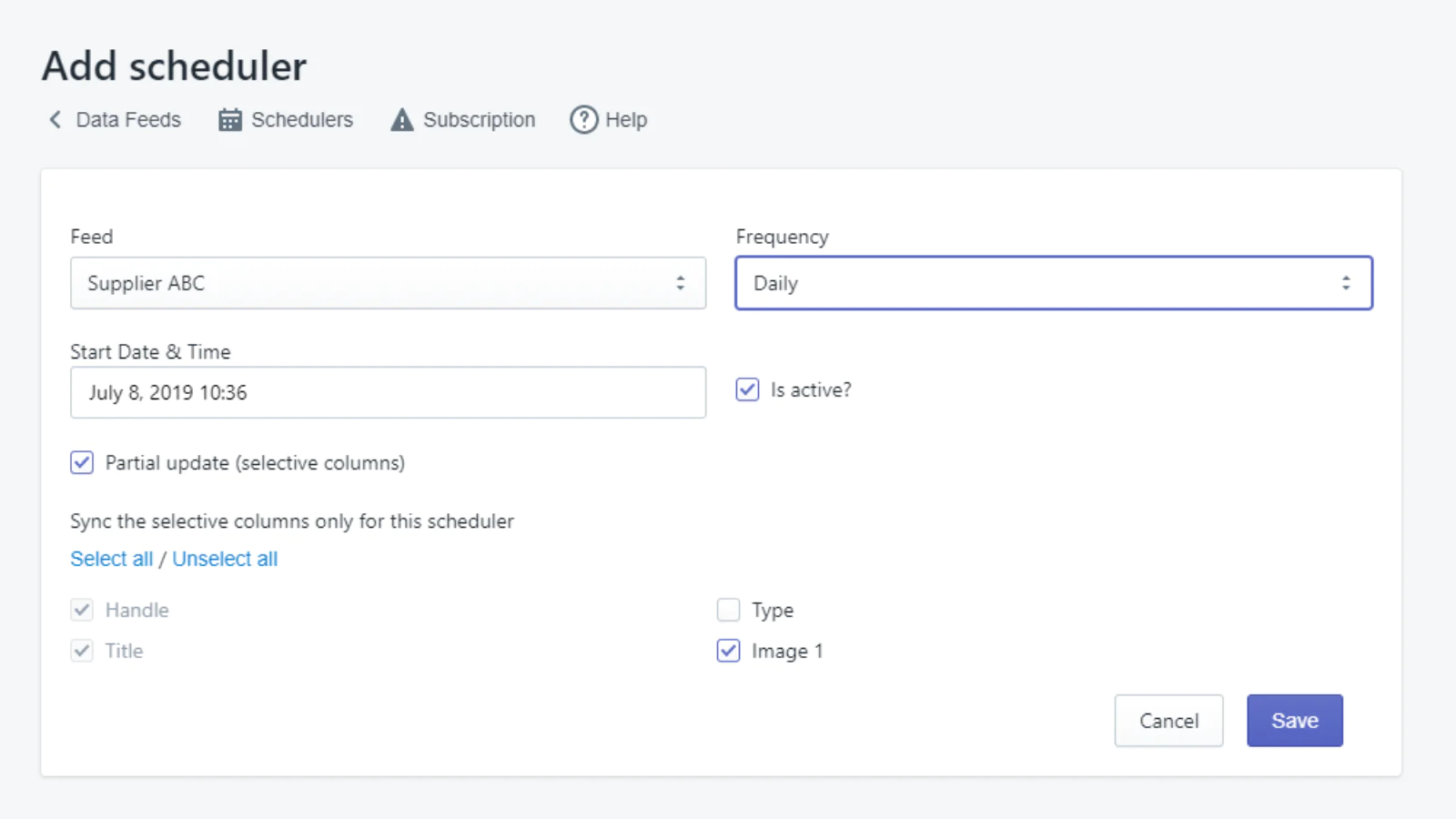
Update inventory : Automatically update products, at the desired time and frequency. Run full or partial updates (eg. only the inventory quantity or pricing).
*New August 2021*
- Support sFTP & SSL connections
- Use zipped CSV files (.zip)
- Update any item already in store based on its SKU
- Add a multiplier to pricing - Apply one or more equations per field
Popular use case
The data supplier sends 2 CSV files, one for importing general product data and one updating inventory quantity and pricing.
Key features
- Import/Update products from an unlimited amount of data feeds, unlike other popular import apps. In other words, you can have a lot of data suppliers.
- Quick setup: connect your feed in seconds and launch your first import
- Import and update products using CSV files (Manual upload, URL download & FTP)
- Import and update products using Google Sheets and Dropbox links
- Supports CSV files using commas, semi-colons and pipes as CSV delimiters (field/value separators)
- Pick a unique identifier between handle, title or SKU, to match products from multiple imports and/or multiple CSV files to the products already in your store
- Multiple supplier files for one store allowed
- Schedule automatic updates to keep your inventory feed synced
- Full or partial updates (eg. update inventory and pricing fields only)
- Fields mapping: variants, sku, collections, tags and more
- Apply equation (eg. price multiplier) or Add text (eg. append text at the end of product titles)
- Apply transformation (eg. if value is "A", transform it into "B")
- Virtual fields: merge different fields from your data source into a new one (eg. compose title from multiple columns)
- Field duplication: add data from one field or column in your supplier file to multiple fields in Shopify
- Metafields supported
- Multiple images import & ordering
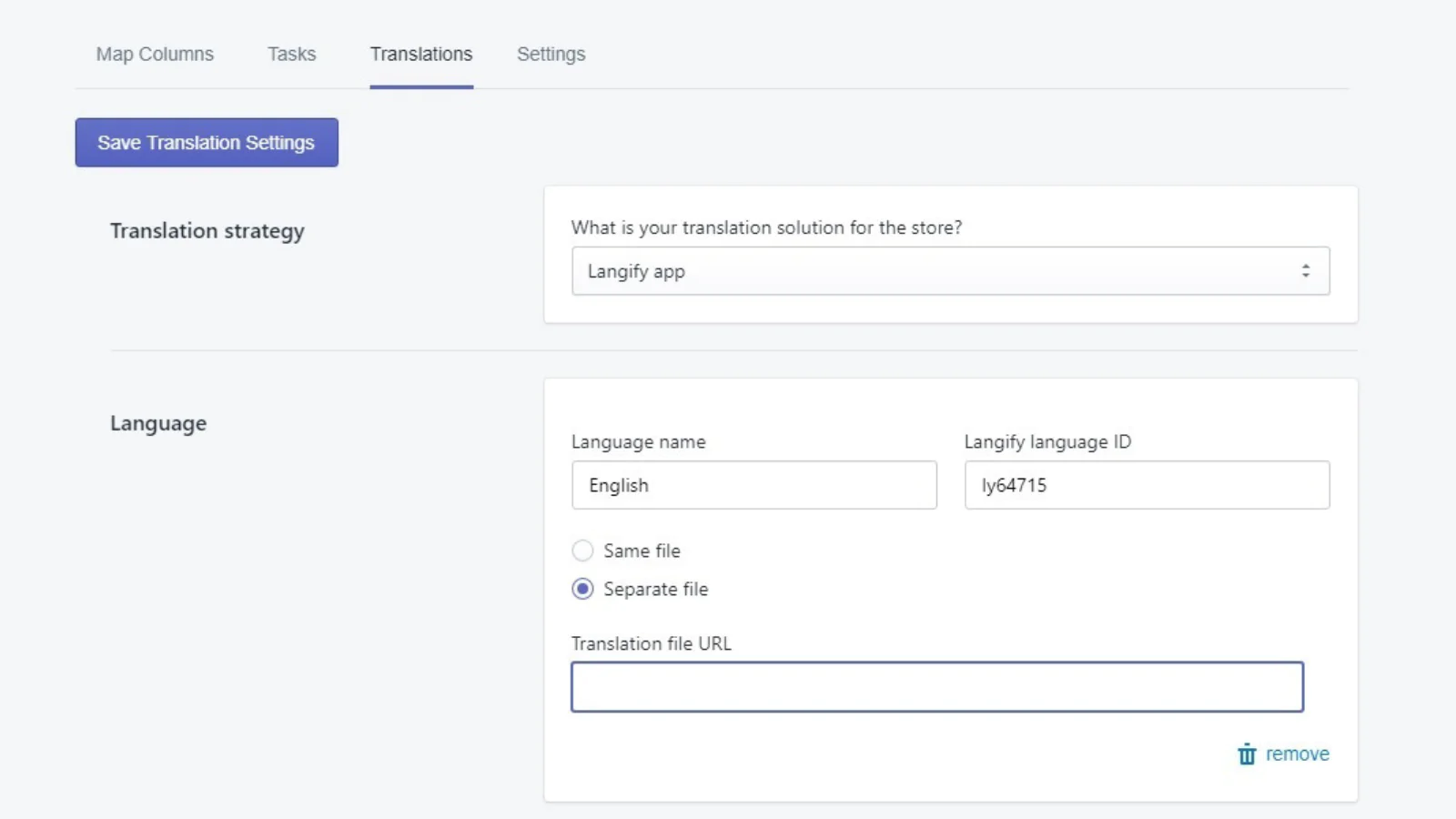
- Import inventory feeds in multiple language
- Translations supported with Langify
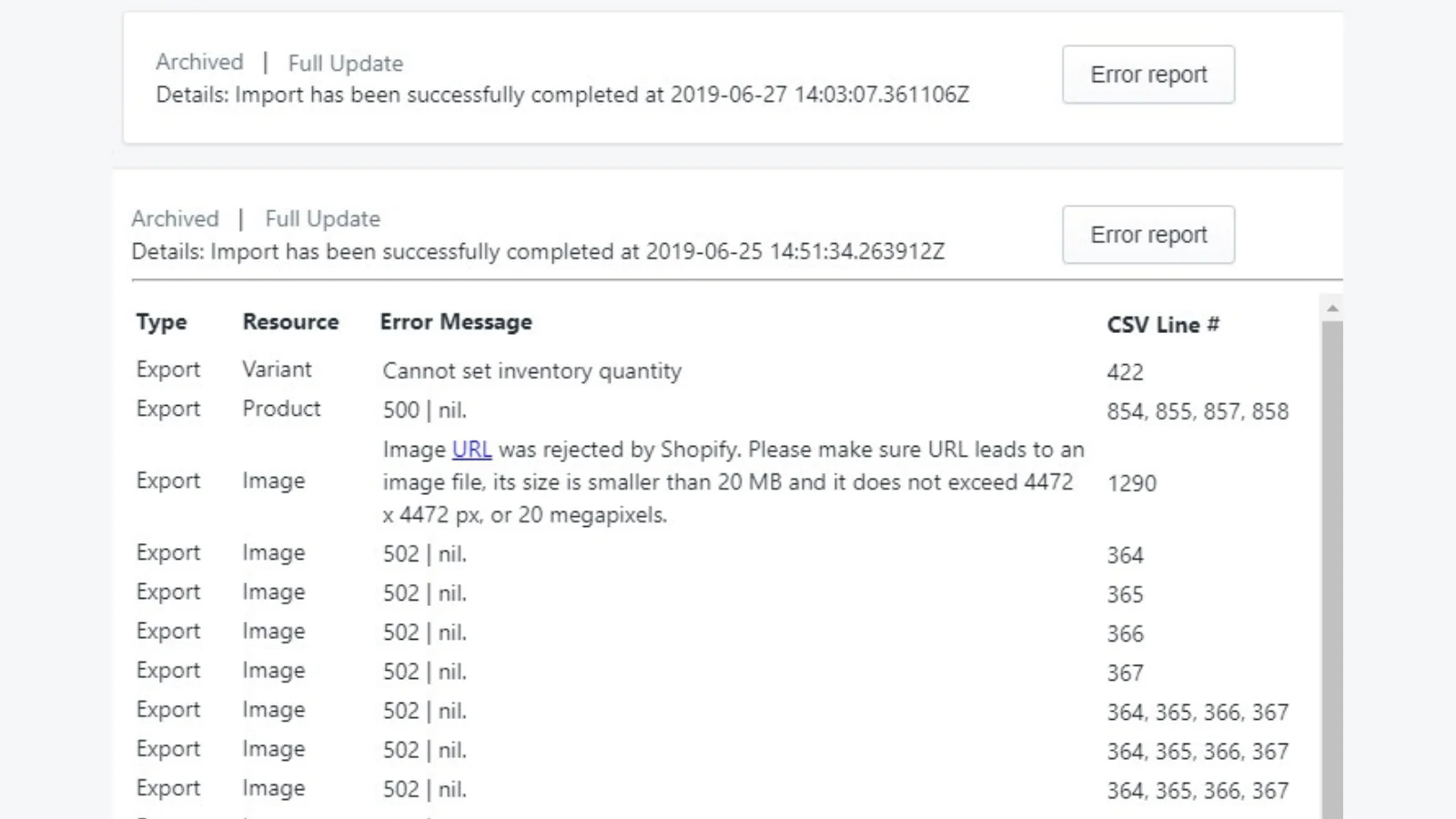
- Keep track of tasks and error logs
- Email notifications & reports
- No coding required
Seamless workflow: use directly in Shopify admin
Speed tested: no impact to your online store
About the Author
Matej Kontros is an E-Commerce expert and app developer with over a decade of professional experience in IT.
Matej has worked for organisations of all types and sizes, including global players, startups, and agencies. He designed, developed, and maintained complex projects.
Matej's expertise includes e-commerce, software engineering, web development, systems administration, internet security, managing projects, and building teams.
Visit his website at [ Web Linkedin ] or contact him at [email protected].