Shopify App : Free Notification Bar Messages
Inform, inspire + convert users with notifications and popups
About Free Notification Bar Messages
Inform, Inspire & Convert : Use Free Notification Bar Messages to create, customize, and display notifications and popups that inform, inspire, and convert customers.
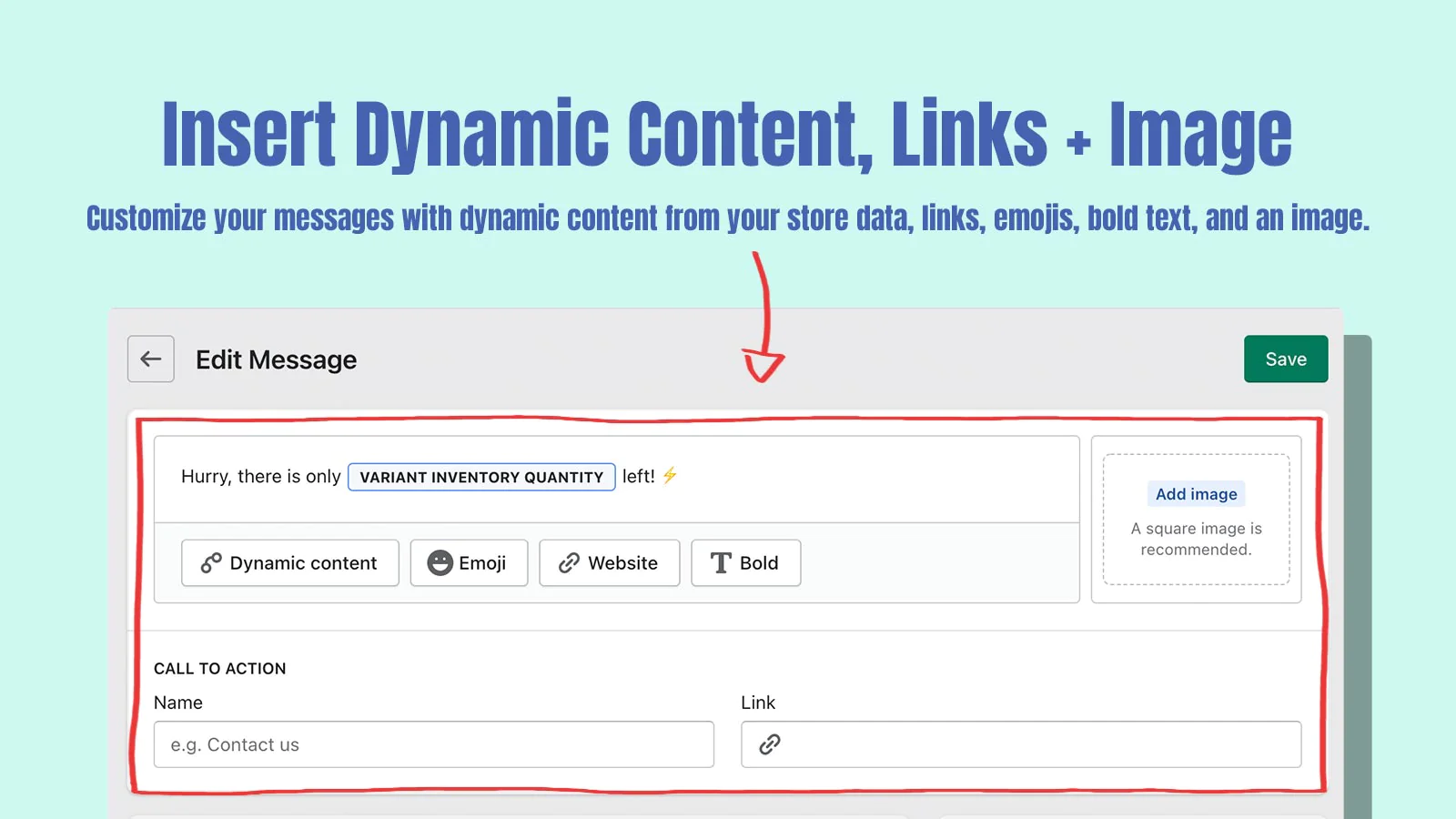
Customizable Message Builder : Using dynamic content pulled from your store data, show meaningful information to customers looking for answers or considering a purchase.
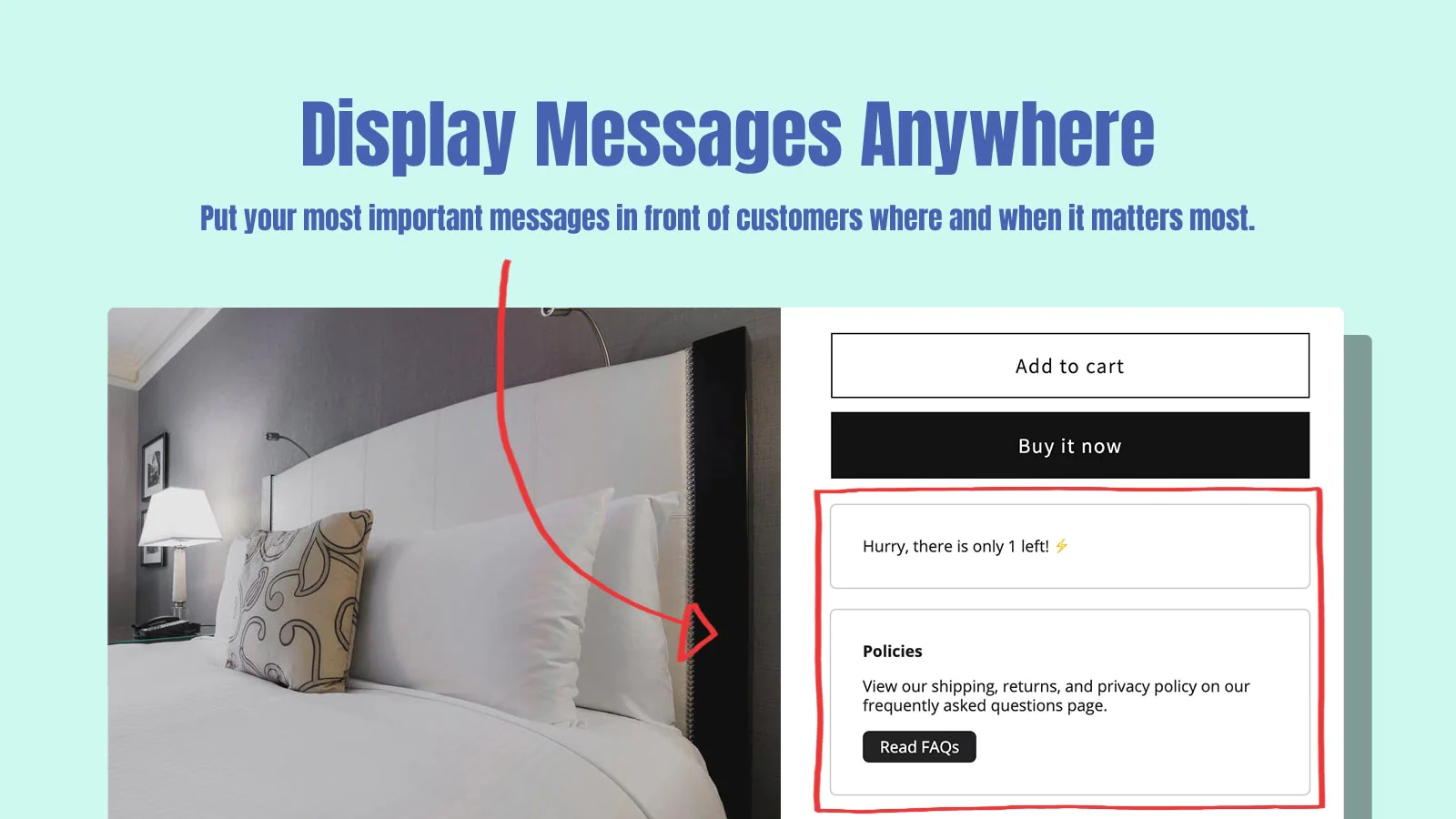
Display Messages Anywhere : Message display types and prioritization allow you to put your most important messages in front of customers where and when it matters most.

Free Notification Bar Messages lets you create customizable messages to help inform, inspire and convert more customers on your store.
Free Notification Bar Messages is a simple, beautiful and highly functional message builder for your Shopify store. You can create any number of messages using the message builder; it takes a natural language approach to building messages with text and a library of variables. These variables include the ability to add dynamic content within the body of your messages.
Use Cases
The message builder enables the creation of completely custom messages to match your store's needs. Some common use cases include:
- Stock Level Messages: Use the “Variant Inventory Quantity” dynamic content option to display how much inventory you have left in stock for your products.
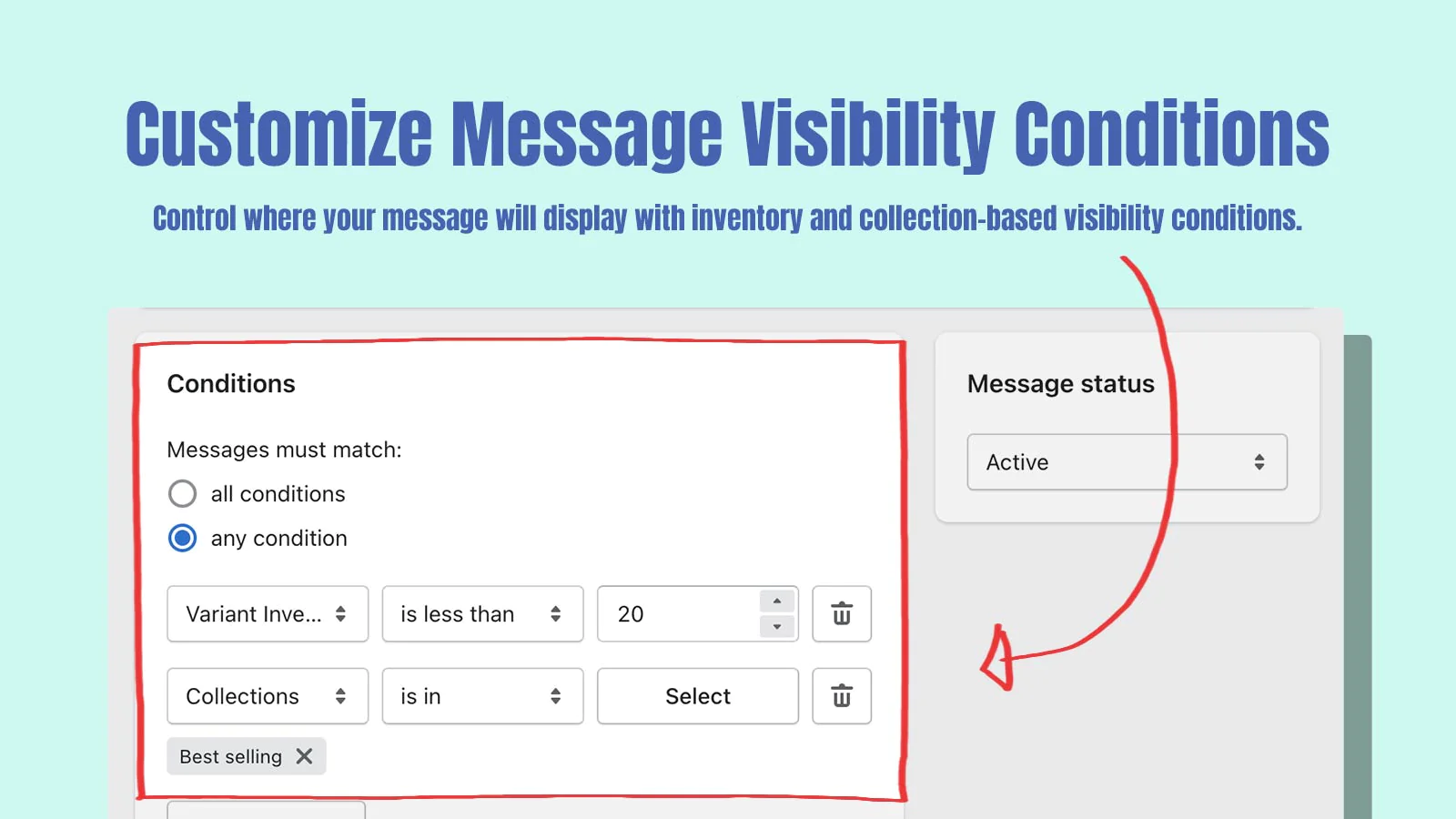
- Sold Out Messages: Use the “Variant Inventory Quantity” condition to automatically display a message indicating when products are sold out.
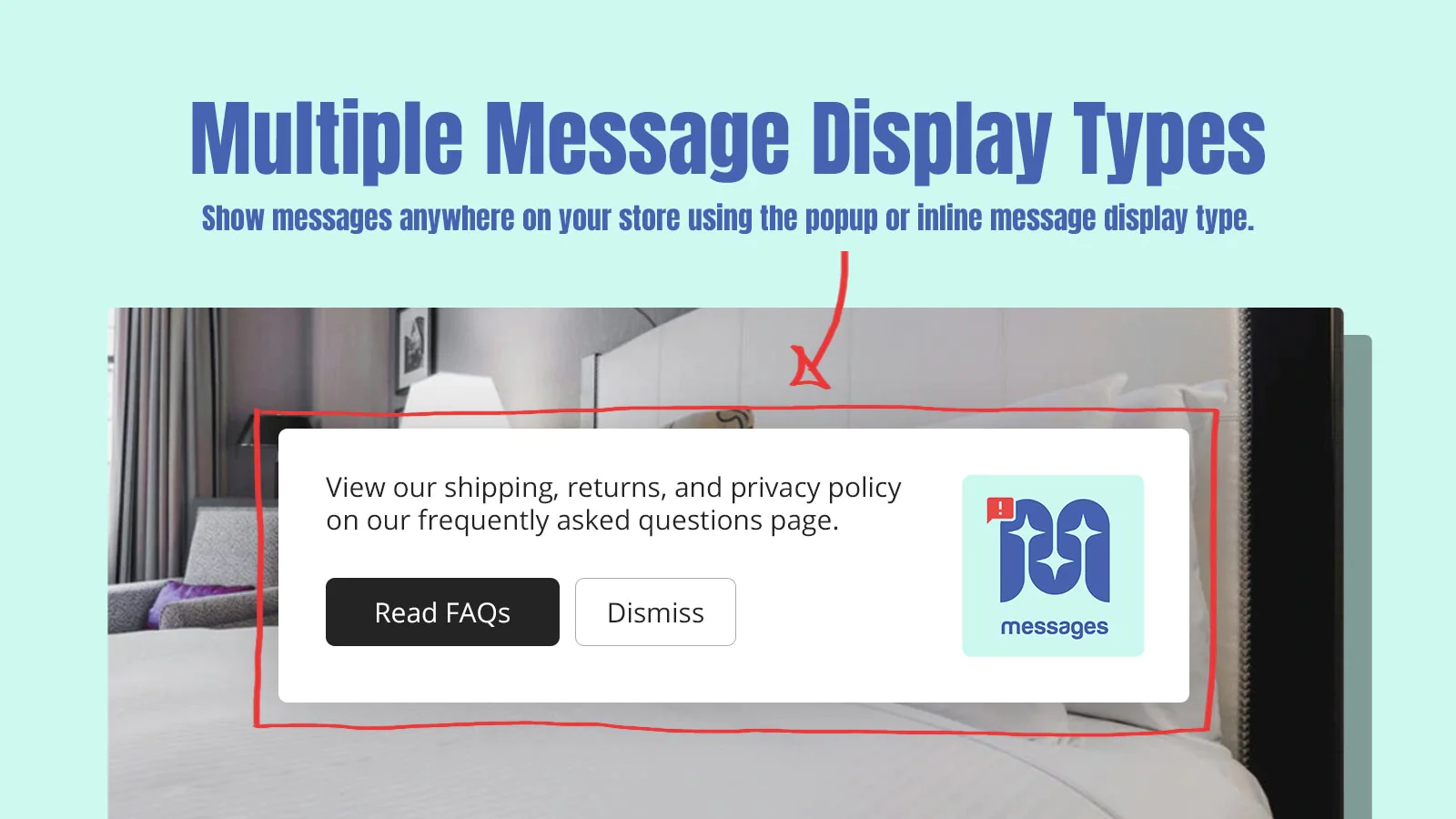
- Policy Messages: Use the linking function of the message builder to create and display a message on your store directing users to any of your store policies.
- Contact Us Messages: Use the linking function of the message builder to create and display a message containing key contact information for users browsing your store.
Key Features
- Create an unlimited number of messages.
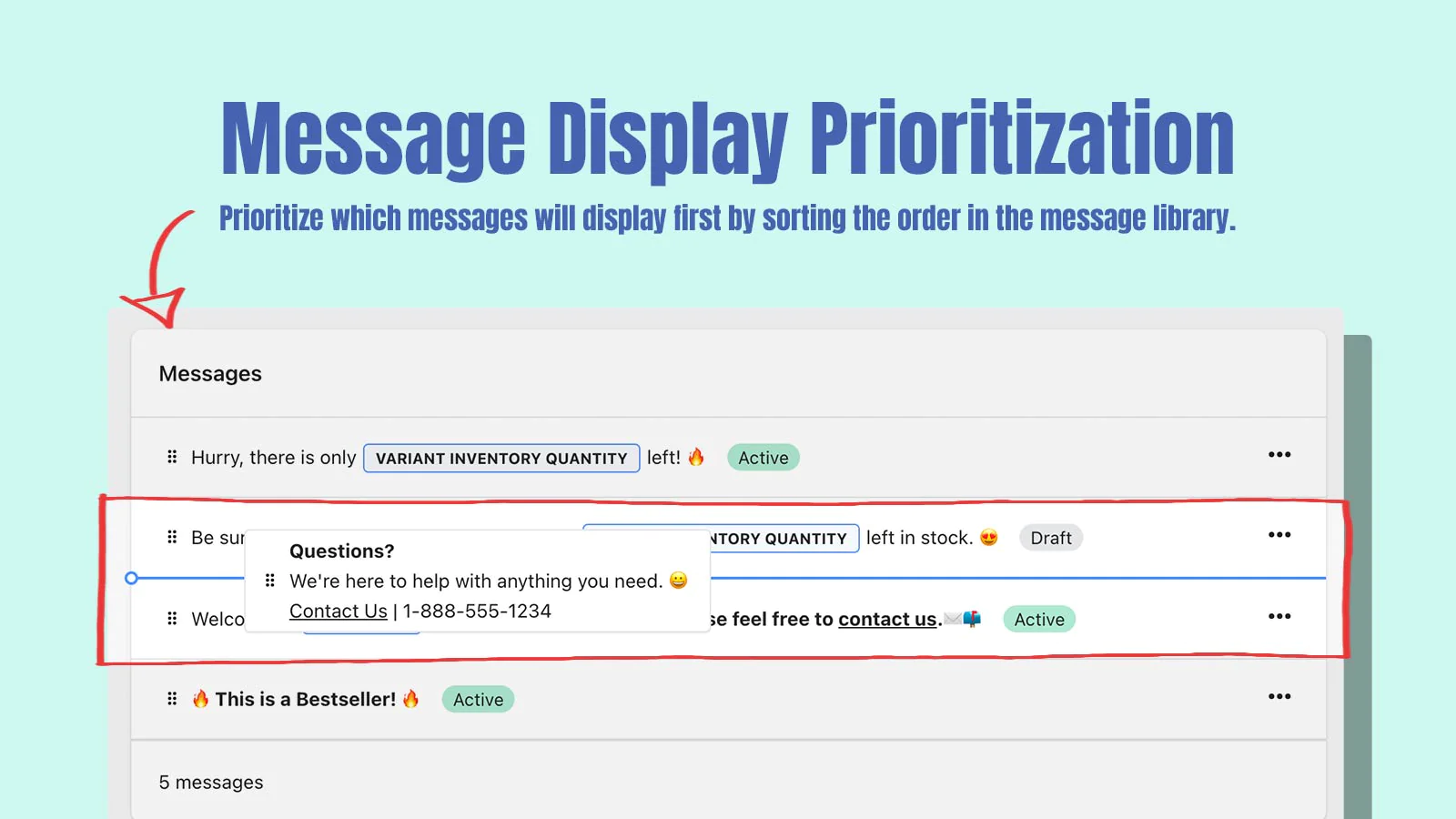
- Order message visibility priority on the messages overview screen.
- Add dynamic content pulled from your store data like Store Name and Variant Stock Quantity.
- Rich text editor that allows you to bold text, add links and insert emojis to your message content.
- Set a link on a call to action button on your message to drive users to another page.
- Set message visibility conditions like inventory greater than or less than, or product is in collection.
- Toggle message status between Active and Draft.
- Inline app block to display messages in Online Store 2.0 templates.
- Select the Popup or Inline message type to control where message should display.
- Simple, step-by-step onboarding will help you have your first message active in minutes.
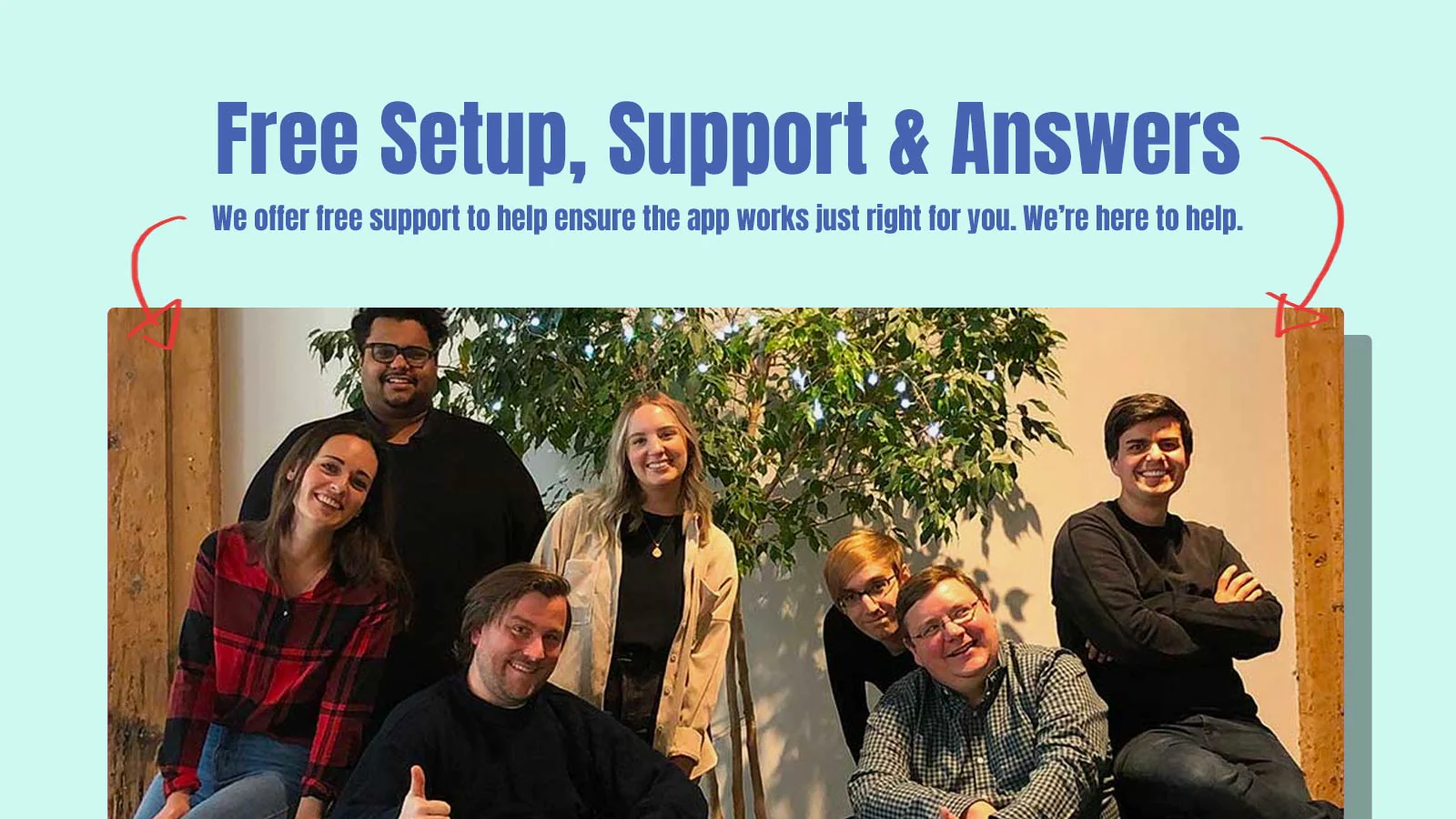
Free Setup, Support and Answers.
Let us install the app and make sure that it works perfectly for you. We’re here to help.
Seamless workflow: use directly in Shopify admin
Up-to-date tech: works with the latest themes
About the Author
Matej Kontros is an E-Commerce expert and app developer with over a decade of professional experience in IT.
Matej has worked for organisations of all types and sizes, including global players, startups, and agencies. He designed, developed, and maintained complex projects.
Matej's expertise includes e-commerce, software engineering, web development, systems administration, internet security, managing projects, and building teams.
Visit his website at [ Web Linkedin ] or contact him at [email protected].