Shopify App : Magic 360
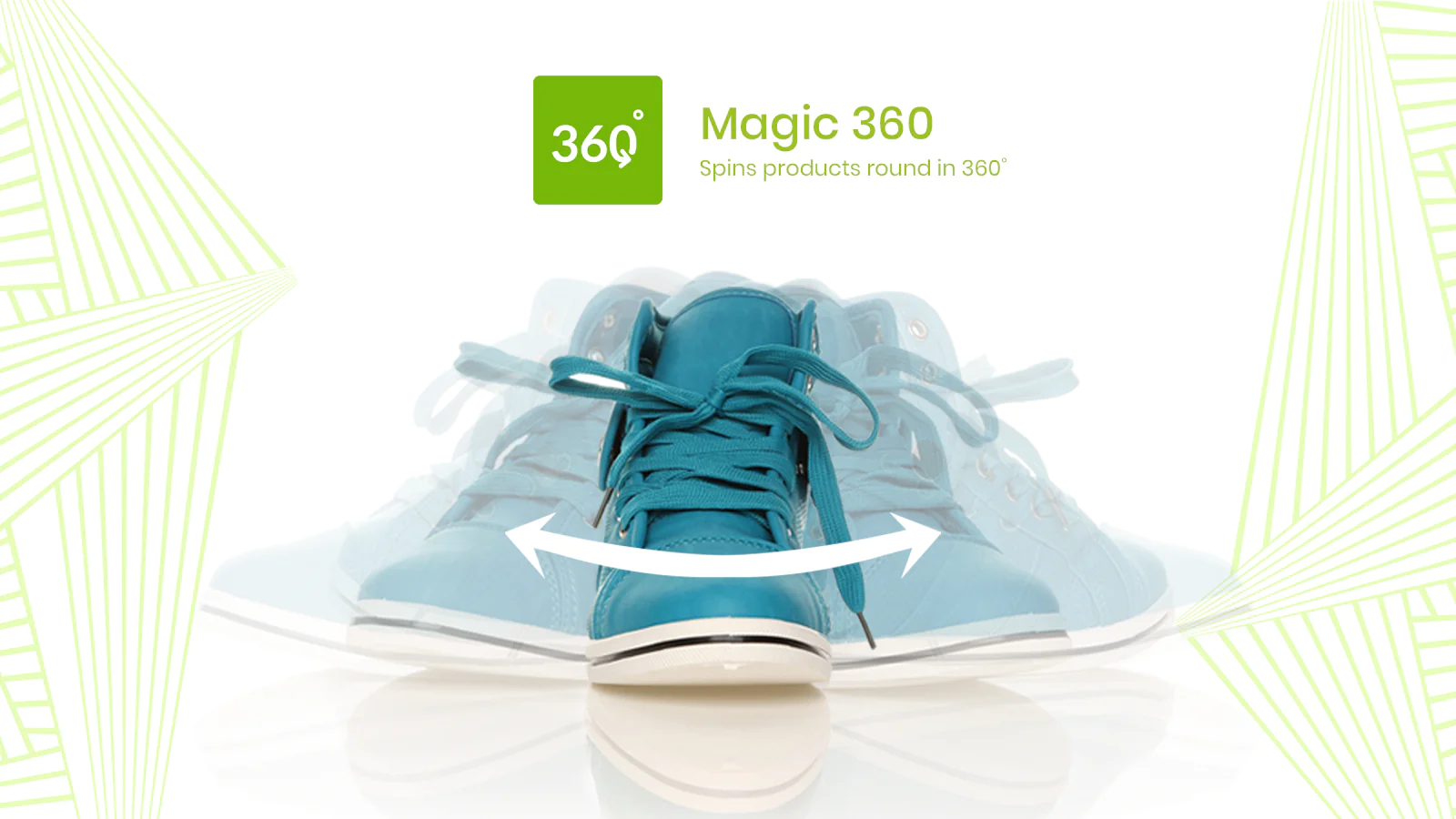
360 degree spin is the perfect way to view products!
About Magic 360
Show, don't tell : Show customers every angle - almost like real life.
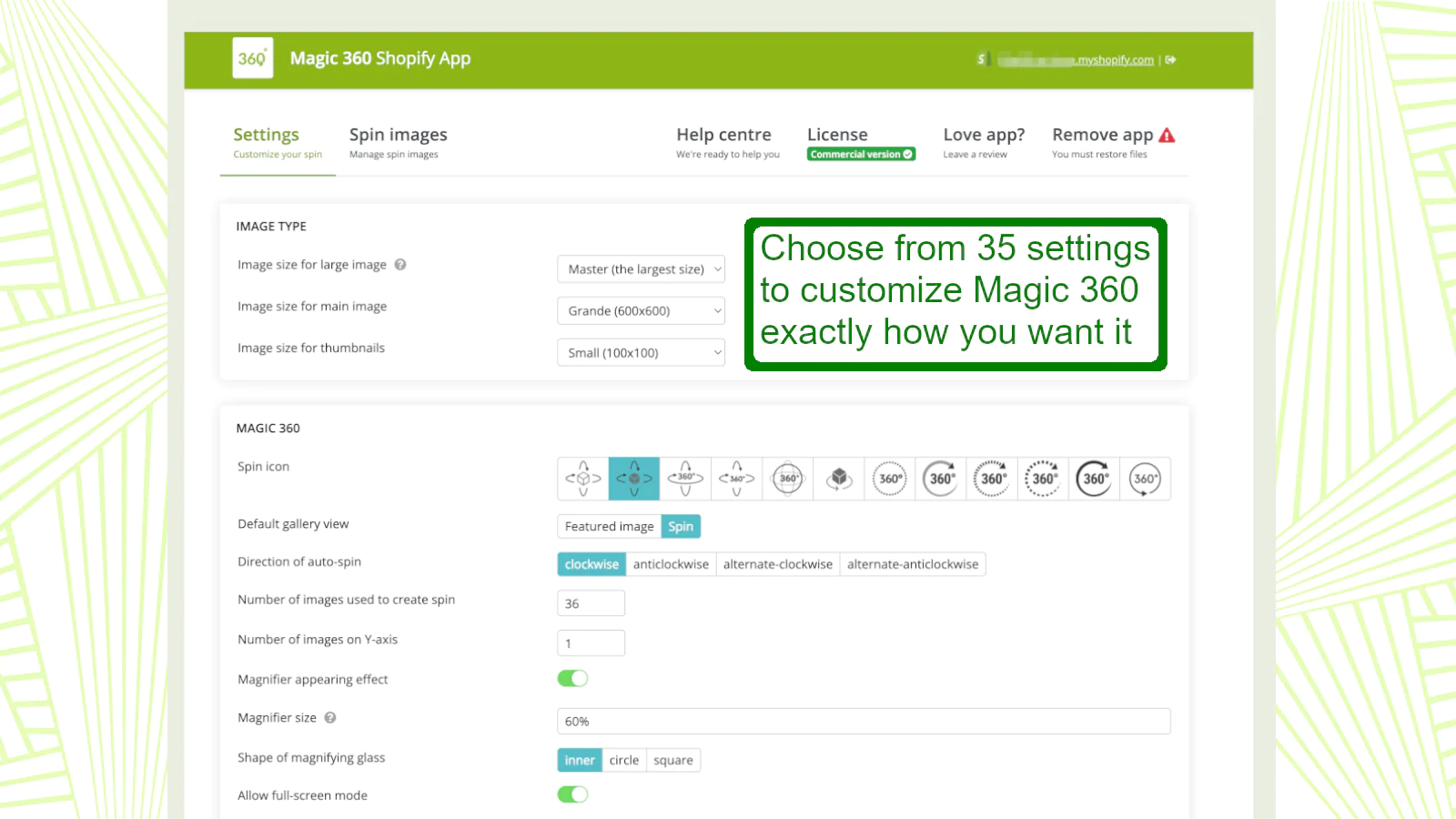
Make it your own : Choose from a huge amount of customizations.
Responsive : Spins look perfect on any screen size.
Magic 360 is the ultimate way to display products on your store.
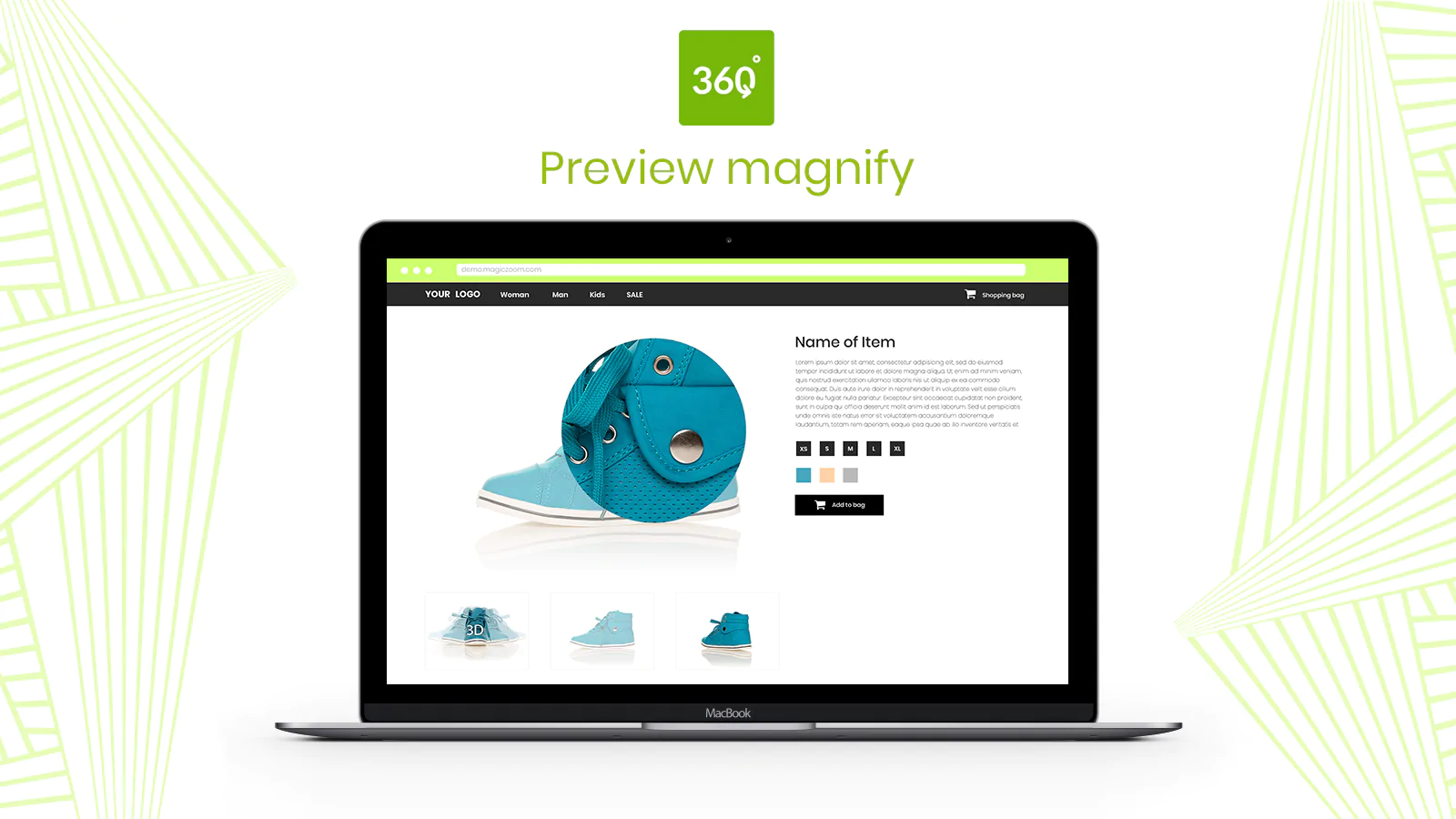
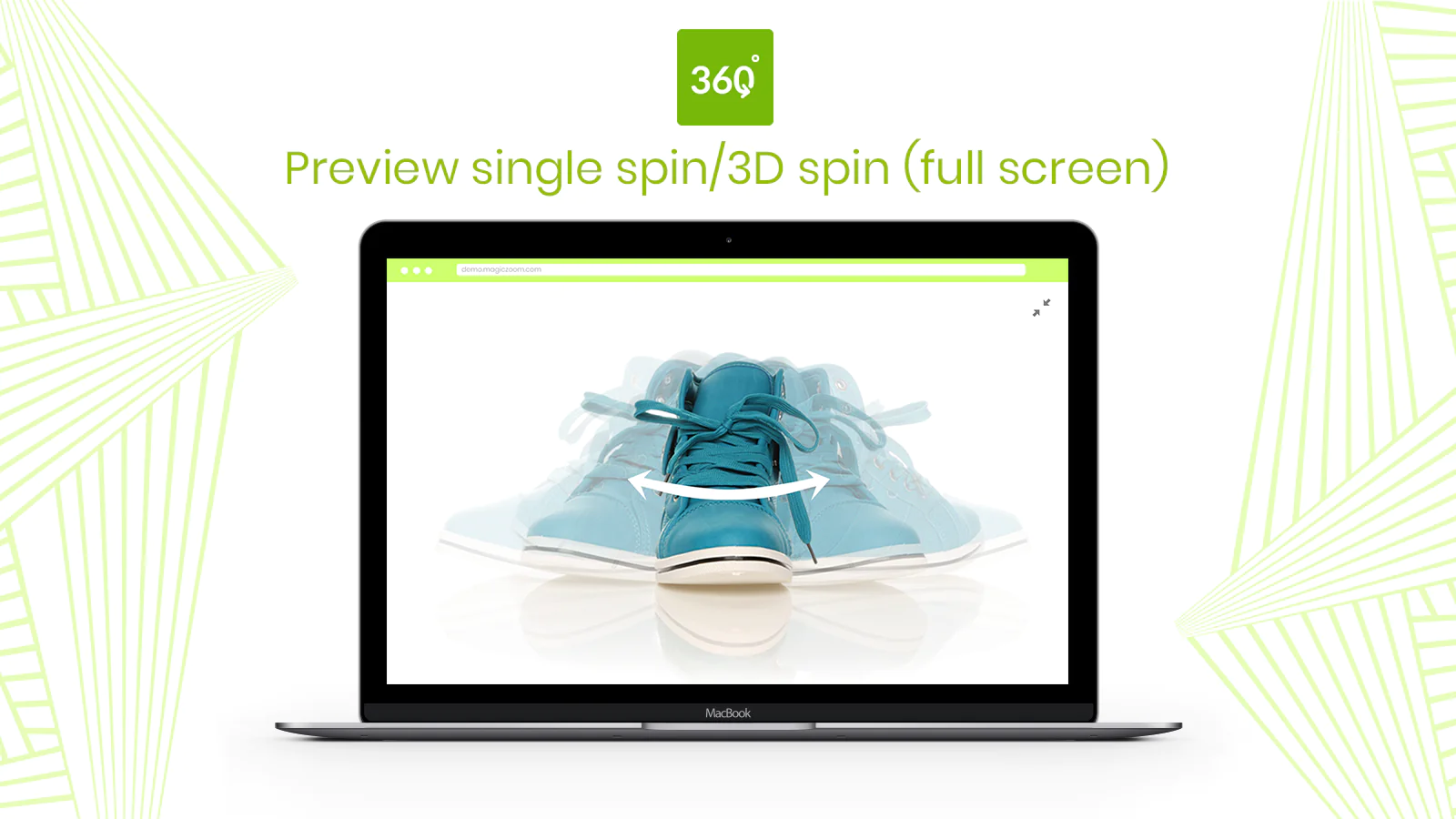
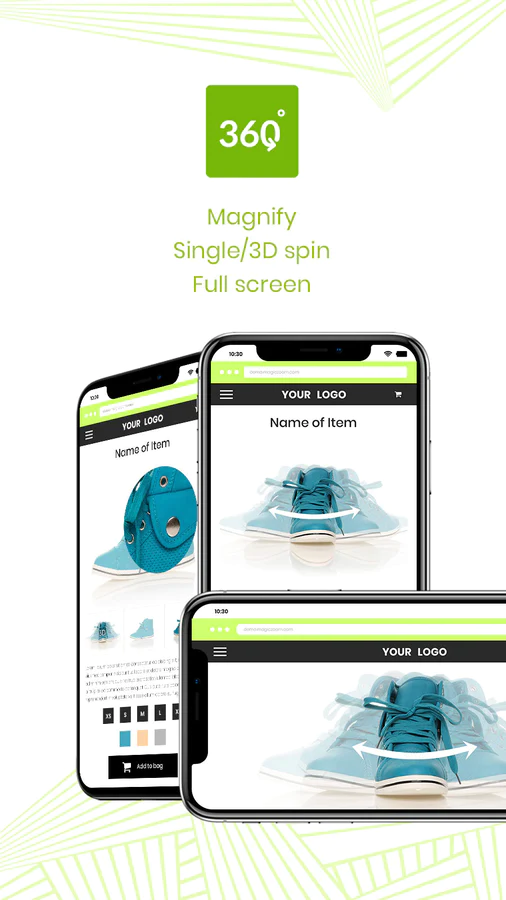
Show customers every detail of your product with 360-degree spin. Customers can even zoom-in and enlarge to full-screen too.
Why 360 degree?
Why have mega-retailers adopted 360 degree spins for their websites?
- Immediate confidence:
Increases sales by removing any doubts about the product.
- Save time:
Eliminates a high percentage of customer questions, easing pressure on your customer service team.
- Fewer returns:
Customers are unlikely to send an item back (because they know what they're buying).
What you'll need
A set of JPG photos which show every angle. Your product moves ever so slightly in each photo, to create the 360 effect.
We recommend 800px to 1200px wide. These big images will create gorgeous spin, magnify & full-screen effects.
Naming your images
Number images in the order they will appear on your Shopify product page eg: shoe-01.jpg, shoe-02.jpg, shoe-03.jpg etc.
360 photography
Scared about photographing them yourself? No problem - ask us to get a quotation from a professional photographer.
Features
Enjoy the many features of this 360 image viewer for a one-off payment:
- Auto-spin once, twice or infinitely
- Spin on hover, drag or mousewheel
- Click to magnify
- Spin in full-screen
- Display static images and spin on same product page
- 3D spin (left-right and up-down)
- Supports any number of photos
And that's not all, because this 360 viewer is built with JavaScript not Flash, it works on iPad, iPhone, most Android devices plus all major browsers, so your customers can view your products whenever and wherever they want.
Installation problem?
If Magic 360 didn't install correctly, instantly roll-back any changes to your theme by clicking the red button 'Restore files' on the Settings page.
Setup a 360 spin
Once Magic 360 is installed, upload your 360 spins to your products (as you normally would).
Themes
This 360 product spin supports any Shopify theme! Including themes with a gallery layout and HTML code similar to the standard Shopify themes.
If Magic 360 doesn't work immediately on your site, email us and we'll add support for your theme (within 24 hours).
Include static images
If you have static images, display them alongside your 360 degree spin. Simply upload static images first to your product as normal, then upload 360 spin images. Easy!
Support
Please email us any questions.
Thanks!

Speed tested: low impact to your online store
About the Author
Matej Kontros is an E-Commerce expert and app developer with over a decade of professional experience in IT.
Matej has worked for organisations of all types and sizes, including global players, startups, and agencies. He designed, developed, and maintained complex projects.
Matej's expertise includes e-commerce, software engineering, web development, systems administration, internet security, managing projects, and building teams.
Visit his website at [ Web Linkedin ] or contact him at [email protected].