Shopify App : Local Delivery Routes
Optimize deliveries with zones, drivers and navigation
About Local Delivery Routes
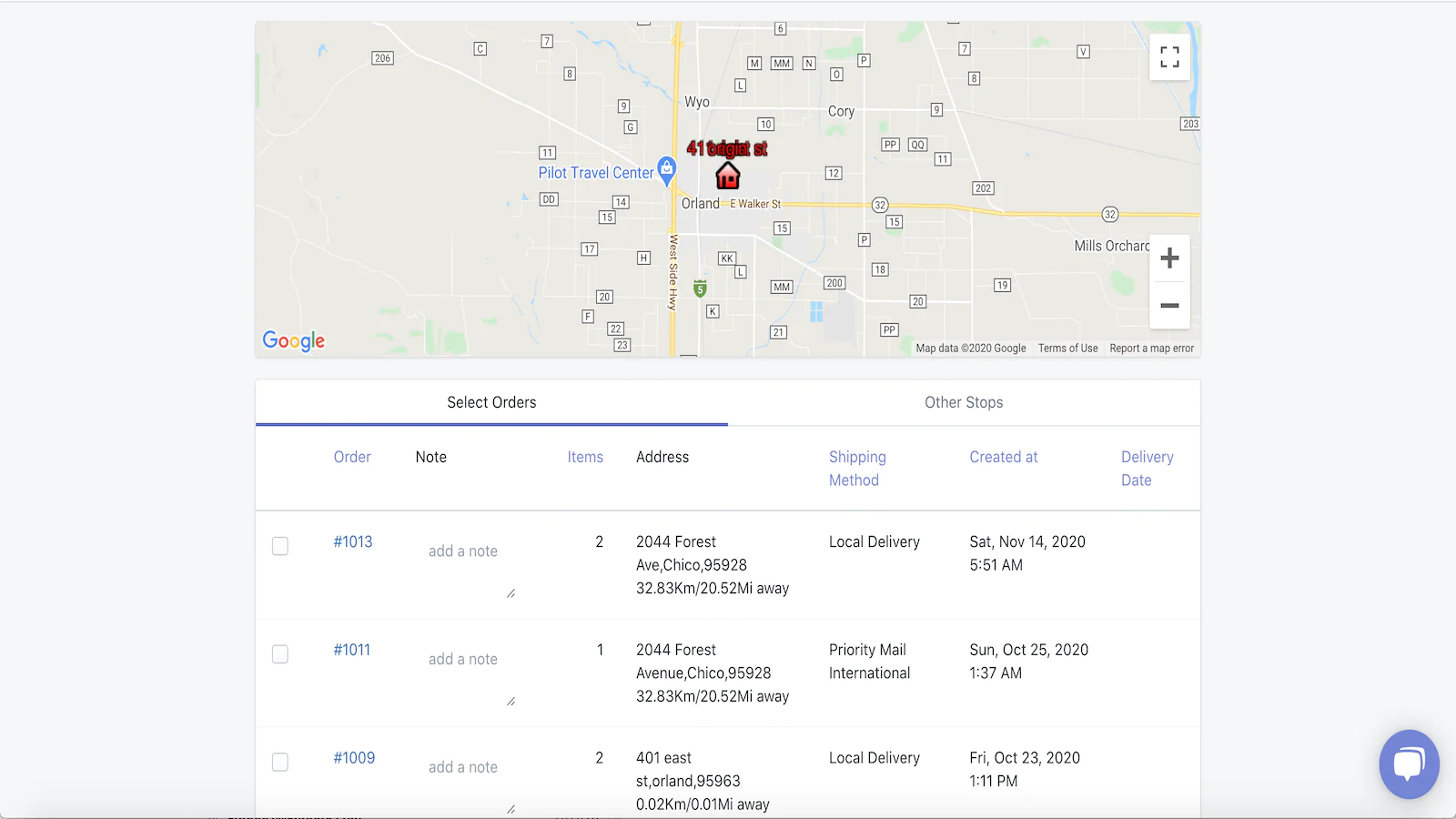
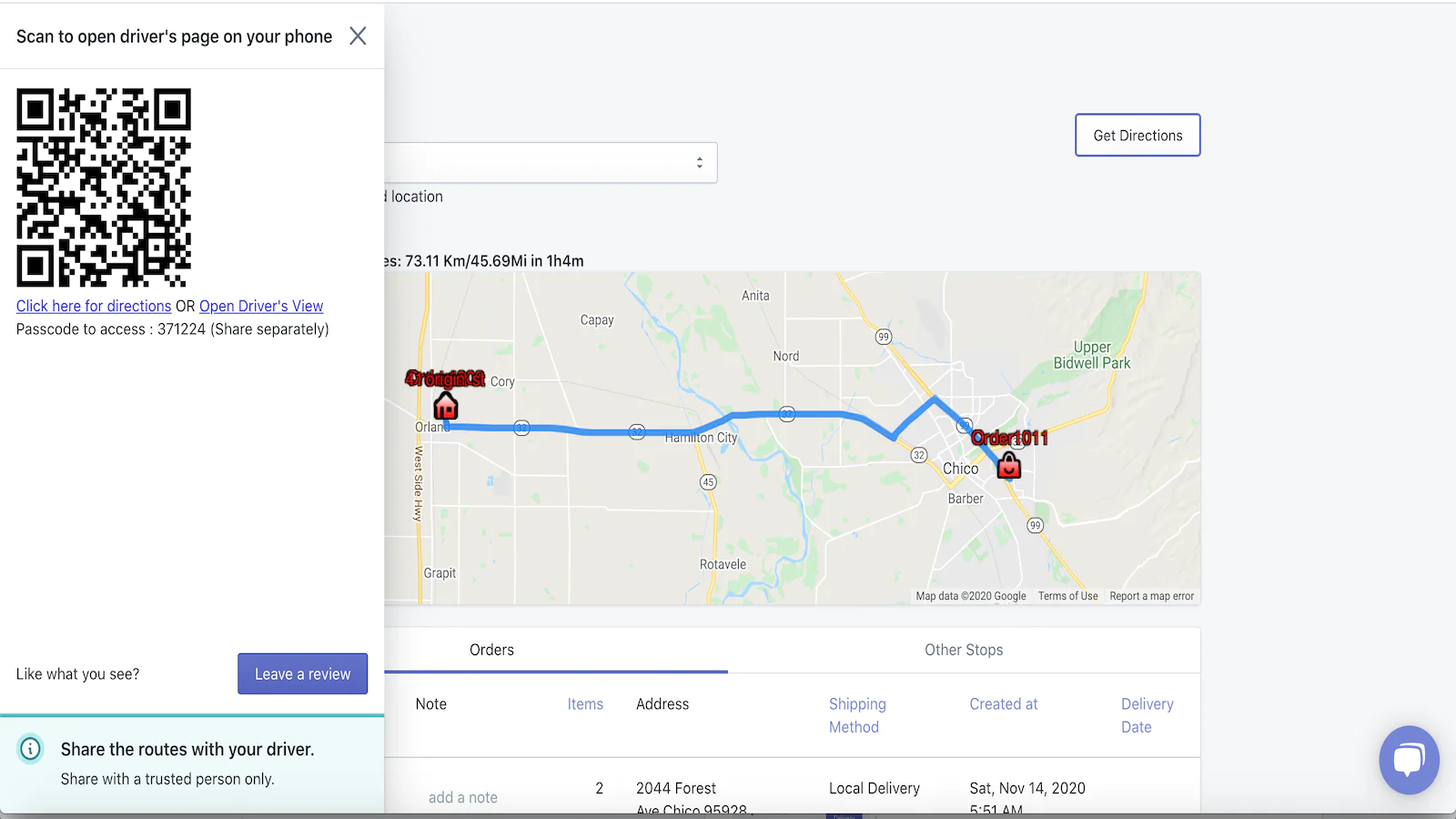
Add any order to the route : Add local-delivery orders or normal orders to the route and find accurate distance and duration estimates on google map.
Add additional stops : You can also add other stops for external orders, pickups, drop-off and other stuff to the route with notes for the driver.
Share the route : Share route URL with your driver for easy navigation and order status management.
Local deliveries taking longer than they should, You are wasting a lot of time creating routes manually?
Use Local Delivery Routes to create optimized routes for local deliveries. Avoid the hassle of manually sorting orders and then finding a route that is not optimized.
Here's how LDR helps you
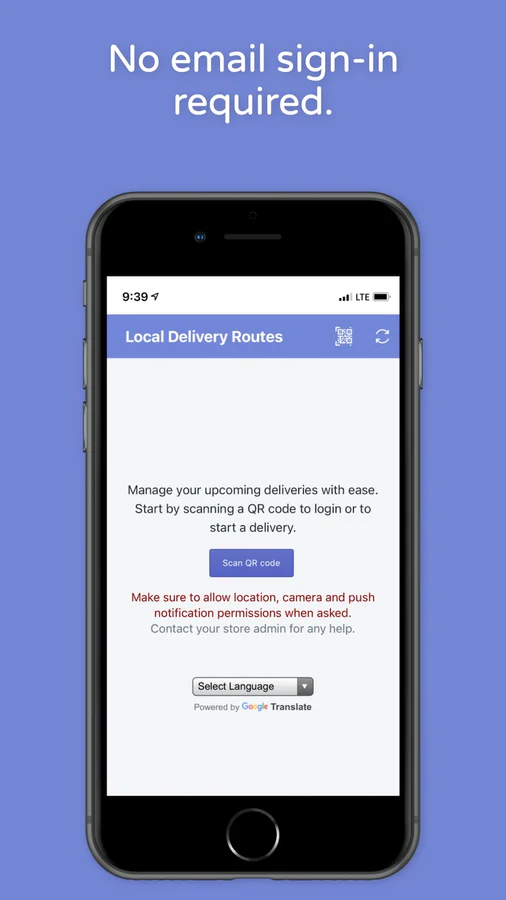
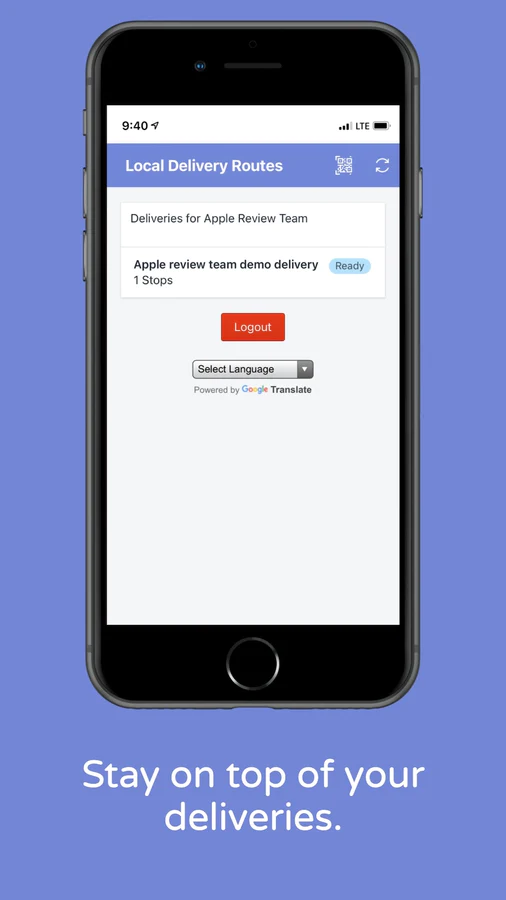
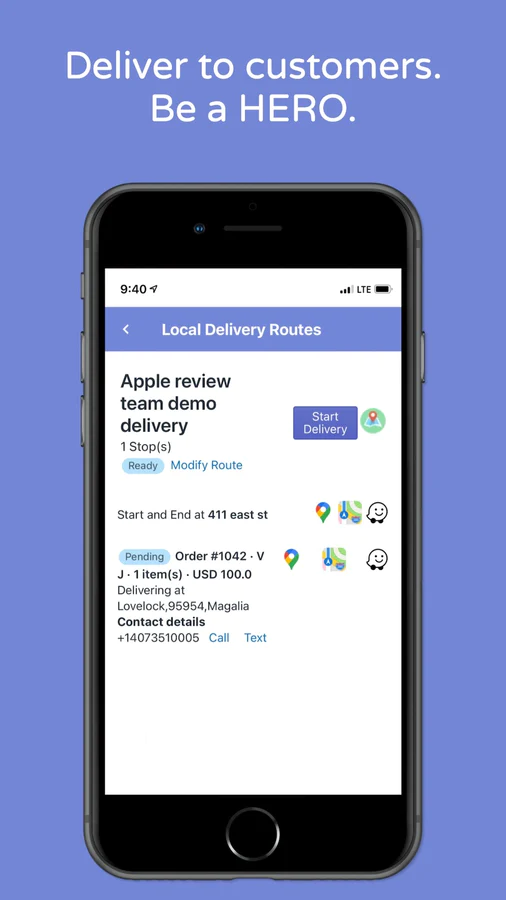
Select your orders for delivery to generate an optimized route. Assign it to yourself or a driver. Drivers get instant notification about their upcoming deliveries. Drivers can create a delivery checklist and start delivering the orders in no time.
Advantages of using LDR
- You'll be able to add orders with Local Delivery and/or Standard Shipping Methods.
- Zapiet and other local delivery apps are supported to manage delivery date and time.
- If needed, add special notes for each stop, for more control.
- Deliver your orders through a fleet of trucks, cars, or bicycles, it works for all.
- Use Google Maps, Apple Maps, or Waze for navigating to each delivery location.
- Use Google Plus Codes for precise geolocation.
- Lower the number of "where is my order?" requests, by sending "Out for Delivery" "Delivered" notifications to your customers.
- Collect photos or signatures as proof of delivery and send them to customers via email or SMS.
- Stay in touch with your customers during deliveries via call or text.
Pricing Details
You can try 7 deliveries for free when you sign up. Subscribe to a monthly plan or pay-as-you-go after that.
Contact us at [email protected] for more details.
Speed tested: low impact to your online store
About the Author
Matej Kontros is an E-Commerce expert and app developer with over a decade of professional experience in IT.
Matej has worked for organisations of all types and sizes, including global players, startups, and agencies. He designed, developed, and maintained complex projects.
Matej's expertise includes e-commerce, software engineering, web development, systems administration, internet security, managing projects, and building teams.
Visit his website at [ Web Linkedin ] or contact him at [email protected].