Shopify App : LayerStack
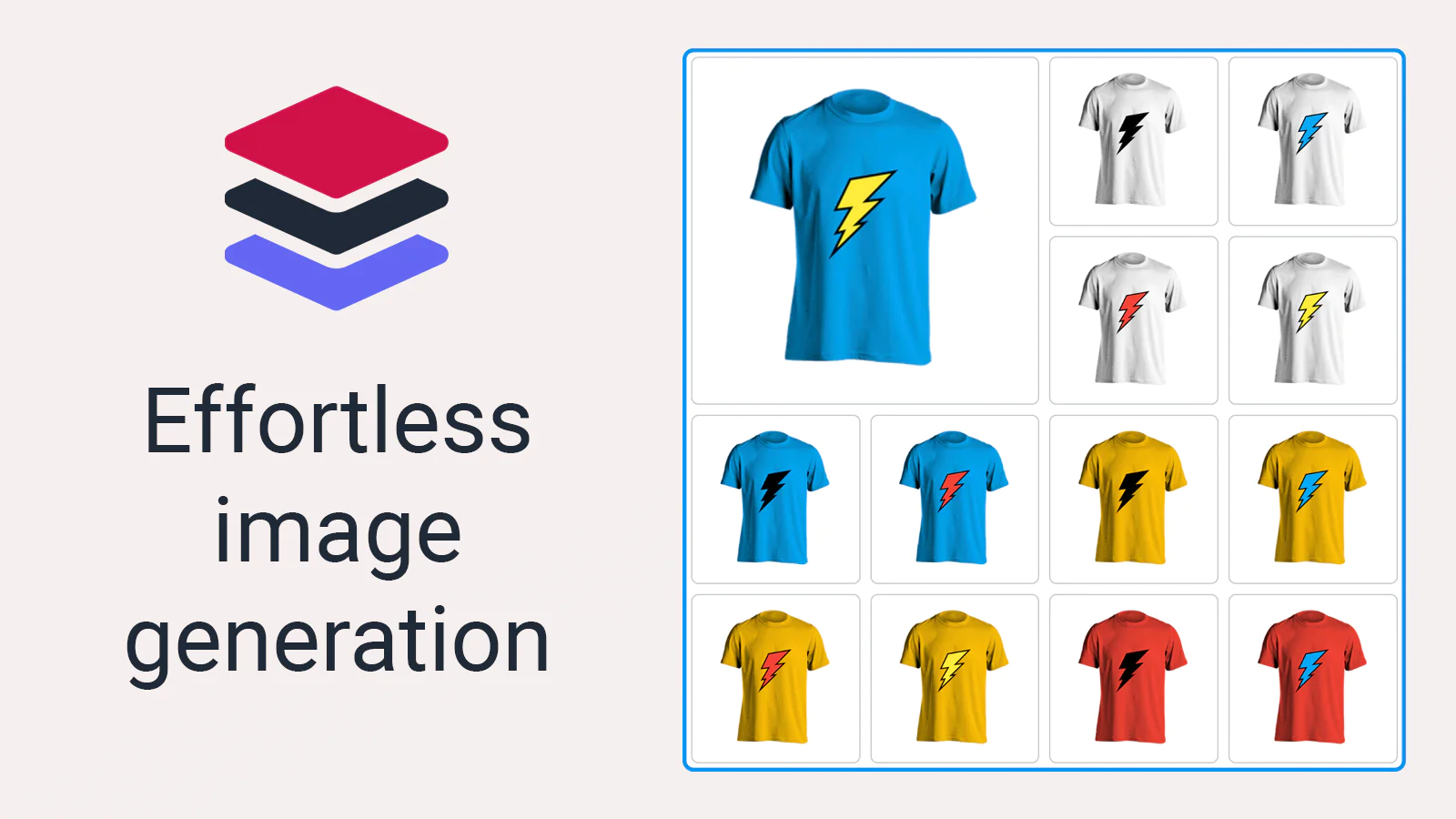
Generate variant images from separate layers automatically
About LayerStack
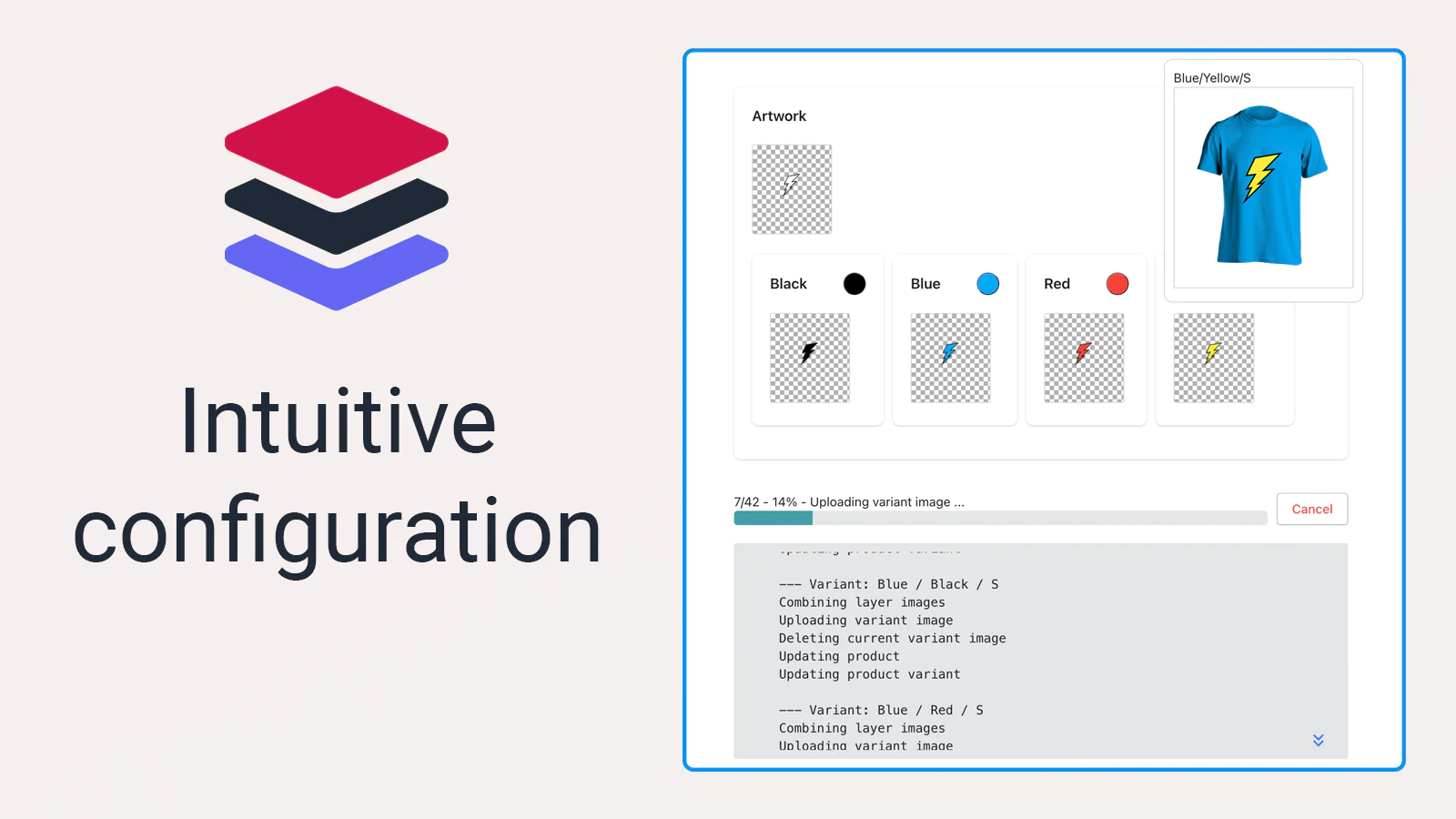
Save time : Create the separate layers and let the app combine them and update your product directly.
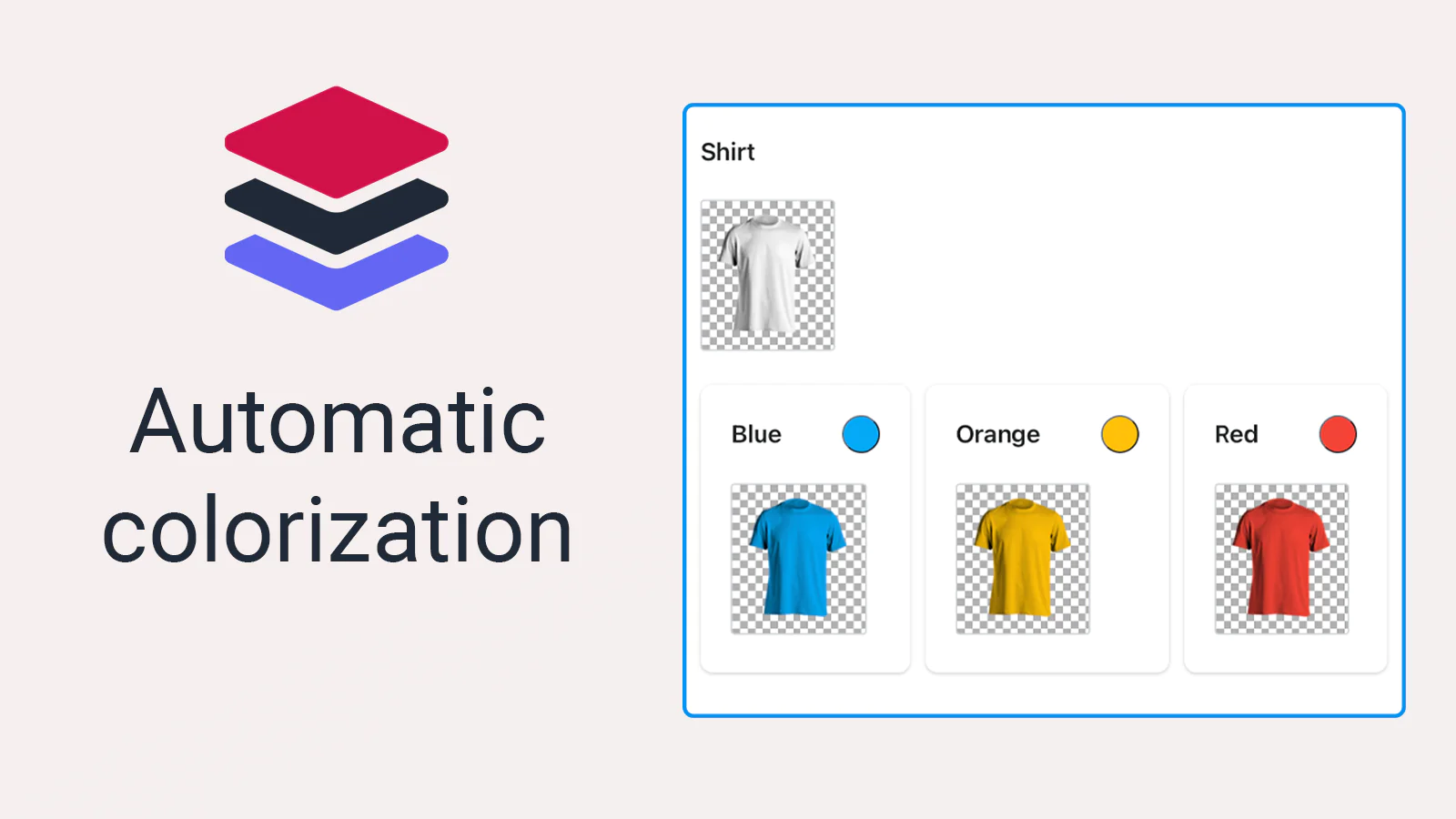
Colorize layers automatically : Provide a base image and colorize it with a single click, thus saving more time.
Handle complex cases : Group visually similar options to produce less images, or combine multiple options to have more control.
Generate variant images from separate layers
Instead of manually creating variant images and individually configuring them, you will only need to configure the separate layers and the app will combine them and assign them to the corresponding variant, thus saving you time and effort.
Automatically colorize your layers
If you have a layer which varies based on the variant color, you can simply configure the colors, and the app will colorize it for you. No need to colorize layers manually.
Group similar options
If some options look the same, you can group them, thus generating fewer images overall and keeping your product configuration tidy.
Combine options for more advanced use cases
You can combine two options or more to have finer control over the layers. This is useful when you have layers that visually depend on more than one option. Ex. a shape and a color.
Seamless workflow: use directly in Shopify admin
About the Author
Matej Kontros is an E-Commerce expert and app developer with over a decade of professional experience in IT.
Matej has worked for organisations of all types and sizes, including global players, startups, and agencies. He designed, developed, and maintained complex projects.
Matej's expertise includes e-commerce, software engineering, web development, systems administration, internet security, managing projects, and building teams.
Visit his website at [ Web Linkedin ] or contact him at [email protected].