Shopify App : Keep on Hold Wishlist
Add removed products to Wishlist. 1-click "Save for Later"
About Keep on Hold Wishlist
Save Abandoned Cart Items : Create one last touch point with shoppers when they remove products from the cart. Keep their items on hold!
Track Shoppers Cart Behaviour : Understand how products are added or removed from the cart to optimize your sales strategy.
Frictionless Wishlist : Make it easy for your shoppers to purchase products at a later time with a one click save process.
At a Glance
- FREE PLAN FOREVER!
- "Add to Wishlist" button on product pages.
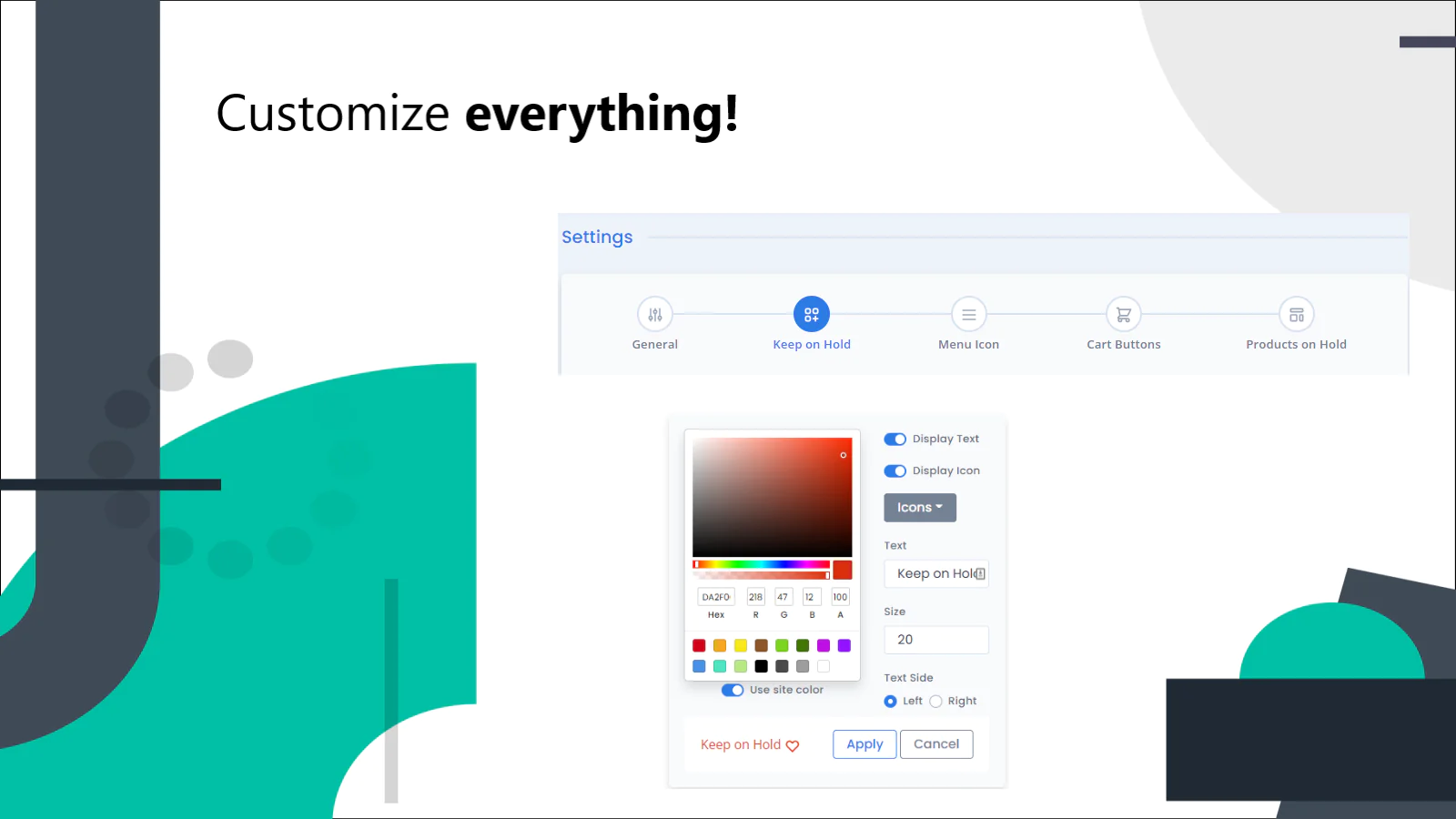
- Your brand, your design. Customize icons, colors, or any style for seamless theme integration.
- Language customization. Change wording (e.g., "Save for Later", "Add to Wishlist", etc.) or translate to any language.
- No login required. Instant one click Save for Later functionality.
- Shopping cart metrics and analytics to understand shoppers’ cart activity.
- Add each variant in the Wishlist
About
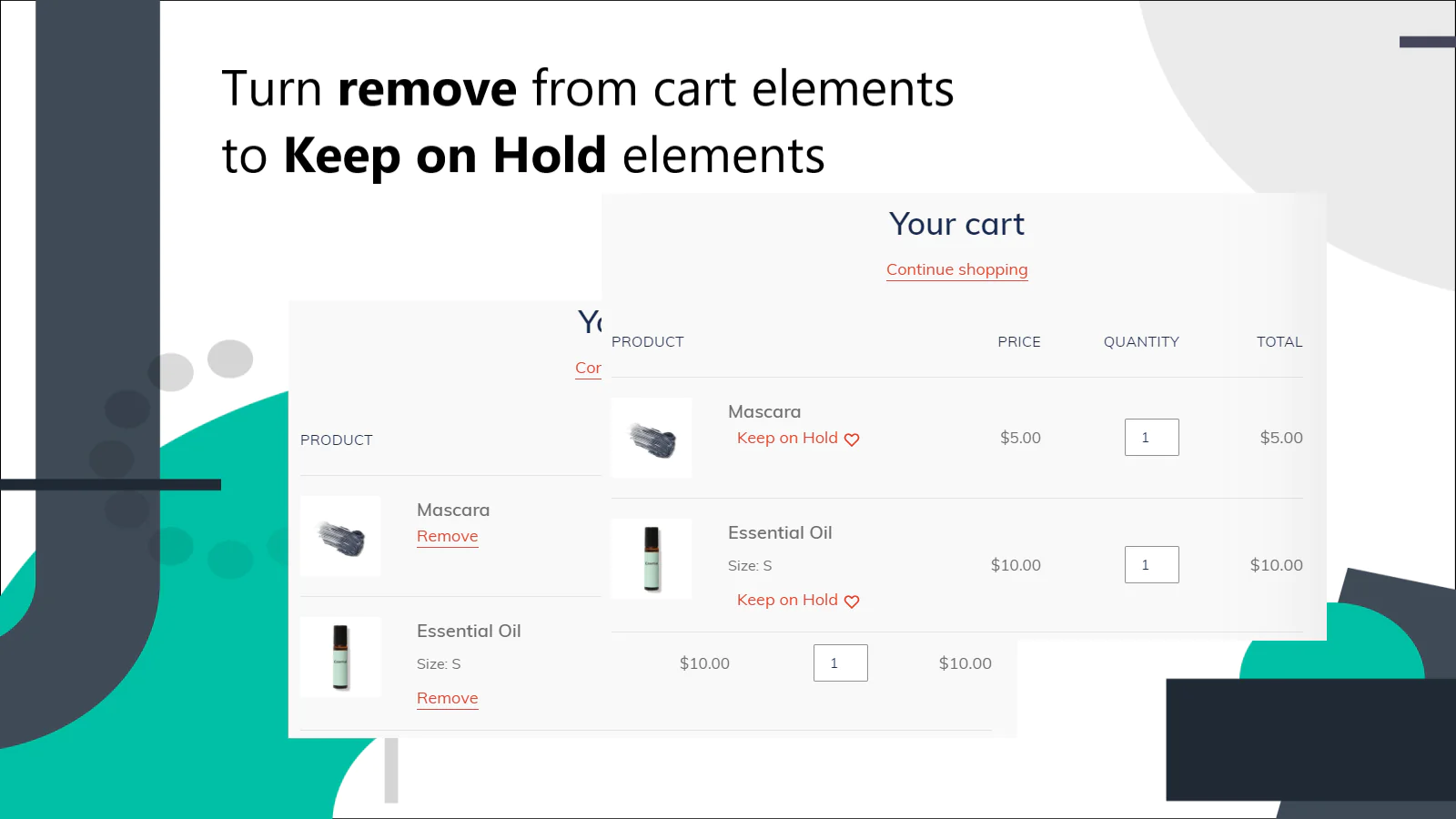
Shoppers will often remove products from their cart during checkout. Keep on Hold saves those products when shoppers change their mind. Keep on Hold turns your "remove from cart” button into a "save for later" button.
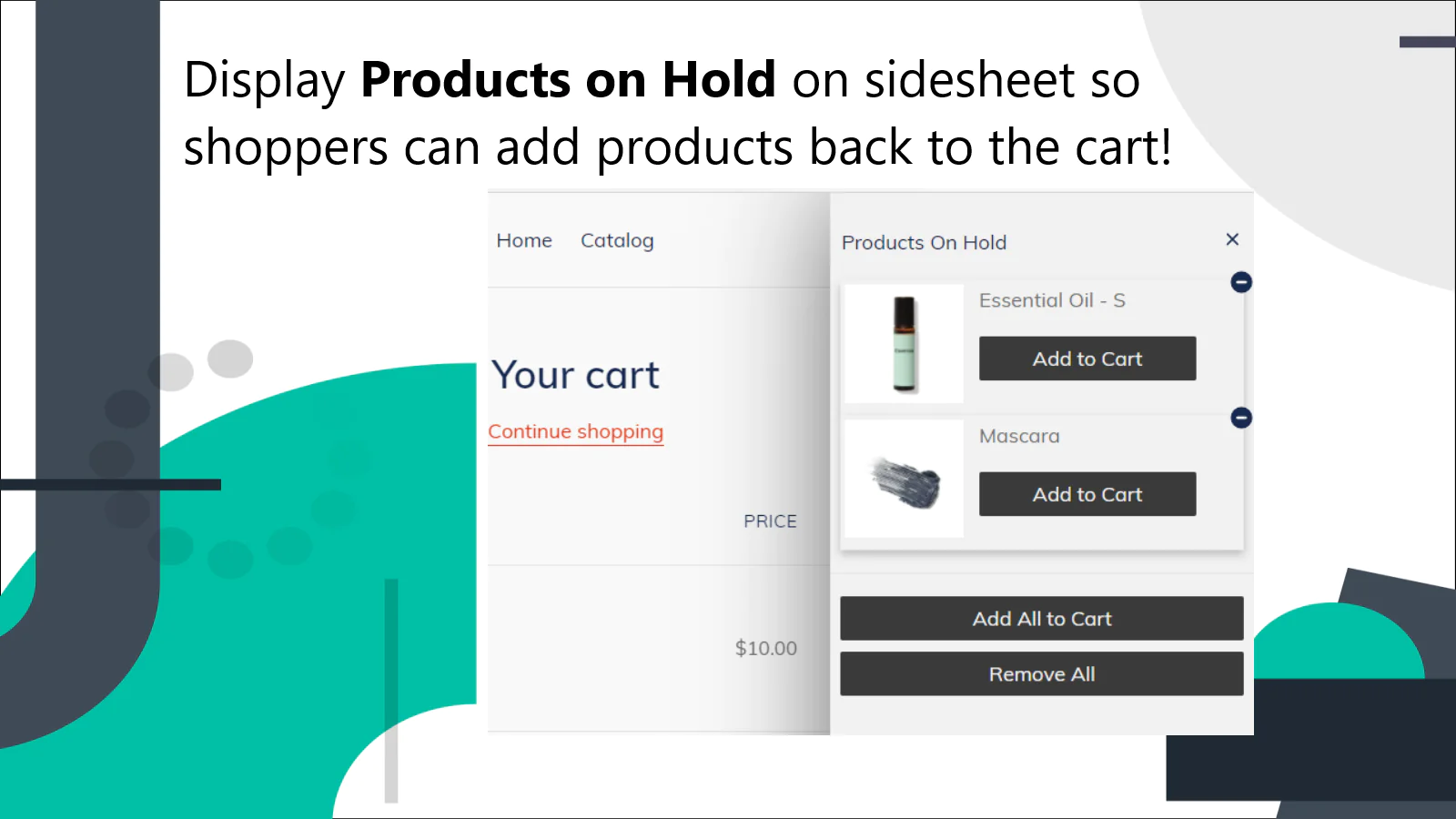
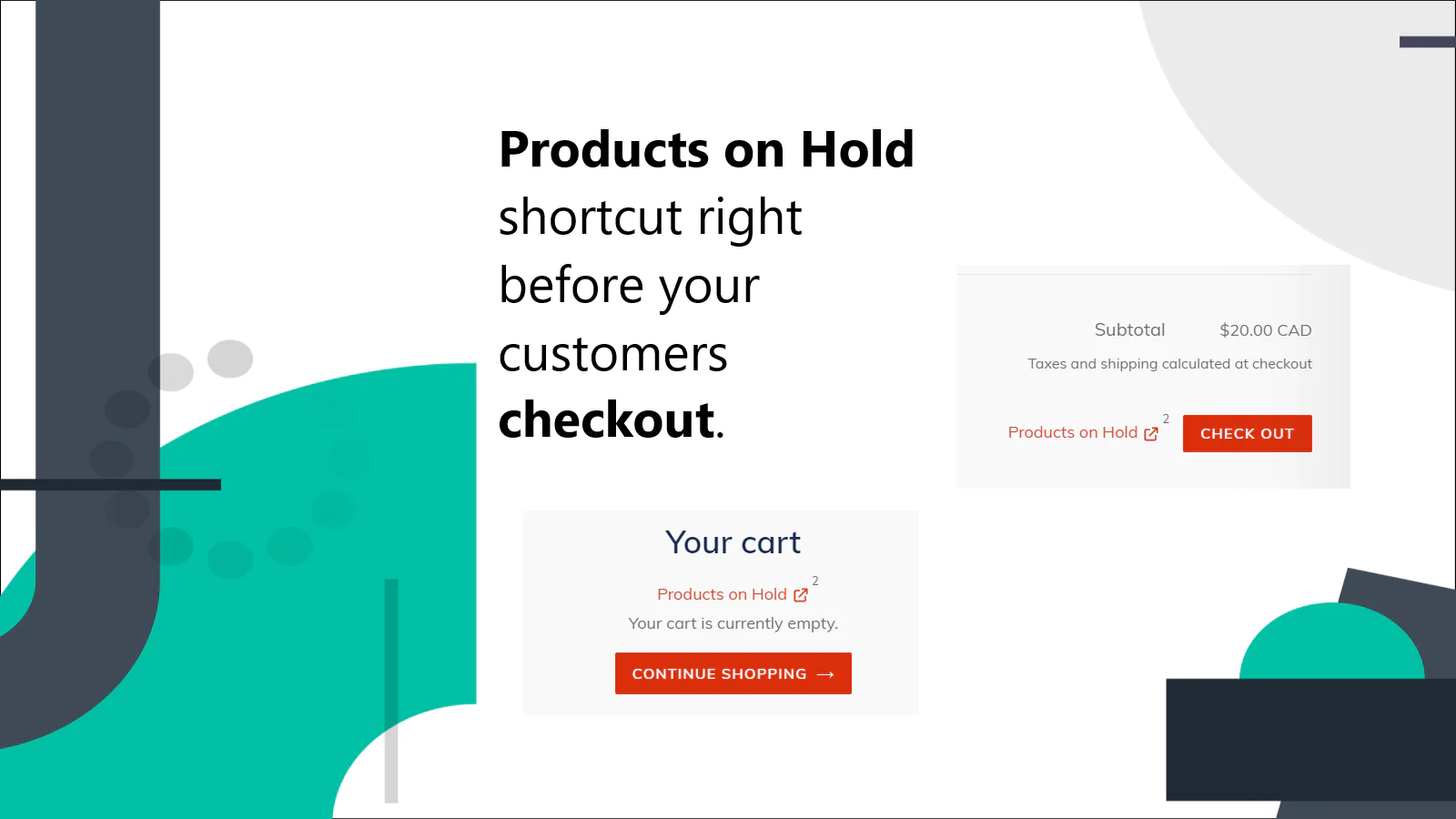
Your shoppers can save cart items with a single click, which means no additional friction in the cart. No logins. No confirmation. When they are ready, shoppers can add those items back to their cart. Keep on Hold turns abandoned cart items into a wish list for future purchases.
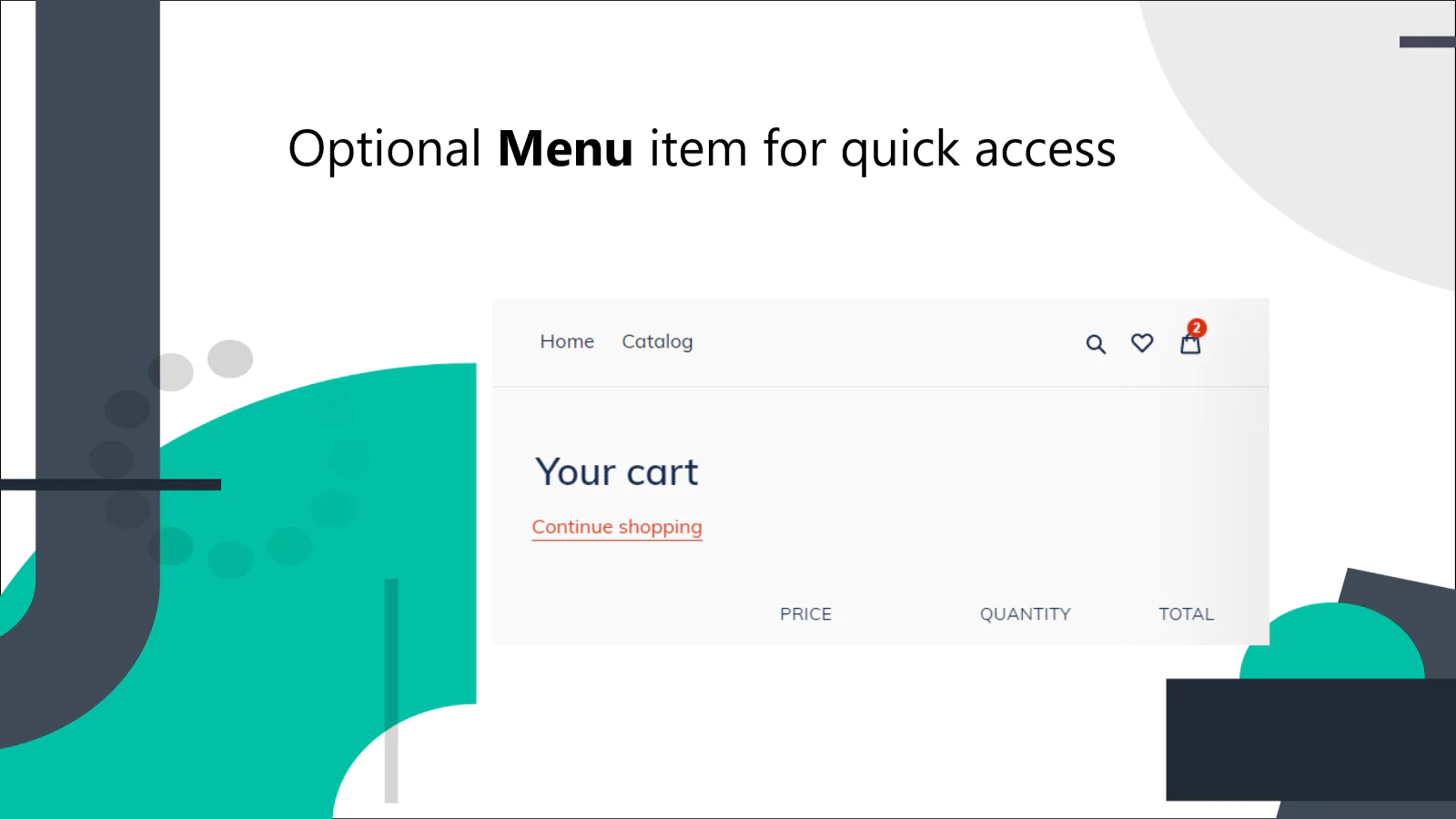
Keep on Hold also adds a "Add to Wishlist" button on product pages. Your shoppers can add products to their wishlist with one click.
Keep on Hold is brand friendly. The Keep on Hold button automatically adopts your store design. You can also customize individual elements so they match your theme.
An intuitive dashboard allows you to understand your shoppers’ cart activity behaviour. Understand what products have been added or removed from the cart. View products which are added to Wishlist. Use this insight to optimize your sales strategy. For example, increase conversion rate by offering customized discounts for products that were kept on hold.
Install now and see how you can leverage Keep on Hold to increase your shopping cart conversion rate.
Email Support
Keep on Hold will automatically display the Hold Button in a style that matches your theme. And if you ever need help for a more customized setup, just write to us!

Seamless workflow: use directly in Shopify admin
About the Author
Matej Kontros is an E-Commerce expert and app developer with over a decade of professional experience in IT.
Matej has worked for organisations of all types and sizes, including global players, startups, and agencies. He designed, developed, and maintained complex projects.
Matej's expertise includes e-commerce, software engineering, web development, systems administration, internet security, managing projects, and building teams.
Visit his website at [ Web Linkedin ] or contact him at [email protected].