Shopify App : JobFly Career Page Builder
Create Awesome Career pages
About JobFly Career Page Builder
Career page builder : You can fully customize the app colour to suit your theme. Add Images,Heading,text to your job listing
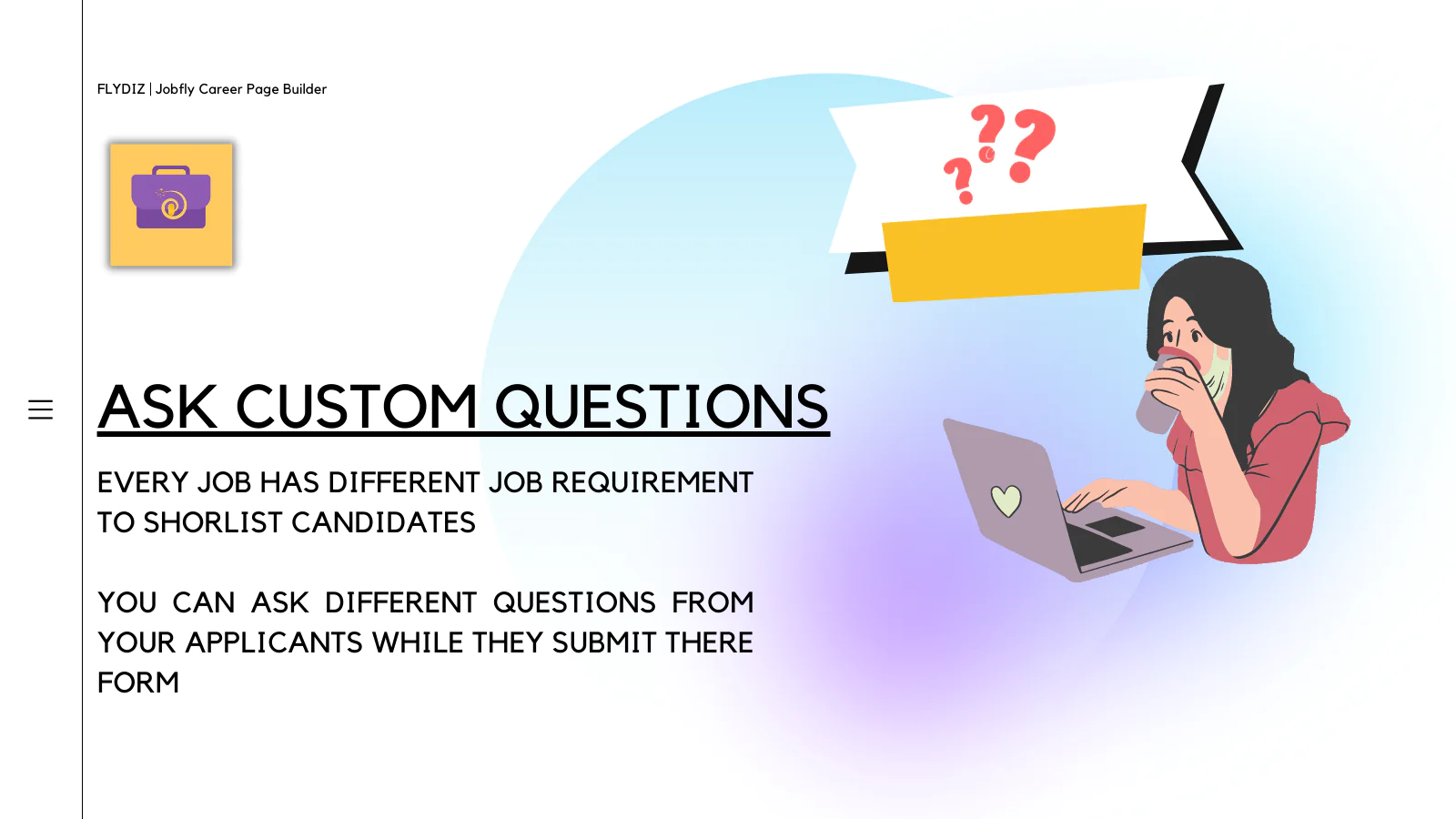
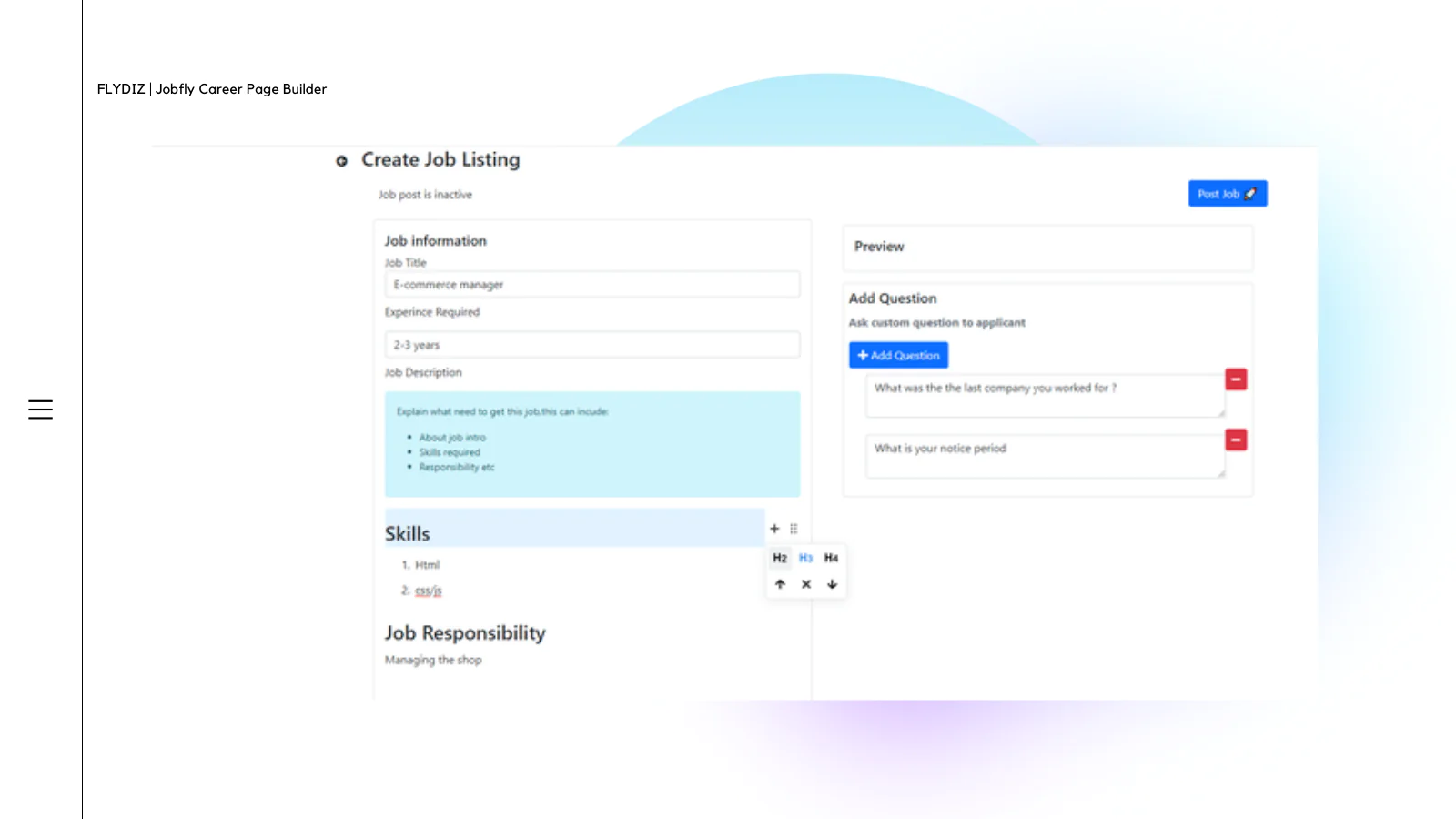
Ask Custom questions : Every job has different job requirement to shortlis candidates You can ask different questions from your applicants during submission.
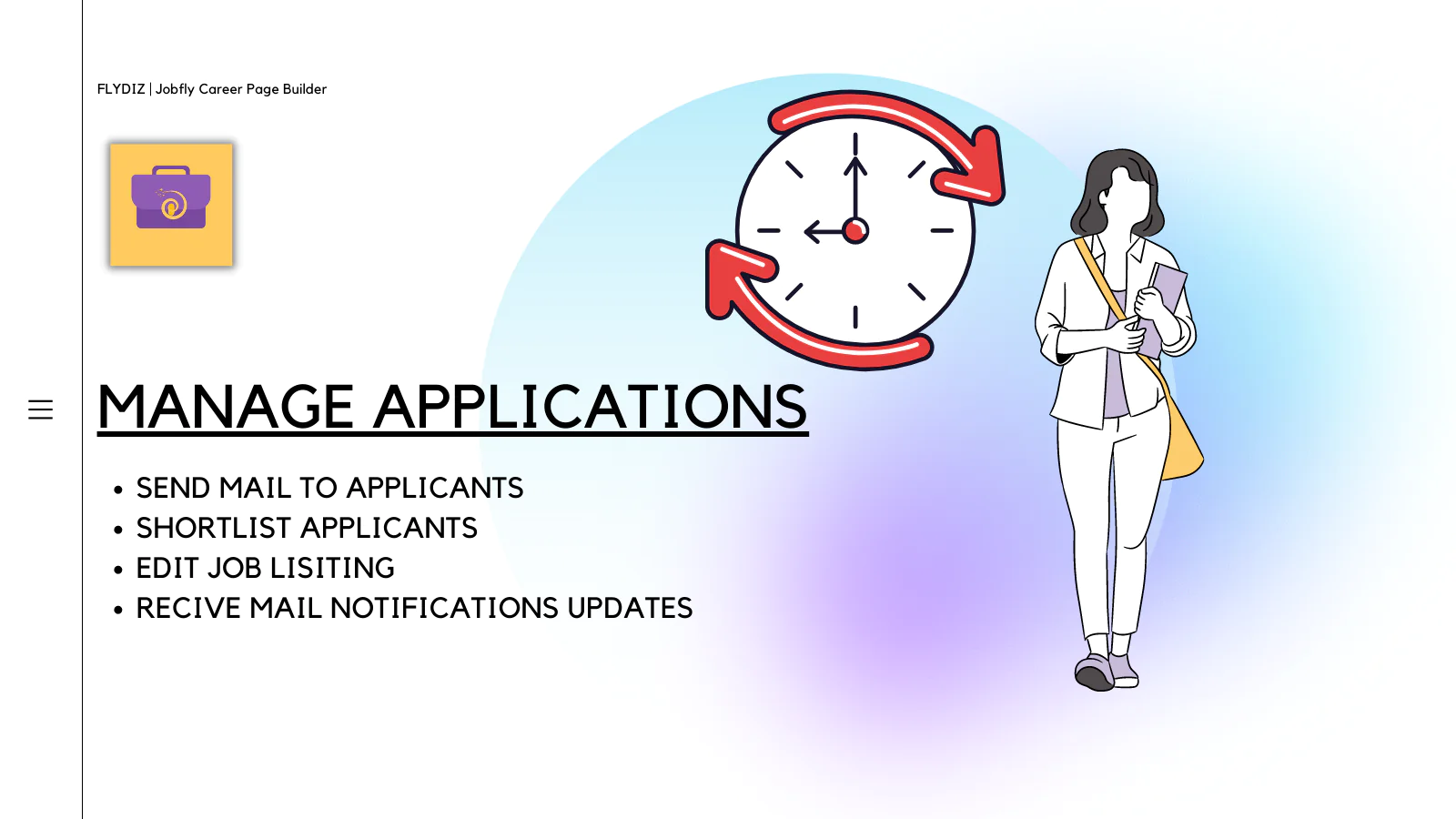
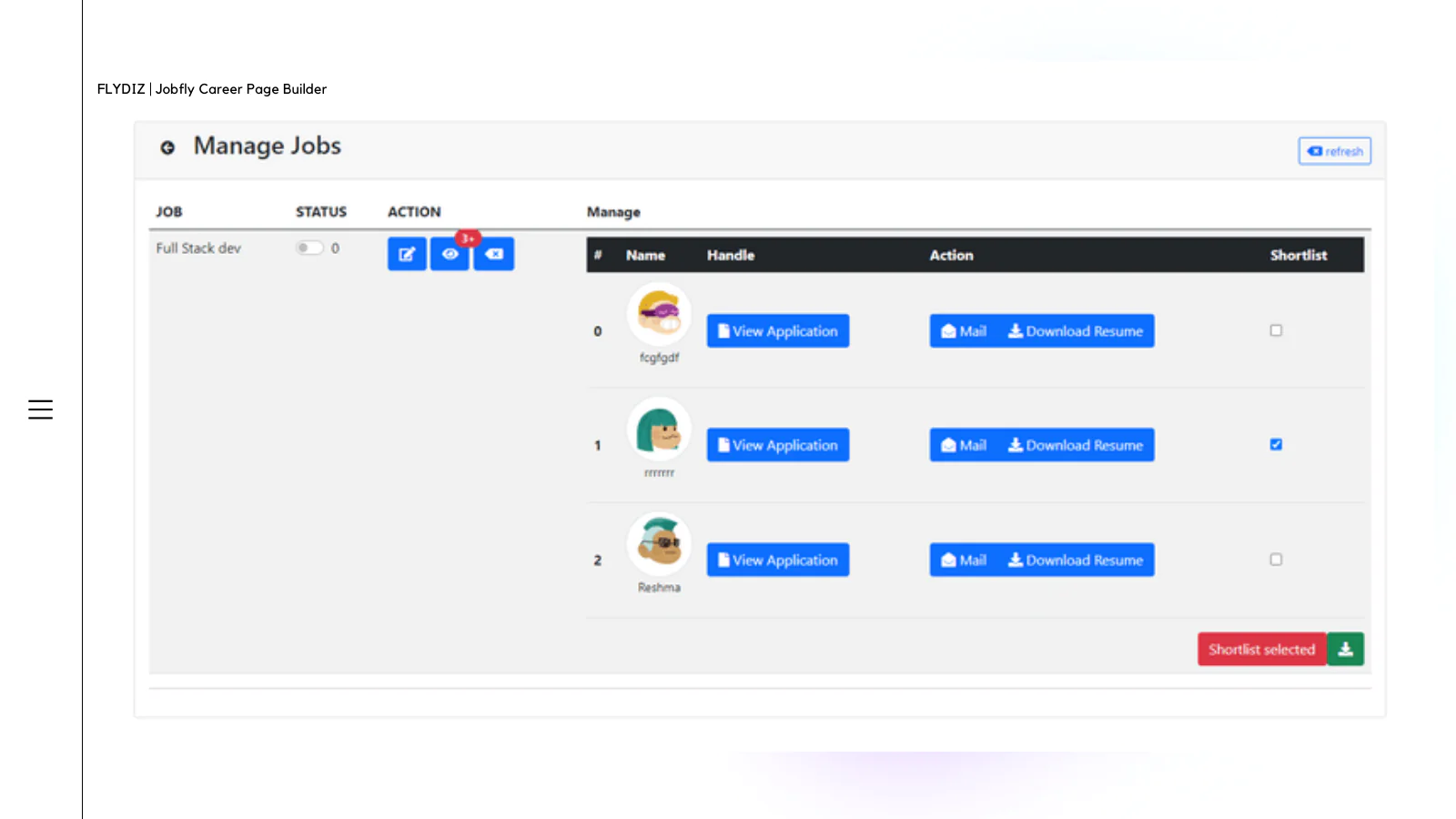
Short List candidates : You can shortlist candidates and mark the once you think are the right ones,Mail to let them know their job status & Download Resumes

Converting customers to your next big job opening.
Job portal lets you to gain that extra way to hire people from your store who may / may not be your customer & choose the best applications for your job right from your store
Here are the key features:
- Create career page on your shop and publish to shop menu.
- Ask different questions to your customer/job applicants.
- Download resume.
- Short list candidates.
- Mail candidates on click
- Export the list to CSV format so you can use it later.
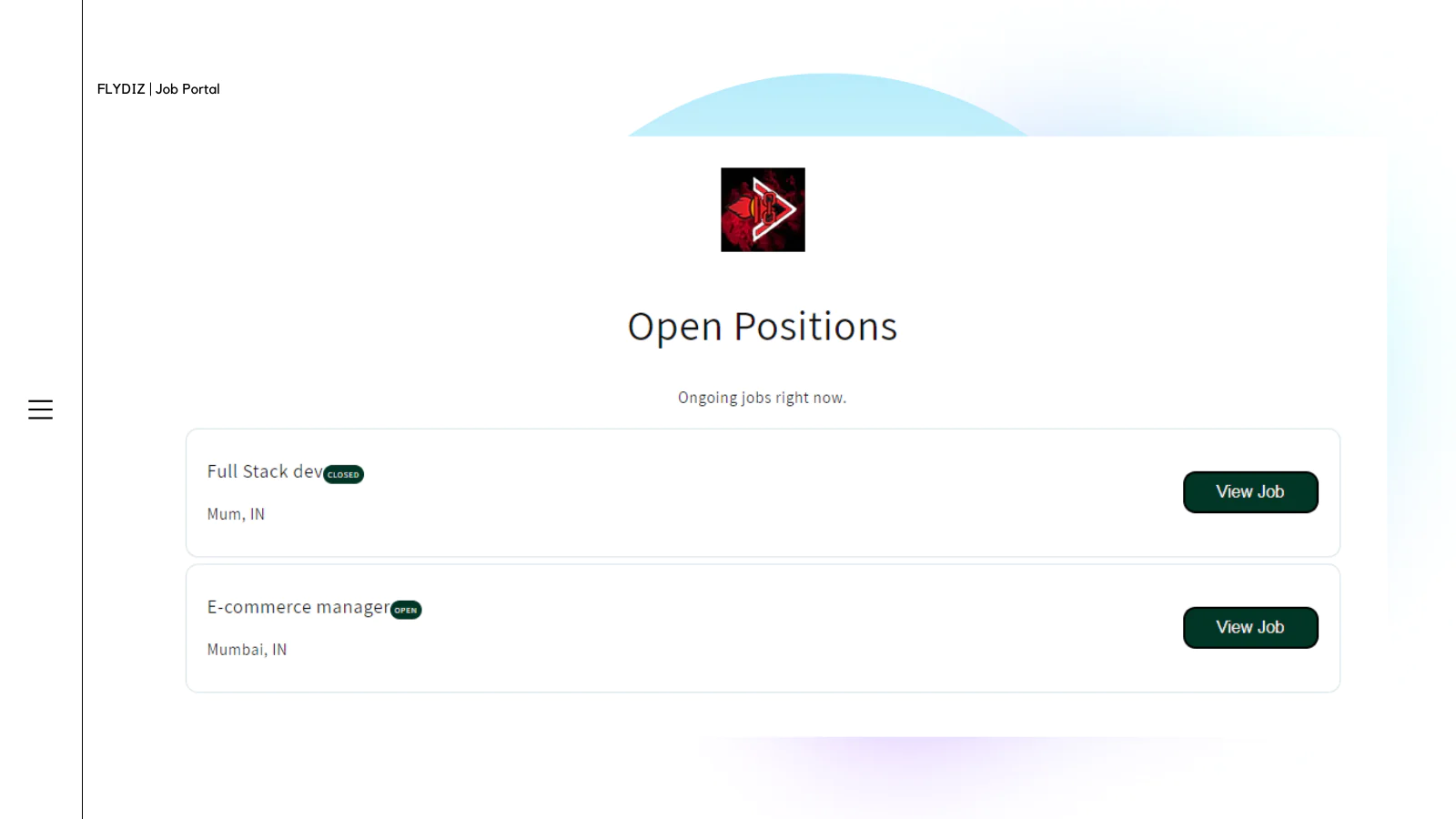
Whenever there is a new job listing posted,The app will fetch and show the job posted right on your career page within seconds. You can images,text,heading to your job listing posted and ask custom question to you applicants,once posted the job will be displayed with status open/closed
You can toggle the status of job right from app menu ,once you think the job listing is completed.To manage you can shortlist and mail the candidates and view there application forms with there resume and cover letter with there response right your app admin page.

Up-to-date tech: works with the latest themes
FAQ : Why Fees are not adding
[2022/11/04 04:50:50]
There are few cases while fees are not working even after the installation has been done one from one of your developer team or your end,Installation hasn’t been done properlyNote : if you need FREE installation request, you can mail us here : info@niteshkmr366 , it will be done within 24 hours,If you like to […] The post FAQ : Why Fees are not adding first appeared on FlyDiz.
Add Deposit / Cart Fees to Shopify POS – Percentage fees
[2022/08/03 08:10:00]
Its Finally here,You heard it right,Pfand fees was recently limited to only Shopify Online Store , now Pfand app works also with Shopify POS, Getting started is way easy now, Strong features of Pfand POS App: One Click to apply all the fees to current transaction Supports Percentage fees Available as Tile on POS screen […] The post Add Deposit / Cart Fees to Shopify POS – Percentage fees first appeared on FlyDiz.
How to Hide Fee to appear as Product in cart page.
[2022/08/02 08:26:13]
These one was most requested customization but thought to share the guide with you , Warning: If the app does not work / keeps on reloading the site after the below change ,just revert it back, Mostly it should work . Tested with Multiple fee & One time a.k.a. cart fees as of 3 Aug […] The post How to Hide Fee to appear as Product in cart page. first appeared on FlyDiz.
Display Matching Fees on Product Pages
[2022/07/28 06:51:02]
Requirement If you ever wanted to showcase the fee LABEL/BADGE on your product page? This will surely help in many ways and works intelligently. 1. Giving user’s consent before purchasing. 2. Complying with Legal Rules (EU GDPR) 3. Shows the fee which is assigned to the particular product, if no fee is assigned to it […] The post Display Matching Fees on Product Pages first appeared on FlyDiz.
How to create BUY1GETX offer on Shopify?
[2022/06/27 11:43:07]
Requirements: Your store must have installed “Bundlediz app“, from Shopify. Steps: Create a new “Multiple” Bundle product 2. in my case i want to add 1 of “Bio-Wrap Rote Bete” when 1 x is added to cart (Buy1Get1),so i set the total quantity to add here 2. Since the single price of Bio-Wrap Rote Bete […] The post How to create BUY1GETX offer on Shopify? first appeared on FlyDiz.
Installation Instructions for Badgerfly Product Customizer
[2022/06/08 05:13:53]
Great Now, once you have installed the app, it’s time to make it working now, if you are confused with the final result, it should look like this : Installation Steps: Upon installation, the app will auto create a page template which you can find on Shopify theme admin : You can then customize the […] The post Installation Instructions for Badgerfly Product Customizer first appeared on FlyDiz.
How To Create Percentage based Product / Cart fees on Shopify
[2022/05/23 09:17:22]
Do you recently thought to create a fee like 4.5% of processing fee ? Recently one of my clients asked me to add this feature and i gaved him a promised date of 16 may but as of writing its already 24 May, but finally feature is live. Before we start,Here are some takeaways : […] The post How To Create Percentage based Product / Cart fees on Shopify first appeared on FlyDiz.
How to add fees to products inside bundle Product on Shopify ?
[2022/05/20 05:43:41]
I recently notice the app was working great for single products using Pfand – deposit fee & cart fee app which had fees included to them in multiple type fees. But There might be cases where you have a bundle let’s say 2 cases : 6 Bottle PACK contains 6 ‘X’ bottle , All have […] The post How to add fees to products inside bundle Product on Shopify ? first appeared on FlyDiz.
How to add Fees to Product Bundles individually in Shopify
[2022/05/19 10:05:56]
This was one of the most required feature of the app, and now its finally here. The first step is to create a bundle itself, I have created a Multiple type bundle by BundleDiz -Combos & inventory app , to learn more in step-by-step guide here it is. What it does is, it creates a […] The post How to add Fees to Product Bundles individually in Shopify first appeared on FlyDiz.
How to hide Fees from Collection & Home page?
[2022/05/18 04:03:35]
We are glad that everthing till now works good,but there must be a time when you might see the app in product / collection page which might be really very disturbing, So in this tutorial , let me share how to hide the product fees create by you from Collection page Home page Note: You […] The post How to hide Fees from Collection & Home page? first appeared on FlyDiz.
About the Author
Matej Kontros is an E-Commerce expert and app developer with over a decade of professional experience in IT.
Matej has worked for organisations of all types and sizes, including global players, startups, and agencies. He designed, developed, and maintained complex projects.
Matej's expertise includes e-commerce, software engineering, web development, systems administration, internet security, managing projects, and building teams.
Visit his website at [ Web Linkedin ] or contact him at [email protected].