Shopify App : Product Labels & Badges
Sell more with custom badges and labels on your product images
About Product Labels & Badges
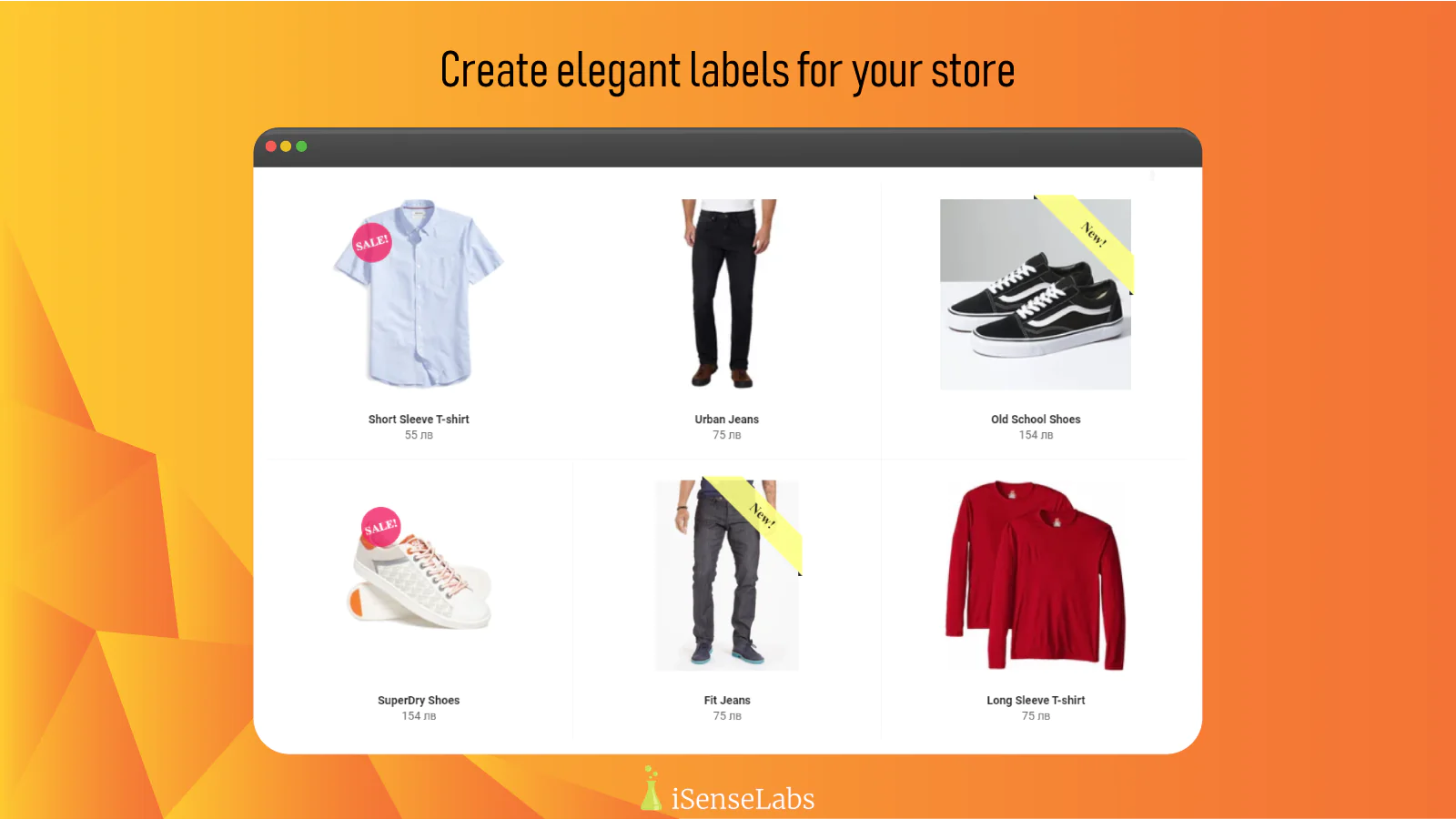
Highly Customizable : Full control of the label creation process. You can choose different type of ribbons, colors, fonts, orientation, transparency, etc.
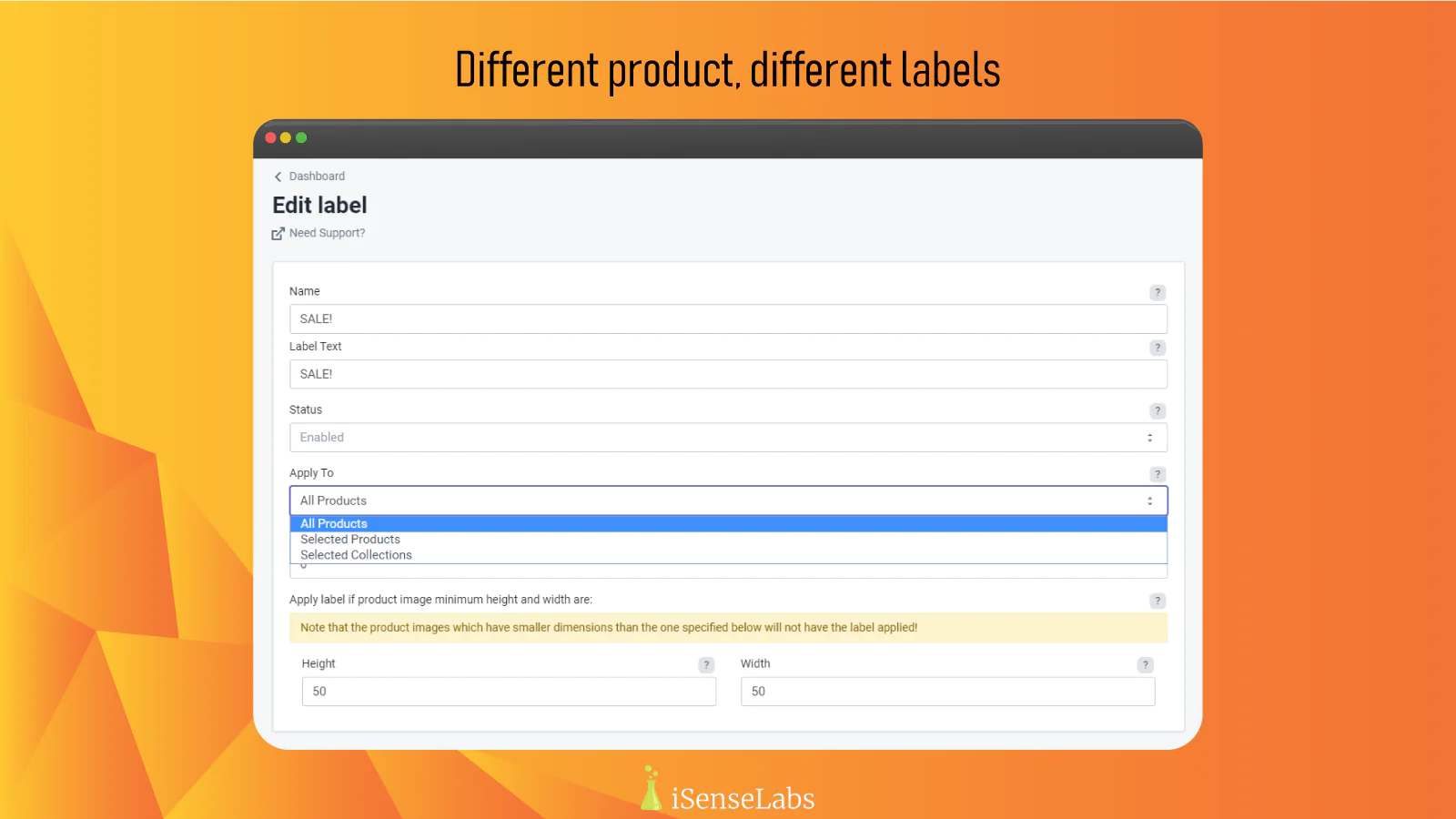
Different Labels per Product : Assigning labels per your desire: to all products, specific products, collection of products or products by a tag
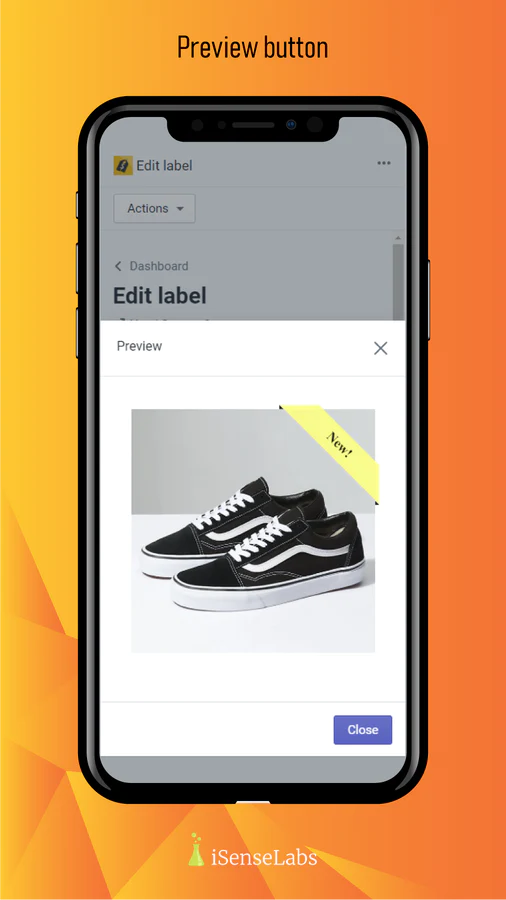
Preview Option : Ability to check how the label will look like on a product image before saving the changes
Did you know that it is 90% more likely that a customer clicks on a labeled product as opposed to a non-labeled one? Our app will allow you to add all kinds of different custom-made labels to your product images. You can use it to draw the attention of your customers towards specific products, offers, sales, discounts, etc.
Features of Product Labels & Badges
Highly customizable appearance of the label - here is what you can adjust:
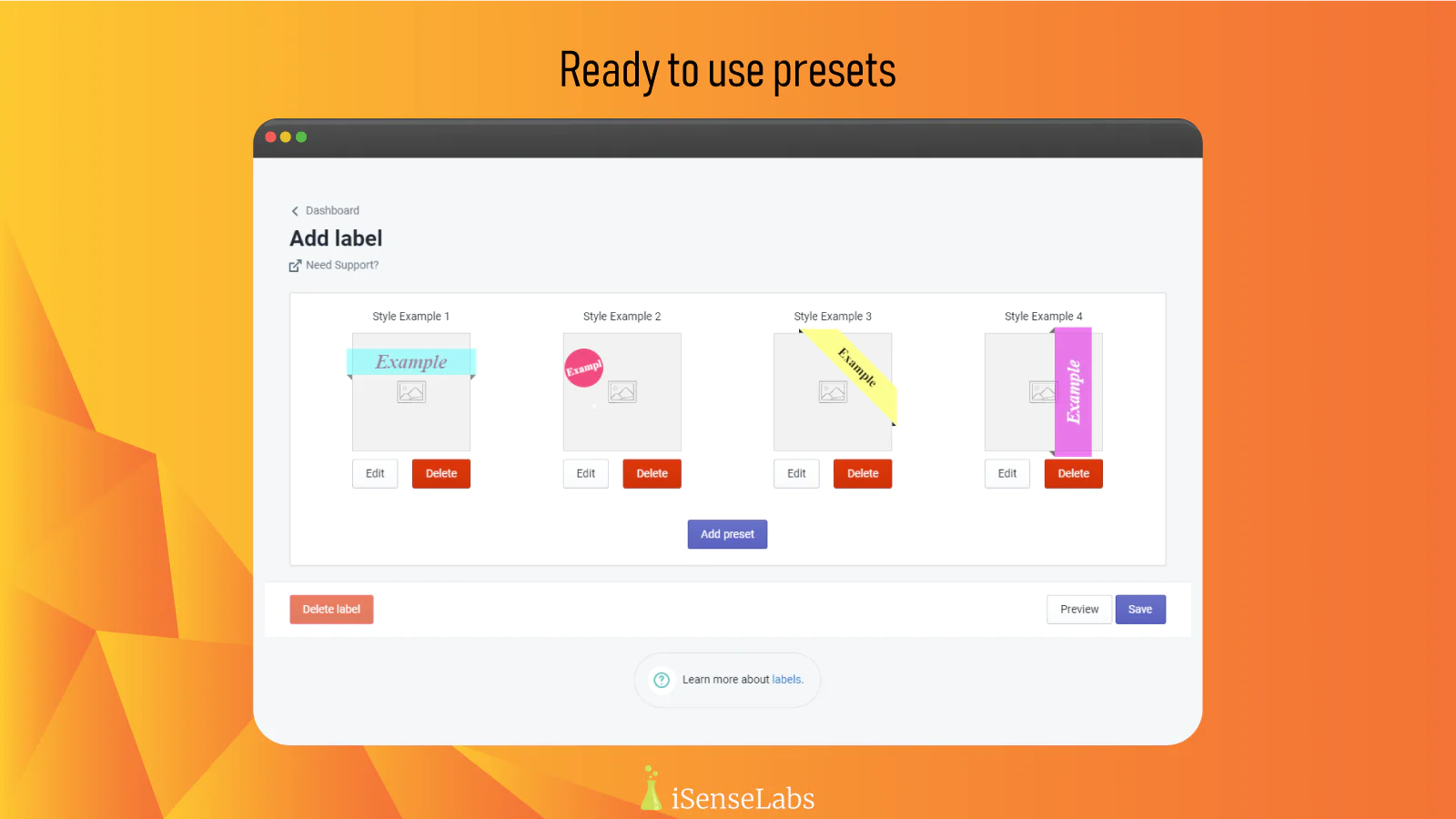
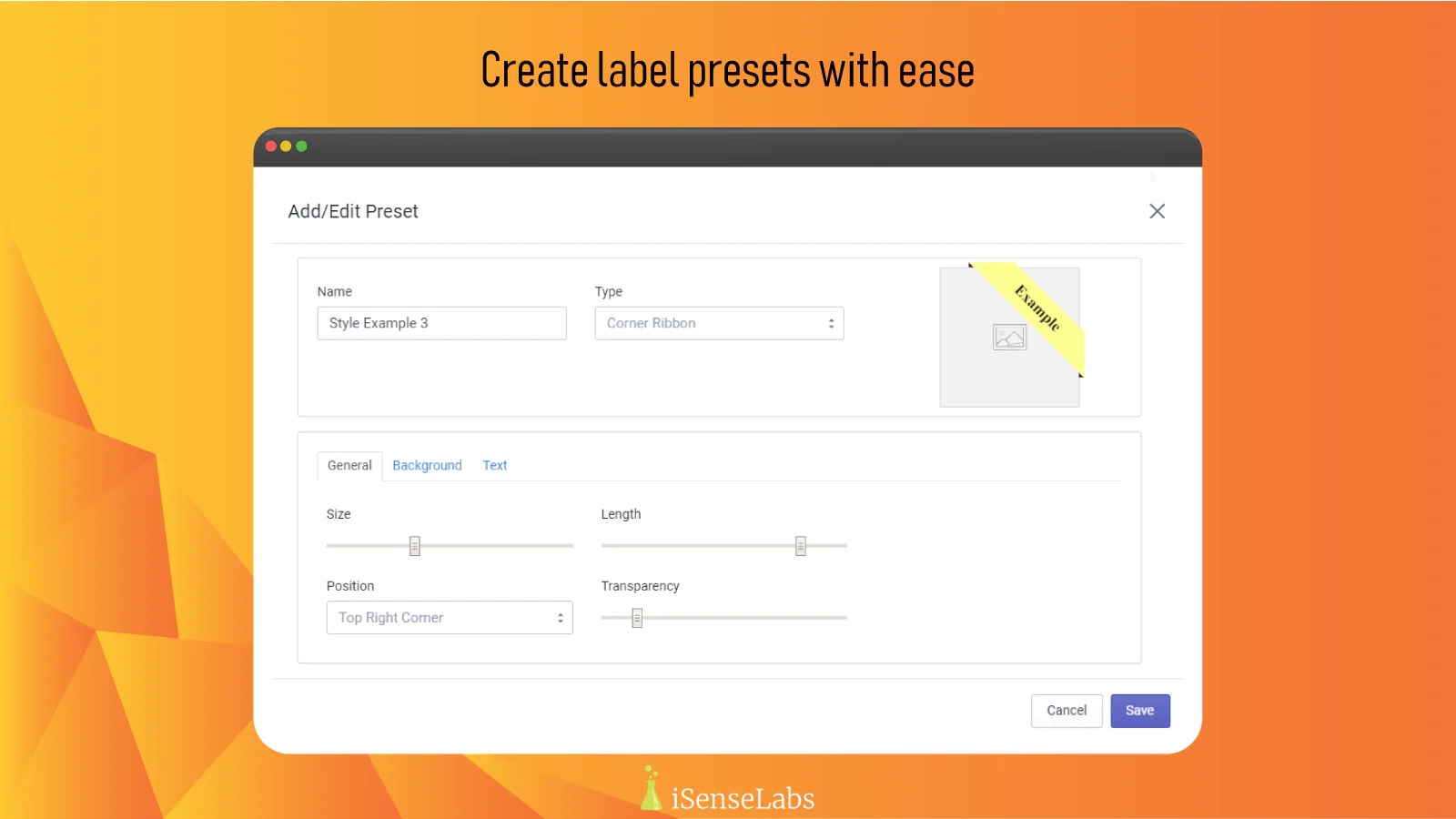
- Label Type: You will be able to choose between Badge, Corner Ribbon, Horizontal Ribbon, and Vertical Ribbon.
- General Settings: You will be able to alter the Size of the label, the Vertical Offset, specify if it's Offset Top or Offset Bottom, and manage the Transparency.
- Background Settings: You will be able to modify the Color of the label and also play around with the Shadow settings. If you enable the Shadow setting, you will be able to set Horizontal and Vertical Offset for the shadow, Blur, and Size. Additionally, you will have the option to add a Wrapper to the label. The Wrapper controls are Color, Offset, and Orientation.
- Text Settings: Here, you will be able to moderate the Color, Alignment, Font Size, and Font Style of the label text. You can also add a Shadow effect to the text where you will have control over the following: Color, Horizontal Offset, Vertical Offset, and Blur level.
- Image Upload: You can upload your own images and set them as labels.
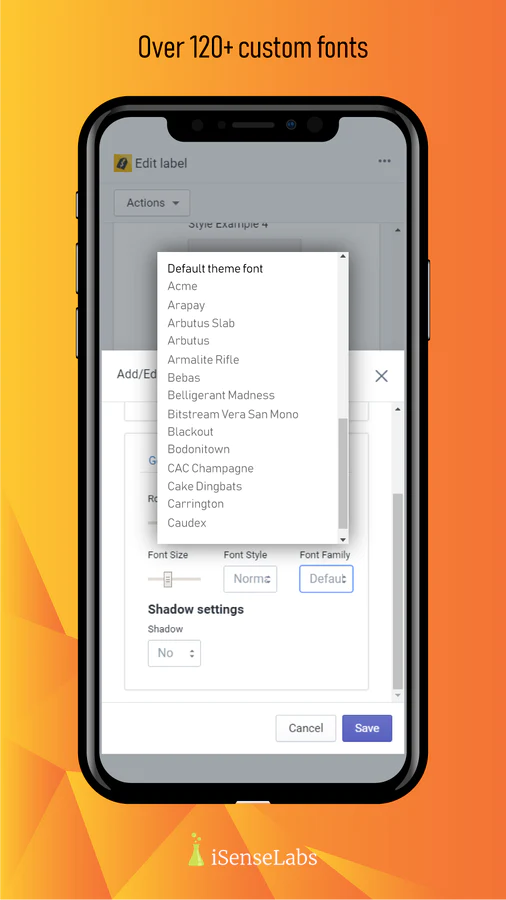
- Custom Fonts: Choose between 120+ fonts for your labels.
- Stack Labels: You can stack labels to a single product image. (beta)
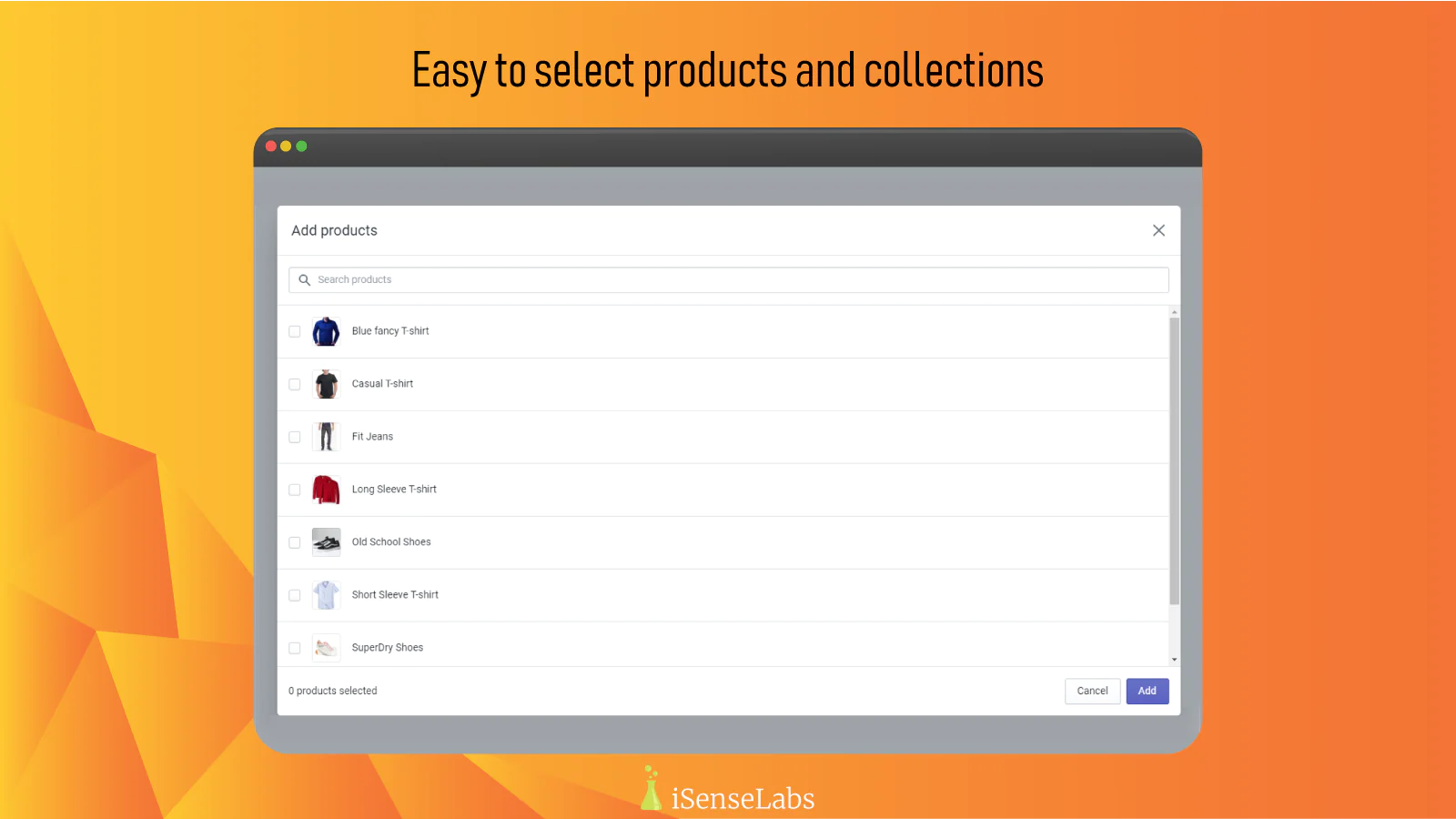
Ability to assign different labels to different products
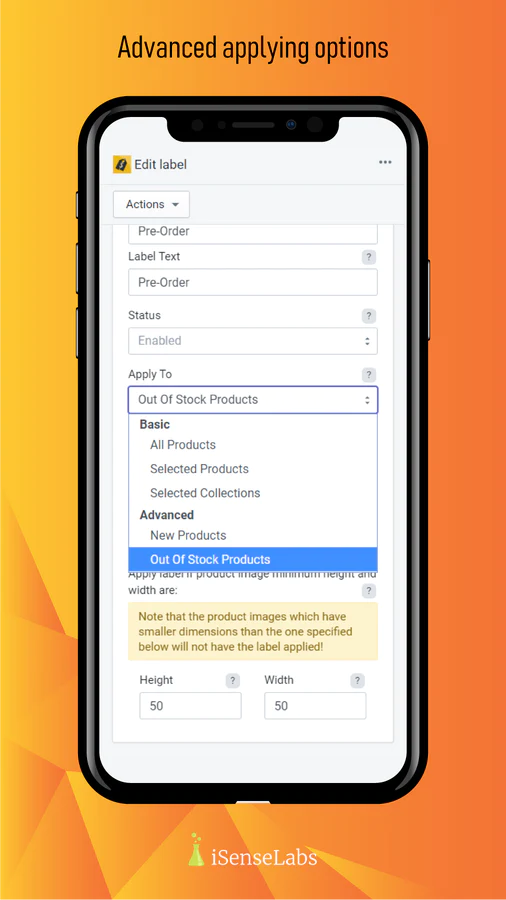
You will be able to apply labels to All Products, Selected Products, Selected Collections, New Products or Out of Stock Products.
Preview option
Once you have set up your label and it is already assigned to the respective product/s, before clicking on the Save button, you will have the option to see how it will look like on a product image by clicking on the Preview button.
Priority
You can set different priority levels per label. The one that has the highest priority will get applied to the respective product image.
Compatible with all free Shopify themes
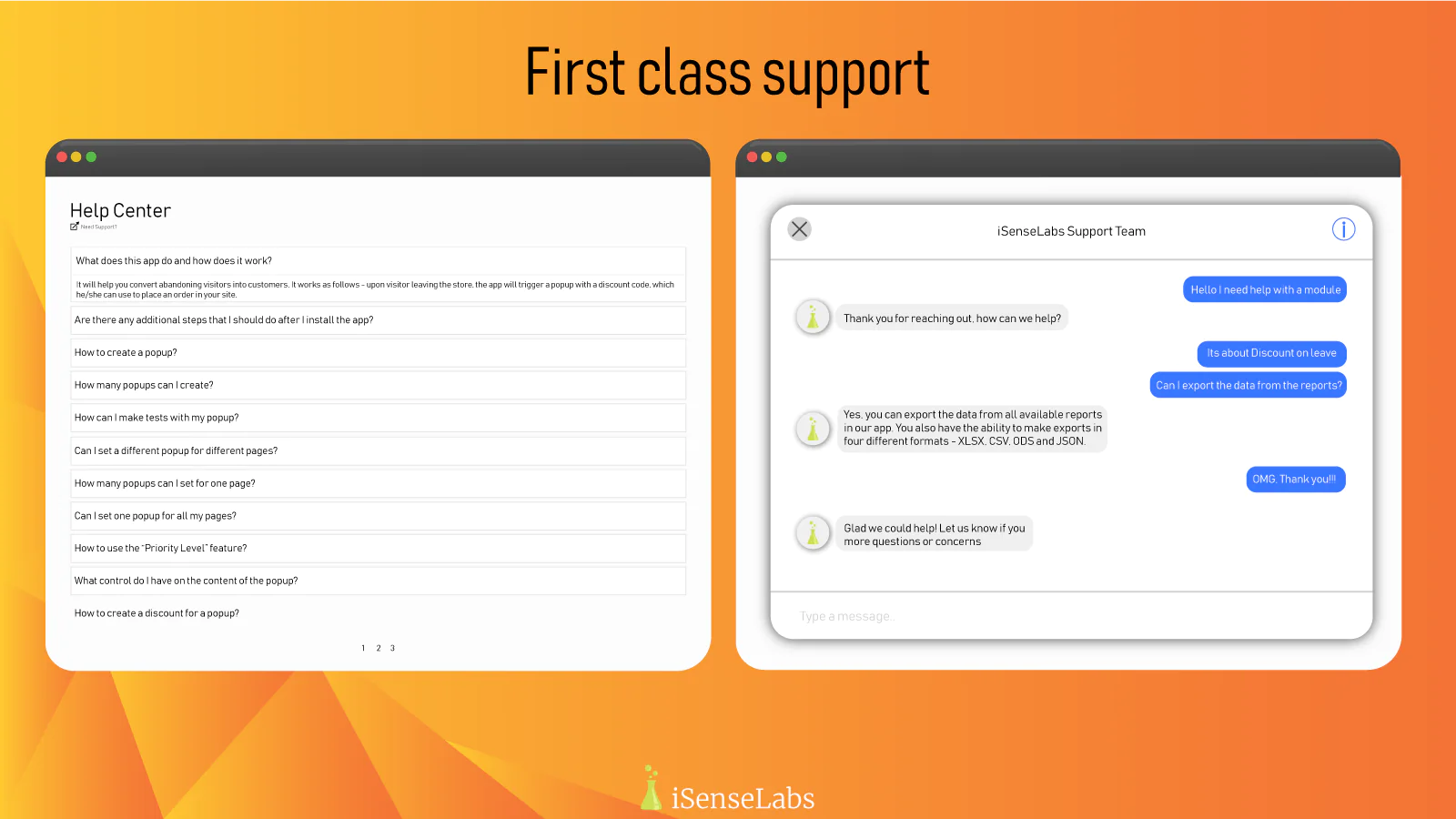
The module works with all free Shopify themes. If you experience any issues with any of them or a custom template, you can always get in touch with us.
How to start
Upon installation, you will be asked to refresh your images. This action will make all the available product images ready to get a label attached to them.
Important: The app will make a small addition to your image ALT tags so the labels can be visible.
Note: The app comes with four pre-installed label presets ready to go. You just have to assign them to a product/products, and you will be all set.
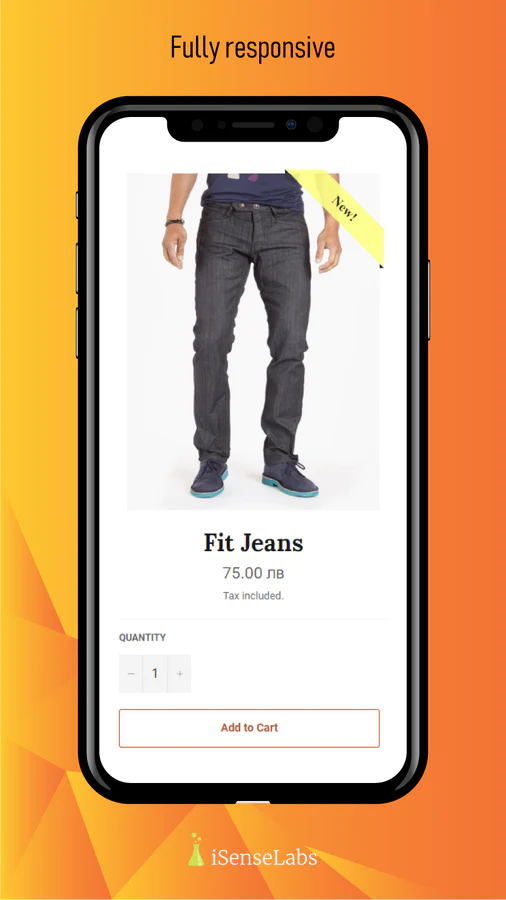
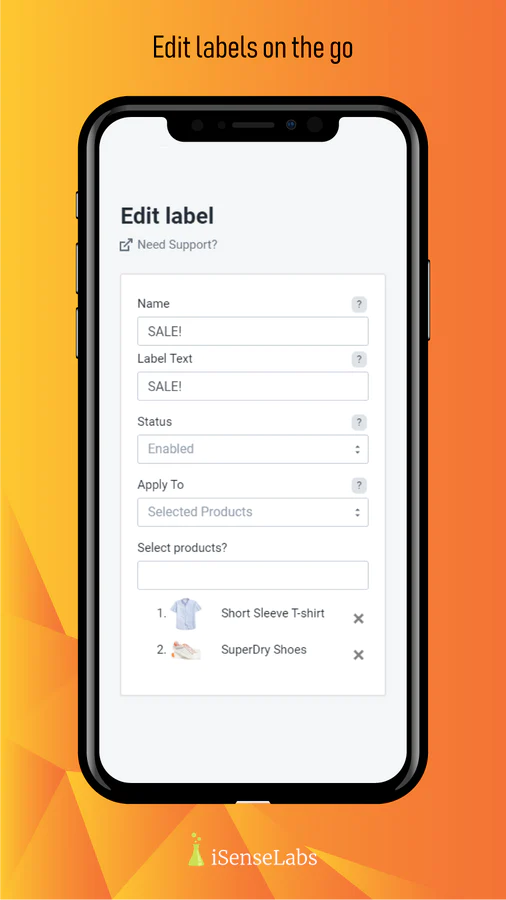
Seamless workflow: use directly in Shopify admin
Up-to-date tech: works with the latest themes
About the Author
Matej Kontros is an E-Commerce expert and app developer with over a decade of professional experience in IT.
Matej has worked for organisations of all types and sizes, including global players, startups, and agencies. He designed, developed, and maintained complex projects.
Matej's expertise includes e-commerce, software engineering, web development, systems administration, internet security, managing projects, and building teams.
Visit his website at [ Web Linkedin ] or contact him at [email protected].