Shopify App : Simple Hotjar Install
Setup in 28 Seconds. No Coding Required.
About Simple Hotjar Install
Fast : Setting up the app and installing Hotjar will take less than 2 minutes.
Easy : No coding necessary, just copy/paste the code and click "Save".
Secure : No need to edit our theme files and cause unwanted changes.

You want to use Hotjar to learn more about your store's visitors, but you don't feel comfortable with changing your theme code?
Enkomion Hotjar Install lets you install Hotjar in just 30 seconds -- without touching the code.
Just copy/paste the Tracking Code from Hotjar into Hotjar Install and click "save" and Hotjar will instantly be installed on your store.
What is Hotjar?
Hotjar is a qualitative web analytics tool that lets you:
- create heatmaps of your visitors' activity on your store
- analyze funnels so you can learn why visitors are leaving your store
- make recordings to teach you more about visitor behavior
- set up feedback forms, survey, and polls to understand your visitors better
Note:
You will need to sign up for a Hotjar account to use this app.
Enkomion Hotjar Install is provided by Enkomion and is not officially affiliated with Hotjar.
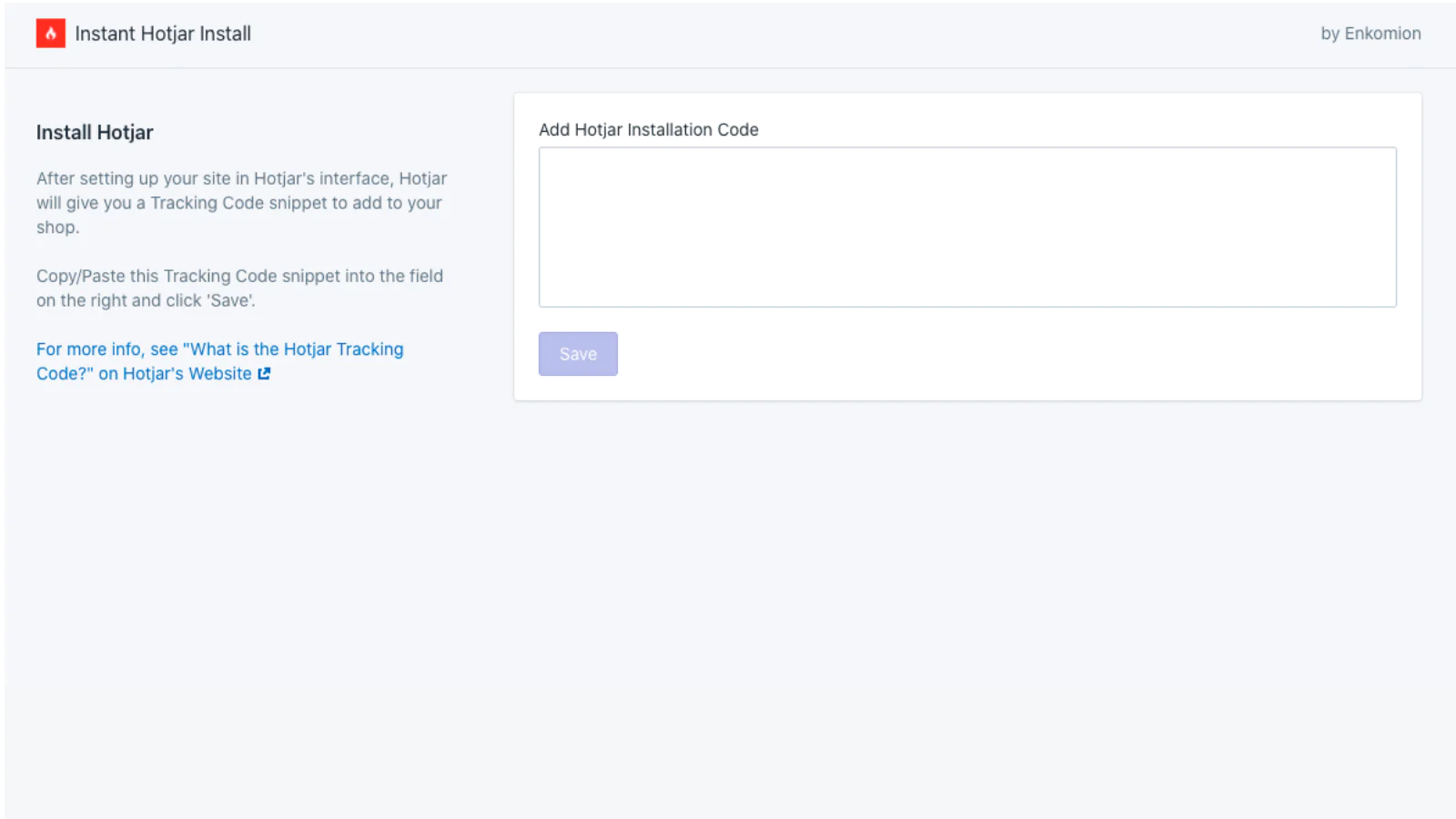
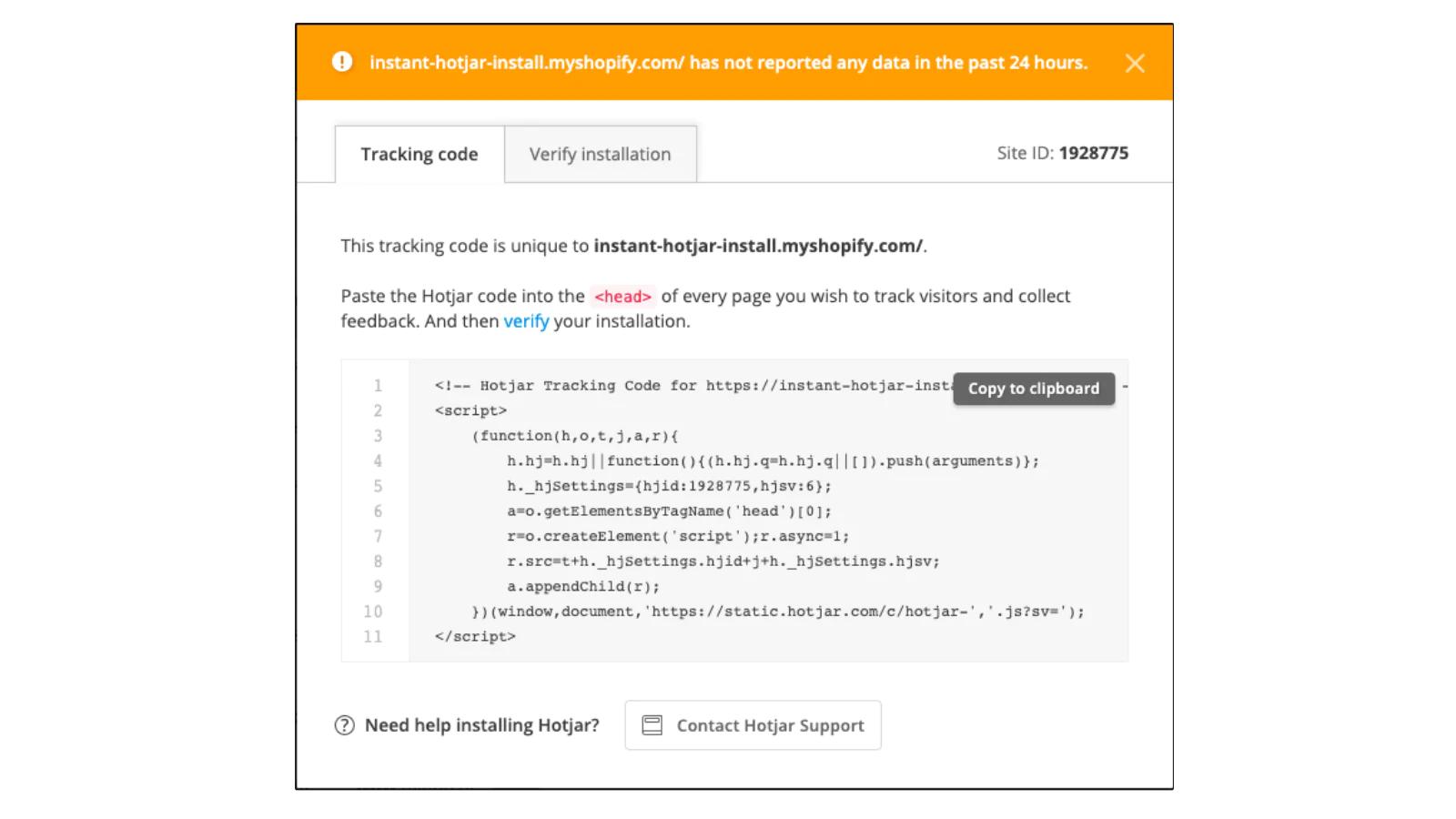
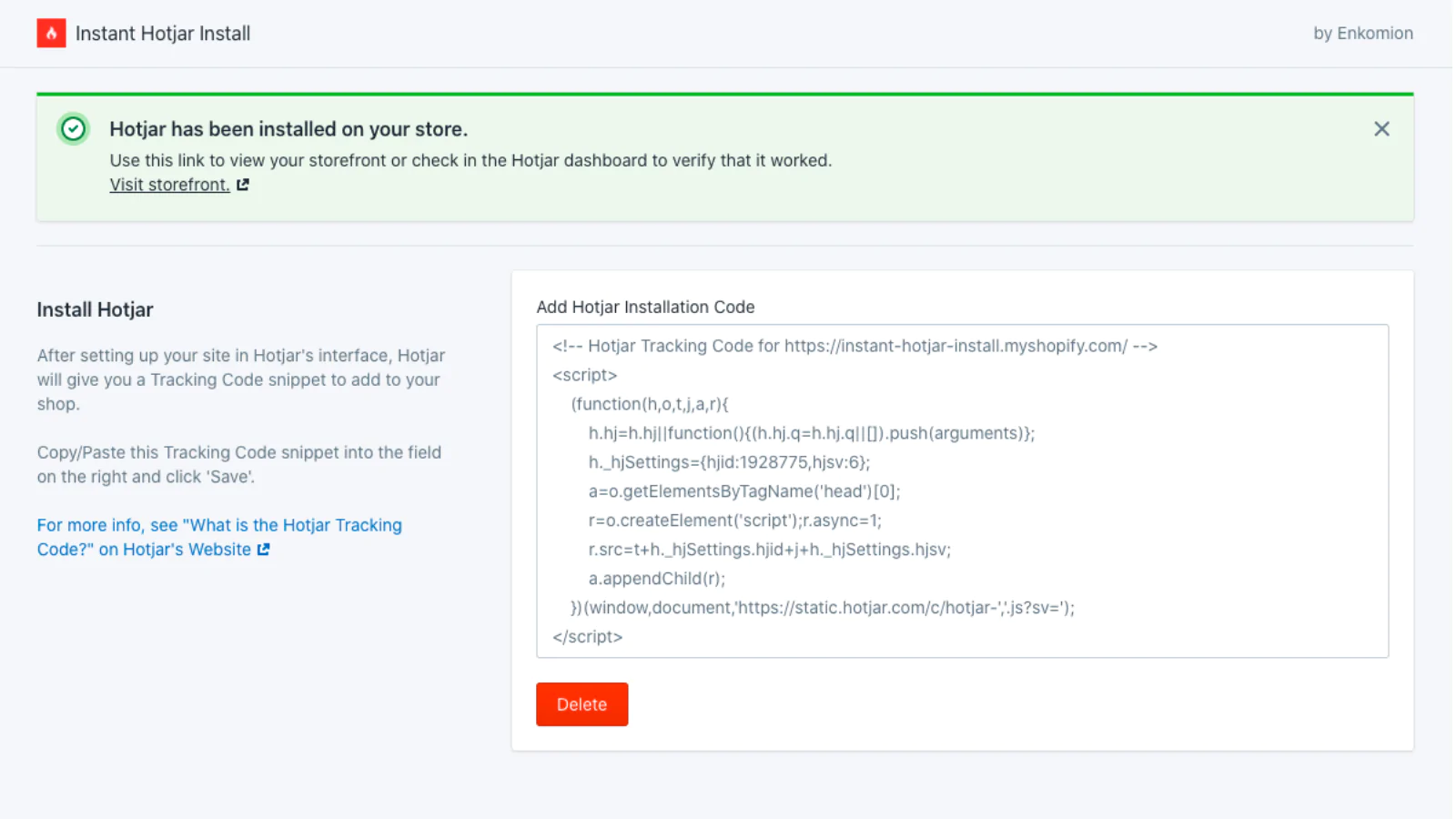
Seamless workflow: use directly in Shopify admin
About the Author
Matej Kontros is an E-Commerce expert and app developer with over a decade of professional experience in IT.
Matej has worked for organisations of all types and sizes, including global players, startups, and agencies. He designed, developed, and maintained complex projects.
Matej's expertise includes e-commerce, software engineering, web development, systems administration, internet security, managing projects, and building teams.
Visit his website at [ Web Linkedin ] or contact him at [email protected].