Shopify App : Pier39 Header Checkout
Link directly to the checkout page from your store header
About Pier39 Header Checkout
Increase conversions : Skip the cart page to make shoppings easier and faster
Easy configuration : In fact, no configuration is required for the most popular themes
One click installation : The app is designed to show the checkout button with the store theme styles right after installation
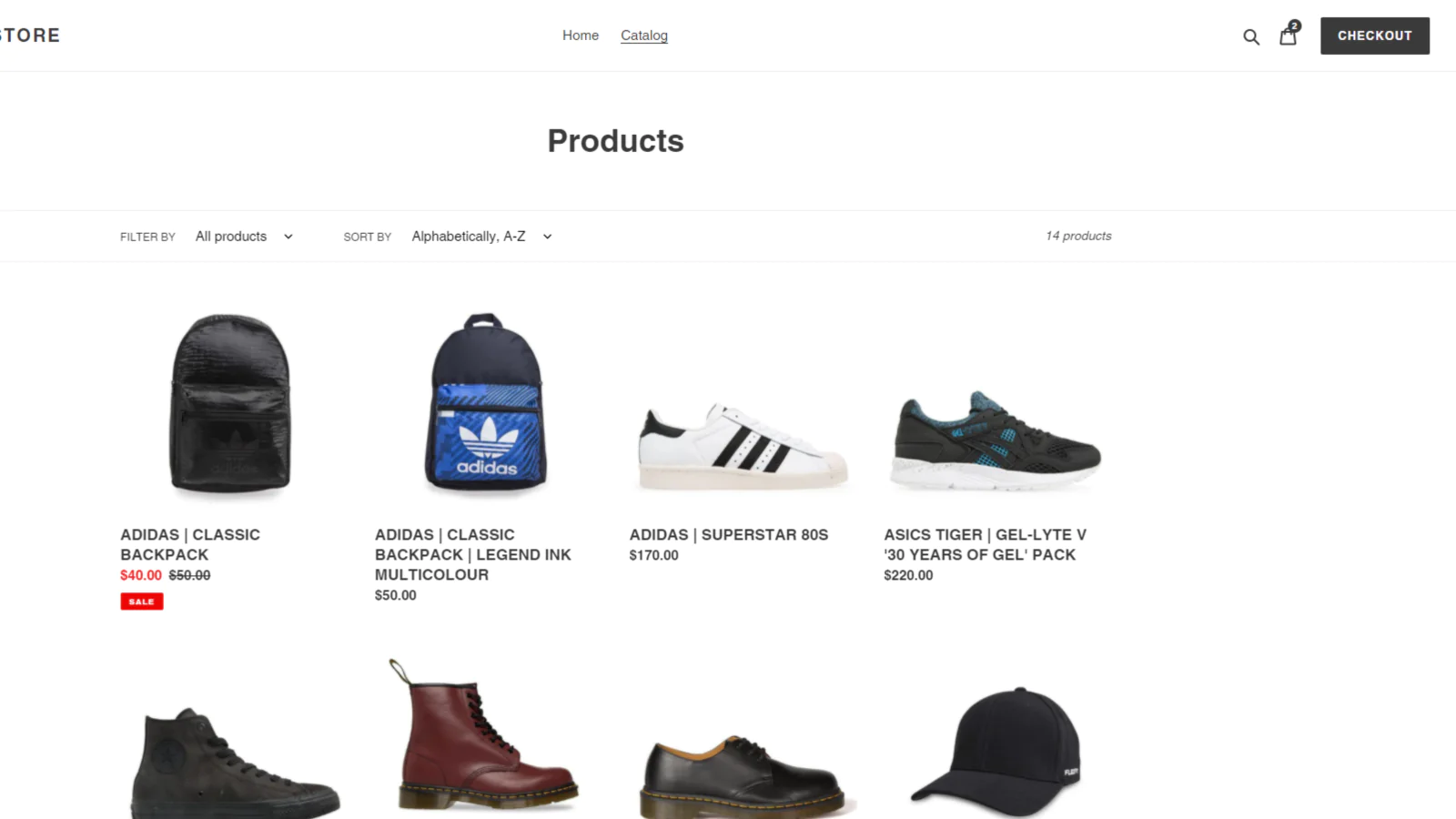
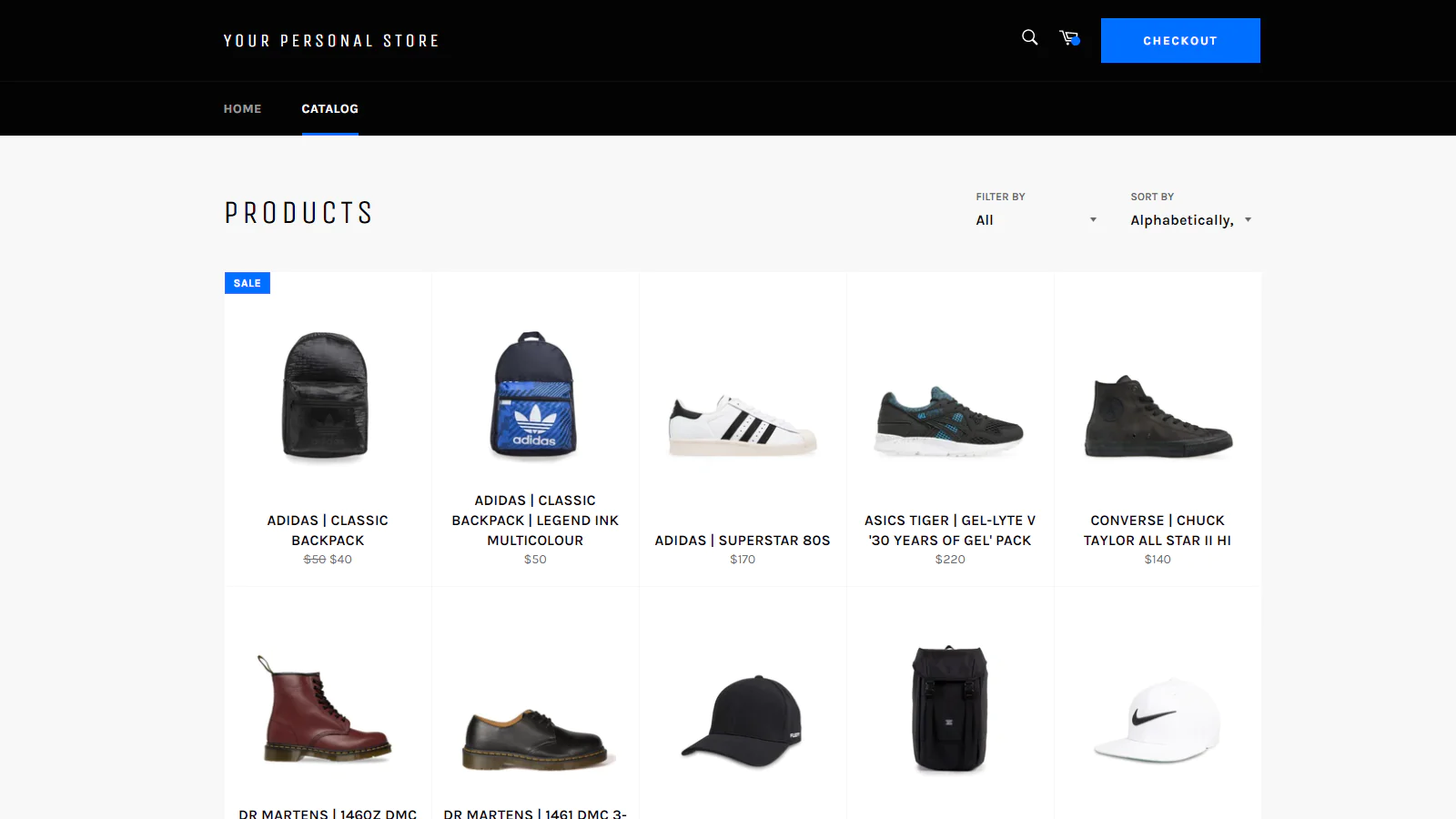
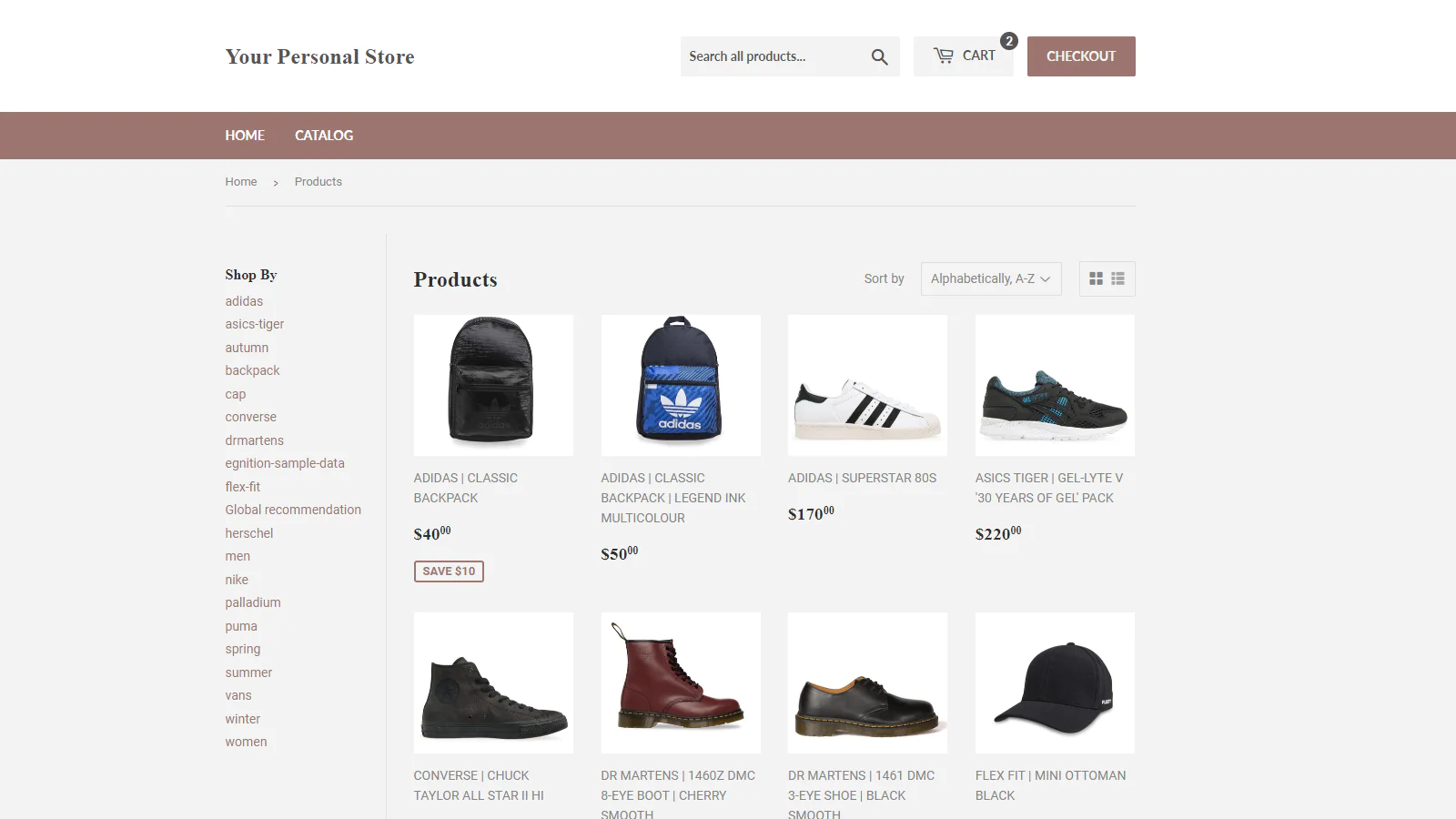
Add a checkout button to your store header, right after the cart icon, to make customers go directly to the checkout page.
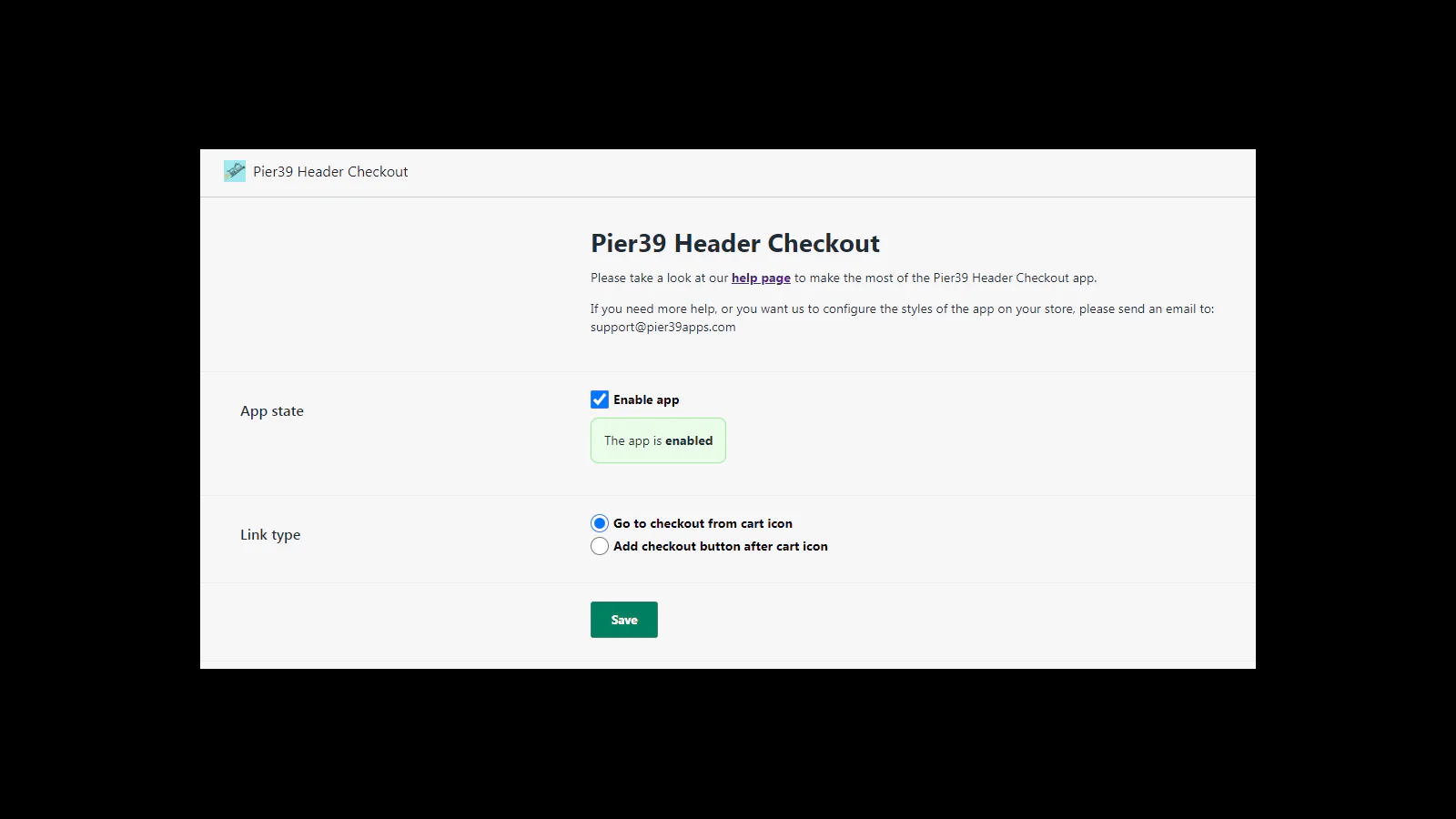
Two options: add a checkout button, or replace cart link
If you configure our app to add a checkout button, it will be shown right after the header cart icon with the styles of your store theme. In addition, you can also modify the button text and customize its styles by modifying the background color, the border color and the text color.
On the other hand, if you don't want modify the store header, the cart page redirect when clicking on the header cart icon can be skipped , making customers go directly to the checkout page.
No configuration required
Our app is designed to work with all the free themes and with the most popular paid themes from the first moment. Thus, you will see our app working just after installing it. However, if our app is not correctly working with you store theme, just let us know and we will fix it as soon as possible.

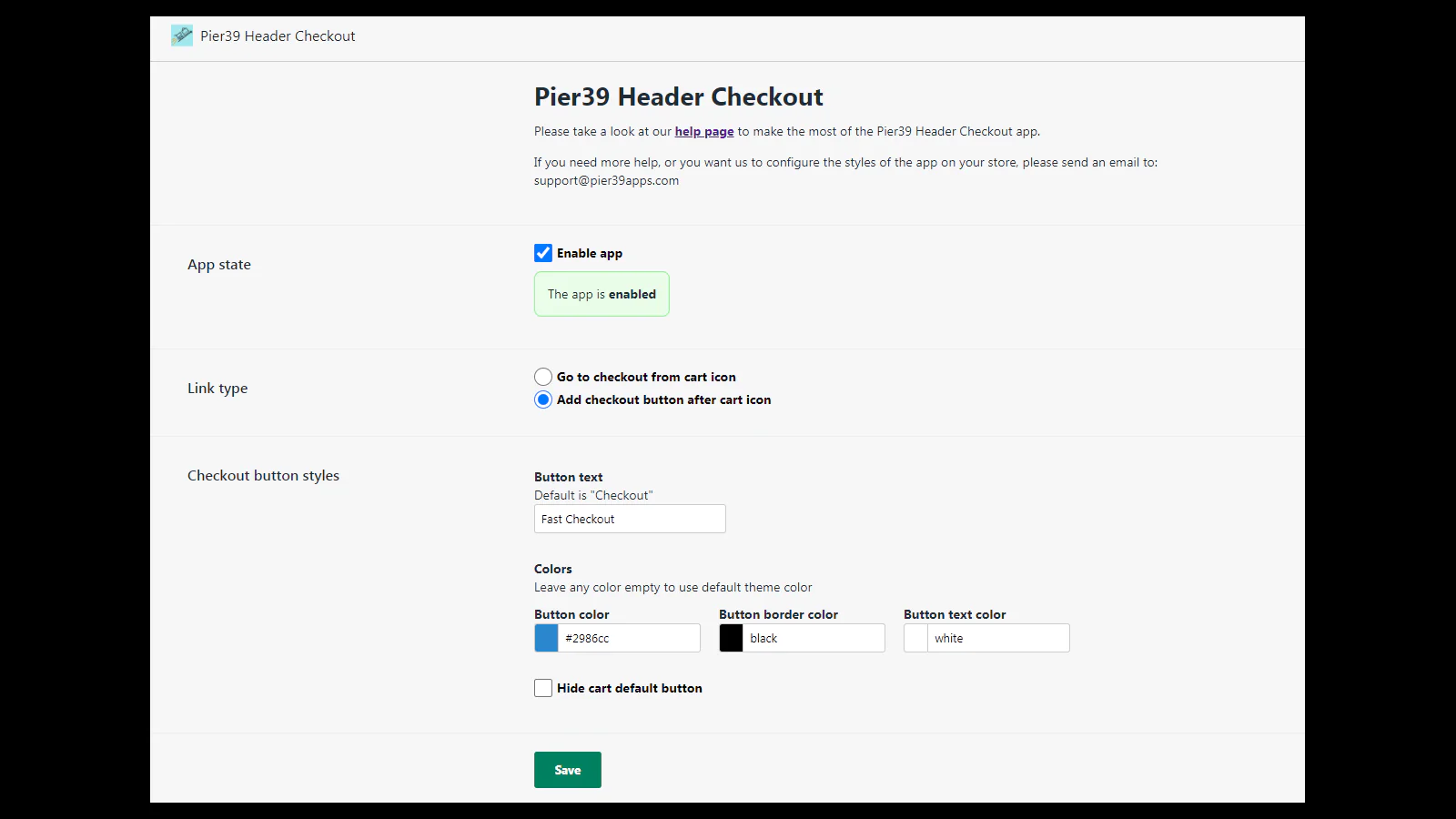
Seamless workflow: use directly in Shopify admin
About the Author
Matej Kontros is an E-Commerce expert and app developer with over a decade of professional experience in IT.
Matej has worked for organisations of all types and sizes, including global players, startups, and agencies. He designed, developed, and maintained complex projects.
Matej's expertise includes e-commerce, software engineering, web development, systems administration, internet security, managing projects, and building teams.
Visit his website at [ Web Linkedin ] or contact him at [email protected].