Shopify App : Gifted: Online Gift Experience
Gift Button, Gift Messages, Delayed Send & Customer Analytics
About Gifted: Online Gift Experience
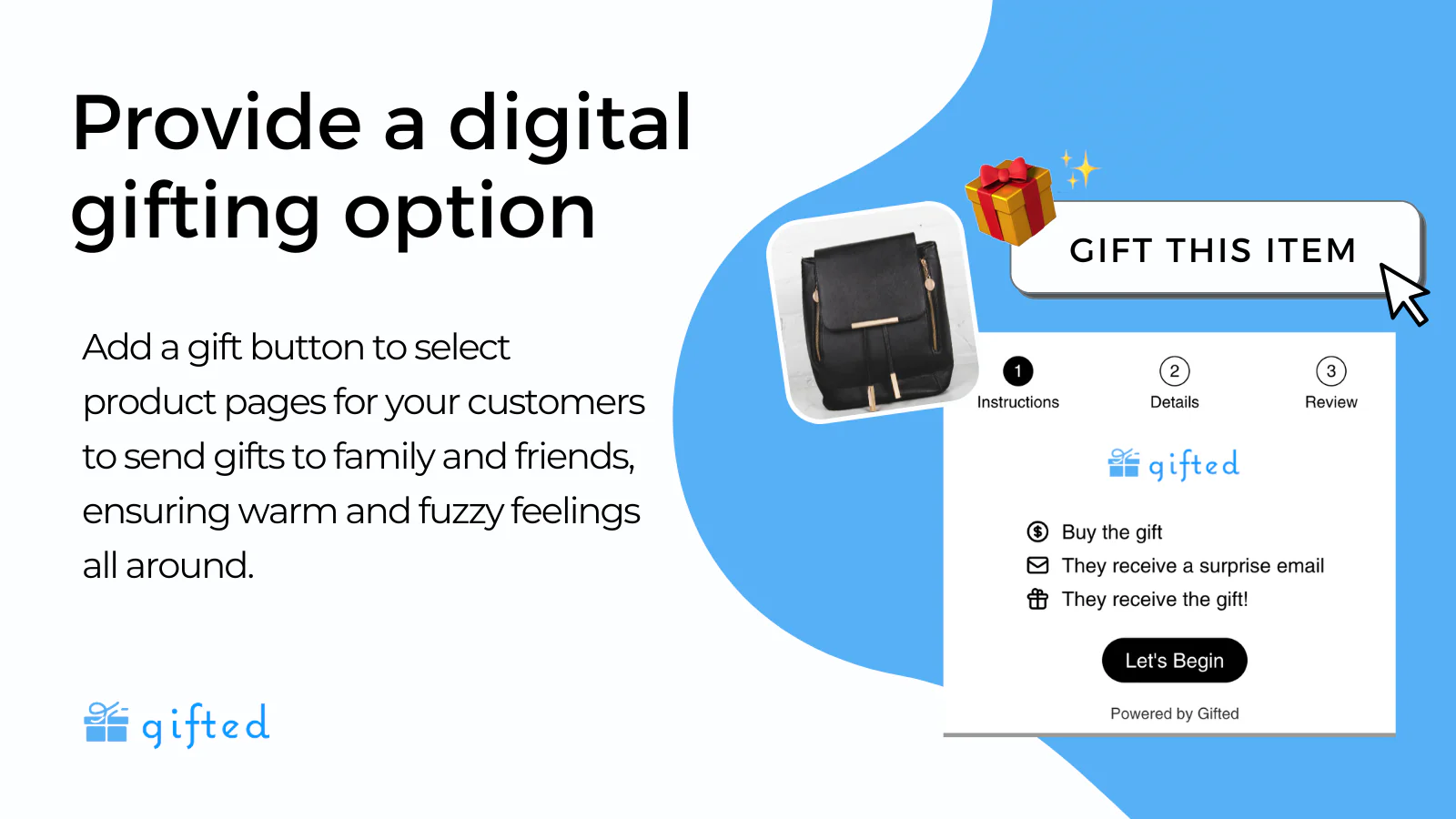
Provide Digital Gifting Option : Add a gift button to select product pages for your customers to send gifts to family and friends! No more missed holiday shipping deadlines.
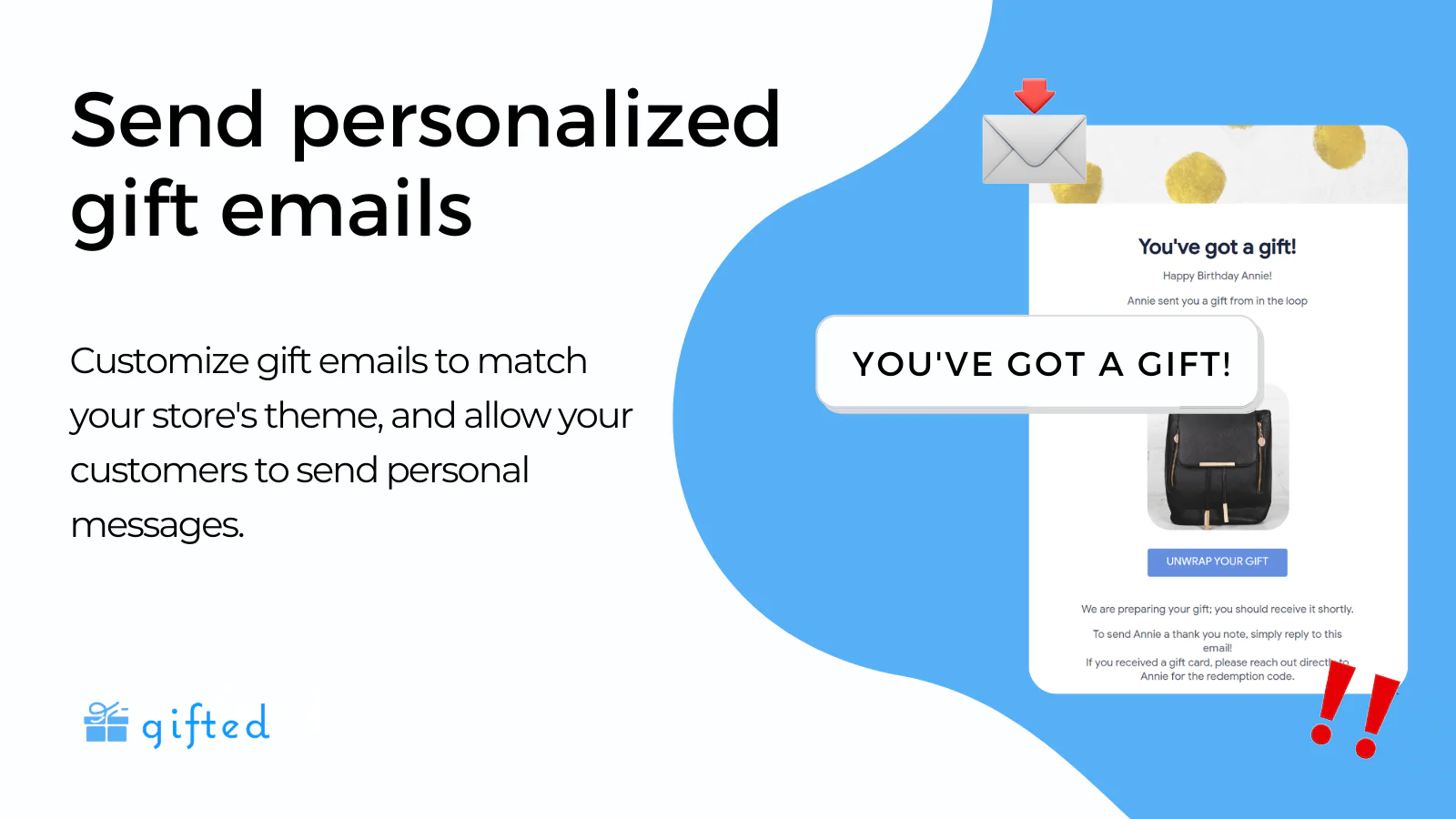
Send Personalized Gift Emails : Customize gift emails to match your store's theme and allow your customers to send personal messages to gift recipients.
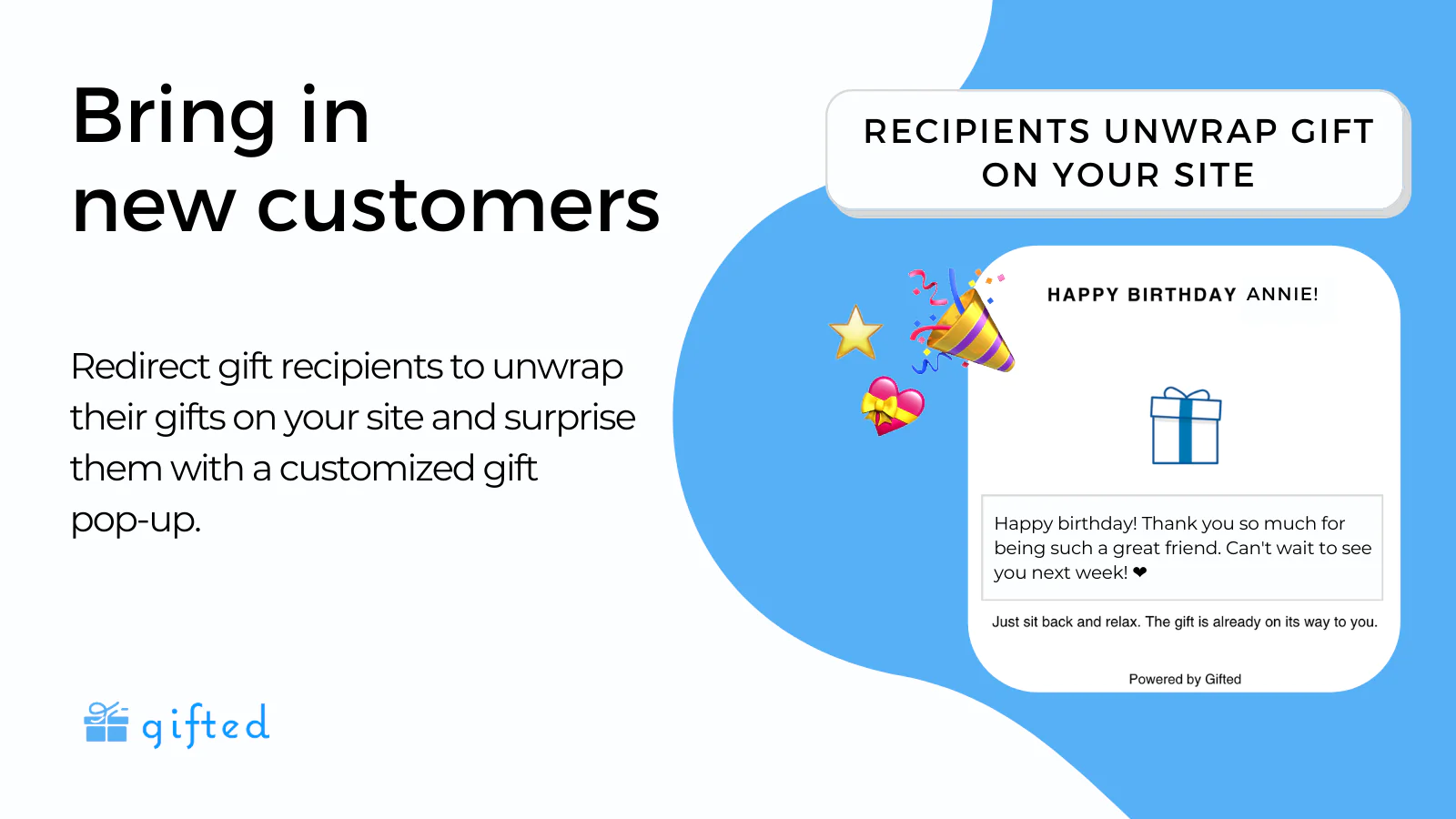
Gain New Customers & Insights : Redirect gift recipients to unwrap their gifts on your site. Collect gifting insights to better understand your customers.
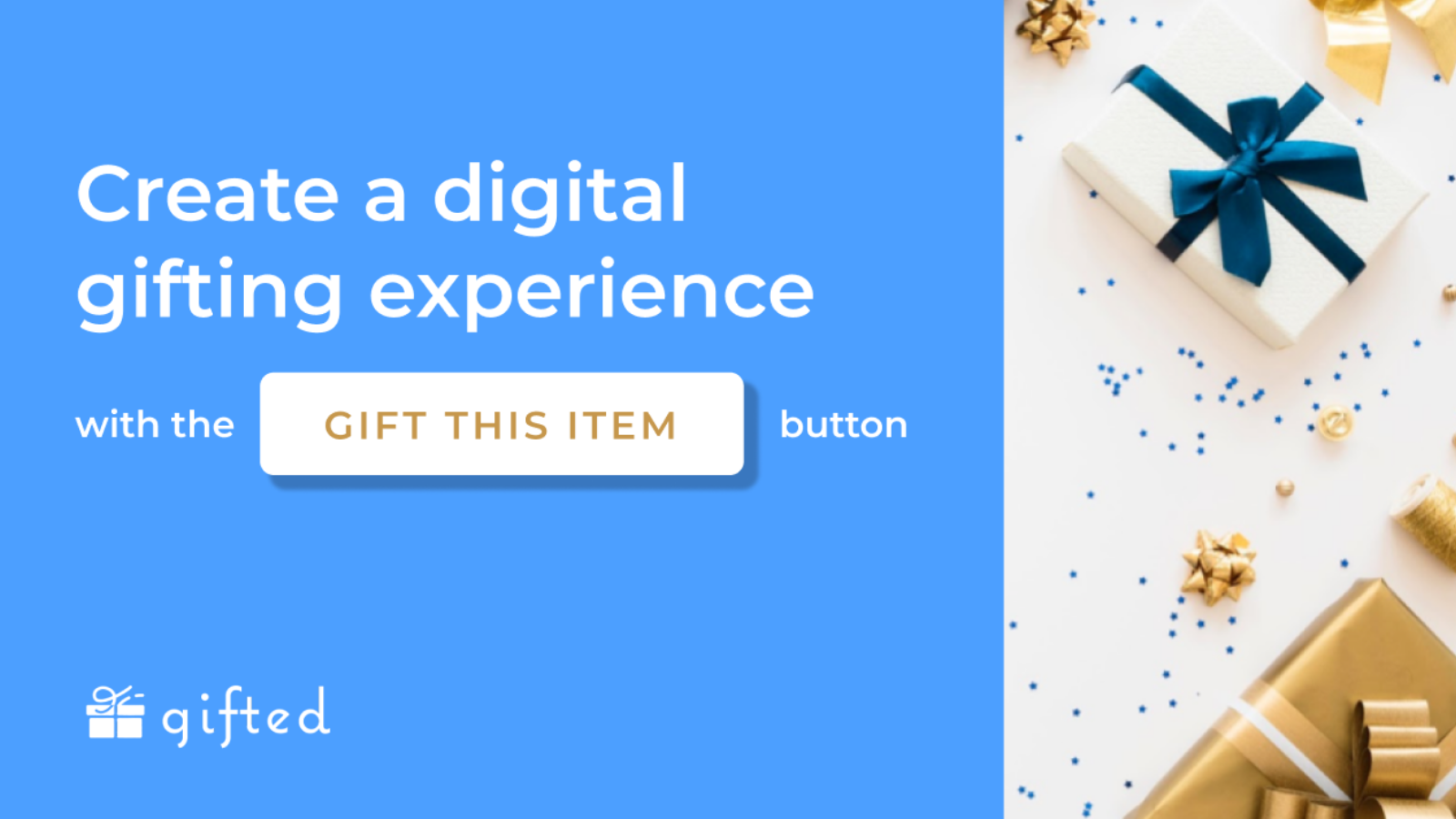
Create a delightful digital gift giving experience with our "Gift This Item" button and email gift messages.
The Gifted app allows you to offer your customers a way to create a special gift giving experience online. Your customers can now digitally deliver their loved ones a gift from your store. By clicking our “Gift This Item” button on your product page, customers can easily fill out details to send an email to their loved ones, ensuring warm, fuzzy feelings all around.
Bring new customers to your site.
When gift recipients receive their gift email, they are prompted to unwrap their gift, bringing them back to your your site with a personalized pop-up. By bringing the gift recipient directly to your website, you can build brand awareness and incorporate new customers into your marketing funnel.
Better understand your customer.
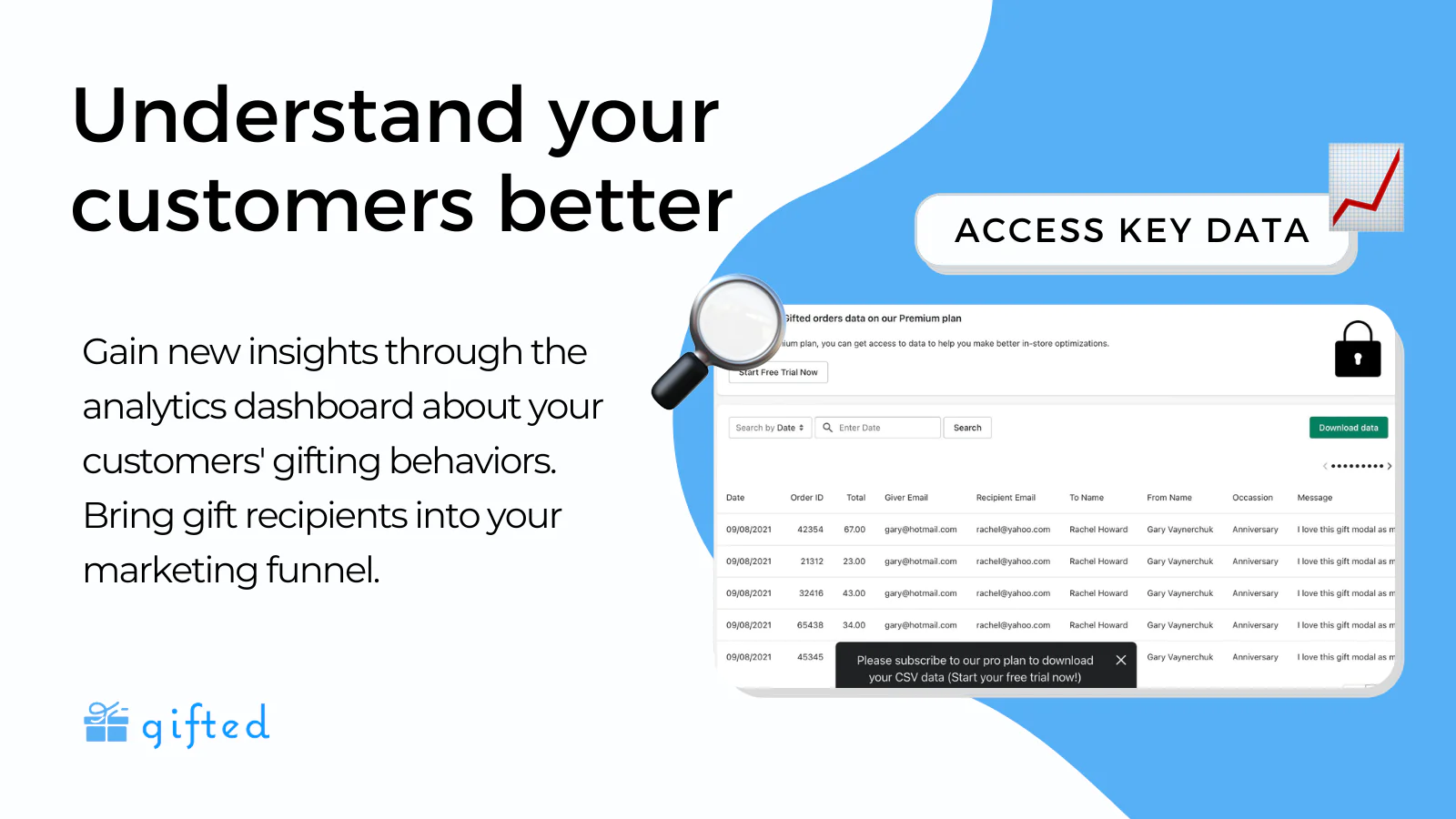
With Gifted Analytics Dashboard, track gift giver and recipient information, such as email addresses, gift occasion, and gift messages. You will gain valuable insights into your customers.
How it works for the merchant:
Install and Customize Gifted
- After installing, you can customize the gift form and the recipient emails to match your store theme and brand.
- Remove gifting functionality from products that don't need a gifting option.
- Receive a notification every time a gift is sent.
- Track gift orders on our analytics dashboard.
How it works for your customers:
Step 1: Choose A Gift
- A “Gift This Item” button will be installed on your product page. When shopping, a customer can click on the button to gift the specific product.
- The customer will be prompted to fill out the recipient's information and include a personal note. The customer will then be directed to check out and pay for the gift through your standard checkout flow.
Step 2: Recipient Receives Gift
- The gift recipient will receive an email in their inbox alerting them of the gift (emails are only sent after the gift giver completes payment).
- The email will include the personal note and a link to your store to “Unwrap The Gift.” This button drives the customer back to your store where they are greeted with a personal gift pop up. Then the new customer can do additional browsing and enter your marketing funnel.
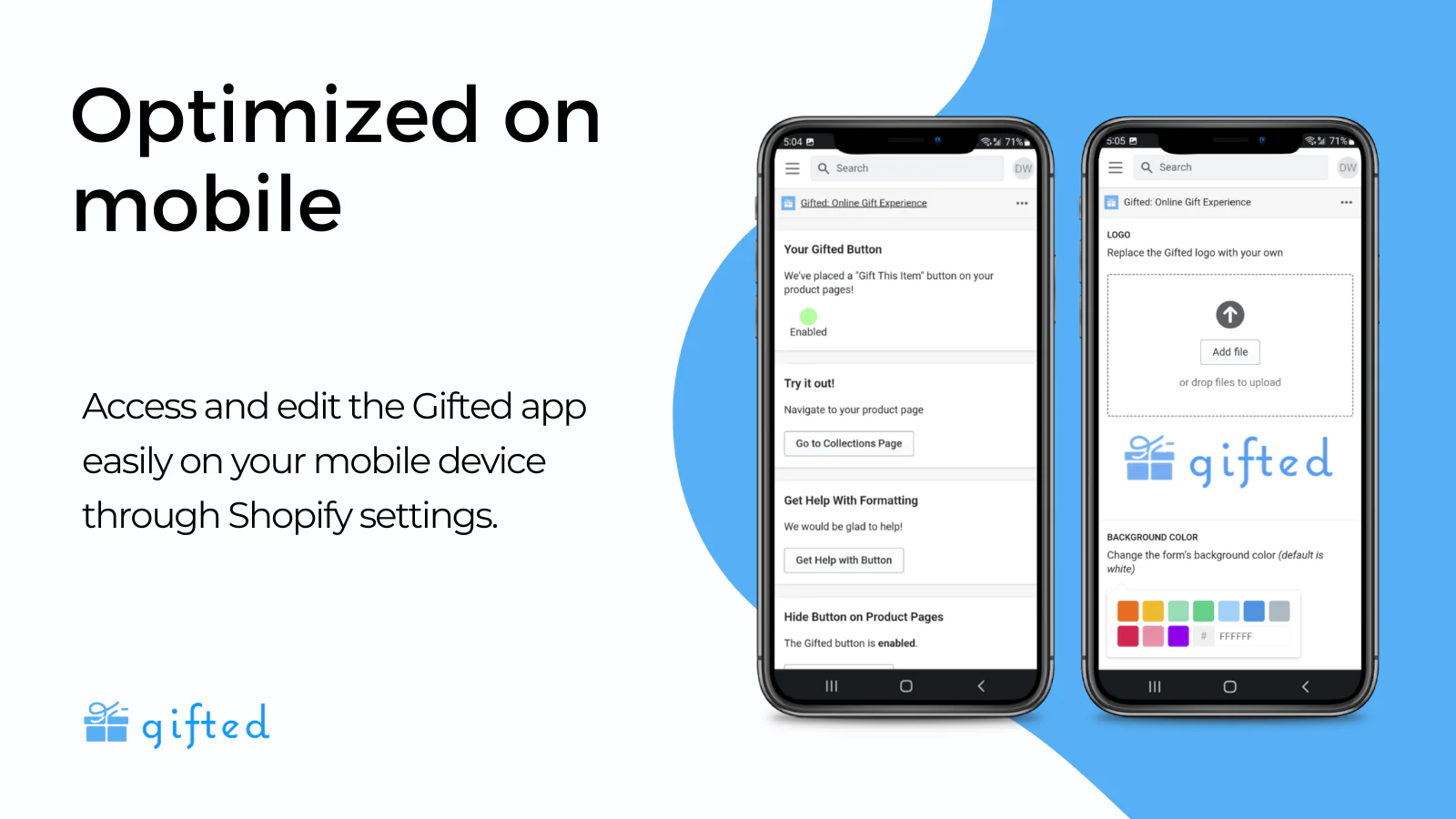
Seamless workflow: use directly in Shopify admin
About the Author
Matej Kontros is an E-Commerce expert and app developer with over a decade of professional experience in IT.
Matej has worked for organisations of all types and sizes, including global players, startups, and agencies. He designed, developed, and maintained complex projects.
Matej's expertise includes e-commerce, software engineering, web development, systems administration, internet security, managing projects, and building teams.
Visit his website at [ Web Linkedin ] or contact him at [email protected].