Shopify App : OkImages ‑ Bulk Images Import
Bulk upload product images from FTP!
About OkImages ‑ Bulk Images Import
Bulk import : Automatic products images importing by dynamic path and position.
Dynamic Path : Use and create your dynamic path to define product image filename schema.
Progressive Monitor : Progressive import report to know the import and product image file status.
The following document describes the functionality of OkImages app. This app will allow the import of product images from an FTP folder to the Shopify product page of the instances where the app is installed.
App Features
- The app will be able to manage the following features related to image import: connection to the shared FTP folder and download of the images present. The images once downloaded will be deleted from the original folder.
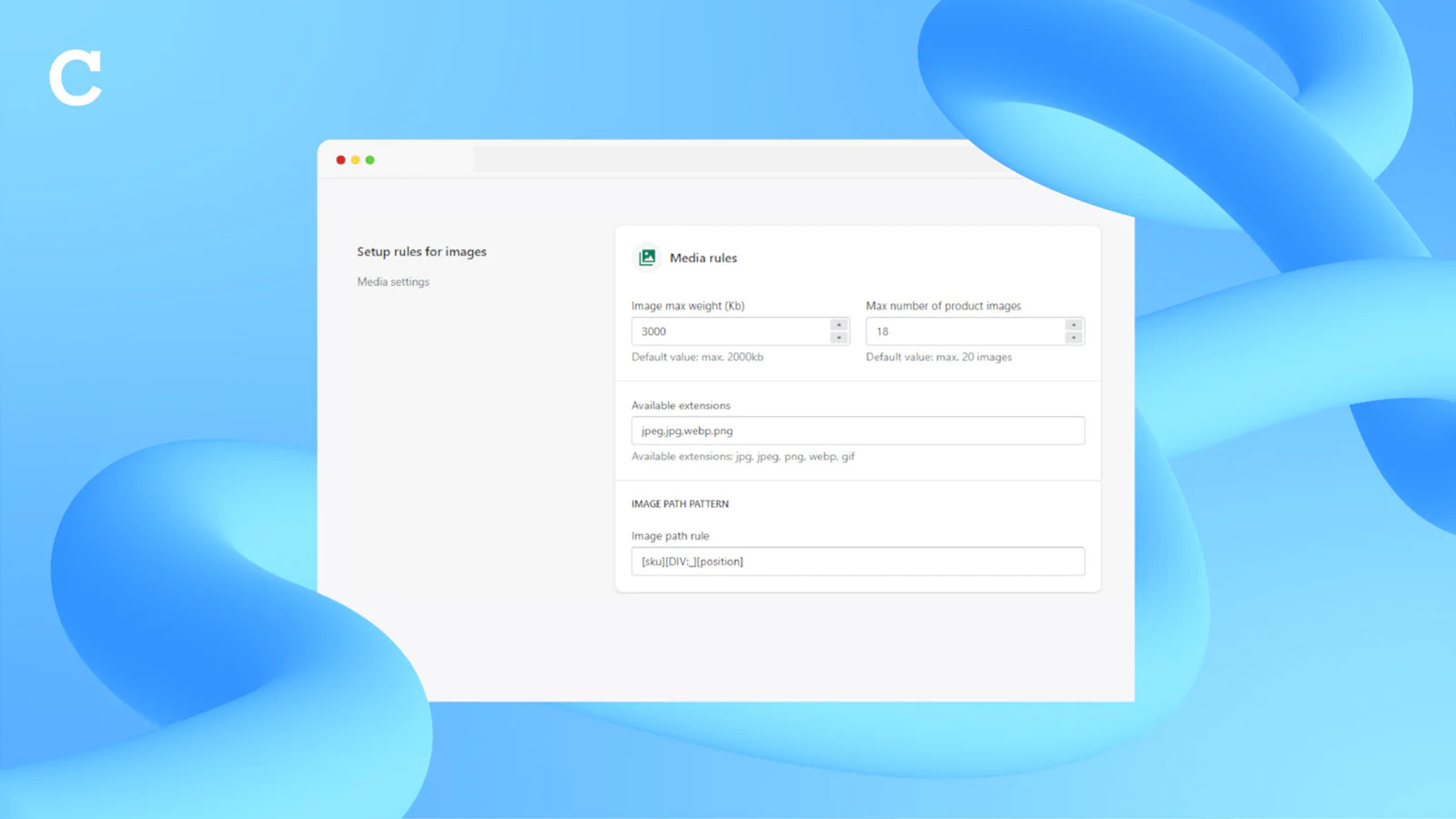
- Compliance check with respect to the weight characteristics, it will be possible to set the maximum limit of the images through settings, the images with weight higher than the set limit will be discarded
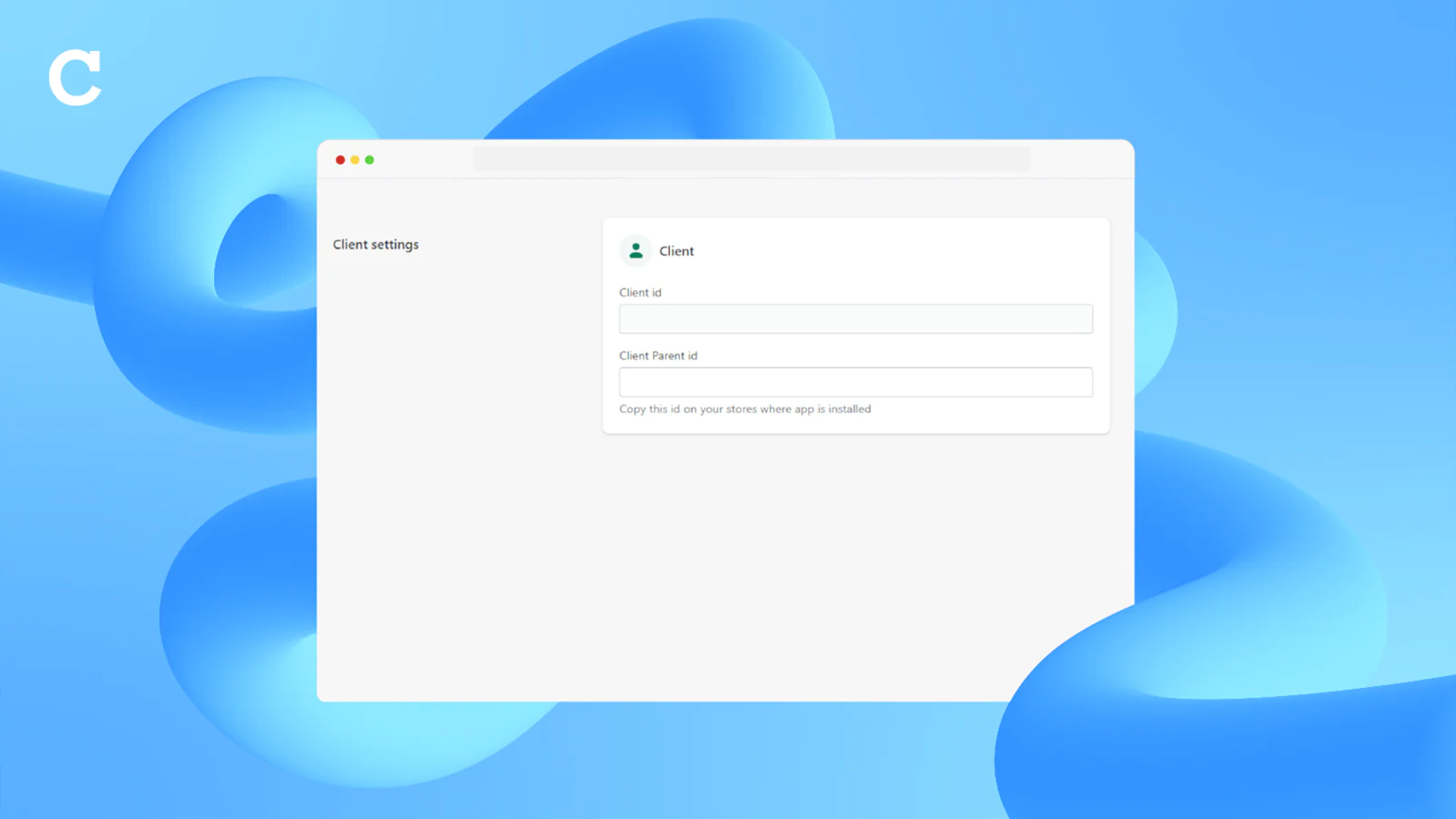
- From the accepted images the product will be obtained through the name of the image. The image name must contain within it at least one product definition indicator to be chosen from (sku; handle; barcode). The user can communicate autonomously to the system the composition of the image name so that the system can associate the image to the product.
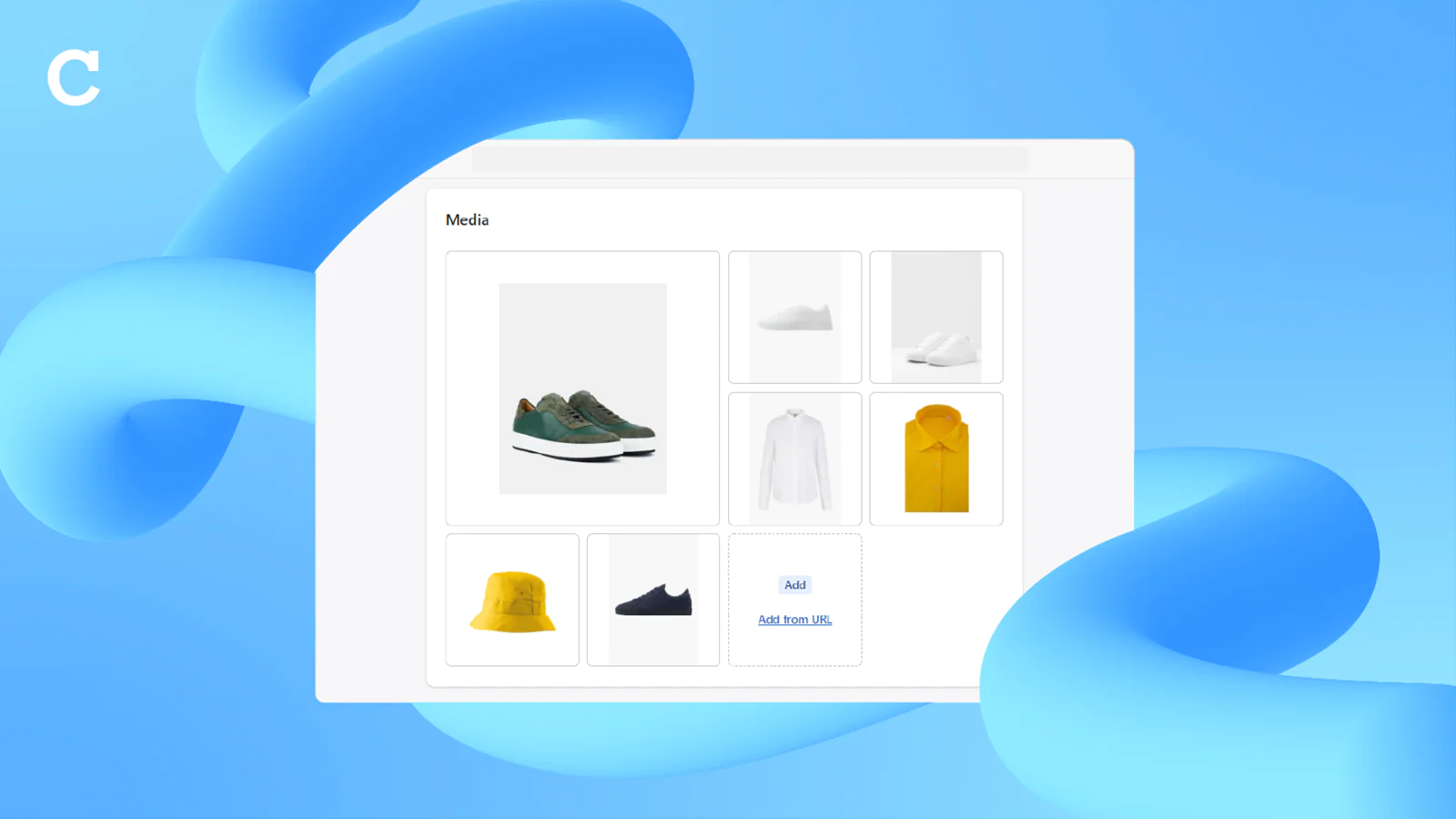
- Once the product has been identified, the images will be uploaded in the media section of the corresponding product. The sorting of the images in the media section will reflect the sorting communicated through a sequential index in the image name.
- Discarded images will be deposited in a customer FTP folder different from the original one. Images may be rejected for the following reasons: Image exceeding weight limits, image with product code not found in any of the linked instances, corrupted image, wrong image extension.
- Through a convention on image renaming it will be possible to delete images already loaded through the import process. To do this just insert an image file named like the image you want to delete by adding the suffix "_DELETE" to the name.
- if images already present in the products are inserted in FTP they will be replaced
Settings and user interface
The user is provided with an admin interface for the app where it will be possible:
- to display a daily monitor showing the progress of any image import in progress download a txt file showing, for each day, the recap of all processed images and the result of the import.
Define import setting:
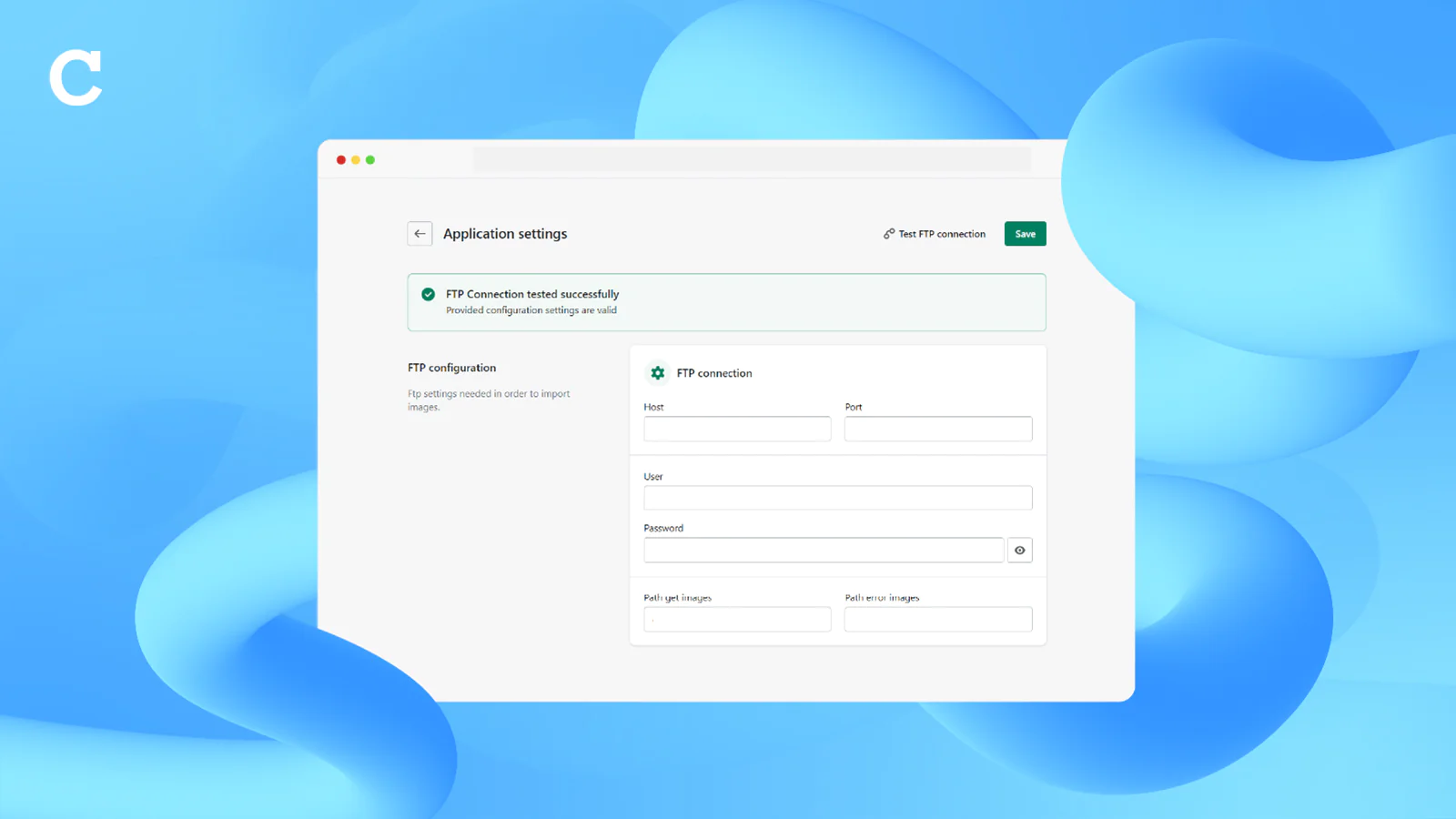
- Use FTP Account
- FTP folder path for importing images
- FTP folder path for rejected images deposit
- FTP login credentials
- Accepted image extensions
- Image weight limit
- Image name structure definition
- Max number of product images
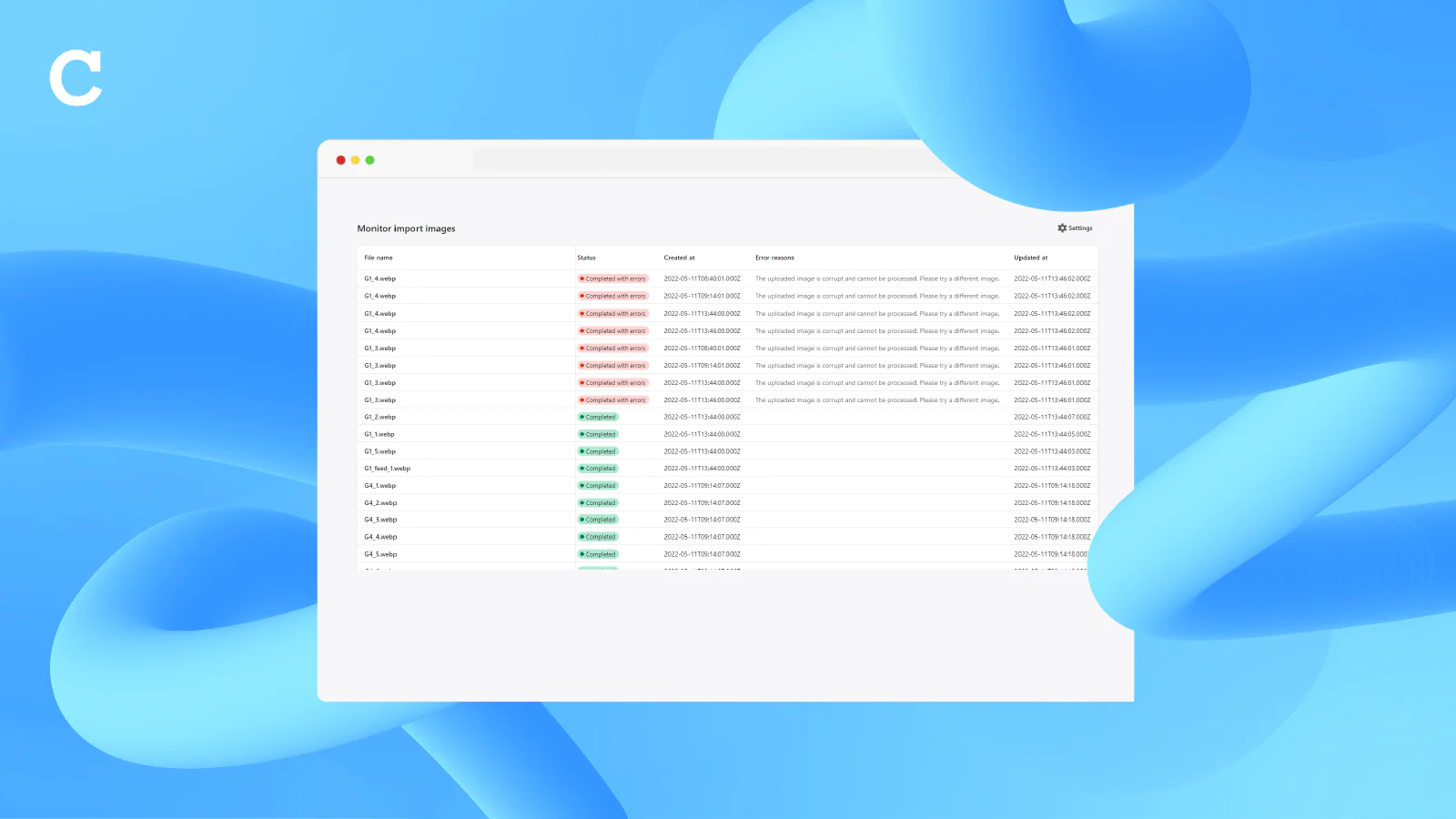
Seamless workflow: use directly in Shopify admin
About the Author
Matej Kontros is an E-Commerce expert and app developer with over a decade of professional experience in IT.
Matej has worked for organisations of all types and sizes, including global players, startups, and agencies. He designed, developed, and maintained complex projects.
Matej's expertise includes e-commerce, software engineering, web development, systems administration, internet security, managing projects, and building teams.
Visit his website at [ Web Linkedin ] or contact him at [email protected].