Shopify App : Fontify: Google & Custom Fonts
Change any Google fonts, Custom Fonts easily for your website
About Fontify: Google & Custom Fonts
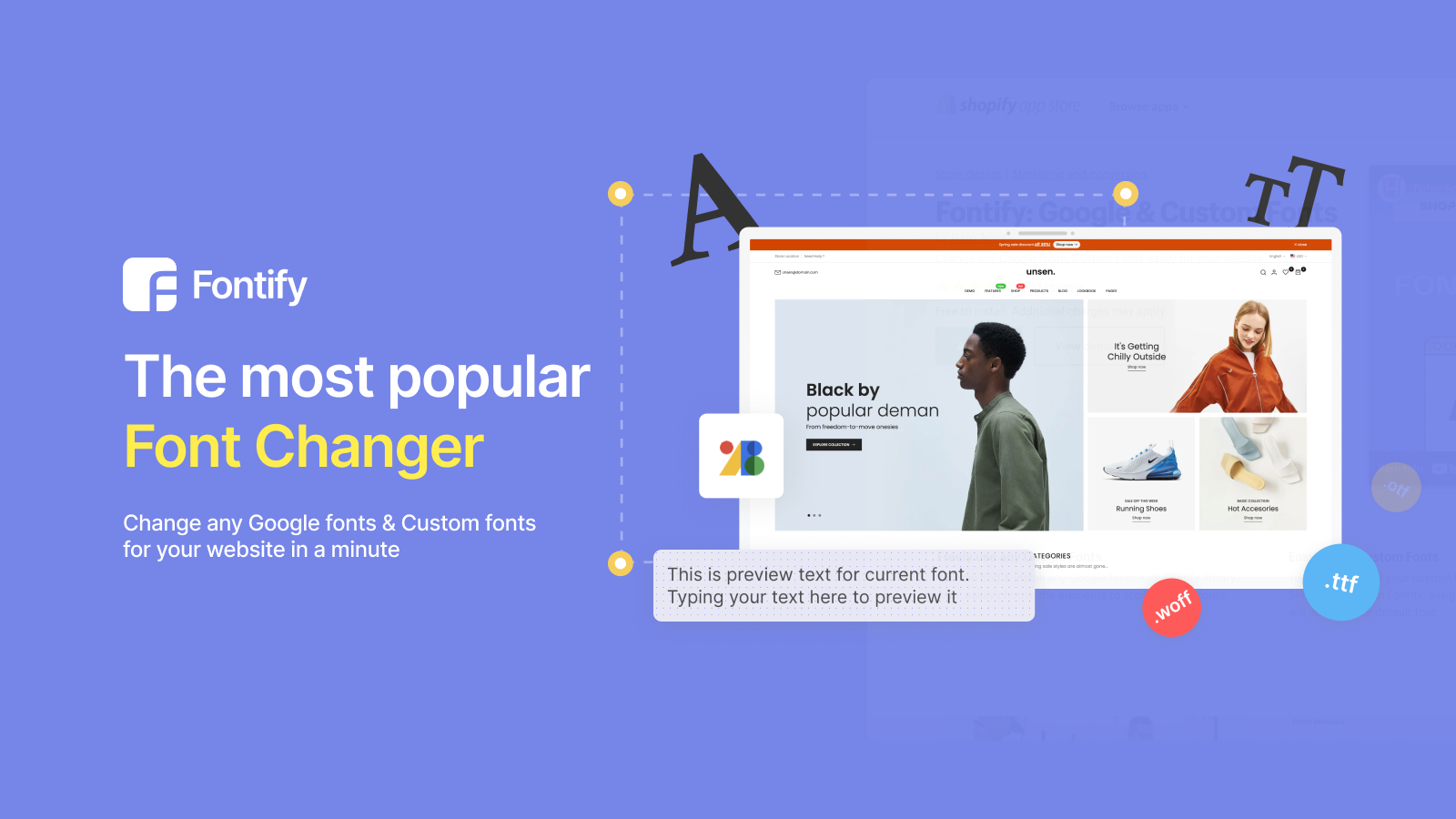
Freely use any Google Fonts : You can find & install any Google fonts with Fontify library. Also, easily choose the elements to apply specific fonts.
Easy install Custom Fonts : You can download your custom fonts from anywhere. Simply upload it in Fontify, assign your elements and it will now be your default font.
No coding required : Change any font in minutes, forget about coding, HTML, CSS and liquid. With Fontify, changing fonts has never been easier.
NEW UPDATE: Fontify can solve 100% the problem of GDPR violation if you sell to EU customers.
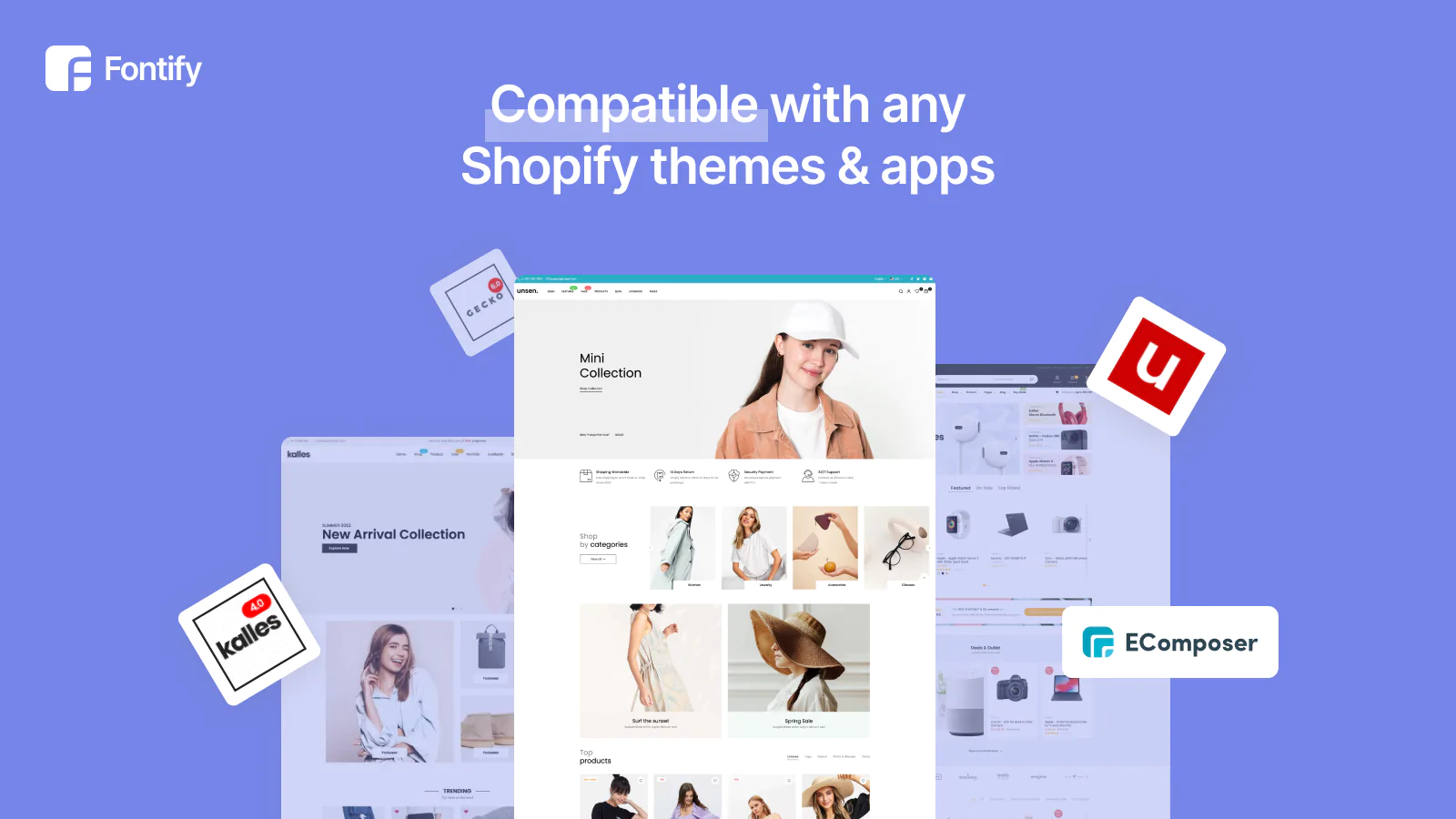
COMPATIBLE WITH ALL THEMES
SUPPORT MULTIPLE LANGUAGES (Separate fonts for each language)
If you are looking for how to add a Google font or a Custom font to your Shopify store? Then this app is for you!
Use Any Font For Your Shopify Store
Do you use a Shopify theme that only supports certain Google fonts, or a theme that doesn’t support any custom font at all? With Fontify, you can use any font - both Google and Custom fonts! If you want to use customized fonts, just upload the font file and our app will do everything else.
Our app will import any font you uploaded and process it to make it work in your store. You only need to choose your font, select the elements which you want to implement it for...and you’re done!
Why do I need this app?
If you don't know coding, HTML, CSS and liquid but you want to have the simple function of using other fonts that your theme does not support, then Fontify is the best solution for you!
How does it work?
You can choose an existing Google font or upload your custom font. After that, just assign to your element (h1, h2, h3, h4, h5, paragraphs, custom class....)
What will Fontify do for me?
Fontify will help you use any font without editing any code!
Features
- One-click install
- Easy font changer
- Change any font for your store
- Supports all Google fonts
- Support any Custom font
- Compatible with all Shopify themes (also works with custom themes: Gecko, Basel, Elessi, Molla, and Boutique from The4)
- Well documented
- Live chat support
- Use Free Google fonts
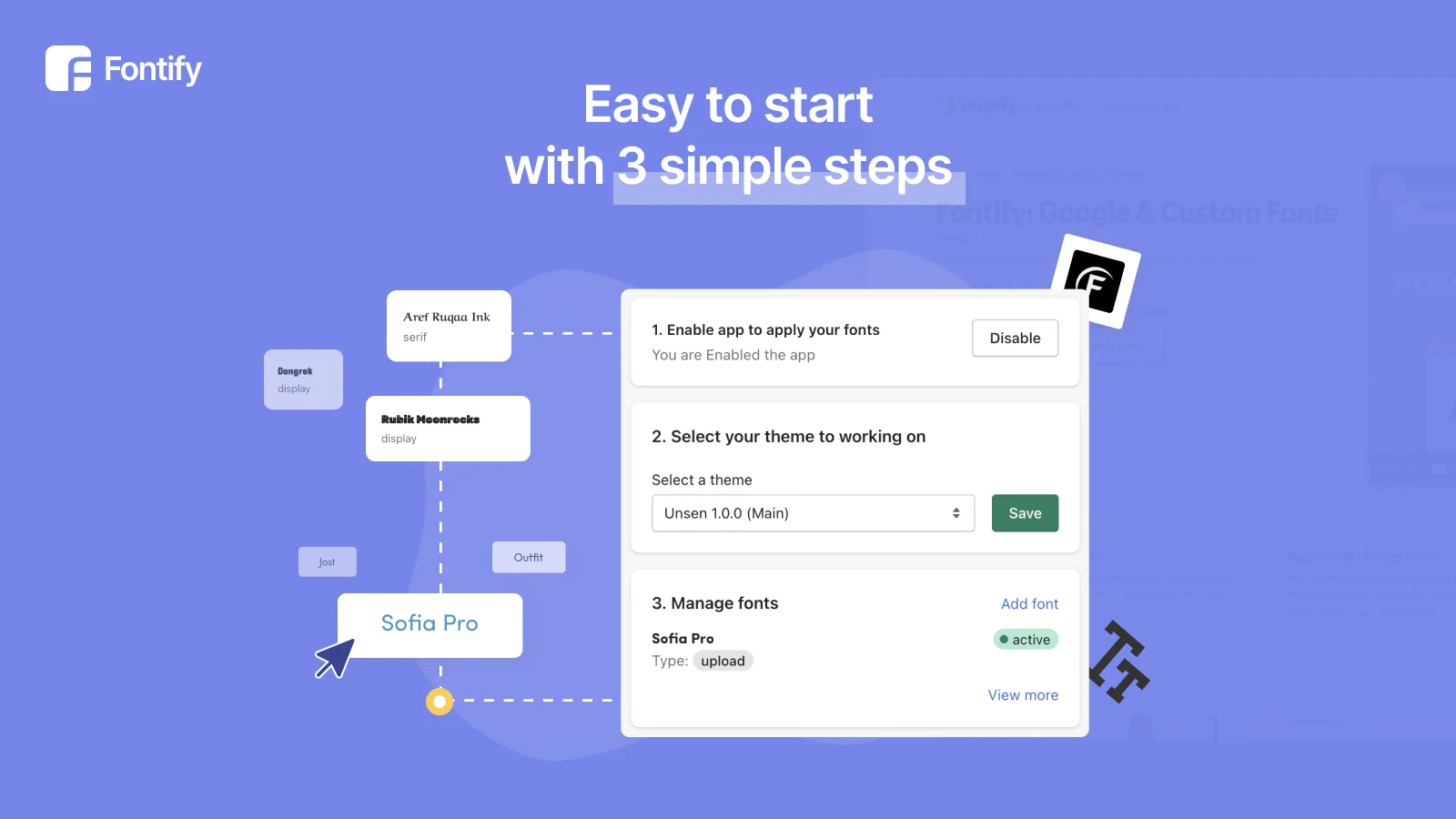
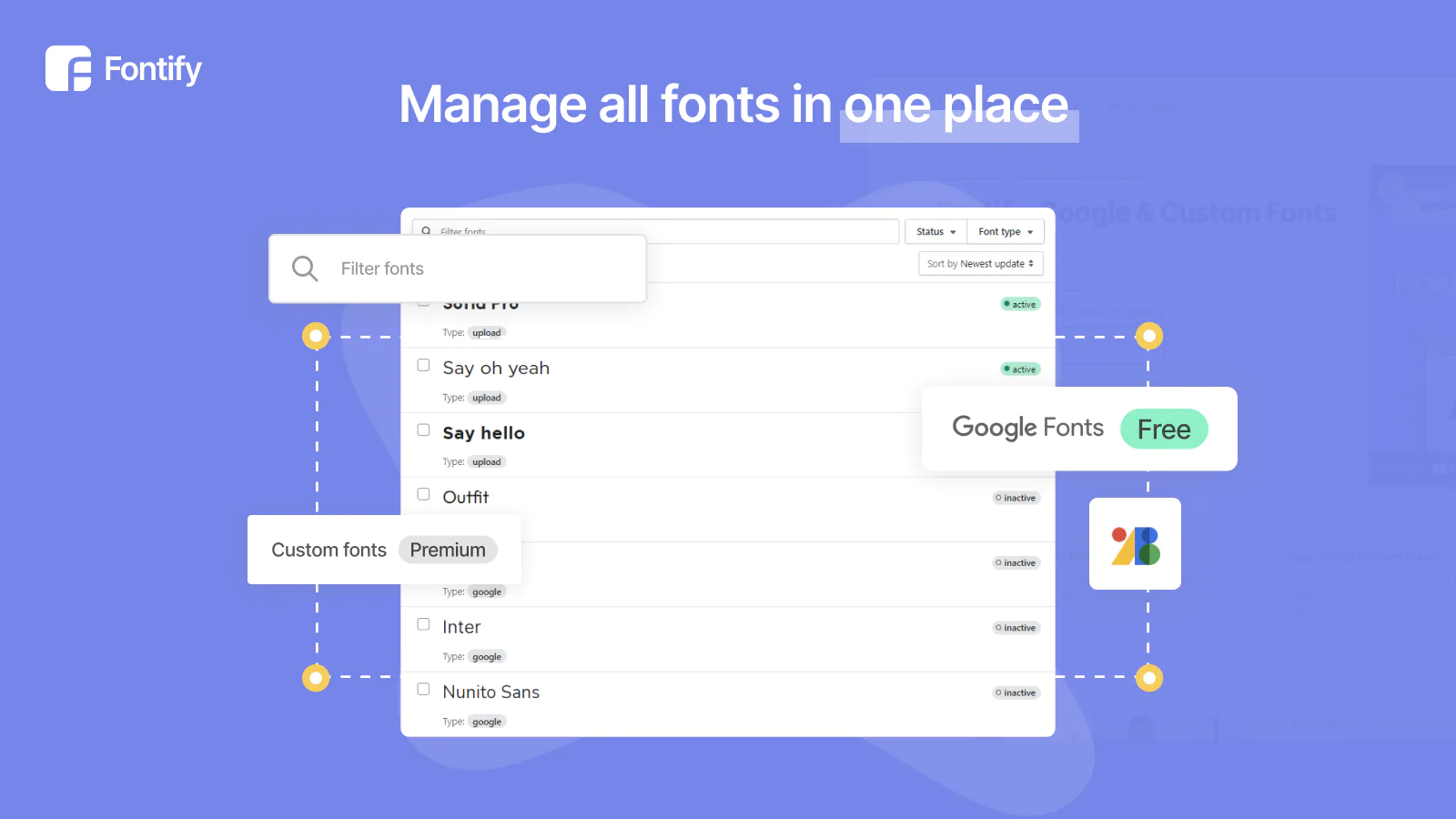
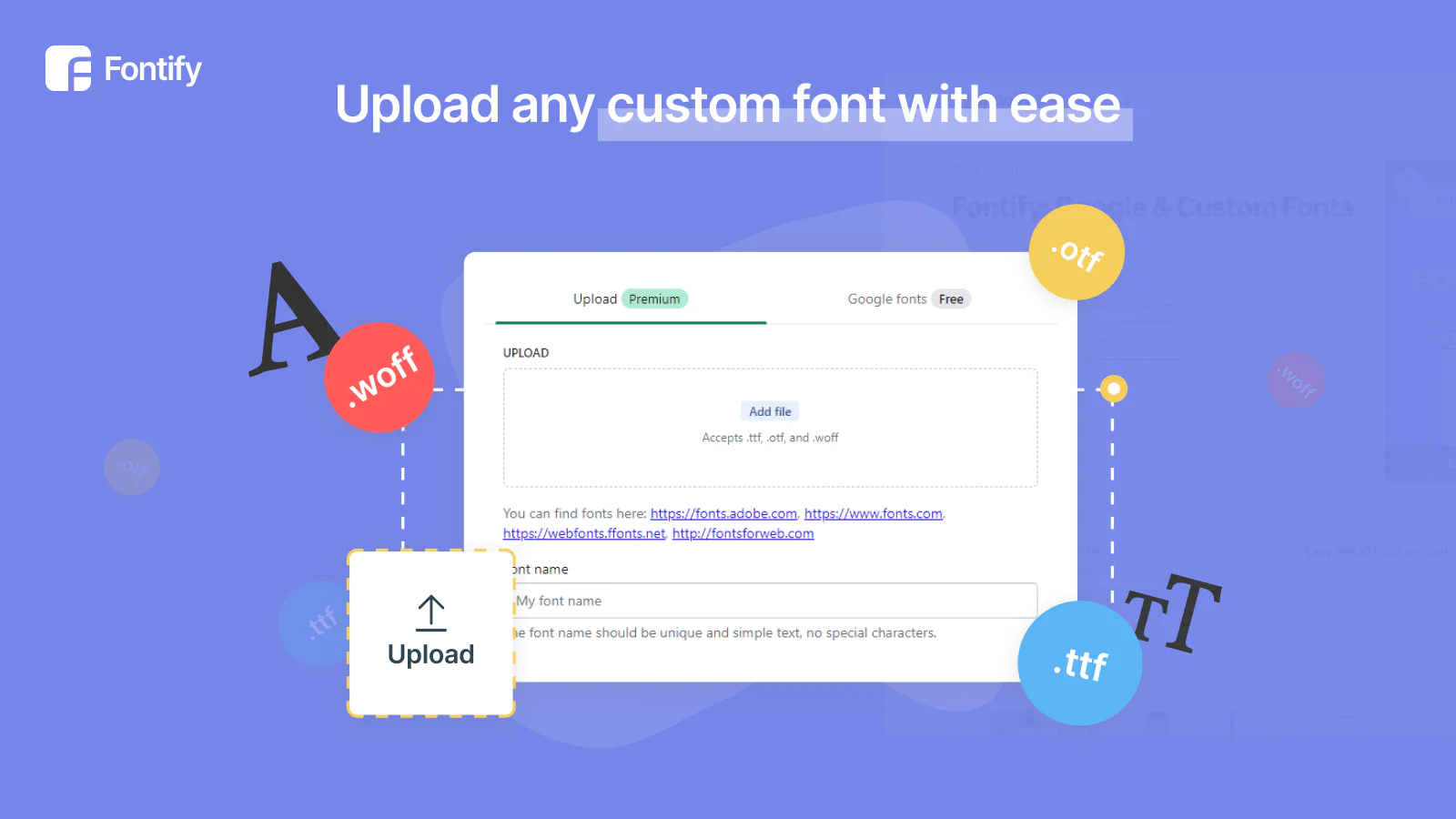

Seamless workflow: use directly in Shopify admin
Up-to-date tech: works with the latest themes
About the Author
Matej Kontros is an E-Commerce expert and app developer with over a decade of professional experience in IT.
Matej has worked for organisations of all types and sizes, including global players, startups, and agencies. He designed, developed, and maintained complex projects.
Matej's expertise includes e-commerce, software engineering, web development, systems administration, internet security, managing projects, and building teams.
Visit his website at [ Web Linkedin ] or contact him at [email protected].