Shopify App : EZ Fulfill ‑ Auto Fulfillment
Bulk Update Tracking, Notify Customers & Mark Orders Fulfilled
About EZ Fulfill ‑ Auto Fulfillment
Automate Tracking Updates : Bulk auto update tracking numbers and mark your orders fulfilled as frequently as every 1 hour. 3PL order tracking fulfillment.
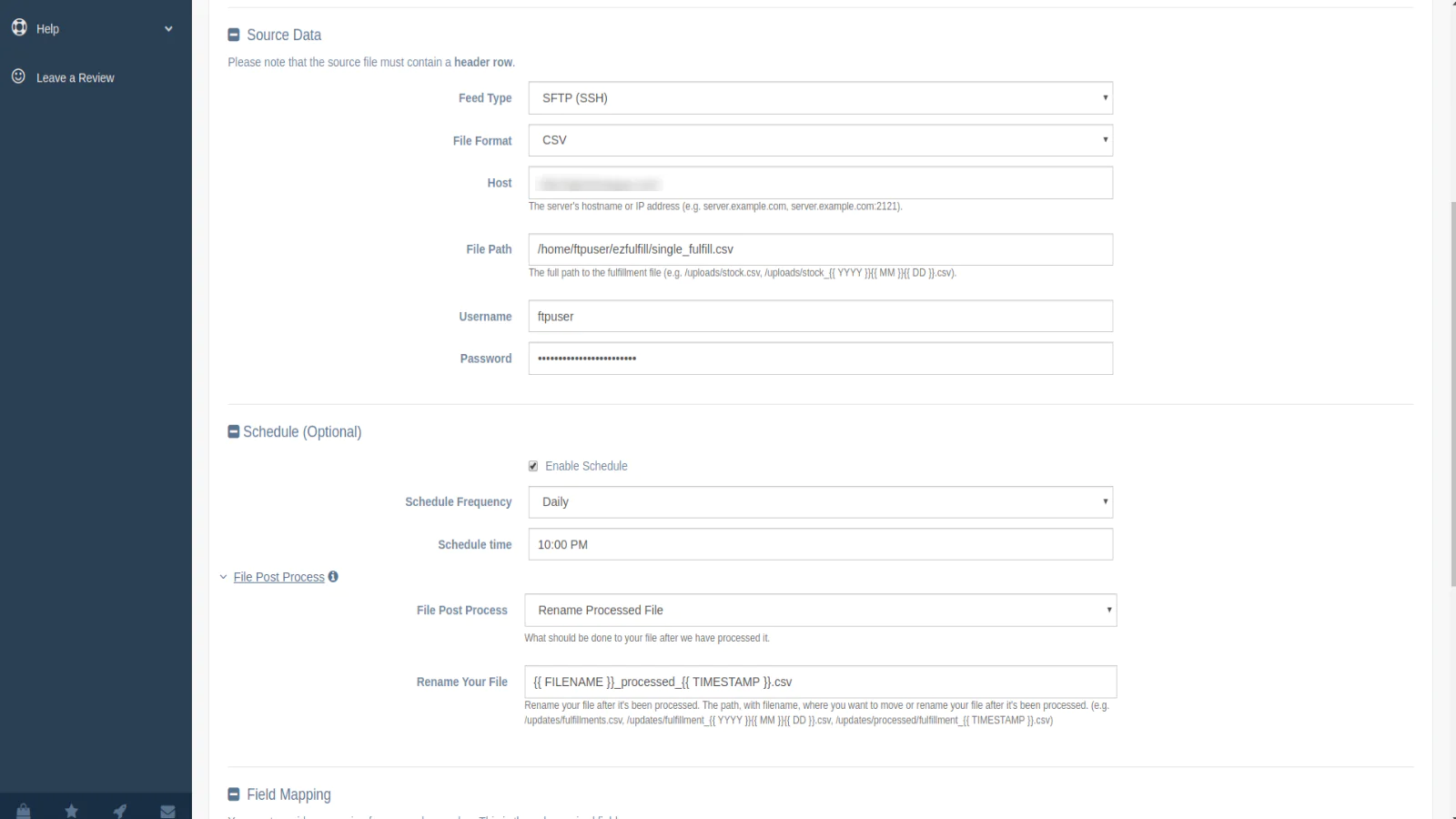
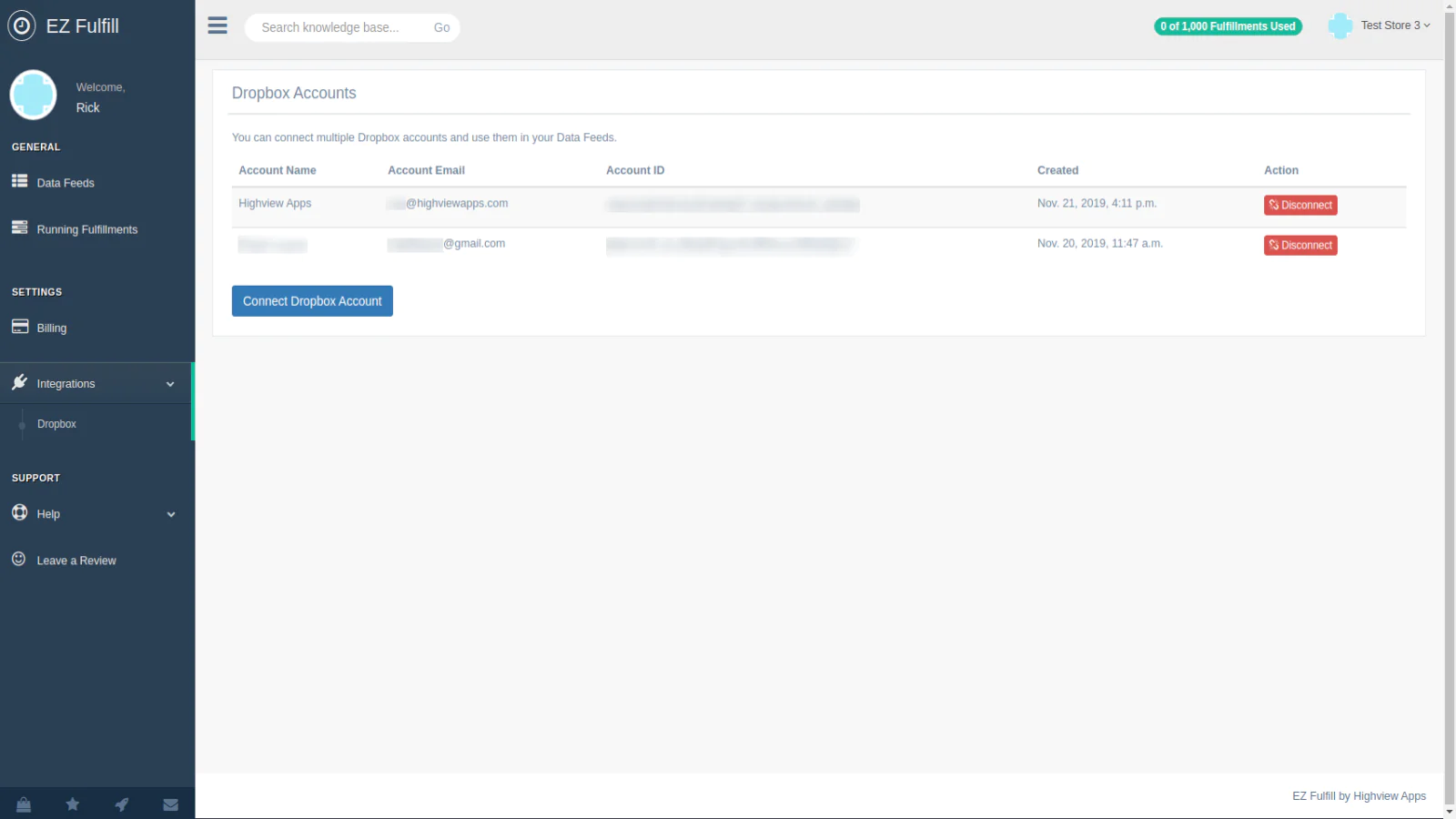
FTP/SFTP, Dropbox, S3 Support : Sync your fulfillments from an FTP/SFTP, Dropbox or Amazon S3 feed. Update your tracking numbers via FTP. CSV files supported!
Mark Orders Fulfilled : Easily mark your orders fulfilled after your supplier updates the tracking numbers. Bulk fulfill orders via CSV file.
Overview
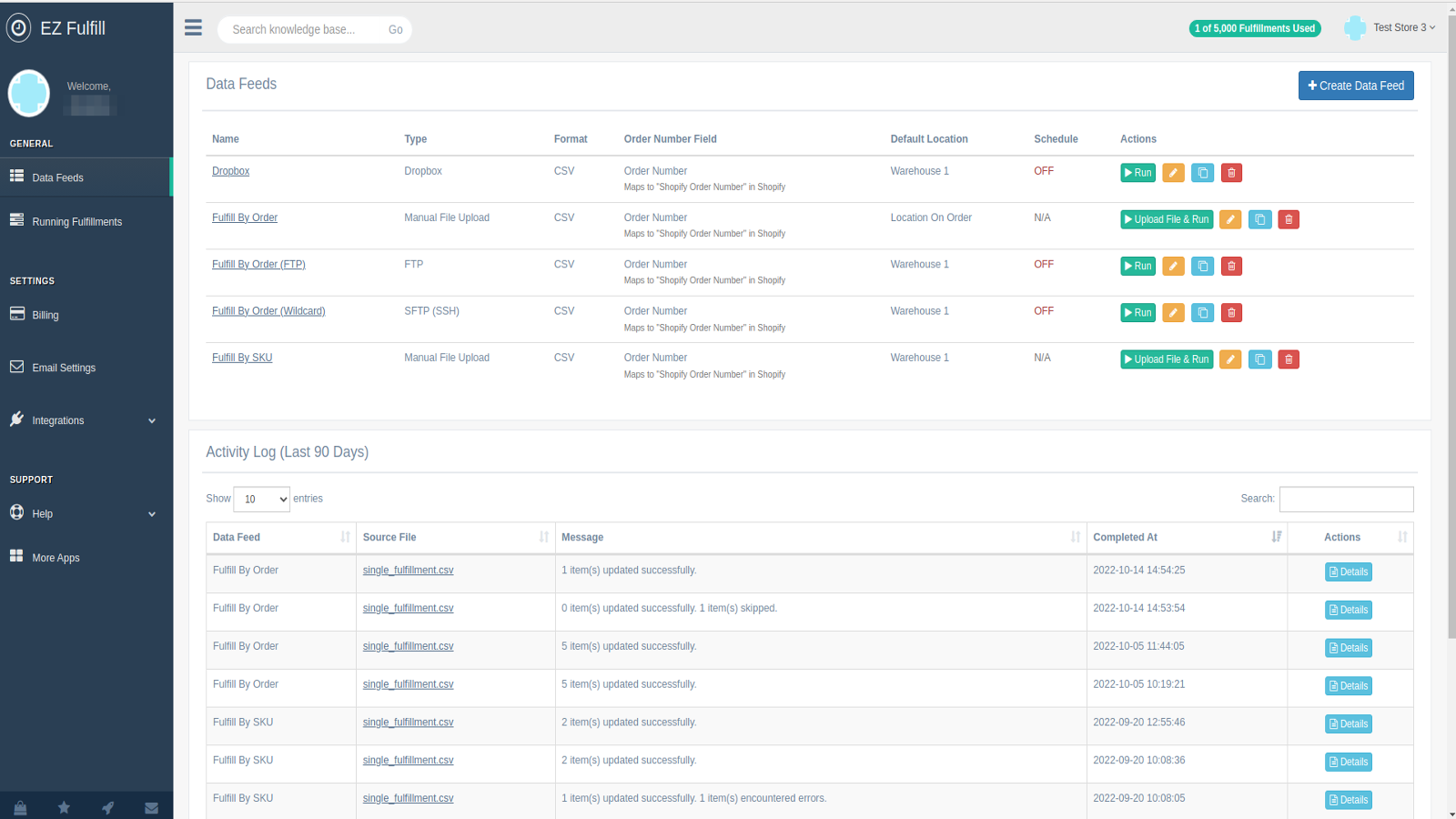
Stop wasting time manually updating your tracking numbers! EZ Fulfill's scheduler allows you to update your orders tracking numbers, mark your orders fulfilled and send tracking confirmation emails directly to your customers as frequently as every hour. You can even add tracking numbers to orders already marked fulfilled! Automating your fulfillment has never been easier!
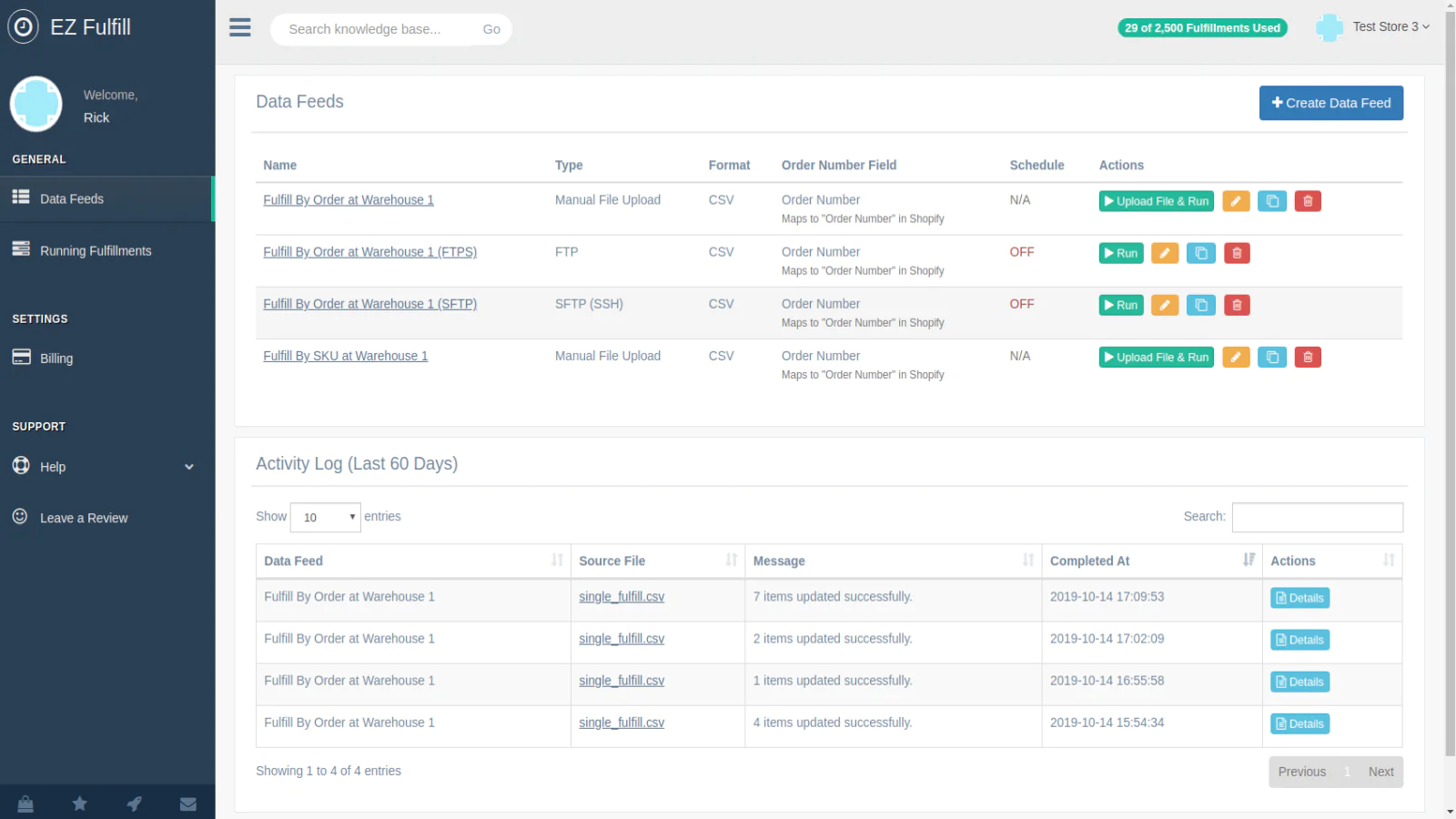
Our app supports data feeds and scheduling via FTP, SFTP, Dropbox & Amazon S3 as well as manual file uploads.
Partially fulfill your orders by adding your products SKU and the quantity to fulfill directly in your CSV or Excel file.
Upload multiple tracking numbers in a single CSV or Excel file. You can easily fulfill orders with multiple tracking numbers by associating a tracking number to a SKU all from your CSV or Excel file.
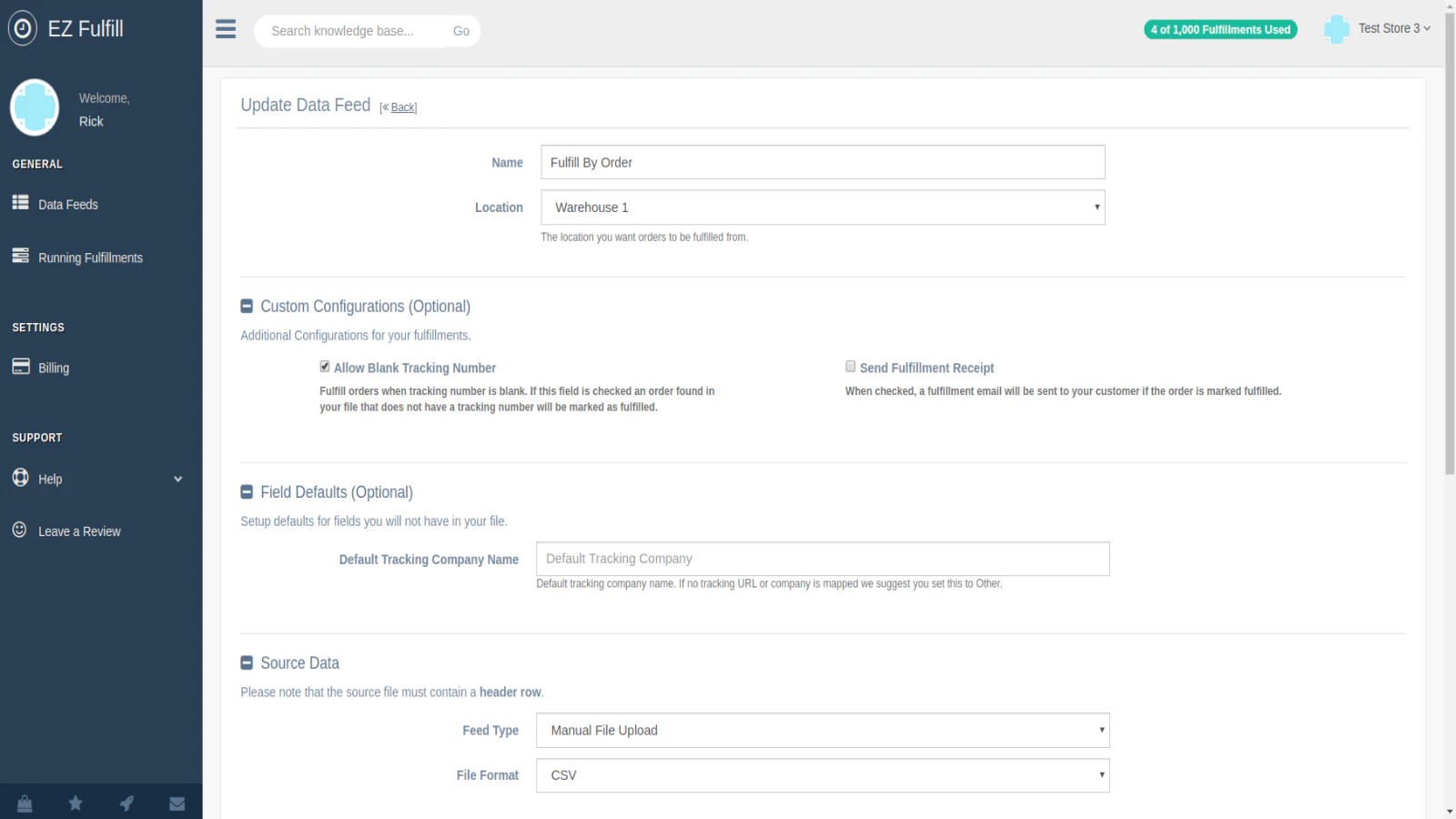
Get started in just a few minutes! All you need to do is map your order numbers and tracking numbers to start. Need to add the tracking company, tracking URL, product SKU and quantity? No problem, we support those as well!
Highlights
- Automatically update tracking numbers and mark orders fulfilled via FTP/SFTP, Dropbox or Amazon S3 hourly or daily.
- Update tracking numbers on fulfilled orders.
- Multiple fulfillment locations support.
- Mark pending orders paid.
- Partial Fulfillment using your product SKU and the quantity being fulfilled.
- Upload multiple tracking numbers with your orders.
- Tag orders after they've been fulfilled.
- Send emails to your customers with tracking information via Shopify's fulfillment notification system.
- Run your fulfillment tasks on demand many times per day.
- Don't miss any fulfillments by using our alert notification system to send you emails if any fulfillment has errors or are skipped.
- Supports manual file uploads for one-off fulfillment updates.
- Support both CSV and Excel files. Save time and fulfill orders from Excel, no conversion needed!
- Filter your input file to ensure only the orders you want fulfilled are marked fulfilled.
- Add default values for your tracking company so you don't need to add it to your CSV or Excel file.
- Fulfill orders without tracking numbers!
- View your orders' fulfillment history from the last 30 days.
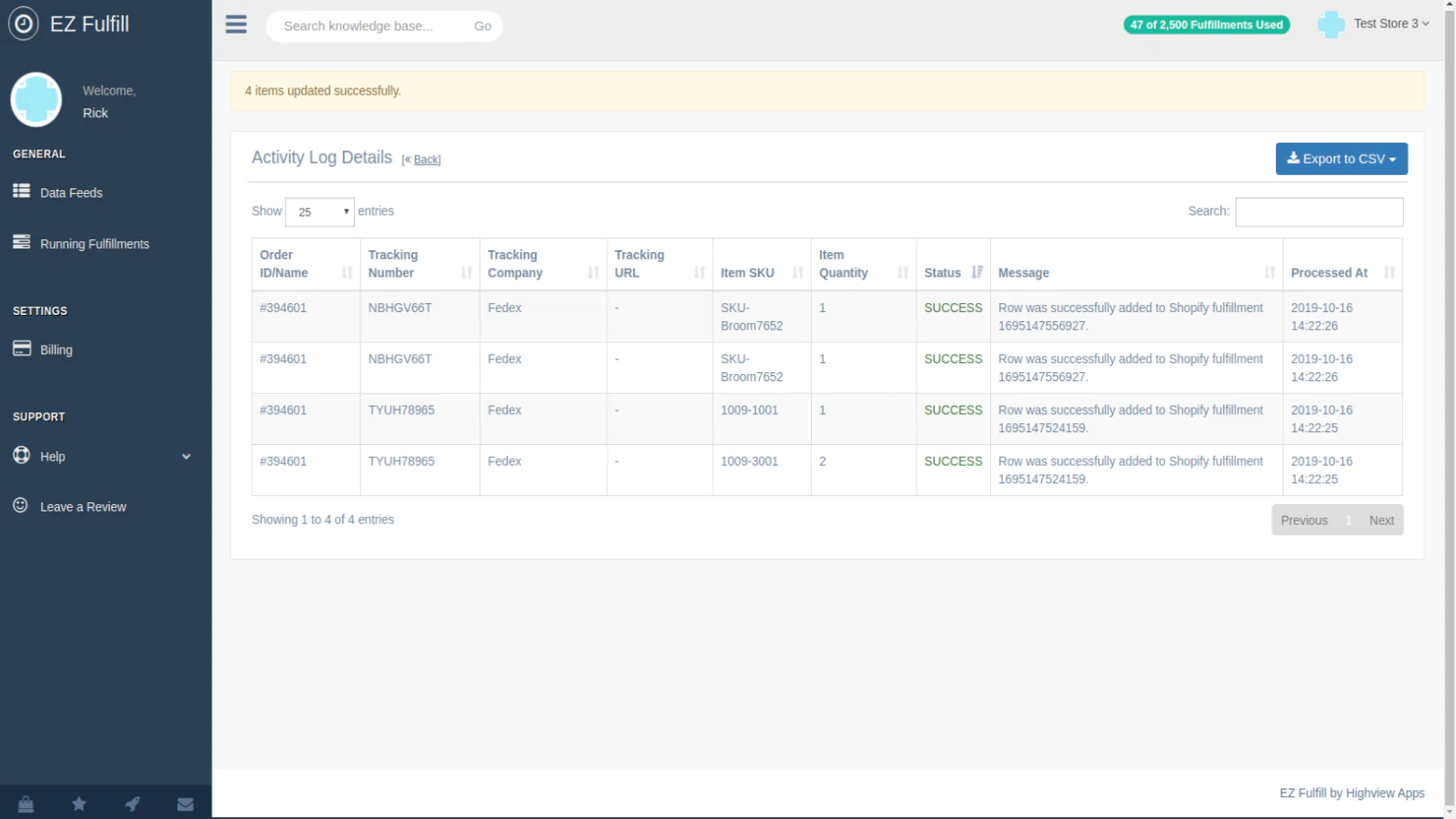
- View the status of running sync tasks and detailed logs of which items were updated and at what time. You can download a copy of the original feed that was used as well.
Speed tested: no impact to your online store
About the Author
Matej Kontros is an E-Commerce expert and app developer with over a decade of professional experience in IT.
Matej has worked for organisations of all types and sizes, including global players, startups, and agencies. He designed, developed, and maintained complex projects.
Matej's expertise includes e-commerce, software engineering, web development, systems administration, internet security, managing projects, and building teams.
Visit his website at [ Web Linkedin ] or contact him at [email protected].