Shopify App : Duell Integration
Kasseservice
About Duell Integration
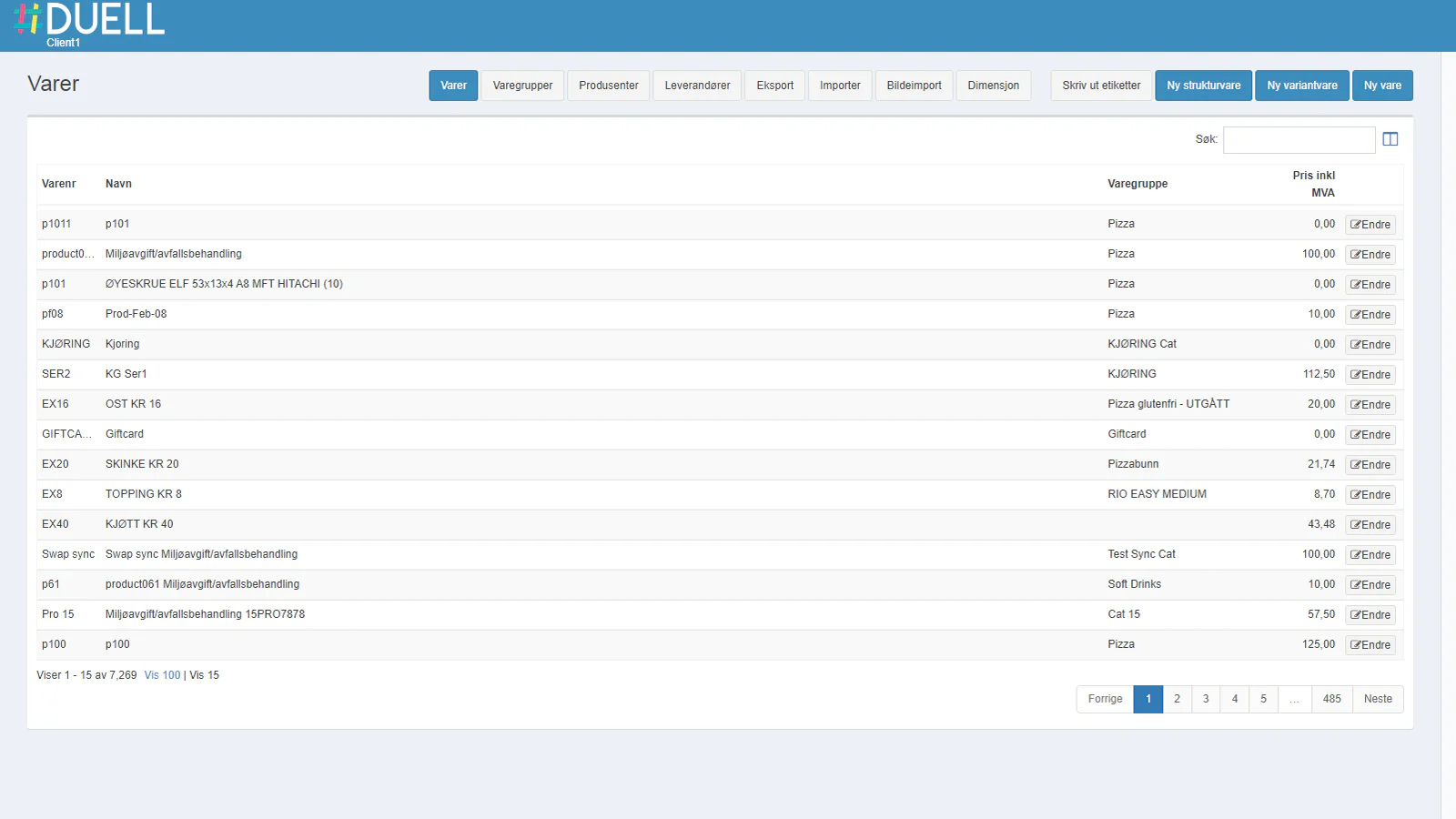
Sync products : Sync products from DUELL to Shopify or from Shopify to DUELL.
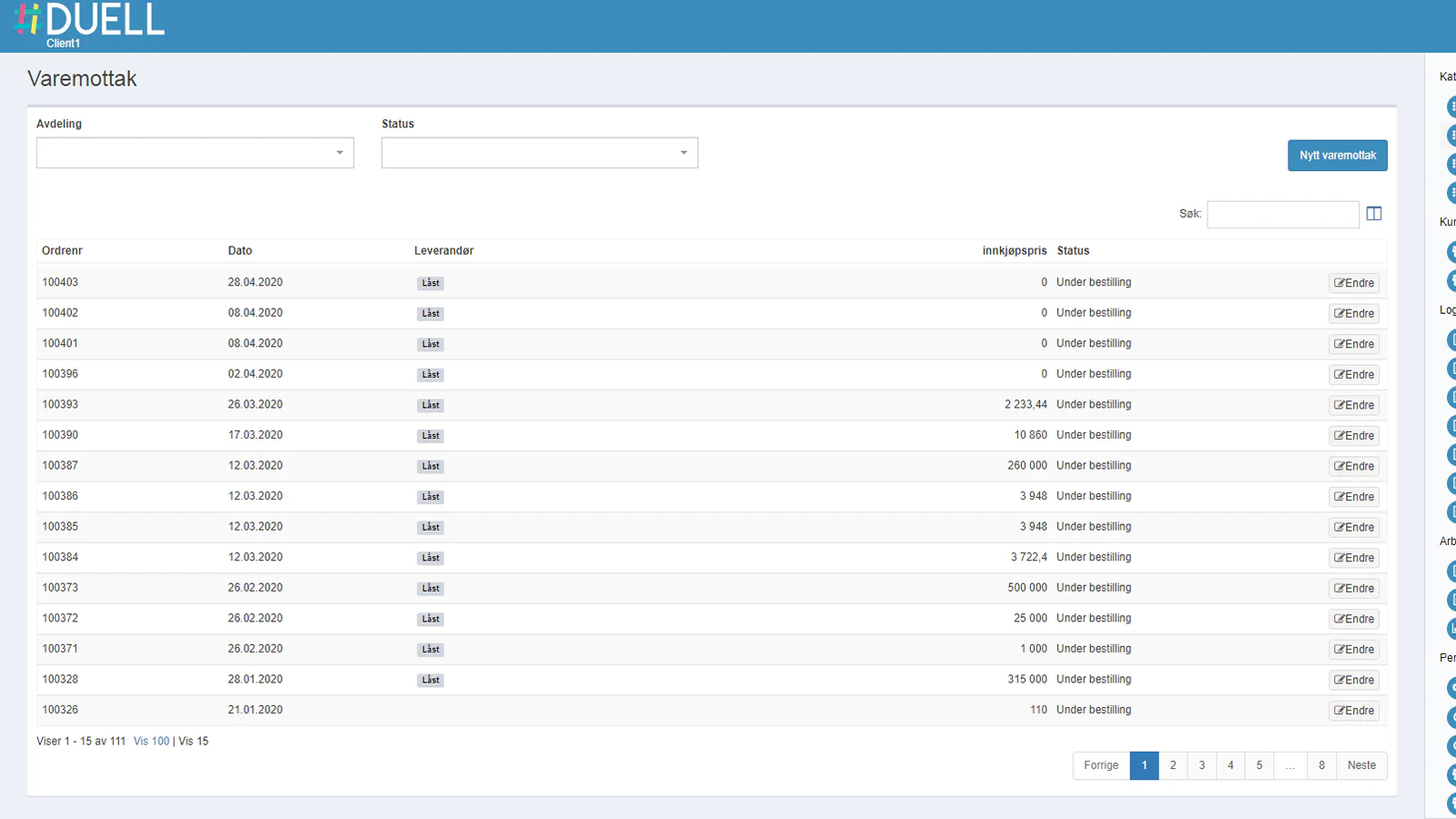
Sync stock : Sync stock from DUELL to Shopify or from Shopify to DUELL.
Live update : The data sync on the fly!
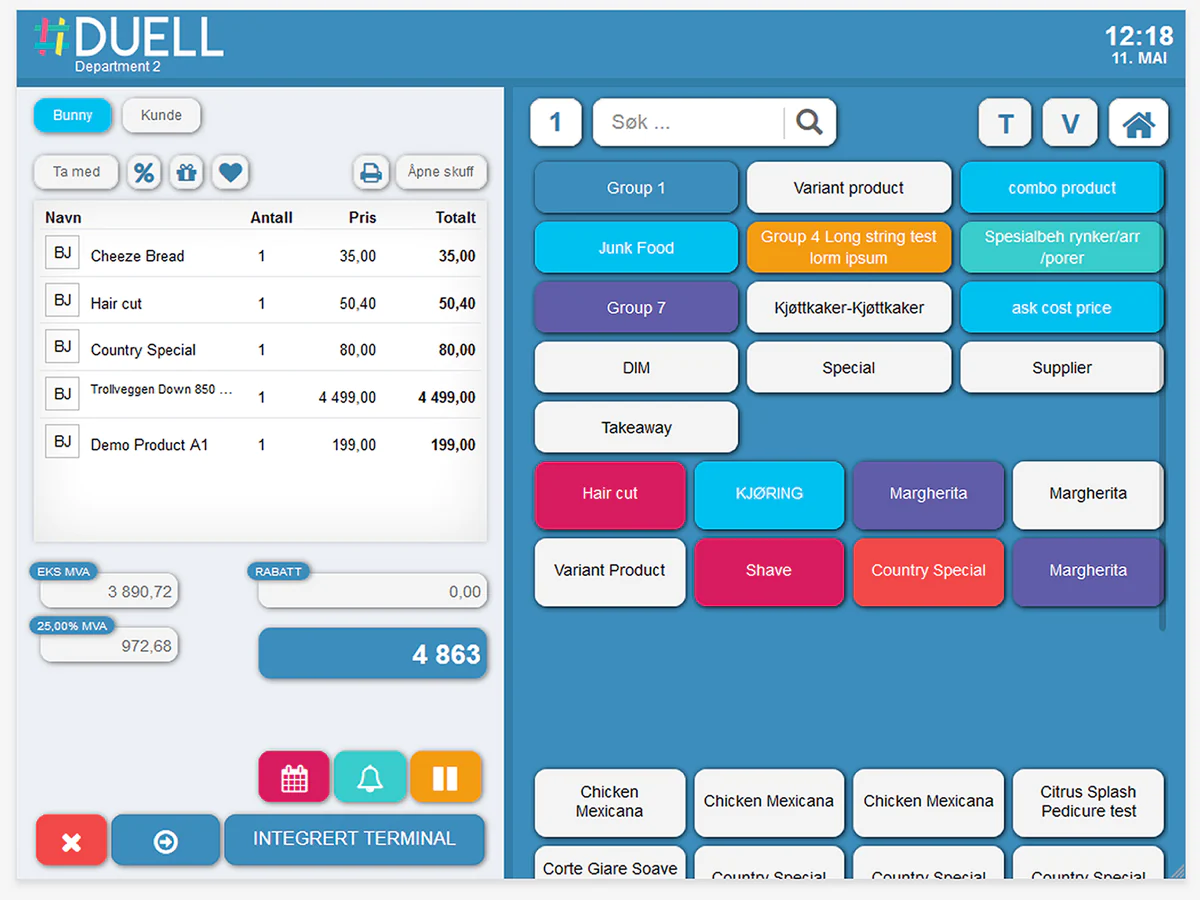
DUELL in Norway's leading cloud based POS system. This app let you manage products and stocks between DUELL and Shopify. In order to use the app, you need to have an active DUELL license including the API module.
Start installation process:
- Install the app and grant require permission to read/write product and inventory.
- On successful grant user redirected to app setting page where user need to fill Duell information.
- Take login to the Duell backoffice using provided credentials with Duell license. Enter username, password and client number.
- On successful authentication user redirected to the dashboard page of Duell backoffice.
- Navigate to the right menu or click bar icon from top right corner of the screen.
- Navigate to the Innstillinger > App-oppsett
- This page contains all details to connect the shopify store to Duell.
Setting parameters:
- Client number: Copy the Kundenr field value and paste to the same input box in the app setting screen.
- Token: Copy the Token field value and paste to the same input box in the app setting screen.
- Department Token: Copy the duell department token (Duell department name is used to display in screen) and paste to the department token field in the setting screen. Department token is used to manage the stock to proper Shopify location and Duell department.
- Shopify Location: Select the shopify location in which user want to manage the inventory either from Duell or Shopify based on master dropdown selection.
- Product: Select yes if you want to manage the product using duell services.
- Inventory: Select yes if you want to manage the inventory using duell services.
- Select the master source of data. Either Shopify or Duell.
- Shopify: Product fetched from the shopify and created in Duell. If Inventory is enable, then whenever any order(including return order) placed at Duell side then it will adjust the product stock in Shopify.
- Duell: Product created in Shopify from Duell. If Inventory is enable, then whenever any order created or refunded in shopify it will adjust the stock in Duell.
- Save the setting.
Seamless workflow: use directly in Shopify admin
About the Author
Matej Kontros is an E-Commerce expert and app developer with over a decade of professional experience in IT.
Matej has worked for organisations of all types and sizes, including global players, startups, and agencies. He designed, developed, and maintained complex projects.
Matej's expertise includes e-commerce, software engineering, web development, systems administration, internet security, managing projects, and building teams.
Visit his website at [ Web Linkedin ] or contact him at [email protected].