Shopify App : Local Pickup & Delivery Date
Set up local delivery & pickup, set date and time
About Local Pickup & Delivery Date
Set up local delivery & pickup : 🧘♂️ Let your customers schedule their delivery or pickup for a date & time that works both for them and for your business
Control pickup & delivery zone : 💰Order limits, cutoff time, blackout dates, zip code validation, product restrictions. Save time & money with app that adapts to your needs
Mobile-friendly : 💚 Perfectly works on any tablet or mobile device
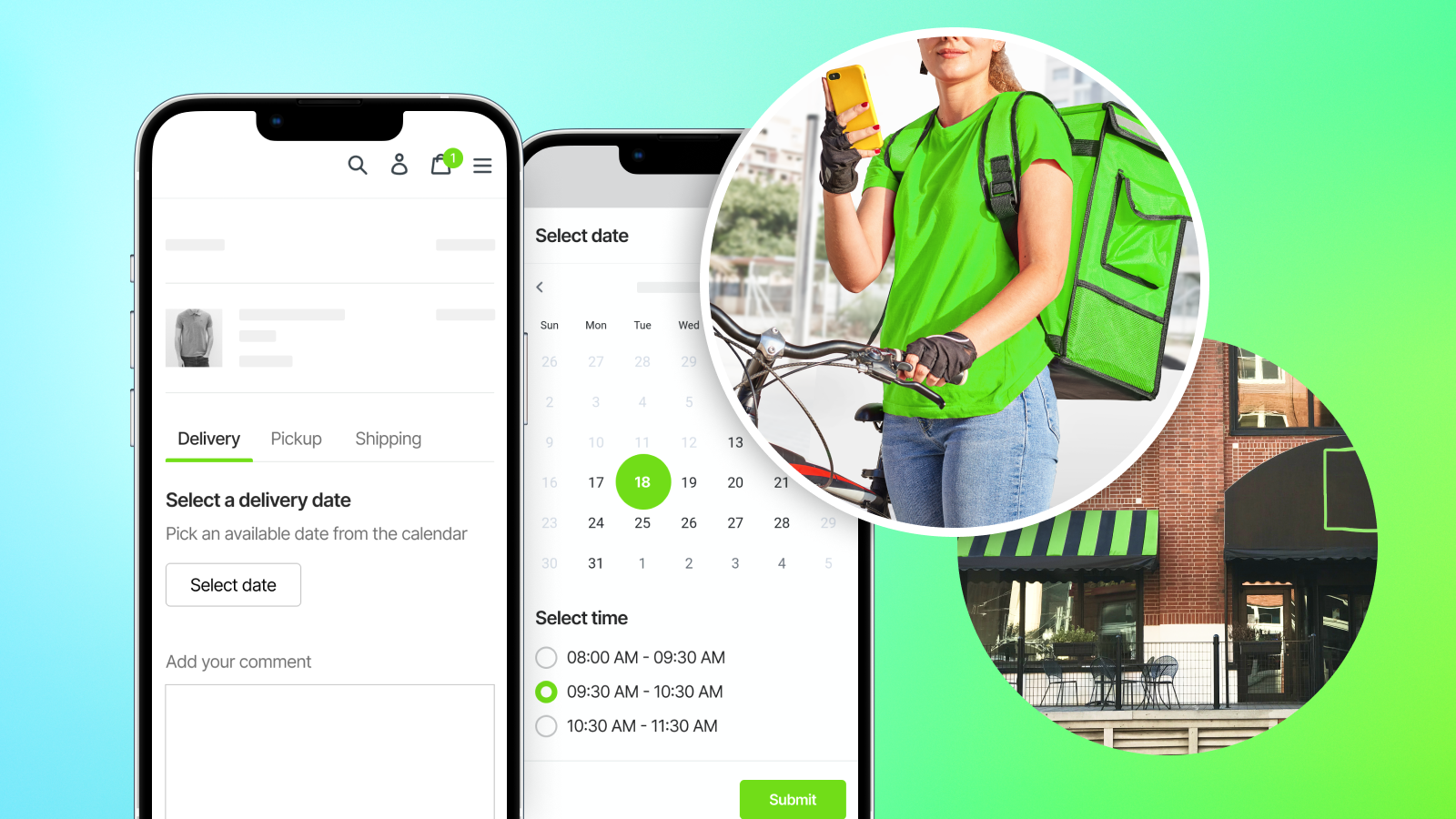
New version of the app just released. Free forever, if you install before September 1, 2022
Enable Store Pickup & Delivery widgets on your store.
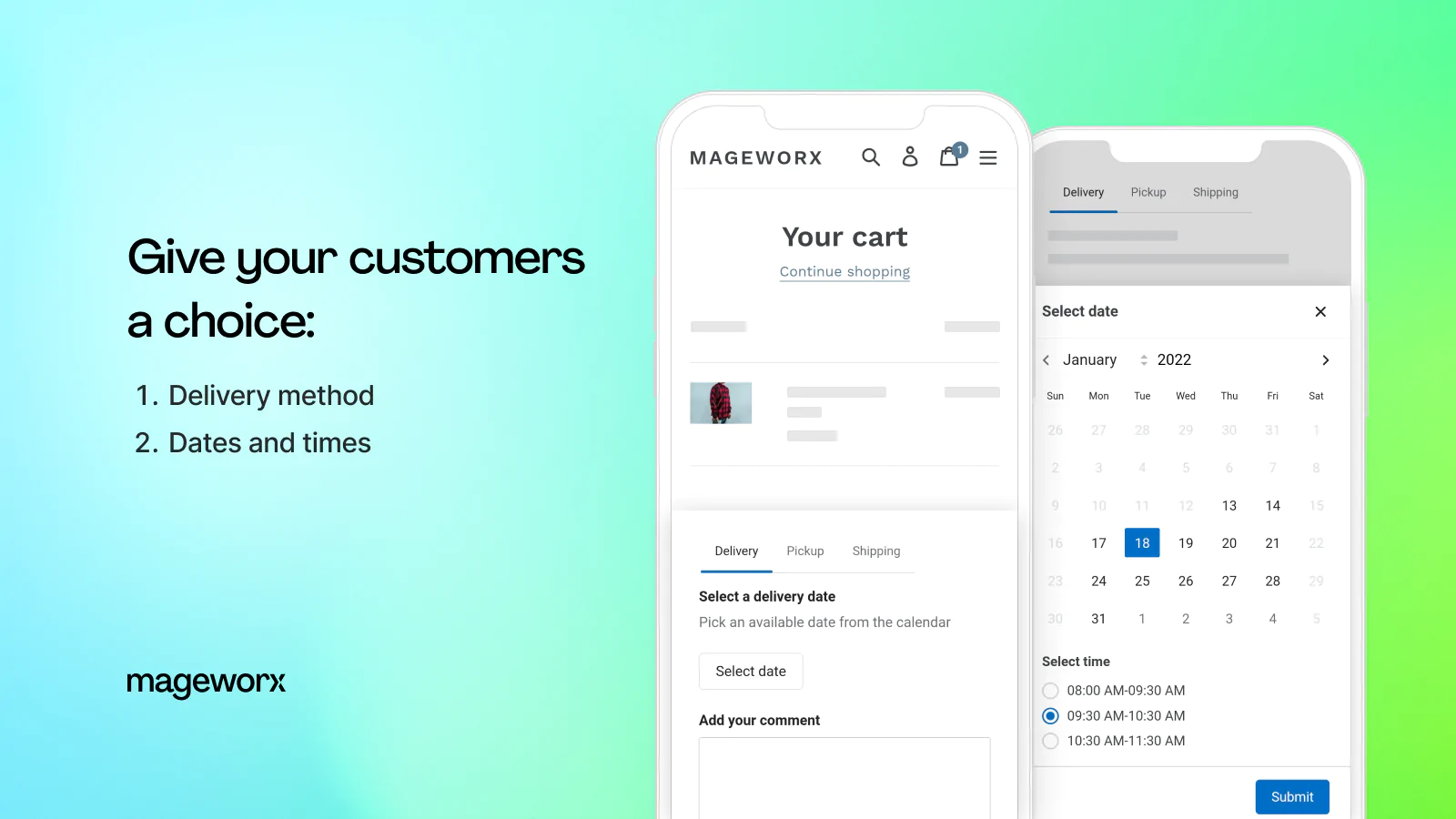
The app lets you offer your customers up to three ways how they want to receive their purchase: - by local delivery; - store pickup; - or shipping. ;
You get full control over your schedule, while making sure it conforms to your output capacity and operations processes.
Scheduling capabilities
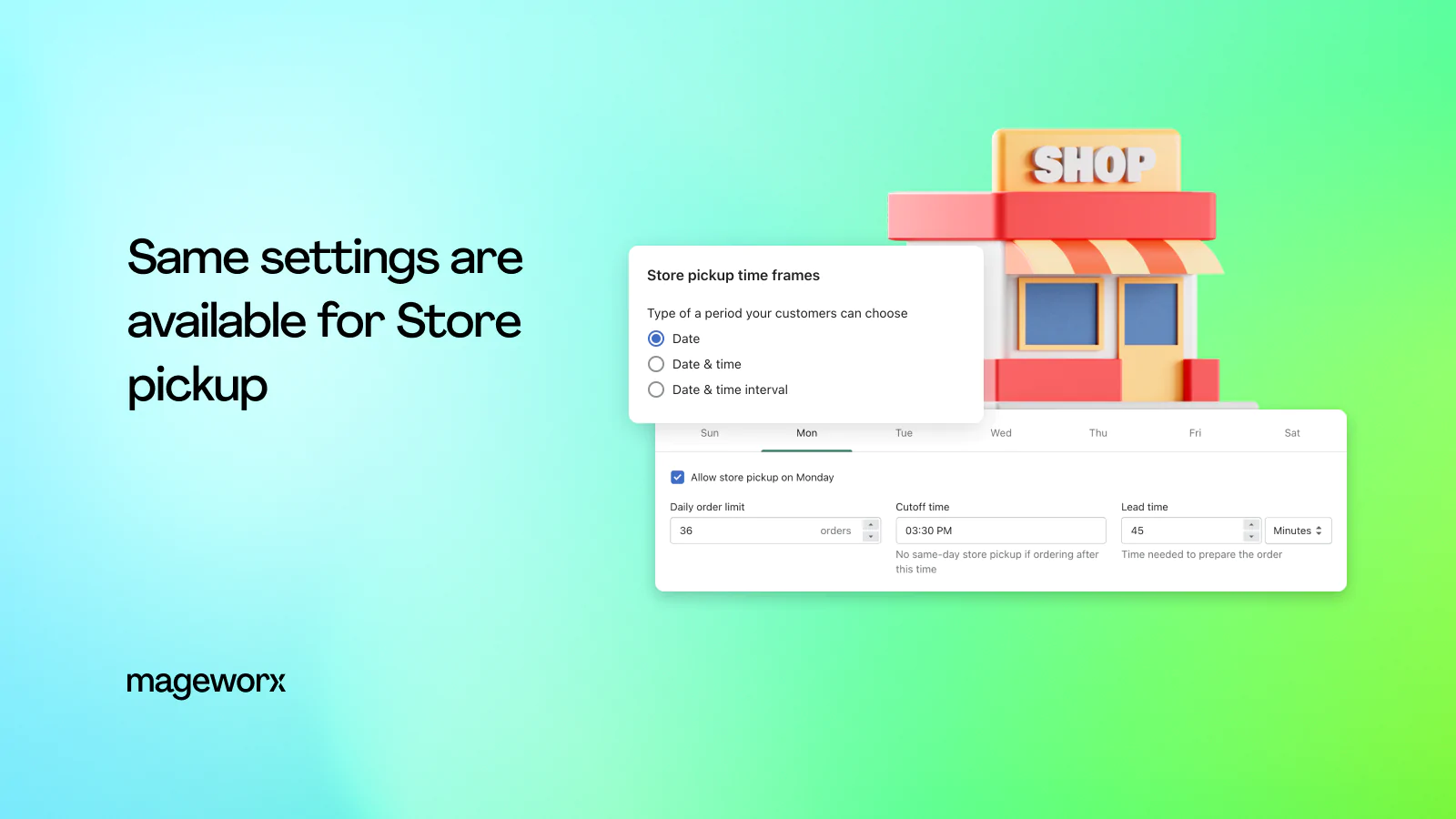
You can configure delivery and pickup settings independently. You can offer both delivery and pickup, or either one, and have completely different configuration and conditions for each of them.
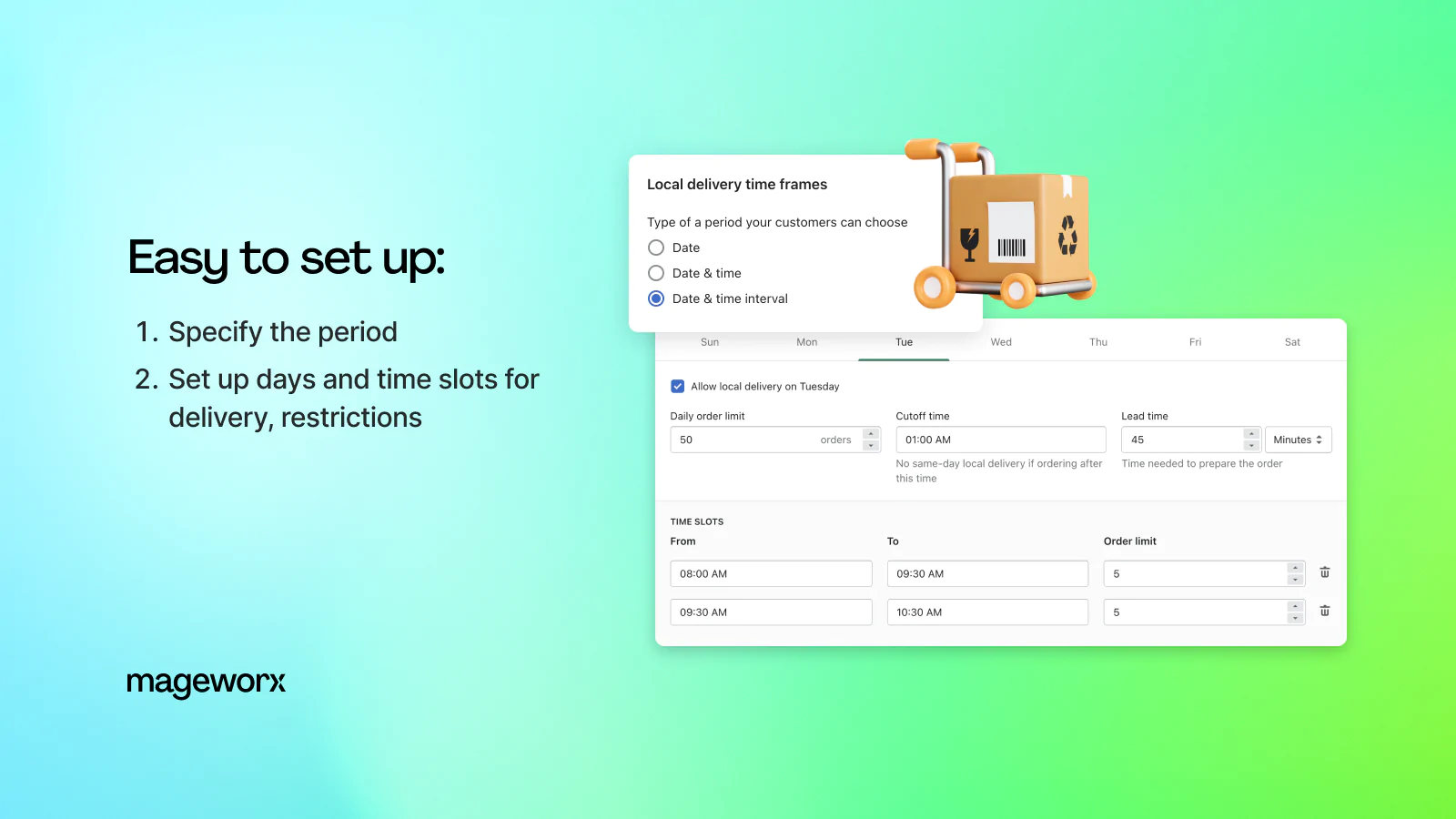
There are three pickup and delivery date options you can choose to give your customers: - Date (e.g. Jan 1, 2022) - Date and time (e.g. Jan 1, 2022, 10:00AM) - Date and time slot (e.g. Jan 1, 2022, 10:00-11:00AM)
Configuration, conditions & restrictions
Restrict deliveries to certain zip codes (postal codes). If enabled, your shoppers will be able to select a delivery date only after they provide their zip code, and the app verifies that delivery is allowed to that zip code. You can set a limit of orders you can deliver or process every day of the week, and every particular time or time slot on your schedule. This way you make sure that you don't get swamped with deliveries or pickup orders on any given day or at any given time. If there's a certain amount of time (minutes, hours or days) that you need to process an order you can specify that as Lead time. This will prevent your customers from picking a delivery/pickup time earlier than the amount of time from now, that you specified in Lead time.
Set a cutoff time after which you no longer allow same day orders.
You can specify on which days you don't offer deliveries or pickups by selecting blackout dates. You can also restrict how far into the future your customers can pick a date.
Products management
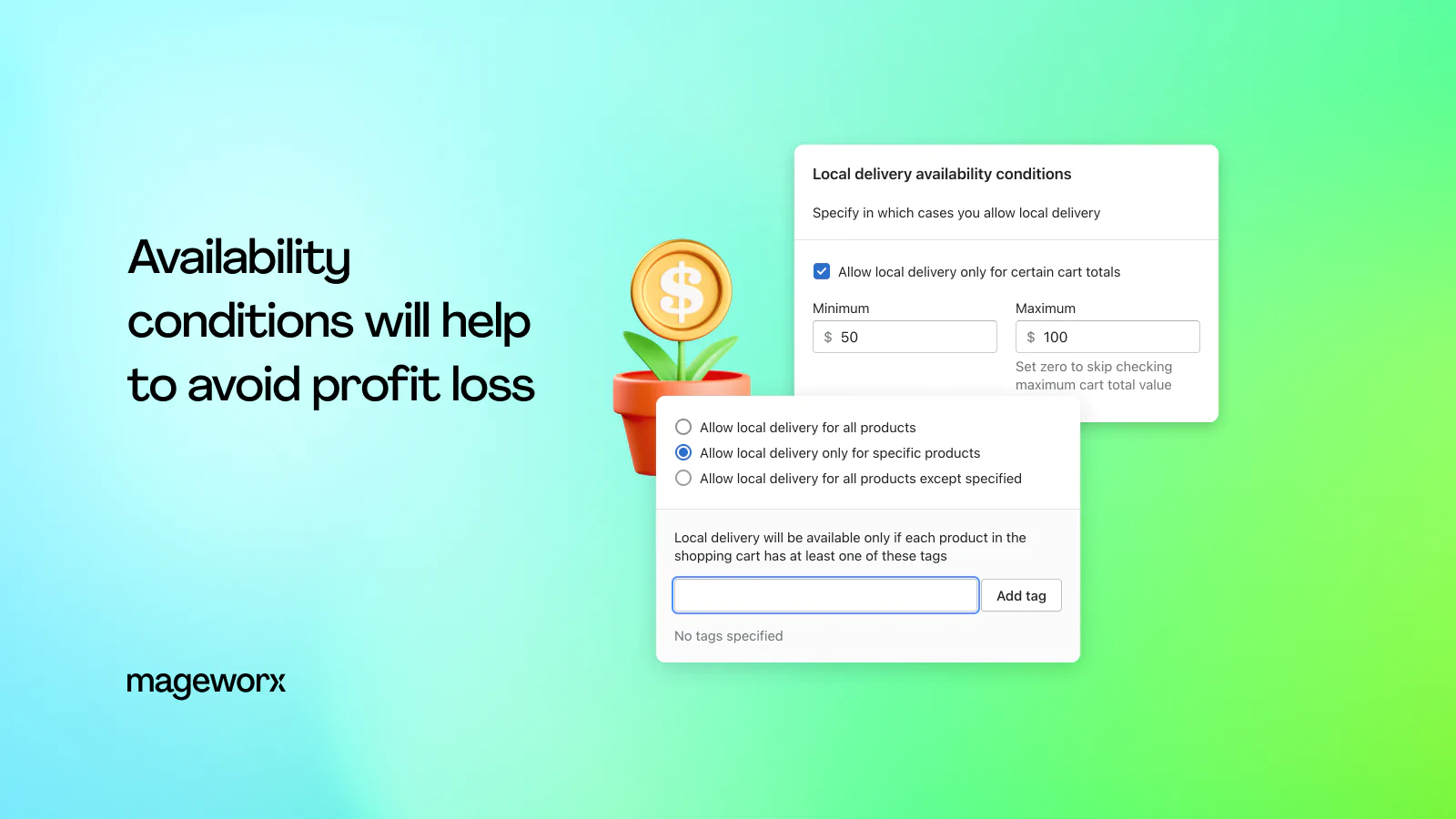
Specify which products you want to allow delivery/pickup for, and which products you want to exclude. You can also specify for which cart totals you want to offer deliveries or pickup.
Order management
You will be able to see all orders that were placed with a delivery or pickup specified - right on the main page of the app. But you can also specify which tags you want to be added to your pickup/delivery orders. This way you will be able to identify such orders right on your standard order page in Shopify admin.
Customization & design
You can change the looks of the app by providing custom CSS within the app’s settings. If you need help adjusting the app to your store's design, please feel free to reach out to our free support.
Compatible with Online Store 2.0


Seamless workflow: use directly in Shopify admin
Up-to-date tech: works with the latest themes
About the Author
Matej Kontros is an E-Commerce expert and app developer with over a decade of professional experience in IT.
Matej has worked for organisations of all types and sizes, including global players, startups, and agencies. He designed, developed, and maintained complex projects.
Matej's expertise includes e-commerce, software engineering, web development, systems administration, internet security, managing projects, and building teams.
Visit his website at [ Web Linkedin ] or contact him at [email protected].