Shopify App : Code Customizer
Add custom HTML, CSS, JS code everywhere
About Code Customizer
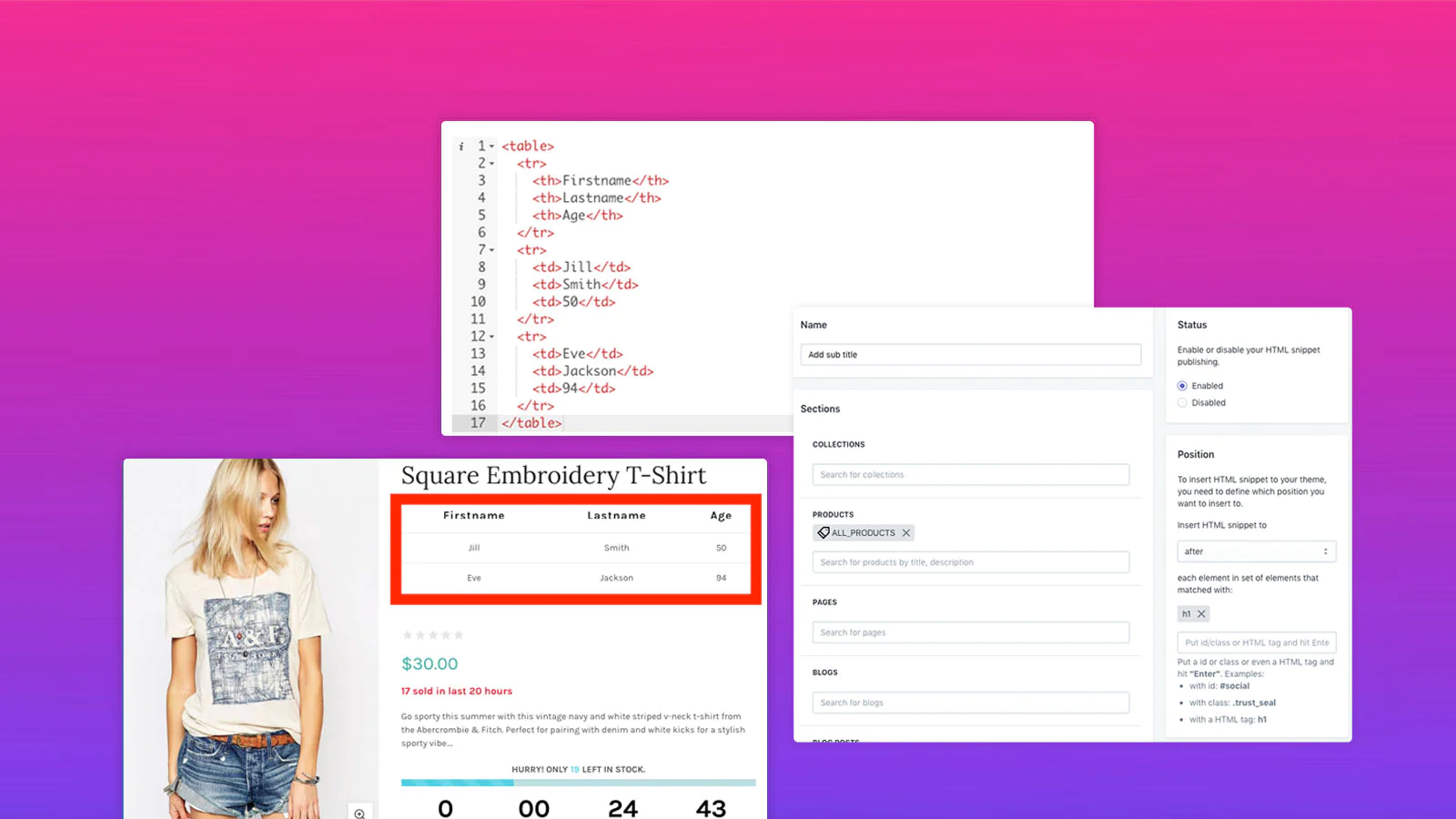
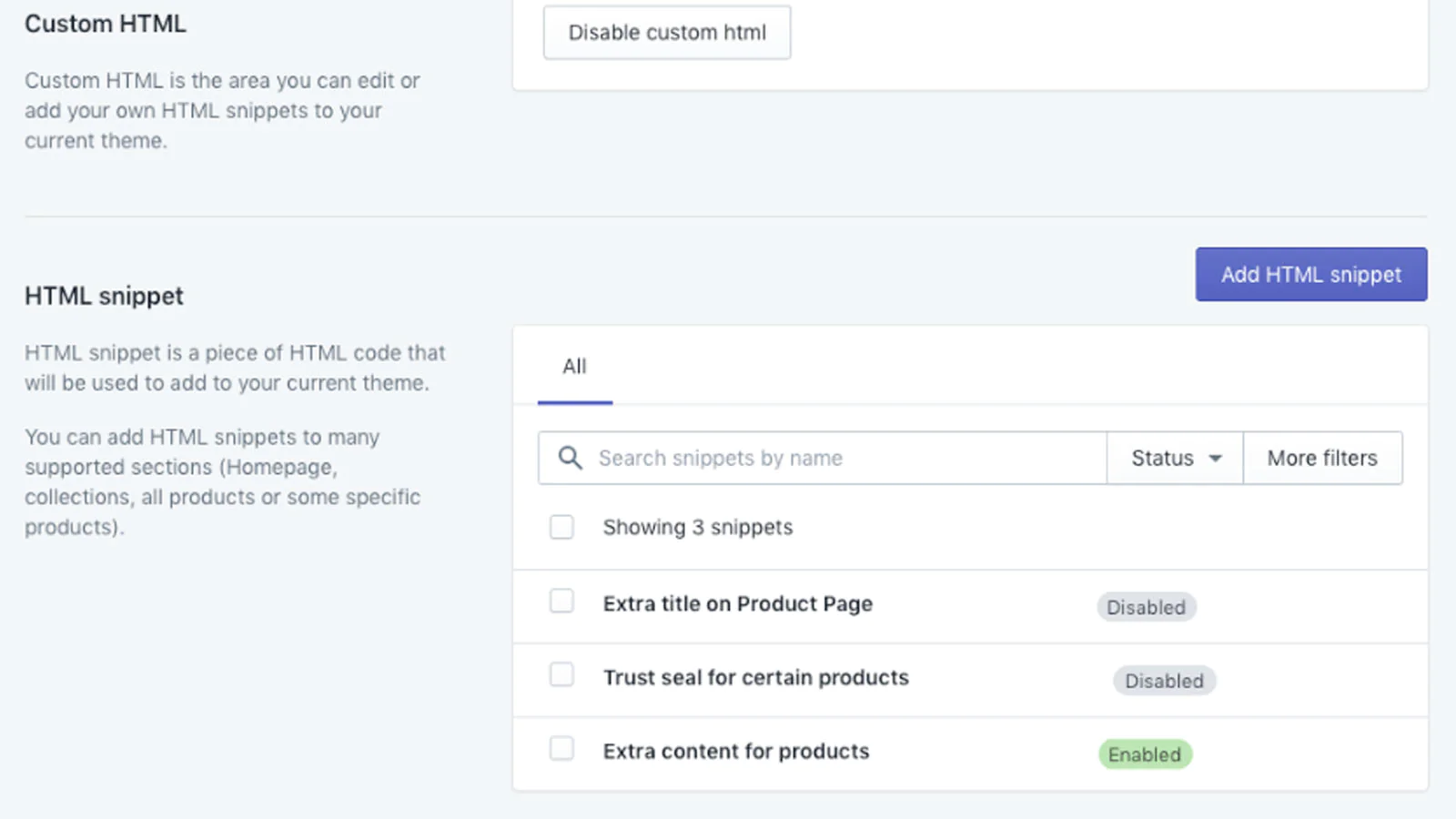
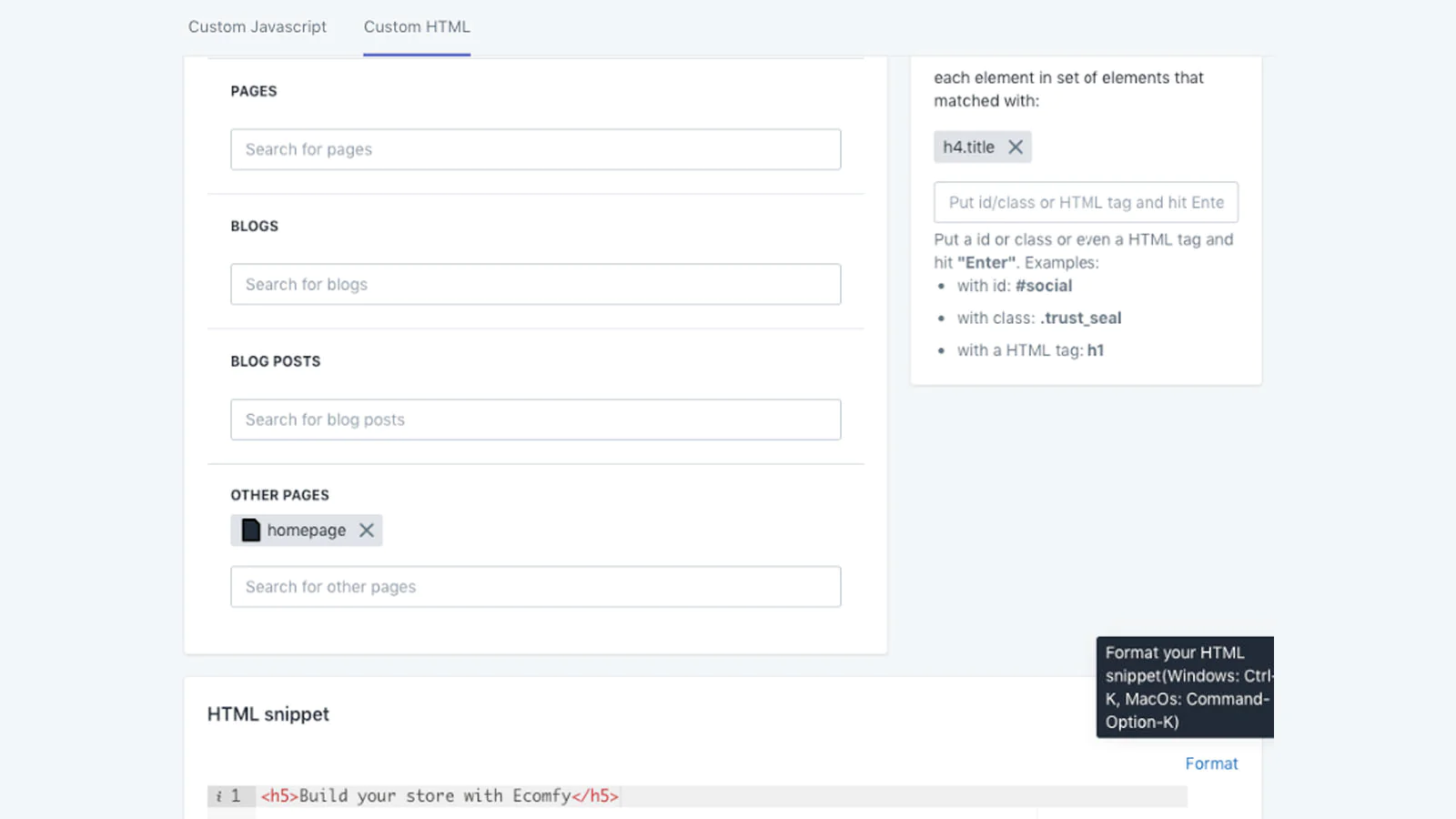
Custom HTML : Add your custom HTML snippets to any pages, collections, blog, all products or event some specific products.
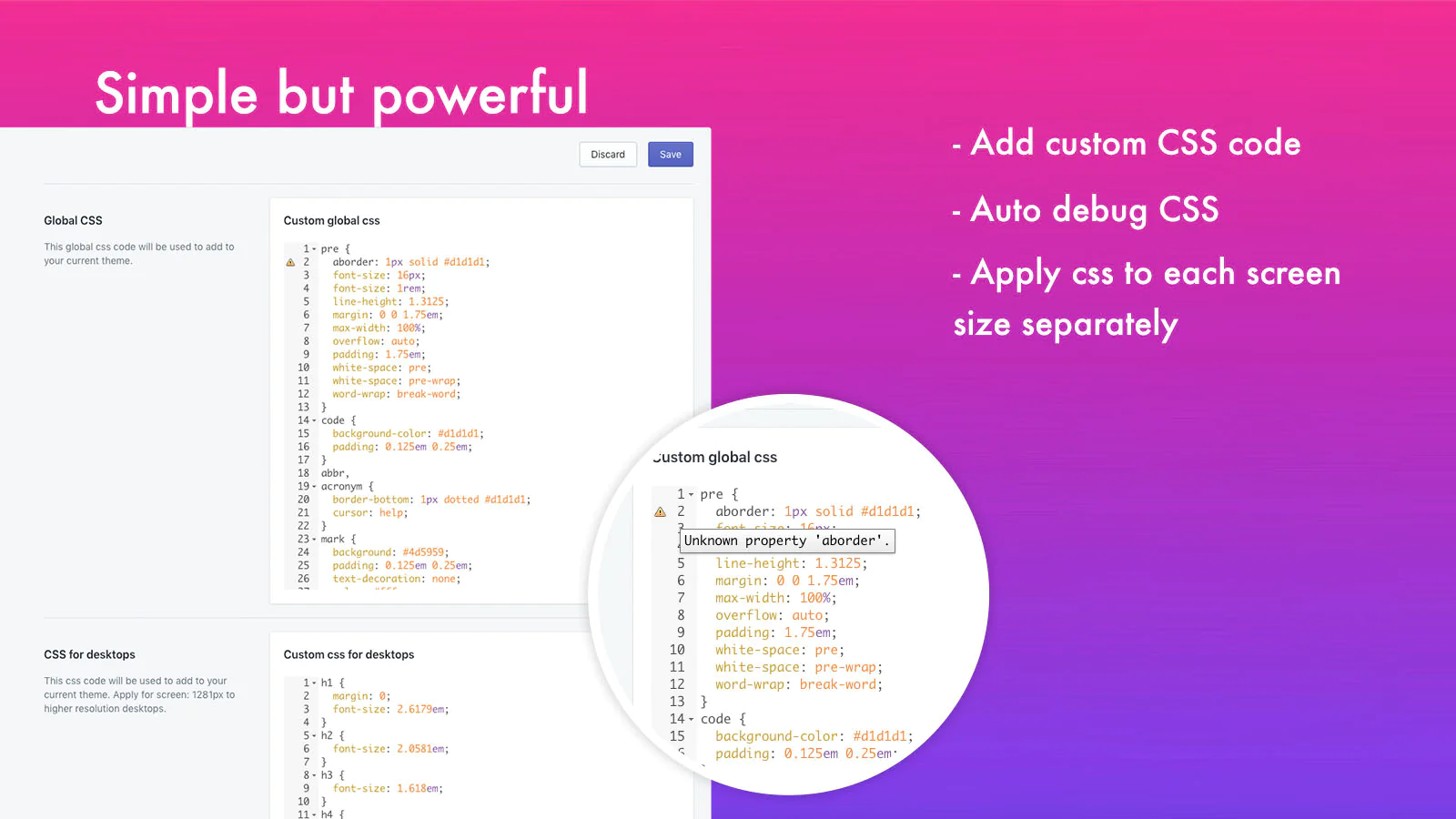
Custom CSS : Quickly and easily add custom CSS for varied screen sizes (Desktop, laptop, mobile ...) to your store.
Custom JS : Add your custom Javascript to your store easily and instantly.
Code Customizer is a simple and easy-to-use but very useful application for merchants. You can add scripts (Google Analytics, Facebook Pixel ...), styles, verify header tags and more easily in seconds. Code Customizer also allows you to add any HTML code to the pages, collections, product pages ... you define. Everything becomes easier with just a few simple steps.
We understand you don't want to pay a monthly fee, so Code Customizer is a one-time application that costs just as much as a cup of coffee, but the benefits are huge.
Key Features
- Simple to add custom code
- Add Google Analytics, Google tag manager, Facebook Pixel and many more...
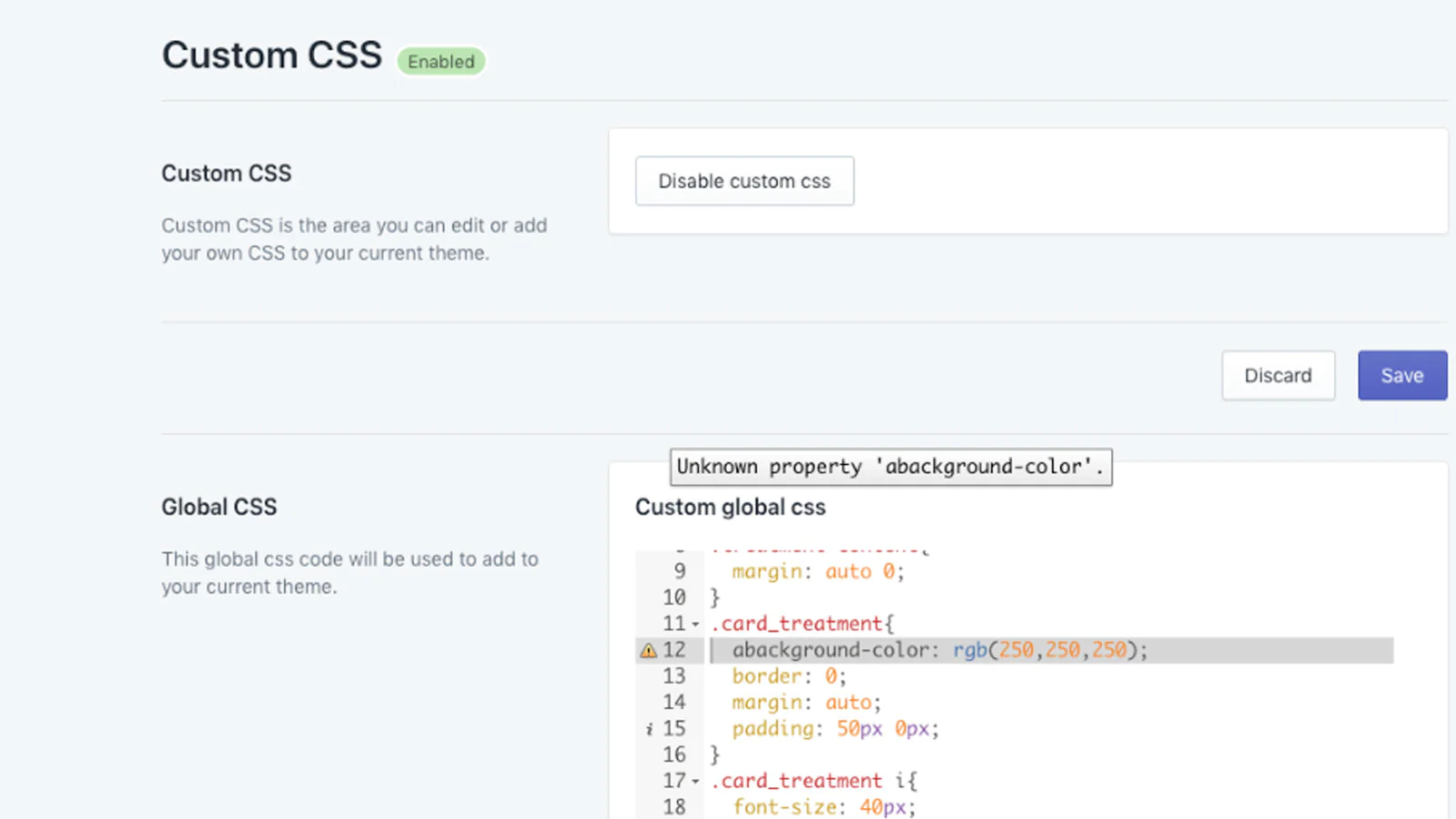
- Add custom CSS code globally
- Add custom CSS for varied screen sizes (Desktop, laptop, mobile, tablet ...)
- Add custom JS code
- Auto-align JS code
- Add HTML everywhere (Products, Collections, Pages, Blogs, Homepage ....) by choose the special page and enter the HTML class/ID you want to append
- Auto validates your custom HTML, CSS, Javascript code by showing the error in the code editor.
Speed tested: no impact to your online store
About the Author
Matej Kontros is an E-Commerce expert and app developer with over a decade of professional experience in IT.
Matej has worked for organisations of all types and sizes, including global players, startups, and agencies. He designed, developed, and maintained complex projects.
Matej's expertise includes e-commerce, software engineering, web development, systems administration, internet security, managing projects, and building teams.
Visit his website at [ Web Linkedin ] or contact him at [email protected].