Shopify App : Cart2Cart Store Migration App
Migrate products, customers, orders, customizations, SEO...
About Cart2Cart Store Migration App
Supports all popular platforms : No matter what is the platform you want to move from - the App supports all popular eCommerce platforms for migration.
Fully automated migration : The innovative automated technology helps to speed up the transfer process allowing you to focus on business objectives.
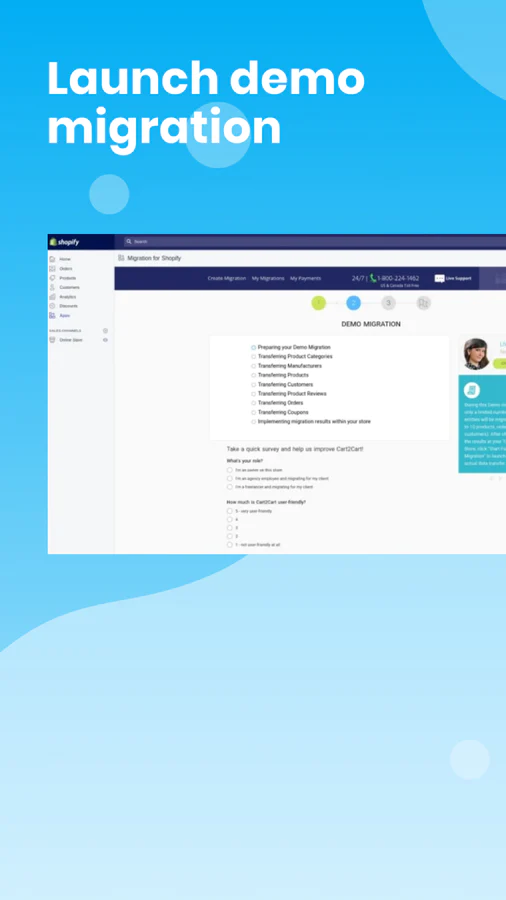
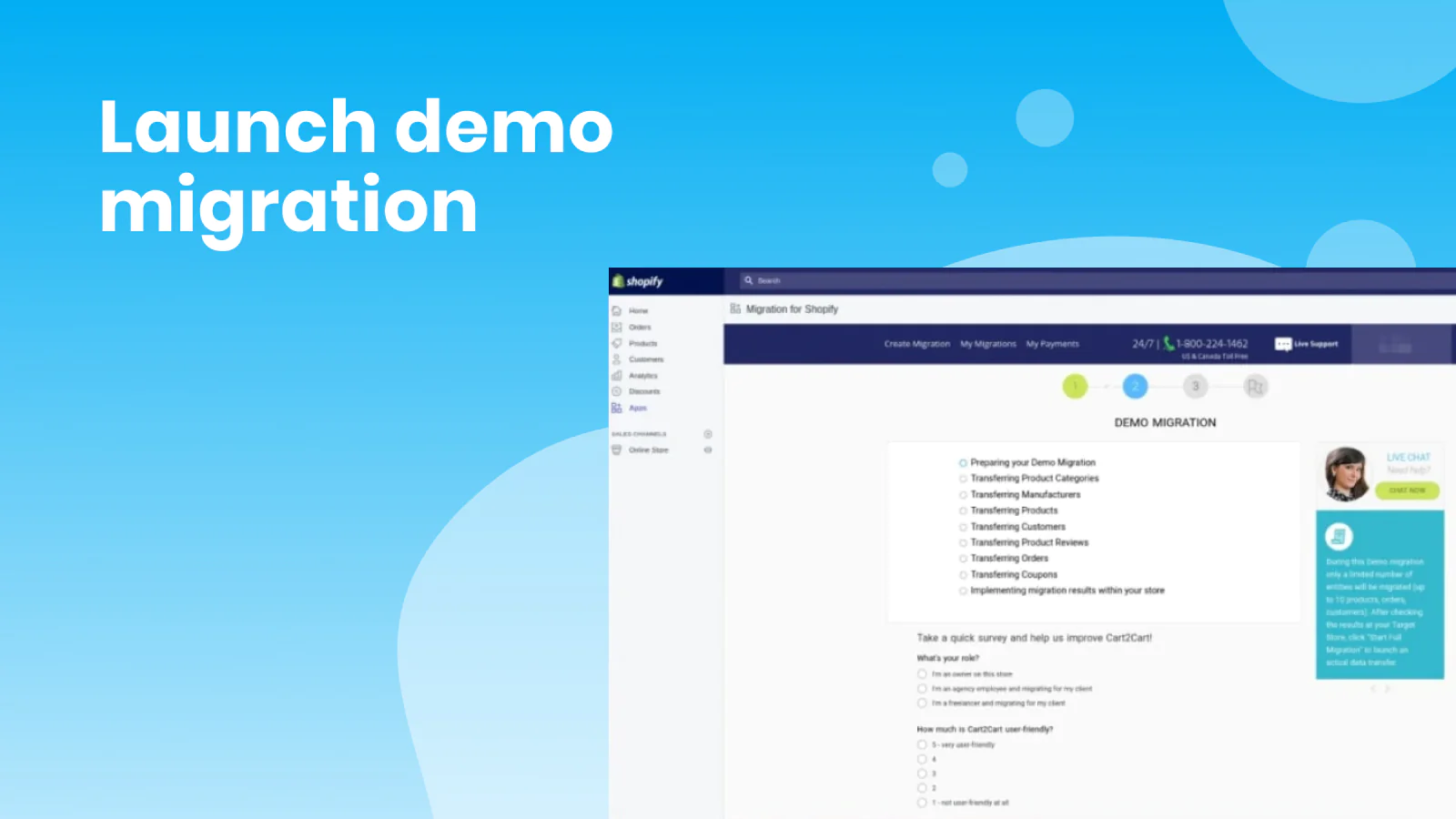
Risk-free solution : Test the service in action to see how your current store will look on the new platform. If happy with the result - launch Full migration.
Cart2Cart Store Migration App is an eCommerce migration tool that automatically imports the store data to Shopify or Shopify Plus from all existing shopping carts in a few hours.
How to migrate to Shopify in 3 simple steps?
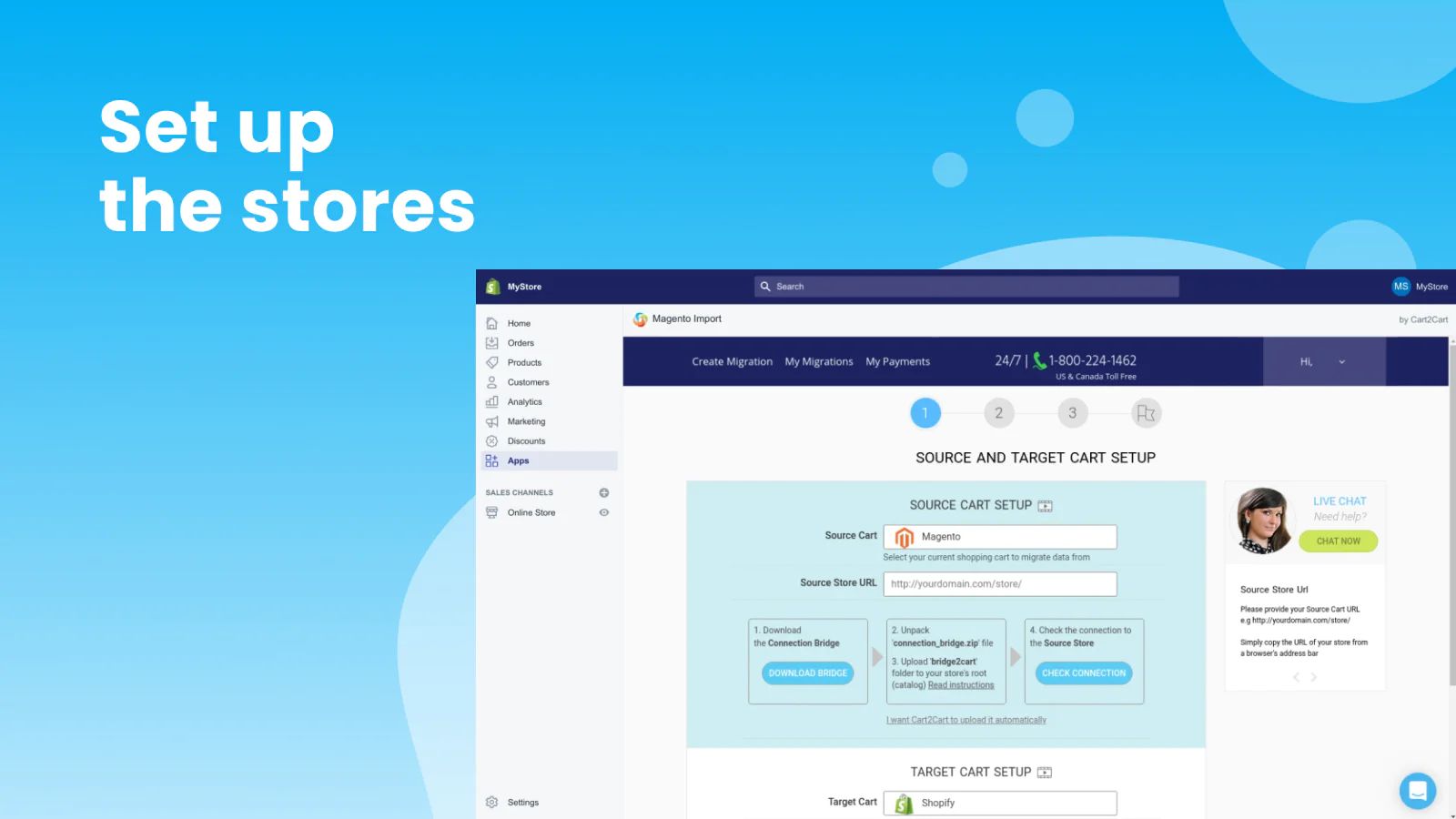
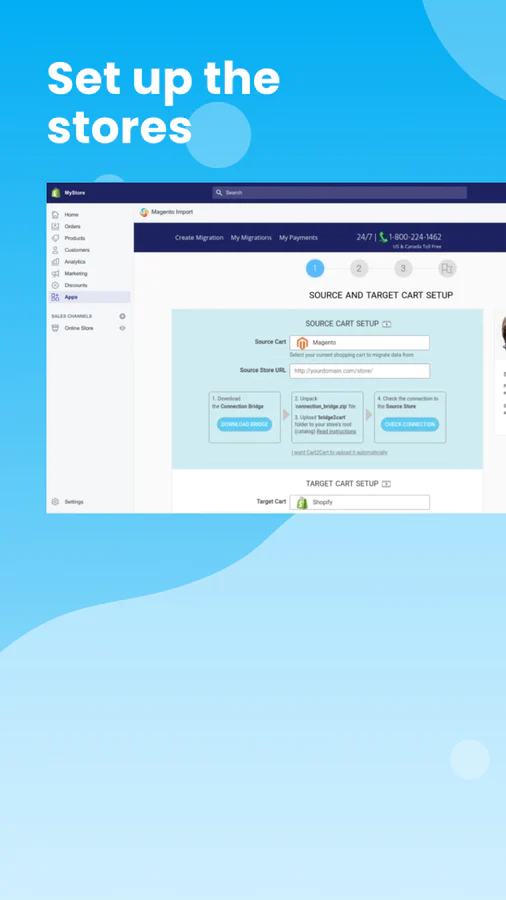
- Install the app and provide your current store details.
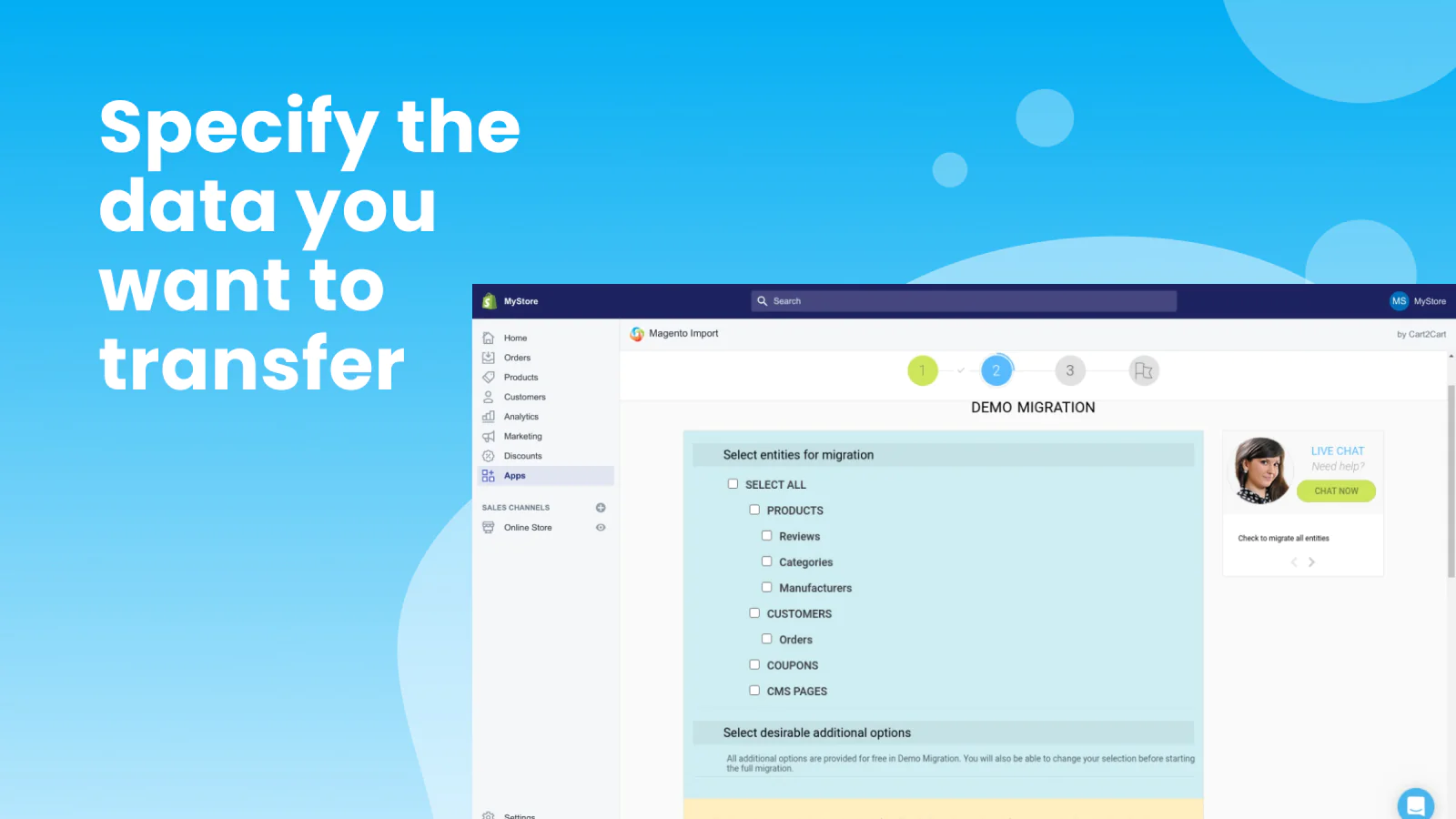
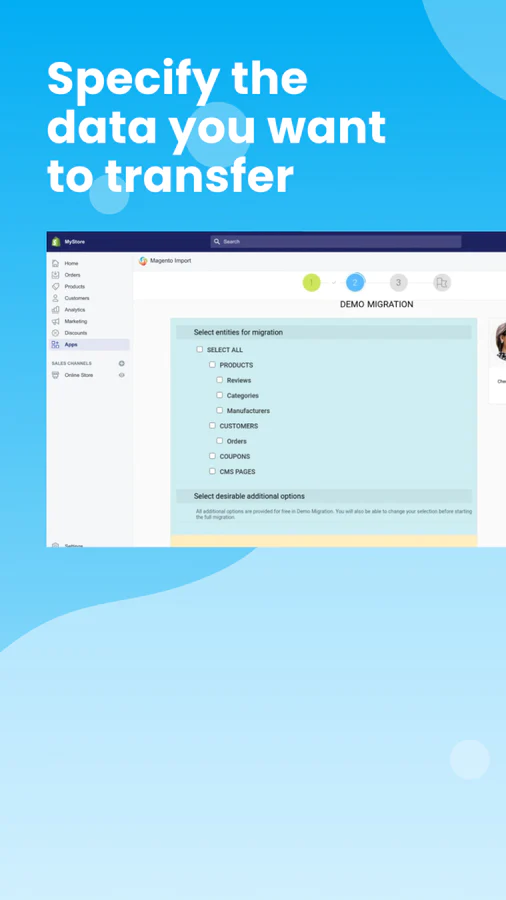
- Choose the data you’d like to convert to Shopify.
- Run a Free Demo migration (optionally) or launch Full Migration.
How does it work?
Store Migration App by Cart2Cart offers a fully automated framework where you’re asked to provide your Source and Target stores’ details, specify types of data you want to export to Shopify, and additional migration options, and that's it!
Data entities that can be moved to Shopify via the universal Cart2Cart migration tool:
- products
- orders
- customers
- categories
- reviews
- images
- tags
- manufacturers
- product variants
- taxes, etc.
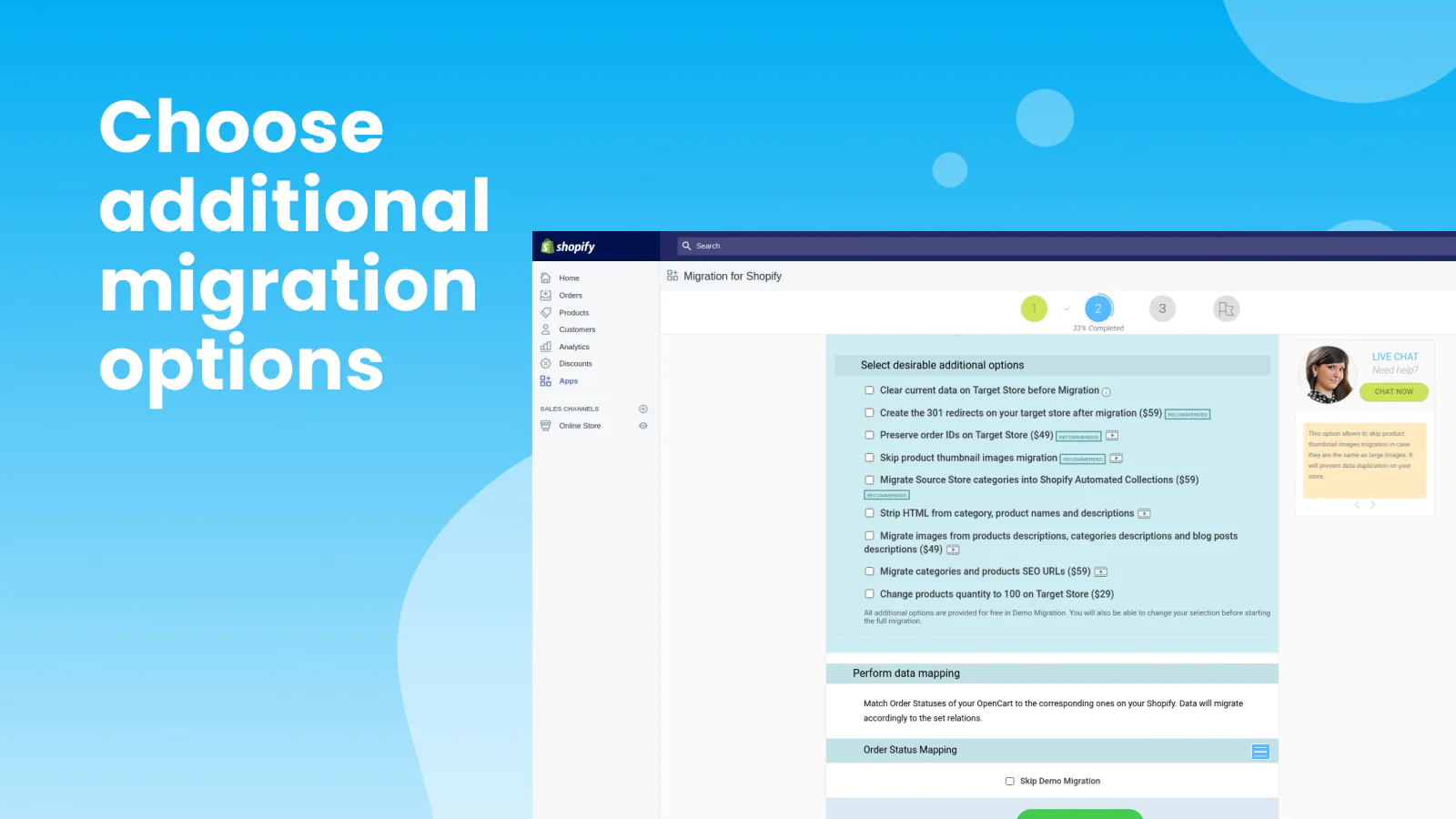
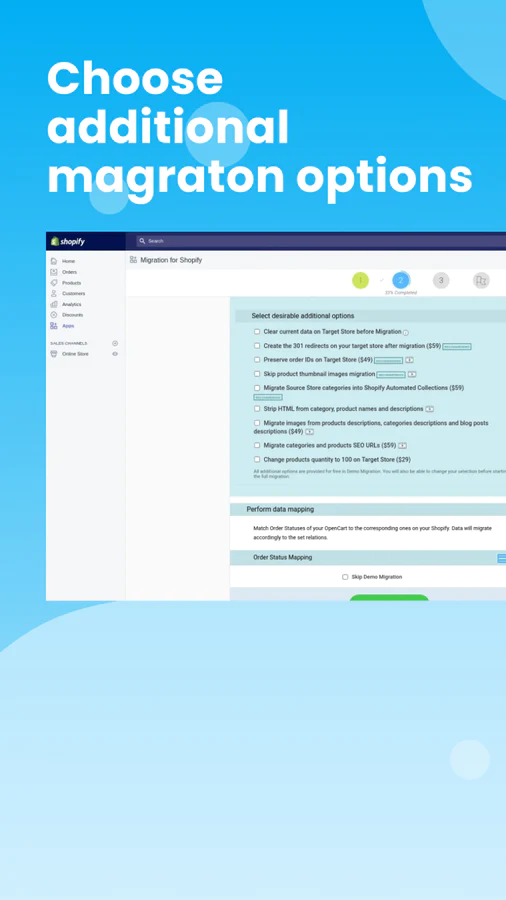
Optional migration extras:
- Create 301 redirects on your Shopify store after migration
- Migrate Source Store categories into Shopify Automated Collections
- Migrate Source Store customer groups into customer tags
- Preserve order IDs on the new Shopify store
- Migrate categories and products SEO URLs
- Migrate images from products, categories, and blog posts descriptions
Cart2Cart guarantees totally secure and accurate data migration, so all your sensitive details are safe when switching to Shopify.
Store Data Migration to Shopify. FAQs:
Can I migrate categories and subcategories to Shopify?
Of course, you can. Yet, due to Shopify’s specific system, you will need to consider selecting the “Migrate Source Store categories into Shopify Automated Collections” extra option to preserve the relations among the entities.
Will my old store SEO URLs remain working after data migration with the universal Cart2Cart migration service?
To minimize the impact on SEO, we recommend selecting two additional options, “Create the 301 redirects on your target store after migration” and “Migrate categories and products SEO URLs,” while setting the Shopify migration.
How to ensure the correct migration of customers?
Your customers will be imported to Shopify with the single condition that the customers' e-mails are valid. Otherwise, information on a particular customer will not be imported properly.
Can the Cart2Cart universal migration plugin transfer images to the Shopify store?
Surely. You’ll be able to export product, categories, and manufacturers' images to your new Shopify store when migrating to Shopify.


Speed tested: low impact to your online store
About the Author
Matej Kontros is an E-Commerce expert and app developer with over a decade of professional experience in IT.
Matej has worked for organisations of all types and sizes, including global players, startups, and agencies. He designed, developed, and maintained complex projects.
Matej's expertise includes e-commerce, software engineering, web development, systems administration, internet security, managing projects, and building teams.
Visit his website at [ Web Linkedin ] or contact him at [email protected].