Shopify App : Calculator Builder
Build and add a custom pricing calculator to your store
About Calculator Builder
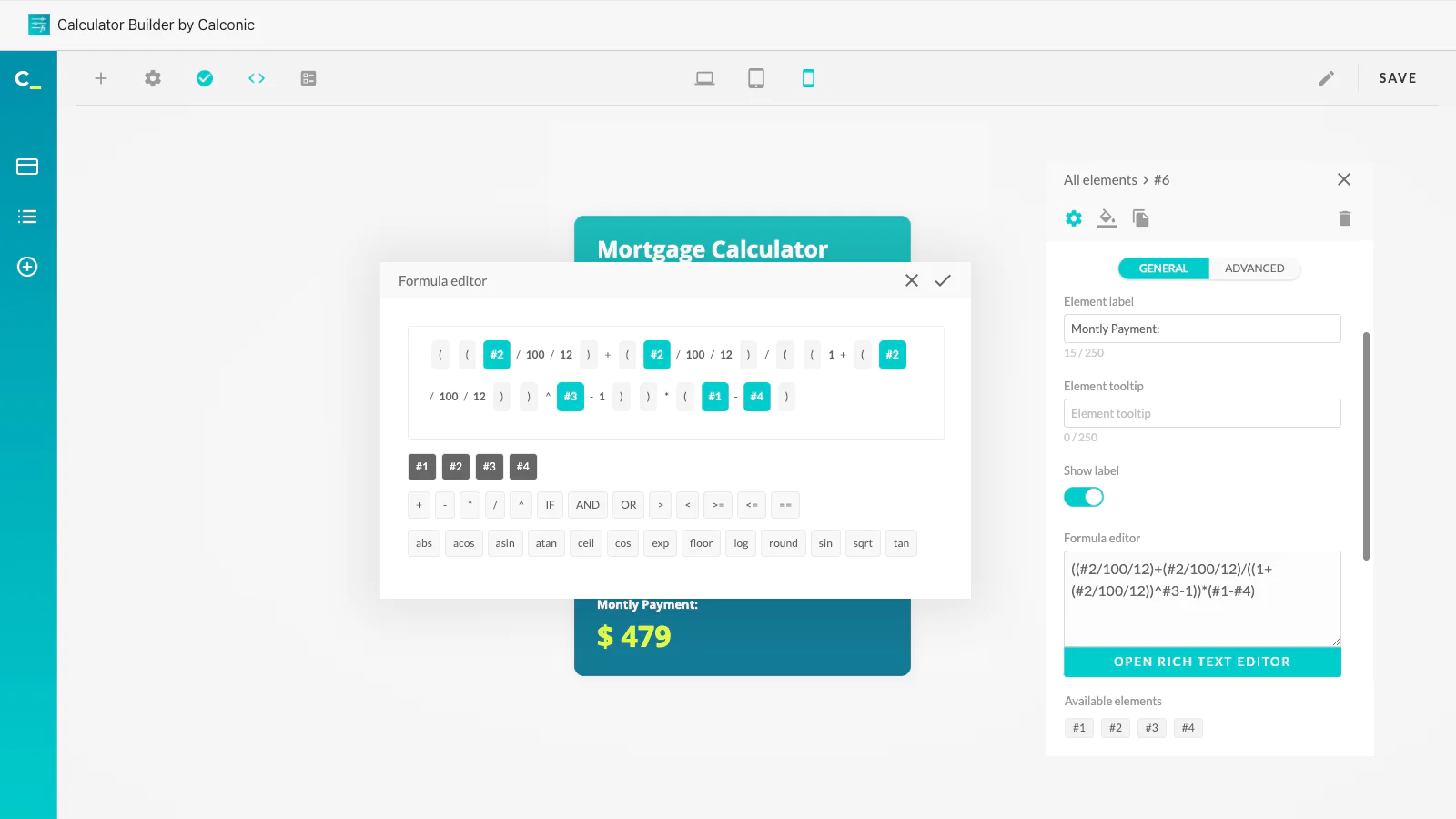
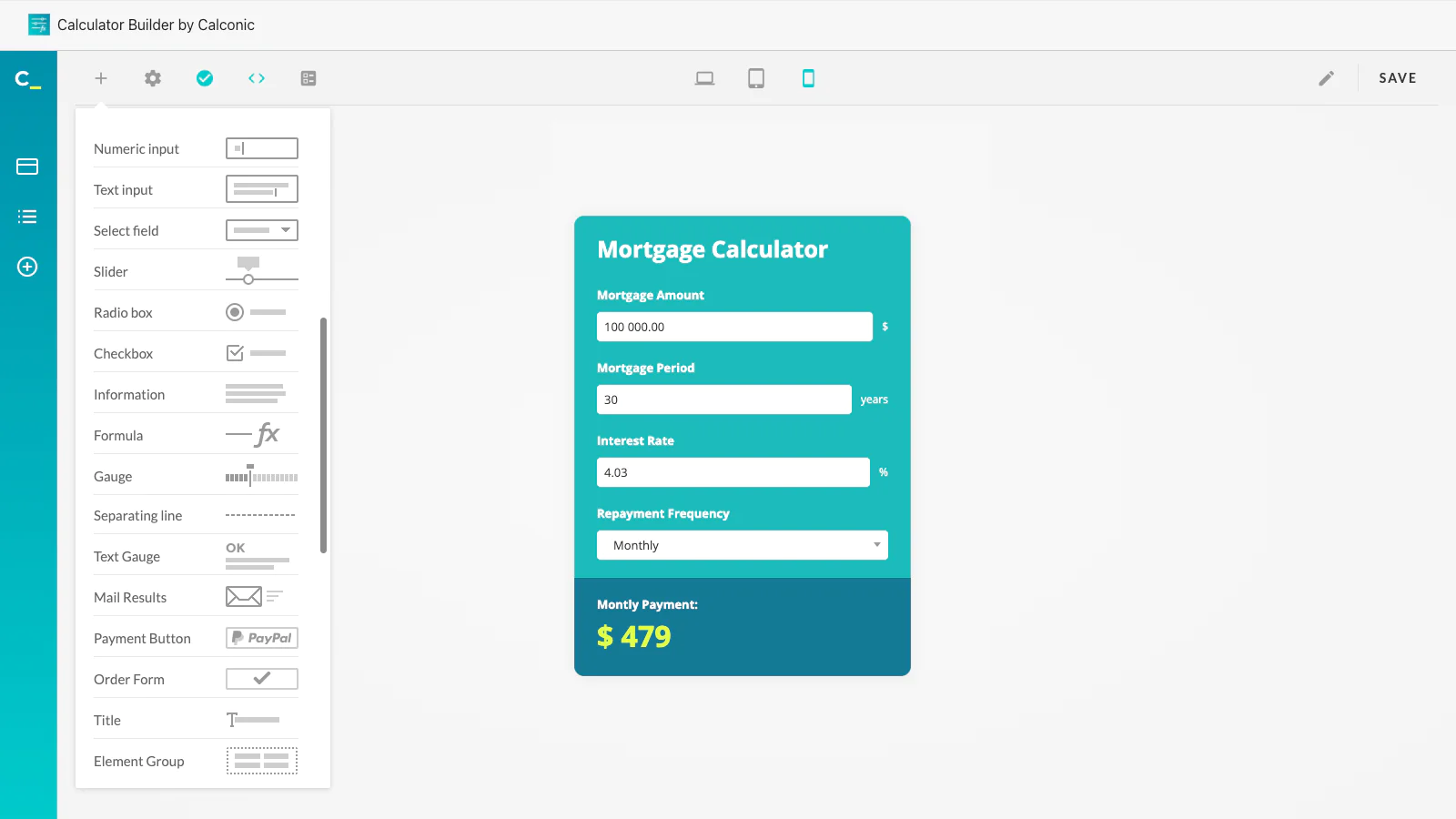
Build a calculator in minutes : Build and add any type of custom calculator to your website in minutes with Calconic’s easy-to-use drag and drop editor.
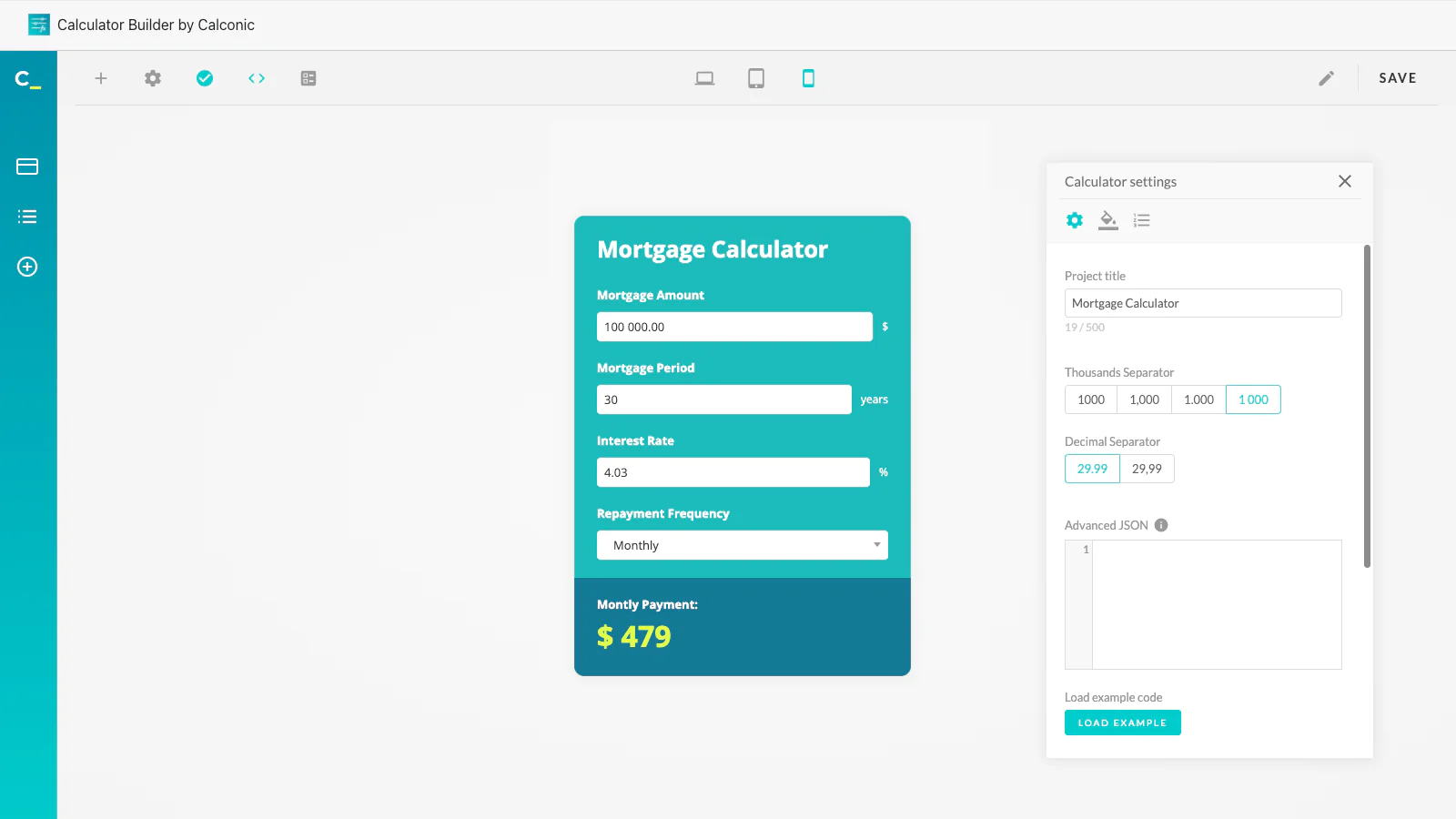
Maintain your website’s design : Calculators created with our Calculator Builder are fully customizable to integrate seamlessly into the look and feel of your website.
Integrate into checkout : Link your calculator to your product page’s quantity input field using our simple API. It’s easy to use, and extremely handy!
Engage your site visitors and generate higher checkout rates with an attractive and interactive calculator. Whether you want to simplify the process of calculating custom prices, discounts, the exact quantity of a product needed, square footage and much more, the Calculator Builder by Calconic will help you build a custom calculator that’s easy to integrate into your Shopify store.
Building your own calculator requires absolutely no prior programming experience. Our Calculator Builder’s drag and drop editor is designed to be as user-friendly as possible. And although it only takes a few clicks to create a custom calculator from scratch, we also have a bunch of templates that you could use to either build your desired calculator even faster or draw inspiration from for new calculator uses.
⠀
Let your customers calculate how much of your product they need
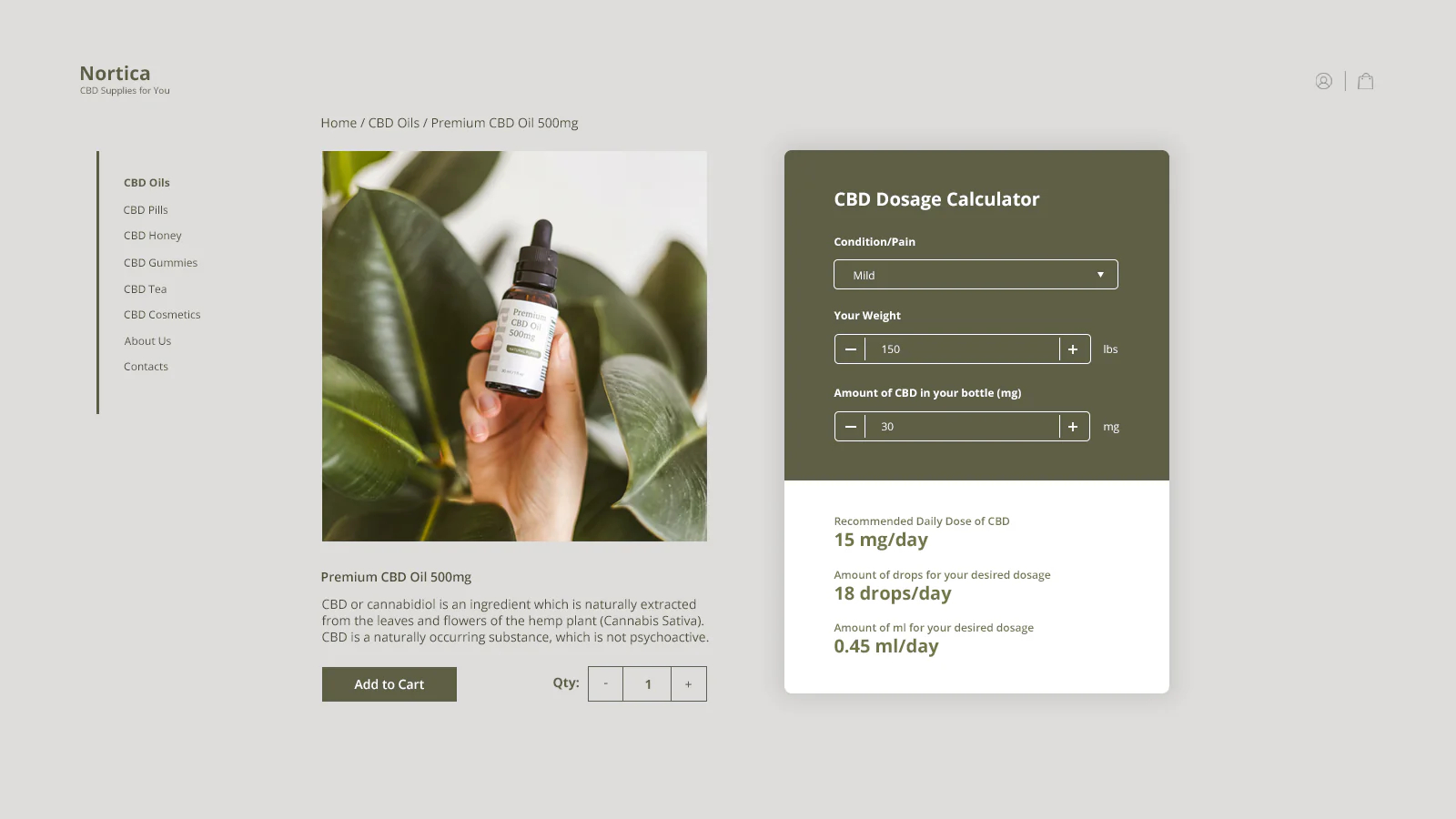
If you sell tiles, wallpaper, flooring or other products generally sold in multiples, a built-in calculator makes it very handy for customers to calculate exact quantity, how much of a given product they need to order. Similarly, if you sell products by a unit of measurement (per square foot, cubic yard, etc.), a calculator lets customers calculate the required number of units as well as the final price.
⠀
Let customers customize your product with custom pricing calculator
If you sell customizable products with dynamic /custom price that depends on customers choices CALCONIC_ calculators are extremely useful. Just create and add your custom pricing calculator for your product with all the options, inputs or even conditions required to calculate the final price. And your customer will be able to add his customized product with a calculated price to a shopping cart. Moreover, he will see all his choices listed on the shopping cart too.
⠀
Illustrate the value of your product
Good website content helps increase sales; engaging content makes it even better. Give your customers the opportunity to see the value of your products themselves with an interactive and engaging calculator. After all, seeing is believing, so let your store visitors count the value they’re getting by purchasing your products. Since they do it themselves, they’ll trust it more.
⠀
Increase sales conversions
Targeting visitors who are on the fence about making a purchase by letting them crunch the numbers and calculate value themselves will help turn them into customers. In this sense, a single interactive calculator may be more compelling and valuable than detailed product descriptions and customer testimonials. ⠀
⠀
Start now!
Adding a calculator to your website is very simple. Just add it to your product description, embed it to your store template, or show it to your visitors as a pop-up.



Seamless workflow: use directly in Shopify admin
About the Author
Matej Kontros is an E-Commerce expert and app developer with over a decade of professional experience in IT.
Matej has worked for organisations of all types and sizes, including global players, startups, and agencies. He designed, developed, and maintained complex projects.
Matej's expertise includes e-commerce, software engineering, web development, systems administration, internet security, managing projects, and building teams.
Visit his website at [ Web Linkedin ] or contact him at [email protected].