Shopify App : Buy Button channel
Sell your products on any website or blog.
About Buy Button channel
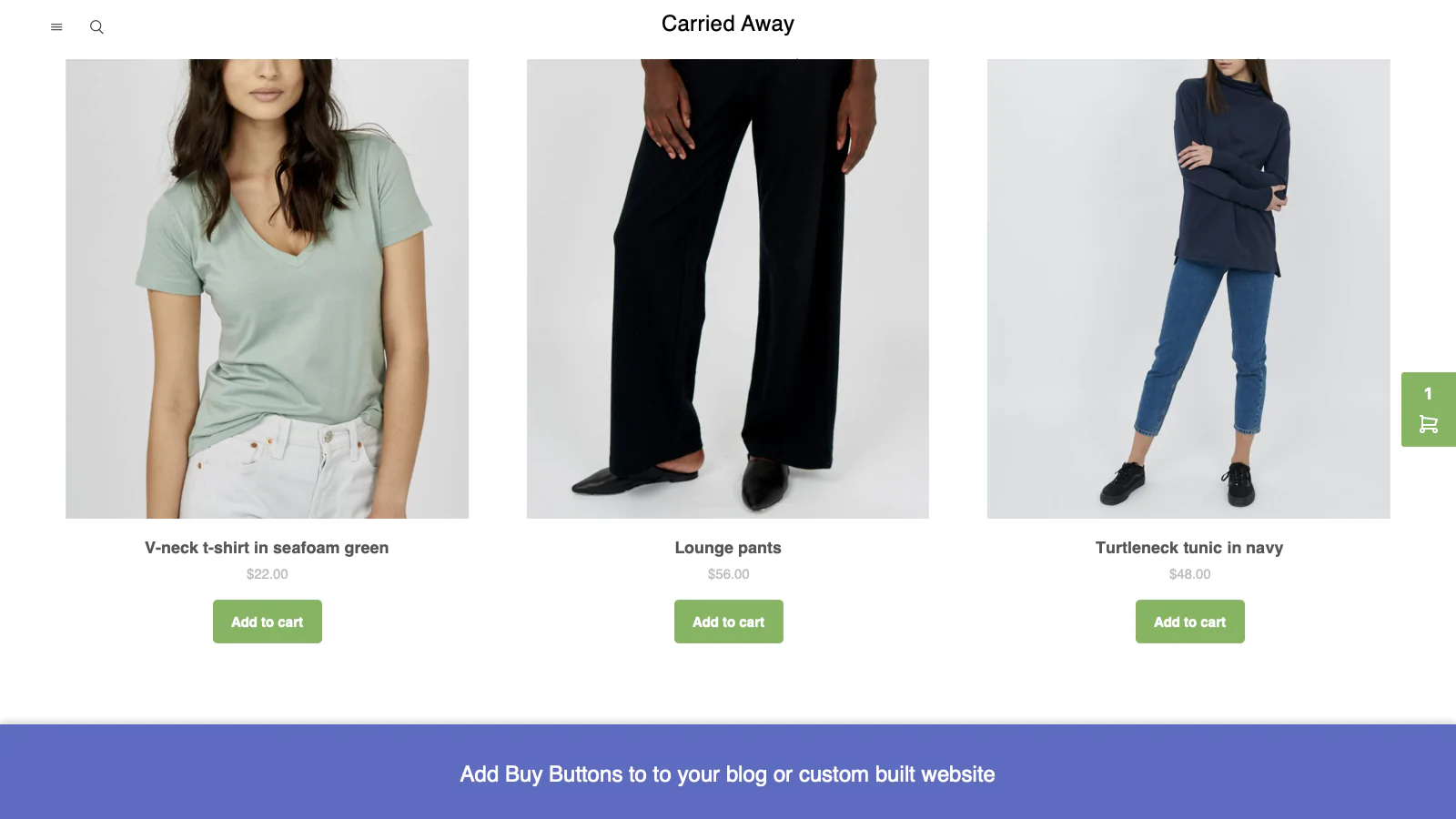
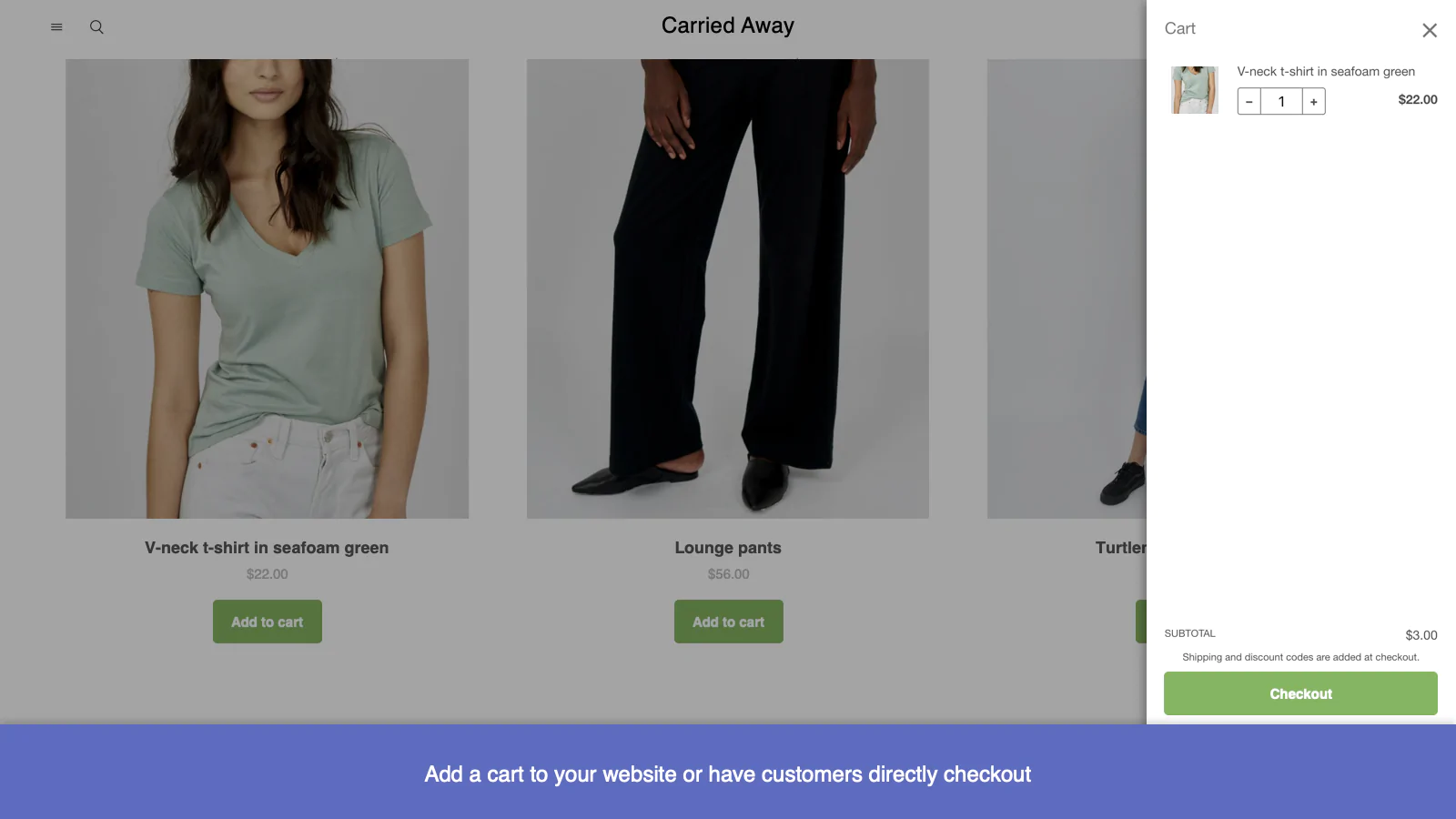
Sell across the web : Let shoppers checkout right on the spot from any website or blog.
Turn visitors into customers : Promote your products to visitors who view your blog or site regularly.
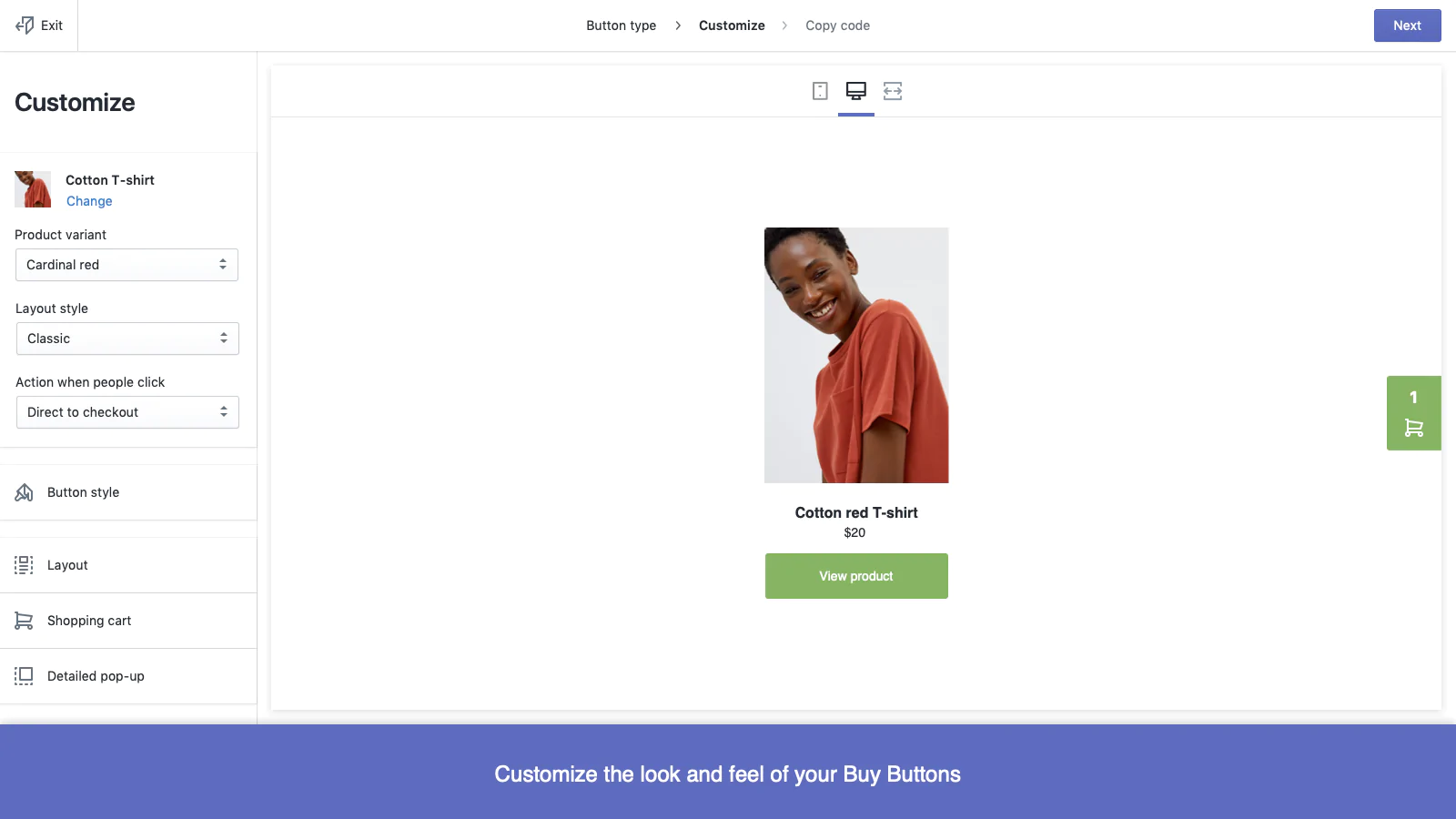
Customize your Buy Button : Customize fonts, colors and layouts to match your website’s style and brand.
Sell more with Buy Buttons and checkout links
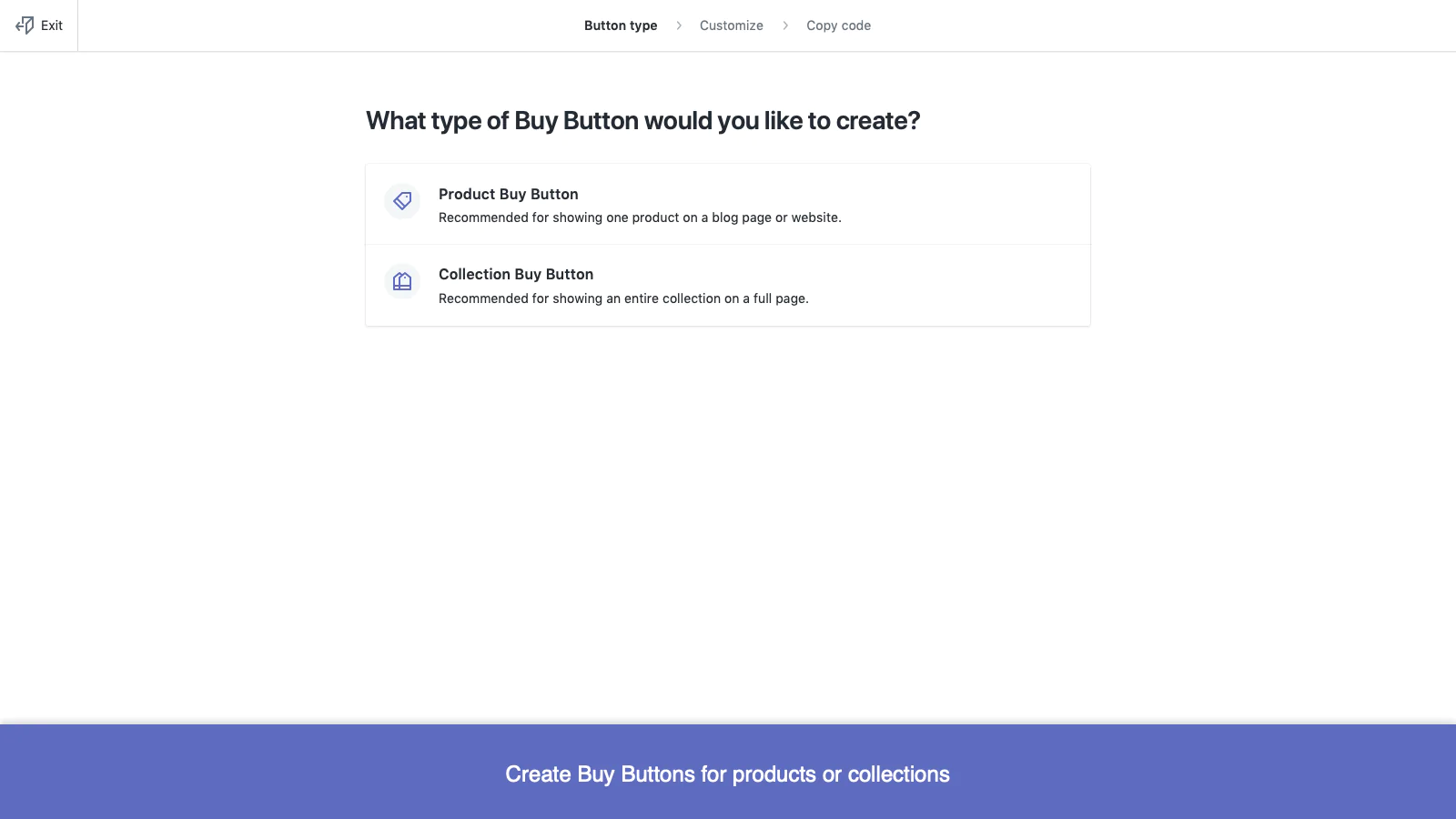
Create a Buy Button for any product or collection and add it to a website or blog. Use the Buy Button editor to match the style and colors of your brand, then copy and paste the HTML code to your platform of choice. You can also create quick checkout links that will send shoppers directly to your checkout page. Choose a single product and variant, then copy your link to any email, direct message or social media post.
With Shopify and the Buy Button channel, you can:
- use the Buy Button editor to build buttons with custom fonts, colors, and layouts
- update product details from Shopify without needing to edit the code on your website or blog
- fulfill orders for customers that are placed using Buy Buttons and checkout links
- track sales using your Home sales overview and Analytics pages
- create fast and easy checkout links to promote products
Learn more about Buy Buttons and checkout links by visiting the website in the “Sales and support” section of this page.
Seamless workflow: use directly in Shopify admin
About the Author
Matej Kontros is an E-Commerce expert and app developer with over a decade of professional experience in IT.
Matej has worked for organisations of all types and sizes, including global players, startups, and agencies. He designed, developed, and maintained complex projects.
Matej's expertise includes e-commerce, software engineering, web development, systems administration, internet security, managing projects, and building teams.
Visit his website at [ Web Linkedin ] or contact him at [email protected].