Shopify App : Delivery Date & Time Slot
In store pickup and local delivery date picker & time slot
About Delivery Date & Time Slot
Let customers choose : Your customers schedule their delivery or pickup date and time. Set delivery days and block specific ranges.
Fully customisable : Customise your calendar to suit your design, date and language. Define cutoff times and delivery slots for each day of the week.
Simple install & support : Straight forward install with many popular templates supported out of the box. Do you need a hand? We will help you to get set.
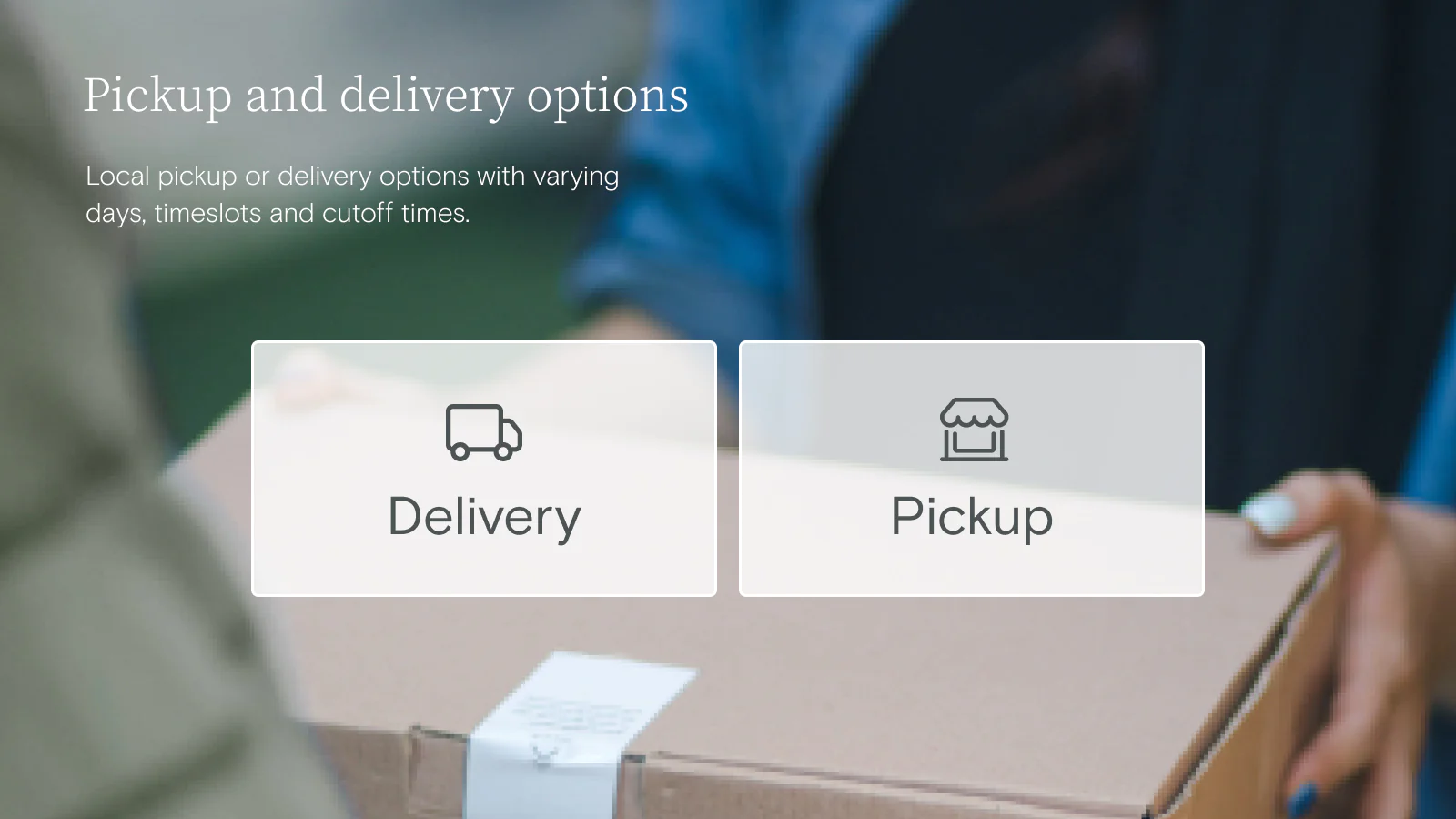
This simple and elegant application will give your customers a choice between local delivery and store pickup. They will also be able to choose a date and, optionally, a time for their order. Fully customizable, this app can perfectly fit your store and your business constraints.
Outstanding technical support
At any time, you can contact our support team to help you install and configure the application. We’ll be happy to help you succeed!
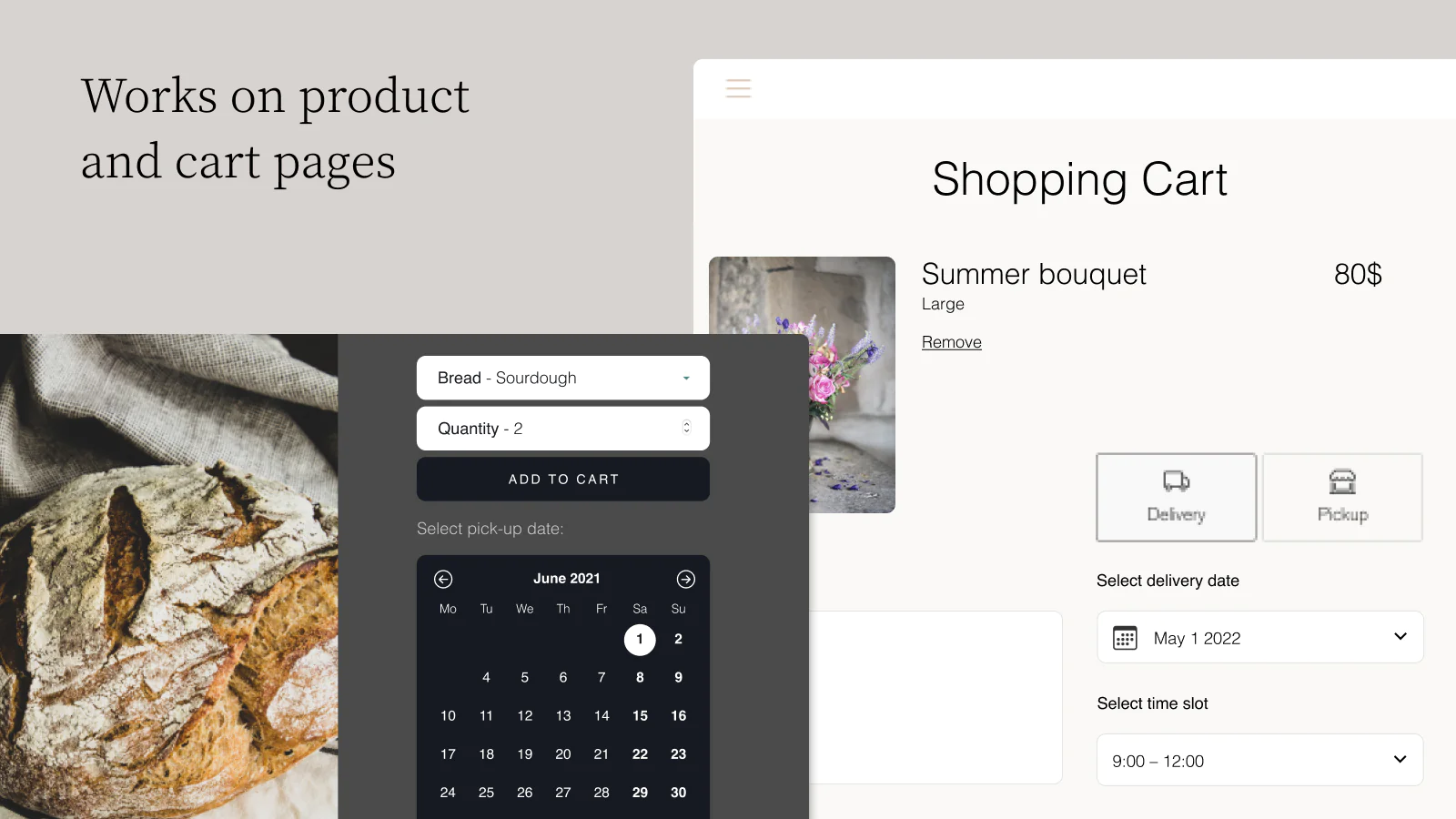
Date picker placement on your store
- Choose to display the date picker on the product page or the cart page.
- Automatic placement on most popular themes.
- Manual placement without needing to modify your theme’s code.
- Only show the date picker for certain products.
Configure the available dates
- Set the available days of the week.
- Set different days depending on the delivery method.
- Set different days depending on the product or the collection.
- Set blackout or one-off dates.
- Configure an order cutoff time by number of days and time of day.
- Set an end of availability for certain products or all of them.
- Limit the number of orders per day and delivery method.
Configure the time slots
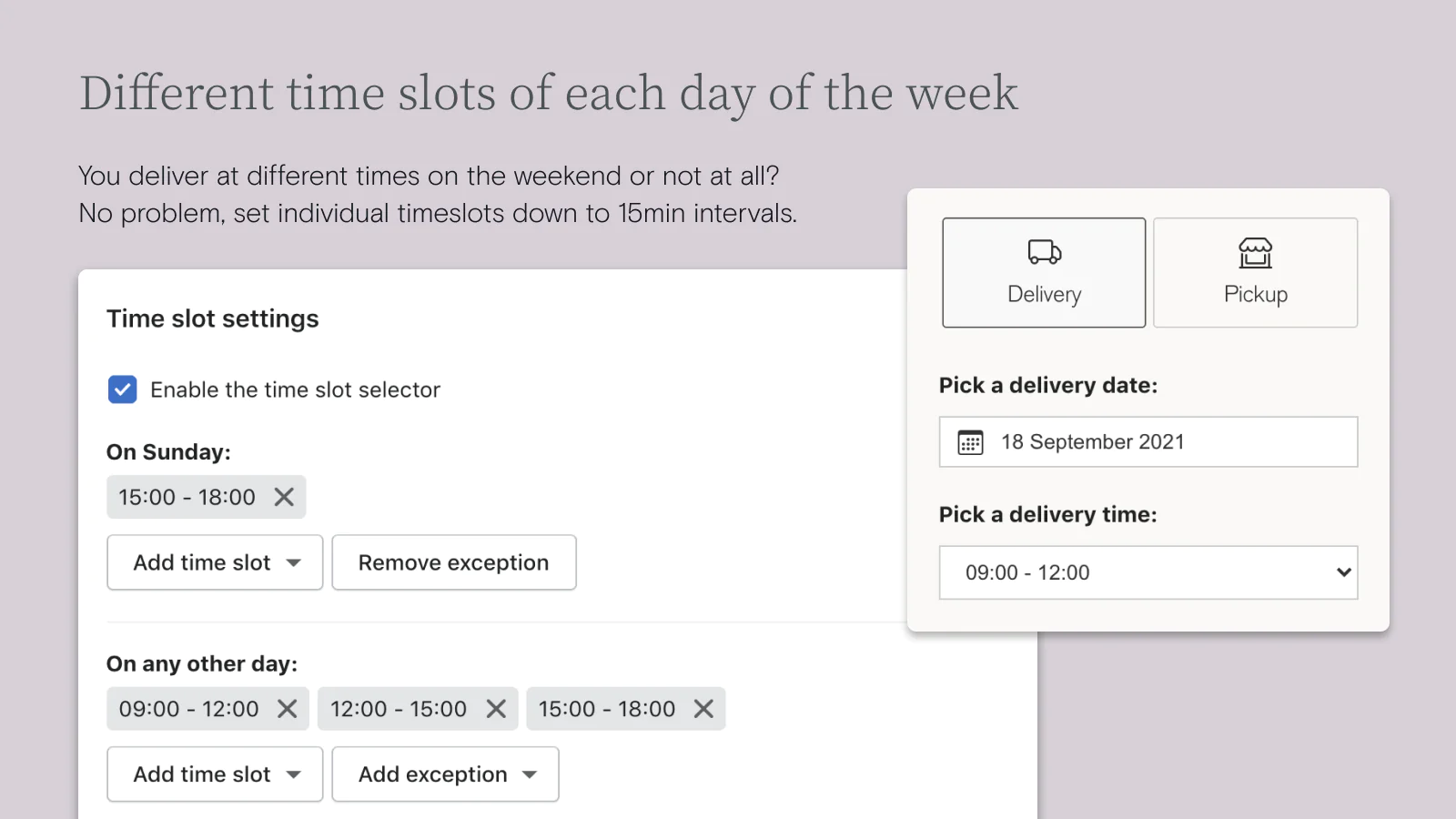
- Set your time slots freely, any patterns can be defined.
- Set different time slots per day of the week.
- Set different time slots per delivery method.
- Configure a preparation time per time slot to give you enough time to prepare the order.
- Limit the number of orders per time slot and delivery method.
Set up delivery surcharges
- Set up an additional charge depending on the day of week and delivery method.
- Can be used in parallel with other carrier rate apps.
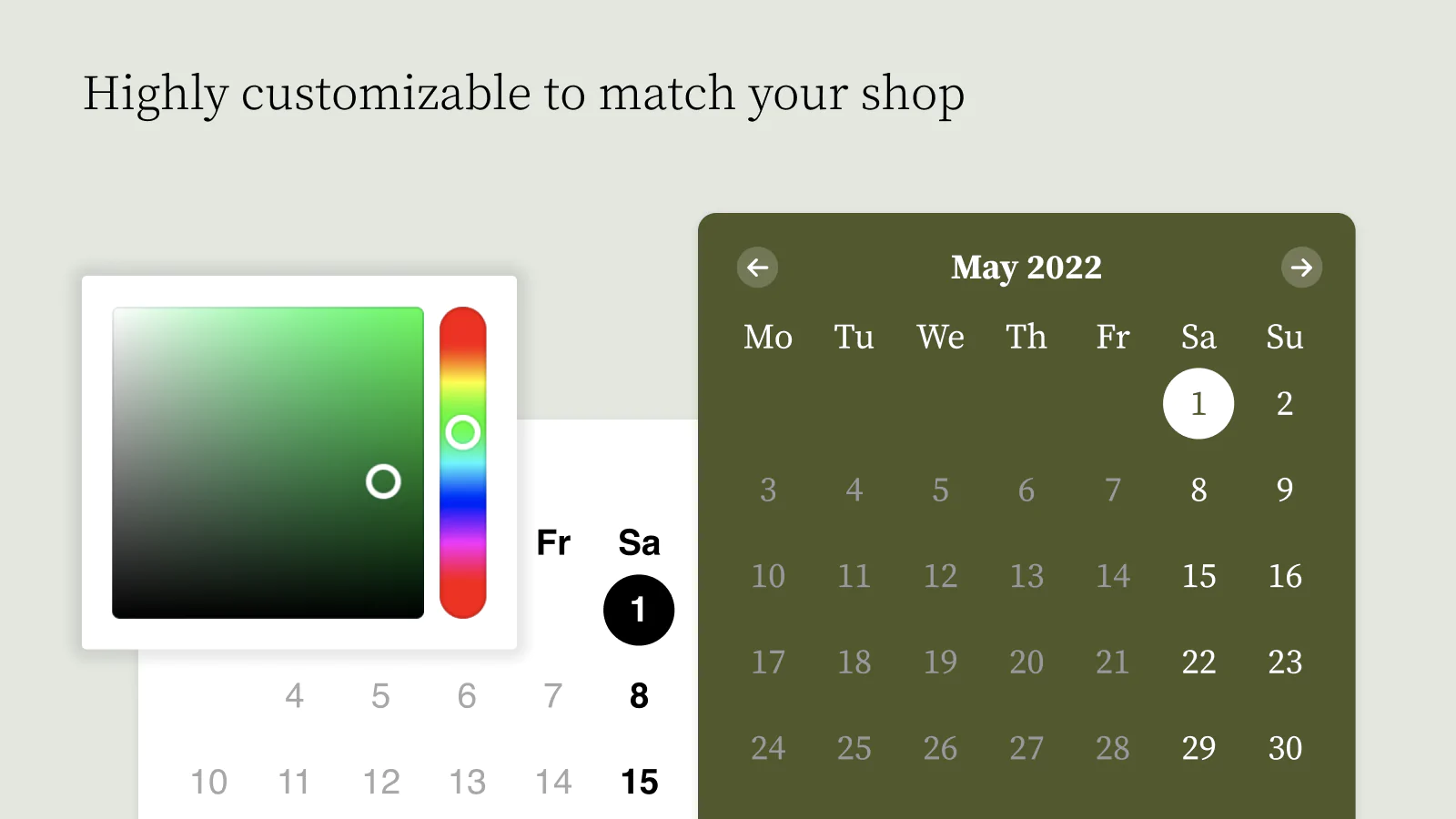
Customize the date picker’s appearance without coding
- Each color is editable with automatic preview.
- Each text is editable.
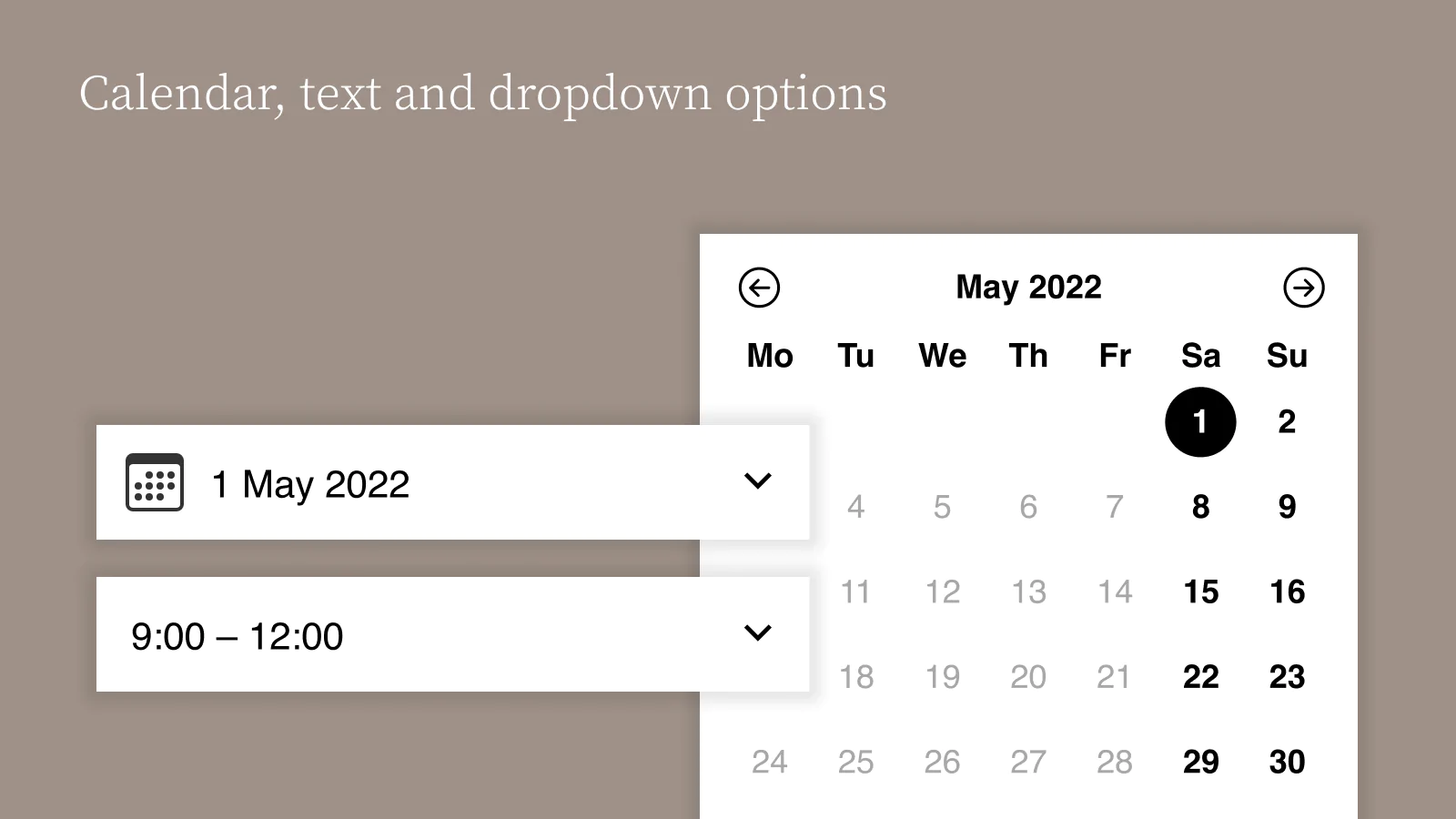
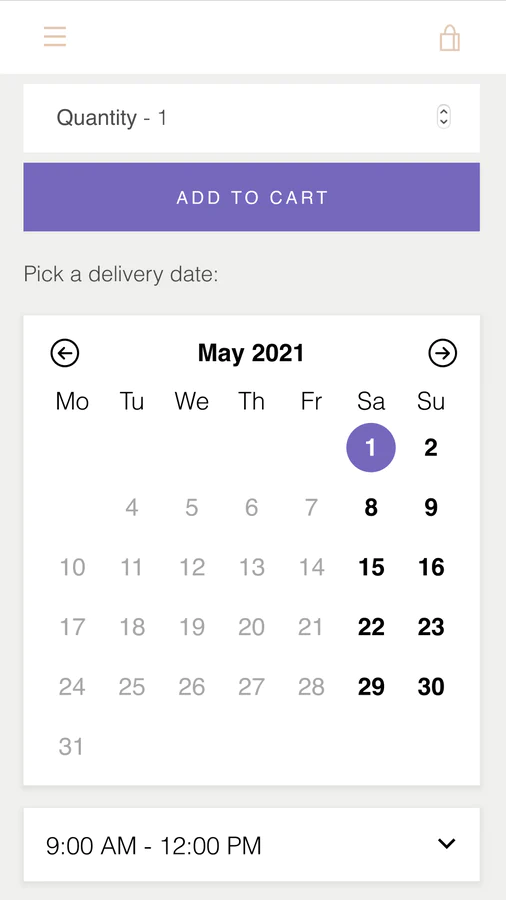
- Choose between a simple dropdown or a calendar view.
Excellent customer experience for your customers
You can display the chosen delivery method, date and hour on:
- the order confirmation page after the payment;
- the order confirmation email sent to the customer;
- the customer’s account order page.
Back-office integration
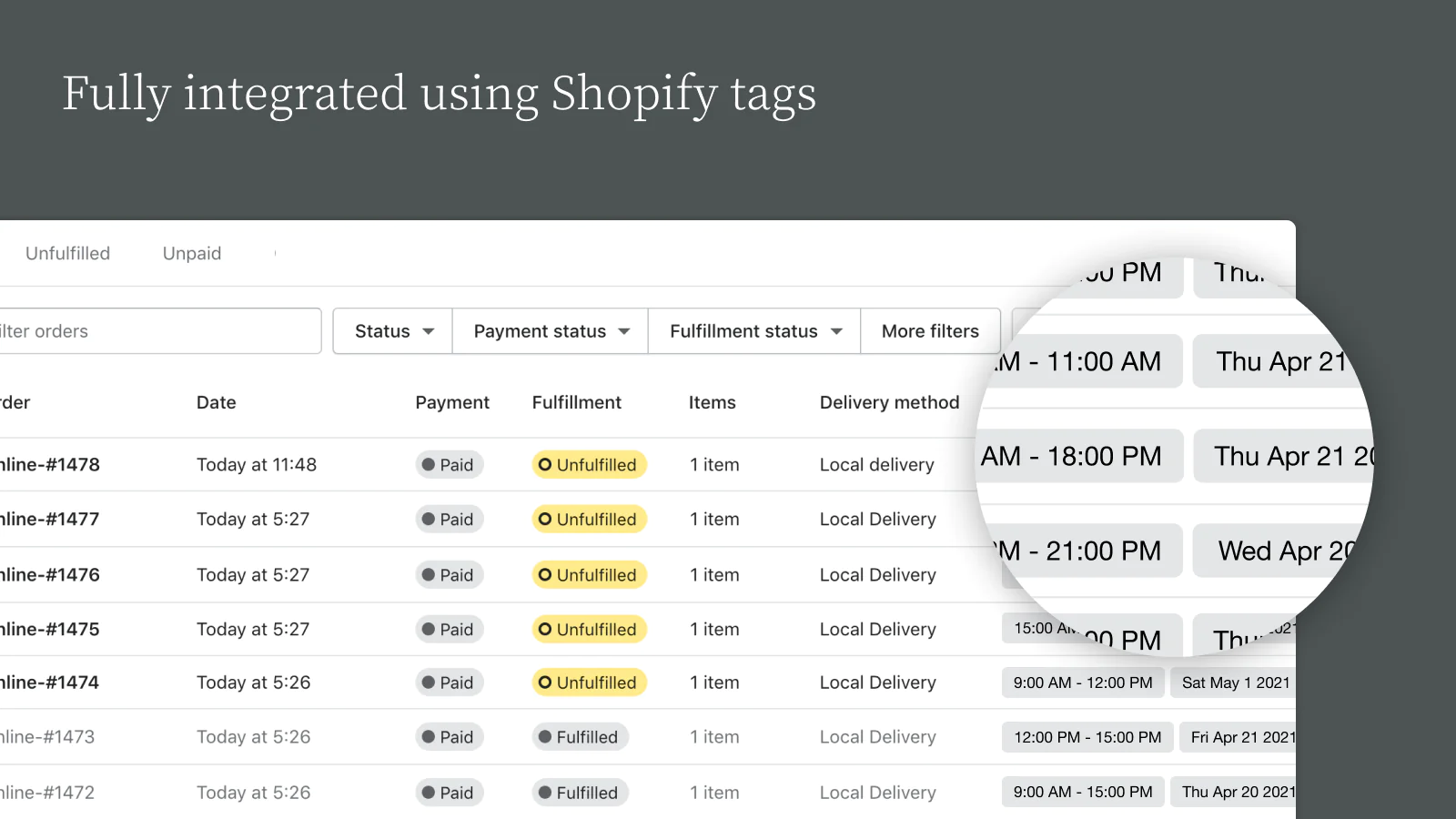
Since our app uses order tags and attributes it can naturally integrate with Shopify’s basic functionalities:
- Chosen date, time and delivery method are displayed on Shopify’s order admin page using tags.
- As a result, you can filter the orders by date, time and delivery method.
- The chosen date, time and delivery method can be displayed in the new order email sent to your staff
- The chosen date, time and delivery method can be displayed on the packing slip.
- As we’re using order attributes to carry the date, time and delivery method information, our app can integrate with back office management apps.
- Automatically export your orders to Google Calendar
Seamless workflow: use directly in Shopify admin
About the Author
Matej Kontros is an E-Commerce expert and app developer with over a decade of professional experience in IT.
Matej has worked for organisations of all types and sizes, including global players, startups, and agencies. He designed, developed, and maintained complex projects.
Matej's expertise includes e-commerce, software engineering, web development, systems administration, internet security, managing projects, and building teams.
Visit his website at [ Web Linkedin ] or contact him at [email protected].