Shopify App : Bloom: Delivery Date & Pickup
Order Delivery Date | Food & Flower/Florist | Date Picker
About Bloom: Delivery Date & Pickup
Delivery date and time picker : Let your customers choose their preferred store/curbside pickup and delivery date & time. Customize your settings for each separately.
Order limit & cut off time : Generate 15/30/60min time slots. Set up order limits within each or block delivery windows to reduce overcrowding at your store.
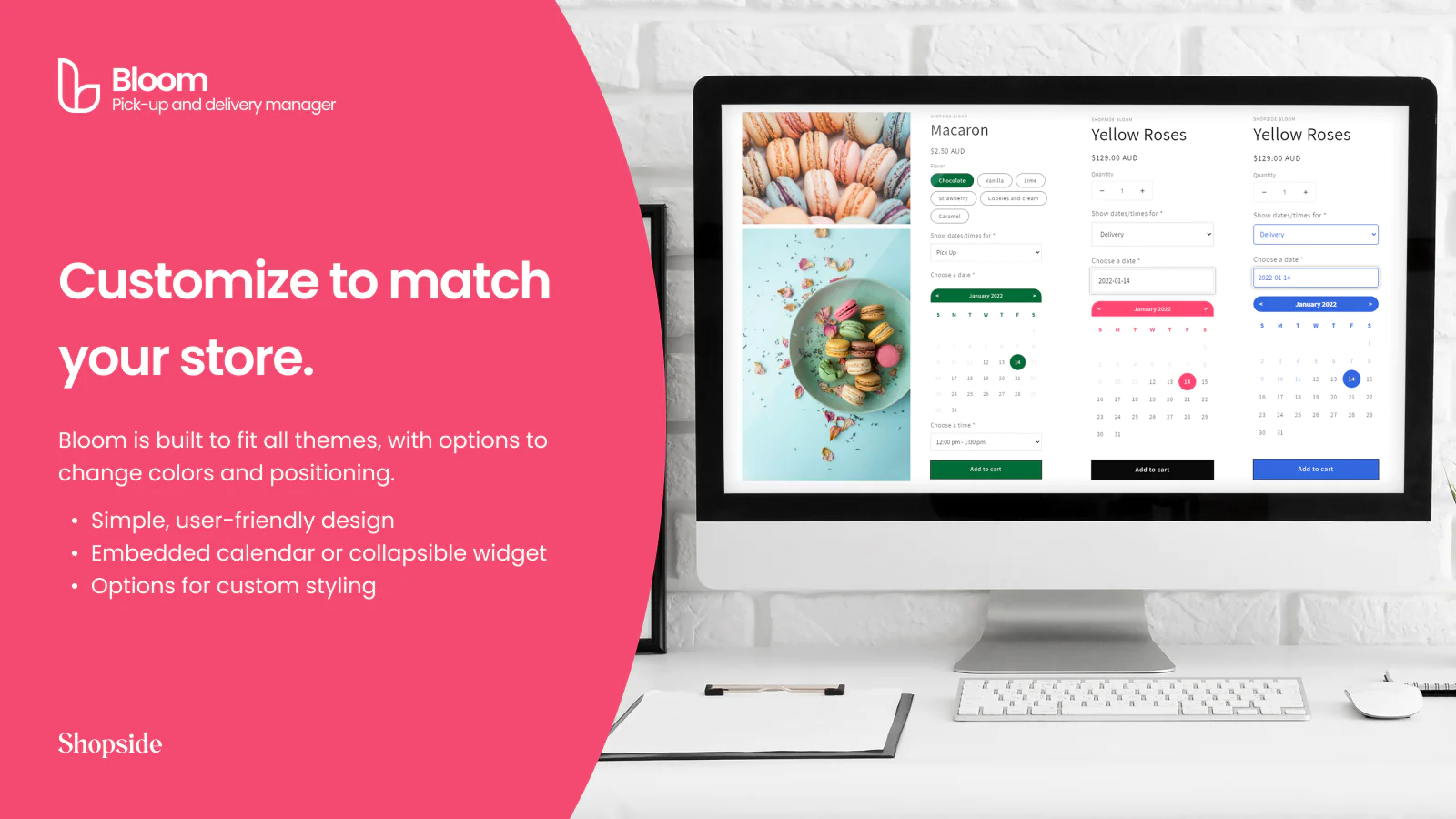
Flexible & customizable : Simple to setup, easy to use. With flexibility to customize the look and feel of the calendar to match your existing designs.
Pickup and delivery date picker
Our story is as simple as our app: After running our own food eCommerce store for a while, we were tired of being bogged down by our pickup and delivery schedules - so we created Bloom to manage them more efficiently!
We hope Bloom will help you as much as it did for us and other small business owners. You can always chat to us via our in-app support for any questions, feedback, and features request.
Thanks and looking forward to hear about your experience! - Ryan, Jay, and Josiah
Flexible pickup and delivery schedule options:
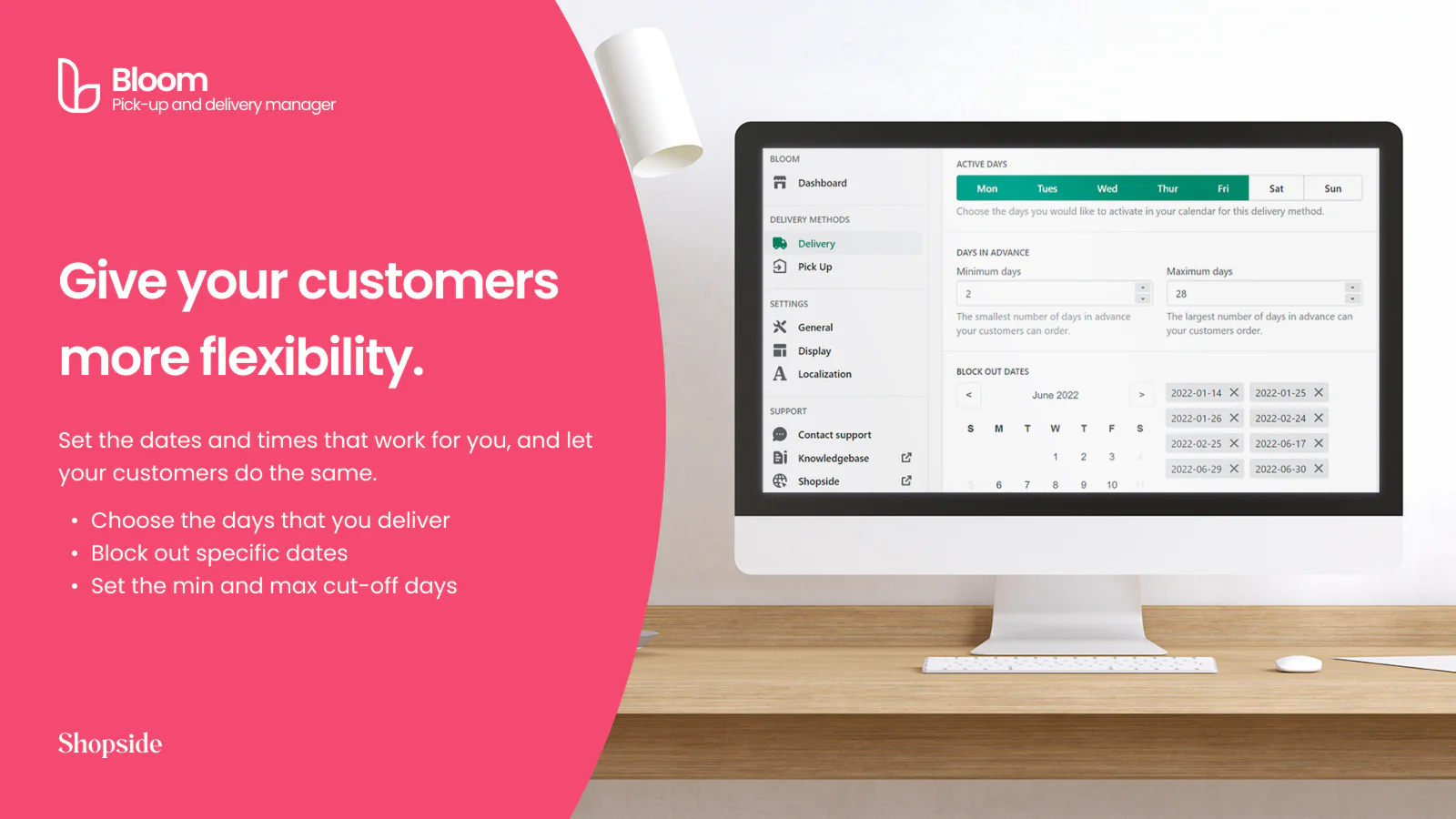
- Select the days of the week when you are available for store/curbside pickup and local delivery
- You can also block out specific pickup and delivery dates from being available
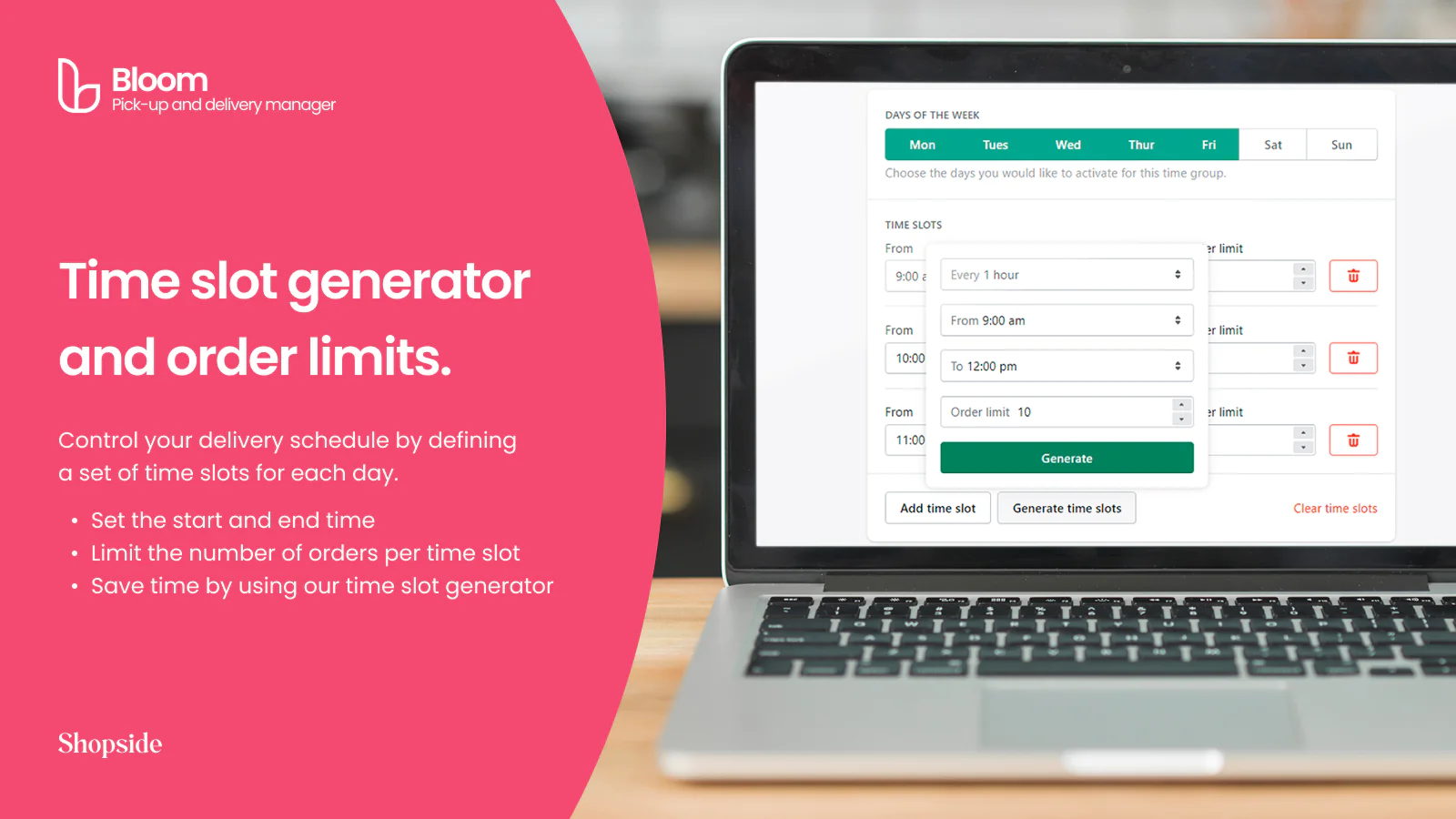
- Generate time slots of 15/30/60 minutes. Set order limits and block delivery time windows to reduce store overcrowding
- Set min and max order cut-off dates so you can forecast and plan accordingly
- Set up prep time so you have more time to prepare (e.g. pickups have to be ordered at least 30 mins in advance)
- Set order cut-off times to avoid unexpected additional orders (e.g. all orders must be placed before 4:00pm)
- Prevent customers from checking out until they've chosen an order date and time, saving you the time of manually following up on the order
- New orders are automatically tagged so you can quickly find them through filtering
Generate and manage delivery time slots with ease:
- Schedule time slots for your available days
- Set each day's start and end times for pickup and delivery, then set an order limit within each time slot
- Generate a series of time slots with intervals as short as 15 minutes
Bloom can be customized to match the look and feel of your store:
- Simple styling with a wide range of color options
- Integrated custom CSS field for advanced styling
- Support for unlimited styling
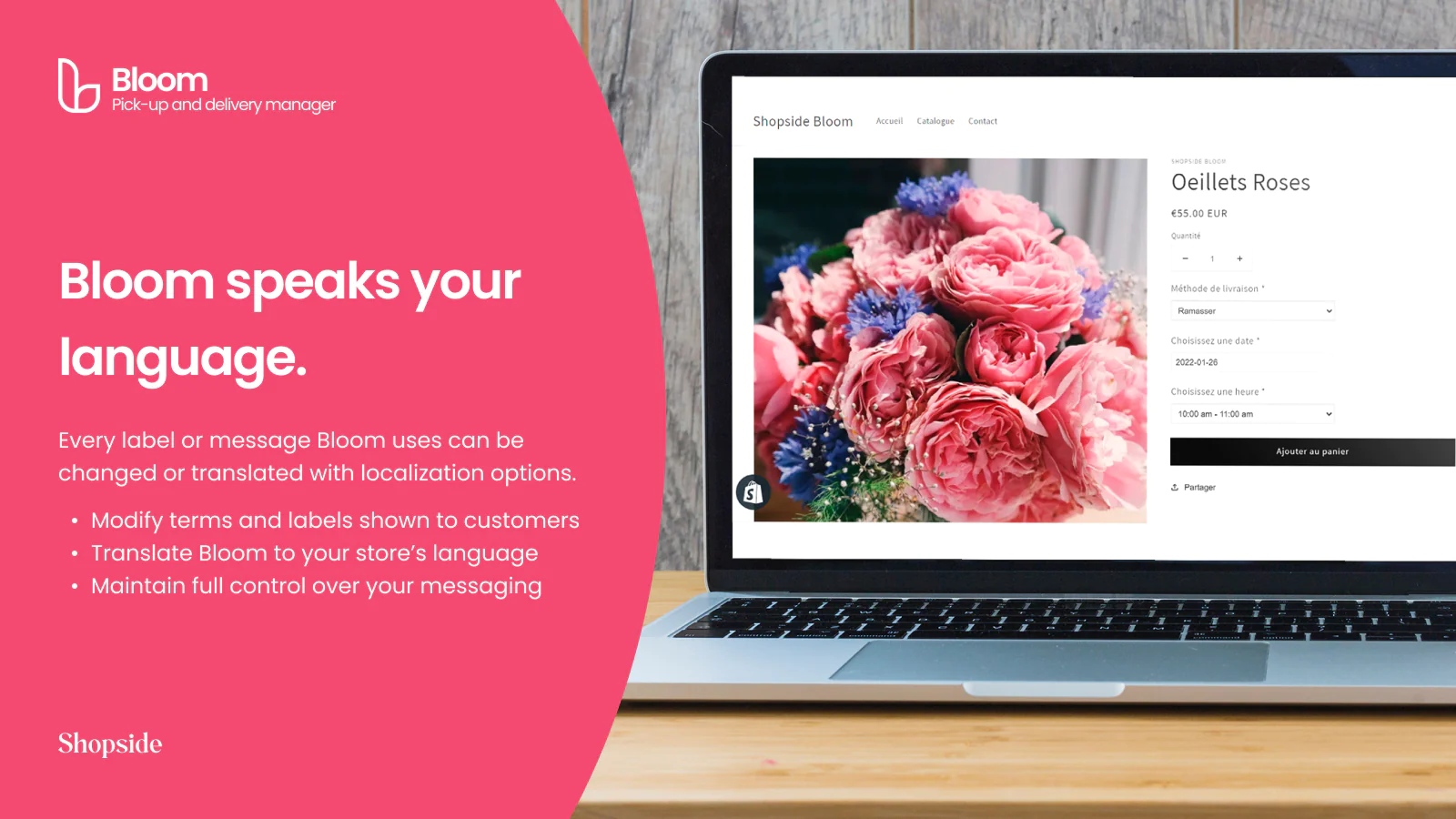
Complete localization support:
- Customize every label or message that Bloom displays to your customers
- Translate Bloom into your native or preferred language
- Customize field labels and messaging to meet you and your customers' needs
- Modify the order date and time formats
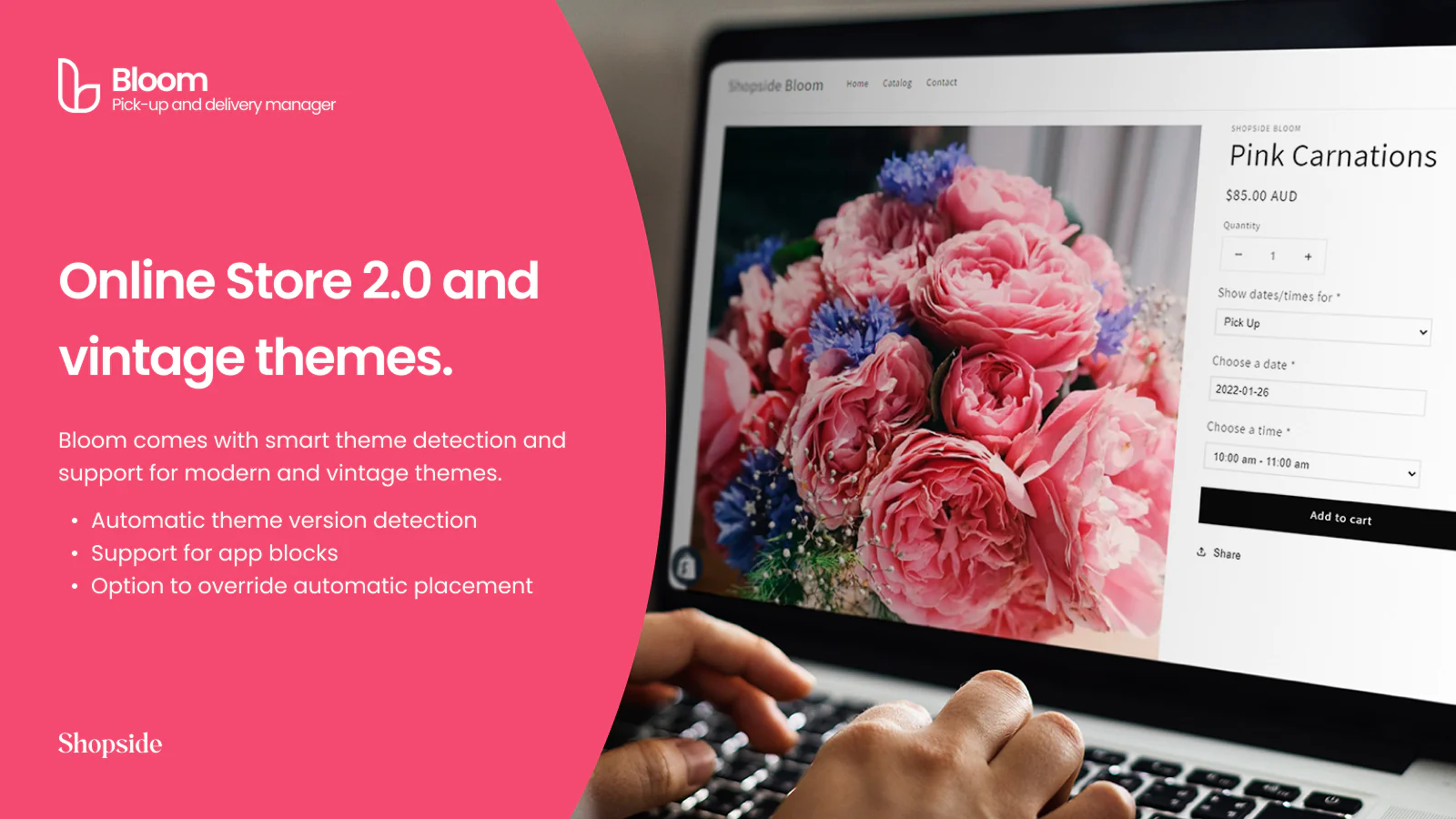
Designed for Online Store 2.0 with vintage themes support:
- Detects Online Store 2.0 or vintage Shopify themes and displays relevant options
- For OS 2.0 themes, use app blocks to position Bloom where you want it to appear
- Bloom is automatically placed in vintage themes, with the option of custom placement
Unlimited support, always:
- If you get stuck during setup, need styling help, or have any questions, just contact us via our in-app support and we'll help you out!
Suitable for flower stores, florists, restaurants, food delivery, perishables, timeslot management and everything else!
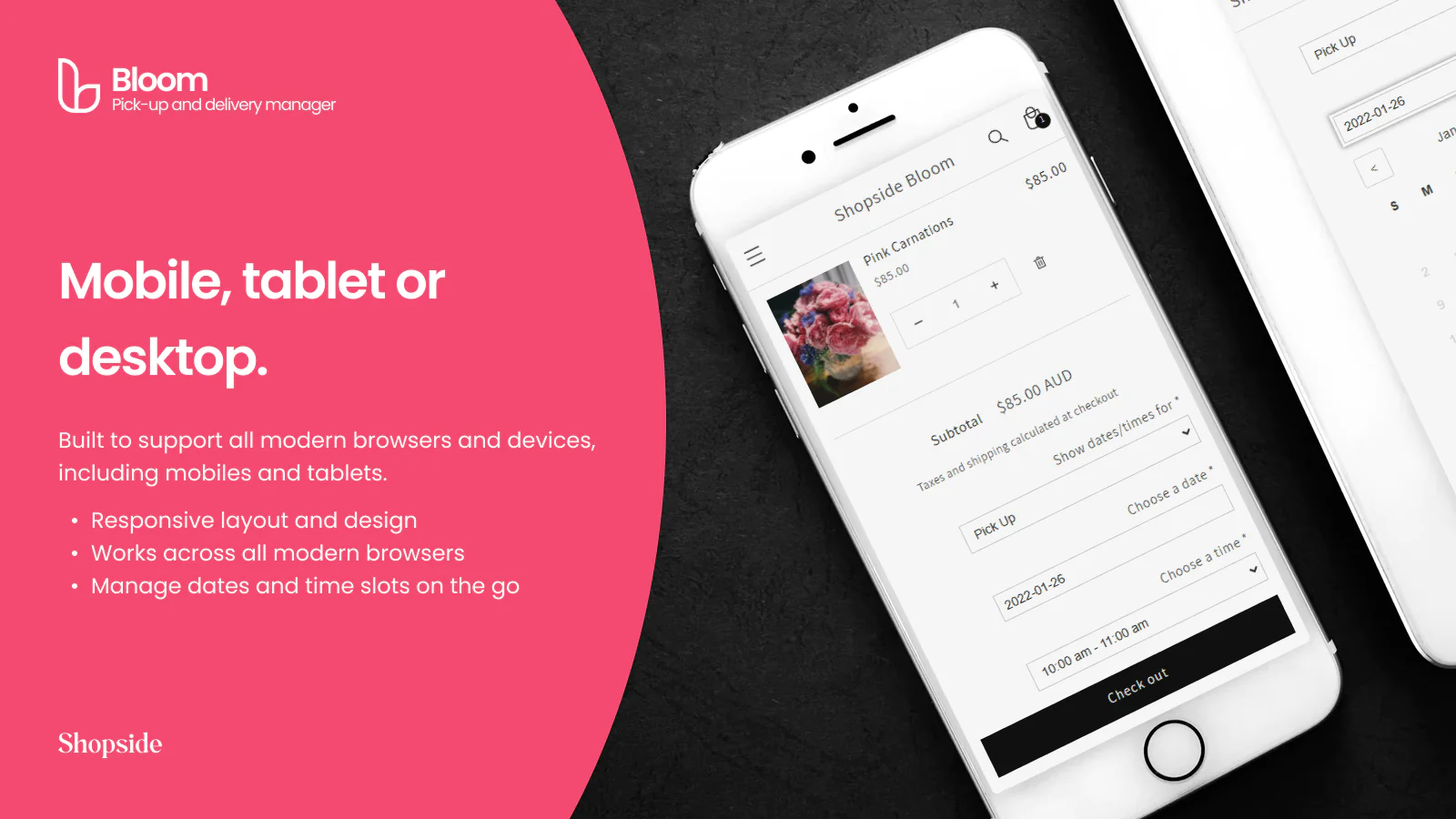
Seamless workflow: use directly in Shopify admin
Up-to-date tech: works with the latest themes
About the Author
Matej Kontros is an E-Commerce expert and app developer with over a decade of professional experience in IT.
Matej has worked for organisations of all types and sizes, including global players, startups, and agencies. He designed, developed, and maintained complex projects.
Matej's expertise includes e-commerce, software engineering, web development, systems administration, internet security, managing projects, and building teams.
Visit his website at [ Web Linkedin ] or contact him at [email protected].